
crawl4ai
 crawl4ai copied to clipboard
 unclecode
[Bug]: Dynamic web pages cannot be crawled to specific content
crawl4ai version
0.7.6
Expected Behavior
Get dynamic web content
Current Behavior
Hello, here's the situation: I am using the following method to scrape web pages, but dynamic content fails to load. To investigate the cause, I debugged the code, which took a considerable amount of time—but during this process, I was able to successfully retrieve the dynamic content. Perhaps the extended debugging time allowed certain resources to load properly? However, when running the code directly without debugging, the dynamic content cannot be captured at all. I have already tried parameters such as wait_until, wait_for_timeout, and delay_before_return_html, but none of them worked.
import asyncio
from crawl4ai import AsyncWebCrawler, CrawlerRunConfig, CacheMode, BrowserConfig
import time


async def js_and_css():
    config = CrawlerRunConfig(
        cache_mode=CacheMode.BYPASS,
        page_timeout=60000,
        # check_robots_txt=True,
        wait_until="networkidle",
        # header={
        #     "User-Agent": "Mozilla/5.0 (Windows NT 10.0; Win64; x64) AppleWebKit/537.36"
        # }
        wait_for_timeout=10000,
        delay_before_return_html=50.0,
        magic=True,
        verbose=True

    )
    browser_conf = BrowserConfig(
        browser_type='chromium',
        headless=True,
        verbose=True,
        user_agent_generator_config={"mode": "random"},
        extra_args=["--disable-gpu", "--disable-dev-shm-usage", "--no-sandbox"],
        java_script_enabled=True,
    )
    async with AsyncWebCrawler(verbose=True,config=browser_conf) as crawler:


        result = await crawler.arun(
            url = "https://wiki.flashforge.com/zh/home",
            # wait_for_selector=".ne-viewer ne-text",
            # bypass_cache=True,
            delay_before_return_html=50.0,    # Wait before capturing content
            timeout=60000,
            crawl_config=config,
        )
        print(result.markdown)


if __name__ == "__main__":
    start = time.time()
    asyncio.run(js_and_css())
    print(time.time() - start)
debug logs:
[INIT].... → Crawl4AI 0.7.6 [FETCH]... ↓ https://wiki.flashforge.com/zh/home | ✓ | ⏱: 310.18s [SCRAPE].. ◆ https://wiki.flashforge.com/zh/home | ✓ | ⏱: 176.66s [COMPLETE] ● https://wiki.flashforge.com/zh/home | ✓ | ⏱: 657.07s }) Flashforge Wiki 搜索...
主页 产品目录 AD5X冒险家5M系列引领者系列Orca-Flashforge和FlashmakerFlashprint闪铸云耗材和配件 基本内容 闪铸产品介绍知识中心术语表Q&A关于我们 闪铸科技 wiki介绍 编辑
¶ 欢迎来到闪铸官方wiki
准备好深入了解我们 3D 打印产品的全面信息、打印技巧等内容吧。您可以先浏览导航栏中的具体主题,或者使用页面顶部的搜索栏通过标签进行搜索。
¶ 闪铸3D打印机
| AD5X | 冒险家 5M系列 | 引领者系列 |
|---|---|---|
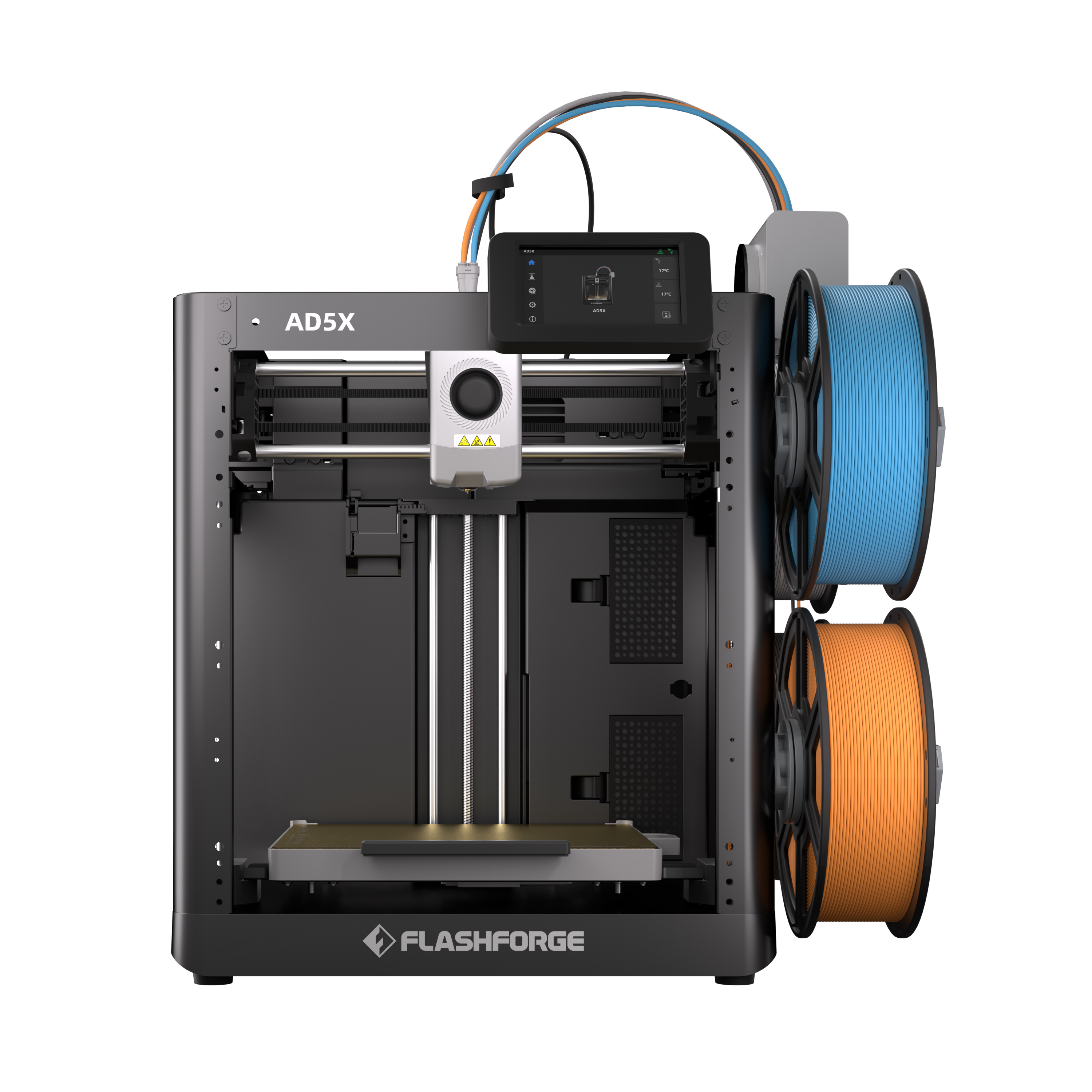 |
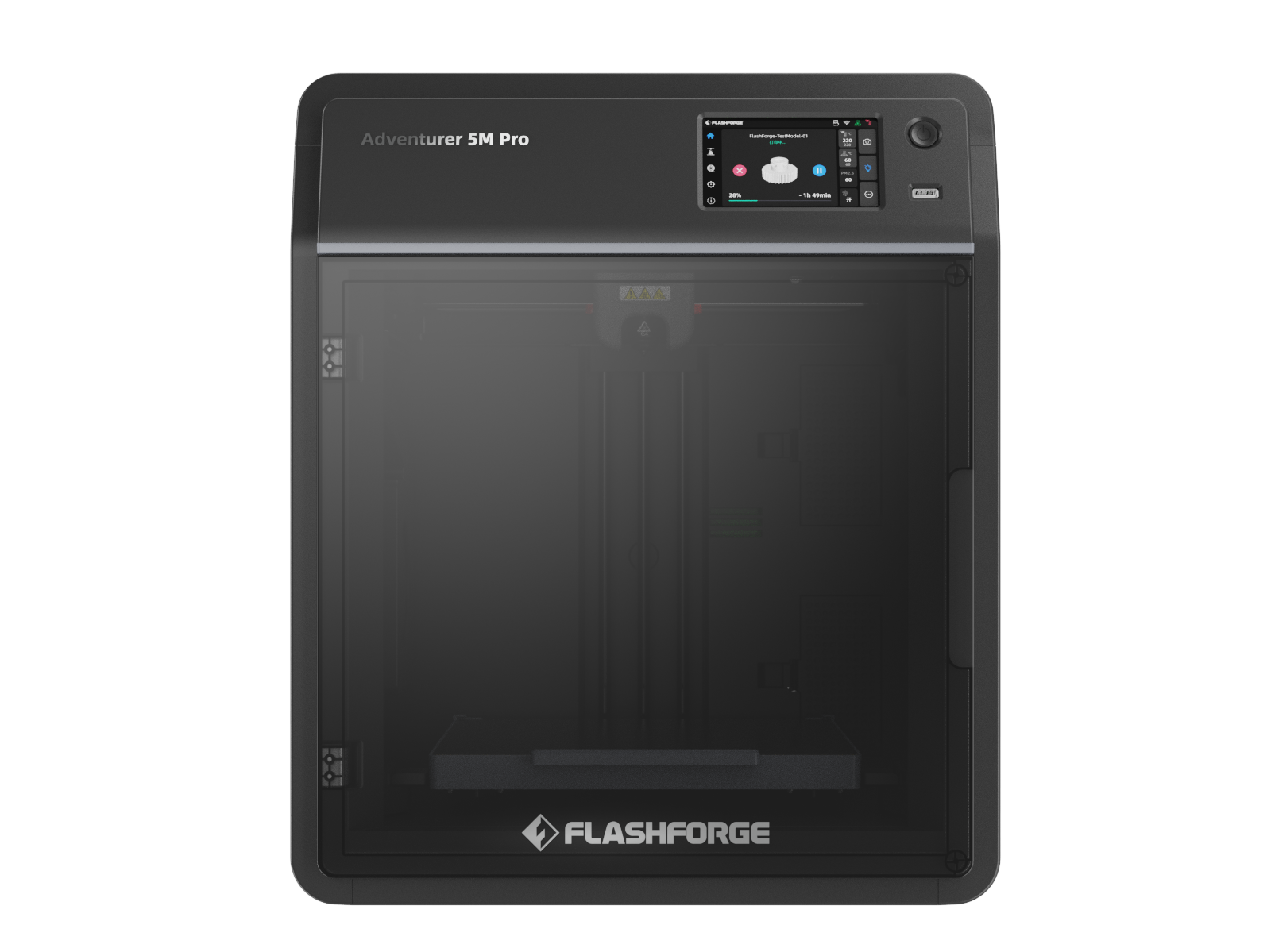 |
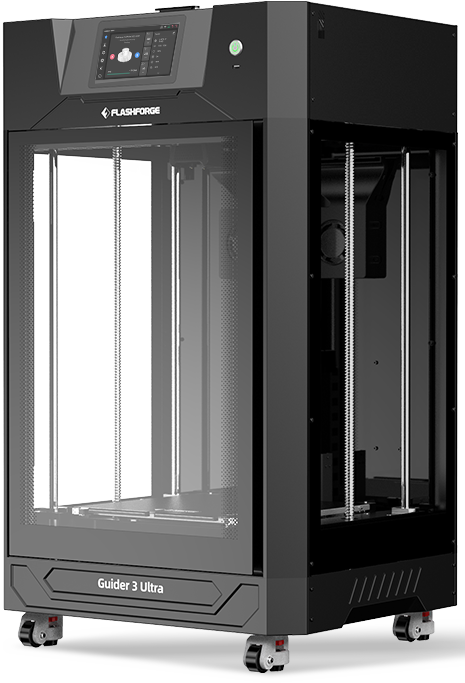 |
¶ 闪铸软件
| Orca-Flashforge | Flashmaker | Flashprint |
|---|---|---|
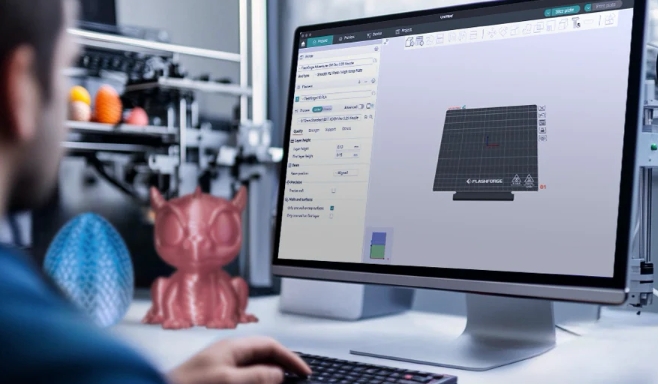 |
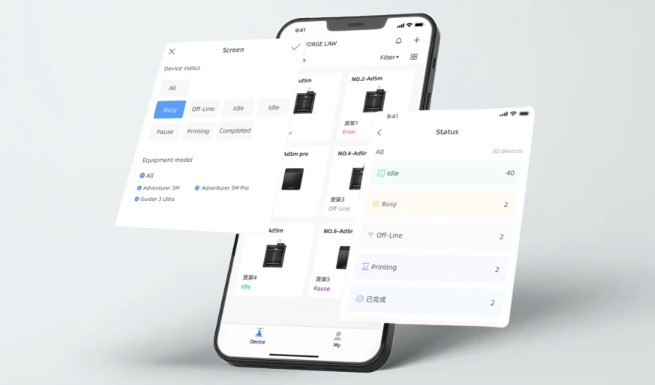 |
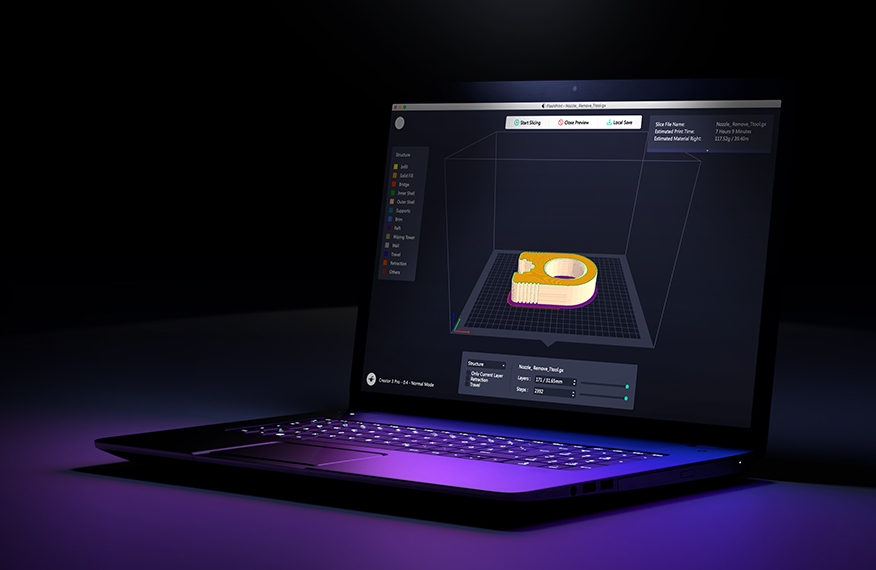
| 
¶ 其他产品
¶ 基本内容
¶ 术语表
我们已经整理出了一套详尽的说明,涵盖了与3D打印及闪铸产品相关的特定术语。 此资源将帮助您更深入地理解3D打印的技术定义及其基本原理。 更多内容请参见 术语表.
¶ 联系我们
不久之后将会推出更多功能。我们非常乐意为您提供更优质的维基和3D打印体验。敬请期待! 我们也非常欢迎您的宝贵意见! 如果您对产品还有其他疑问,请随时通过电子邮件与我们的支持团队联系: [email protected] 您也可以通过电子邮件向我们传达您对闪铸Wiki的看法: [email protected]
¶ 成为贡献者
我们也非常欢迎您参与我们的闪铸Wiki项目!您可以自由分享自己的打印经验、切片技巧,甚至故障排除方面的专业知识,以供整个社区参考。表现最为出色的贡献者将有机会获得更多神秘奖品作为奖励。 具体的贡献者规则和注册功能很快就会添加进来。 © 2025 Flashforge。 保留所有权利。 | Powered by Wiki.js
Is this reproducible?
Yes
Inputs Causing the Bug
Steps to Reproduce
Code snippets
OS
linux
Python version
3.11.12
Browser
Chrome
Browser version
No response
Error logs & Screenshots (if applicable)
No response
