app-center

app-center copied to clipboard
 ubuntu
Design discussion: updates page
Currently this page shows the updates available for classic packages like debian and rpm. Snaps are not included because they auto-update in the background (TBD)
Updates page List View
- updates can be selected globally or indivually
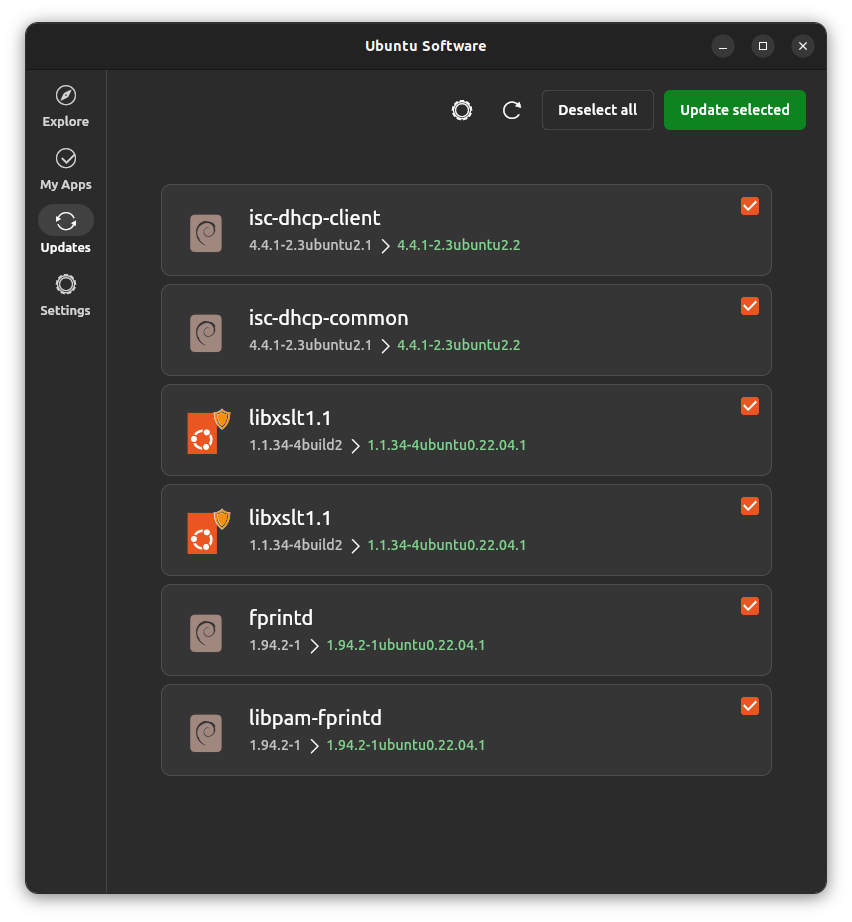
- version change is shown via normal to green color change
(click to enlarge images)
| Light | Dark |
|---|---|
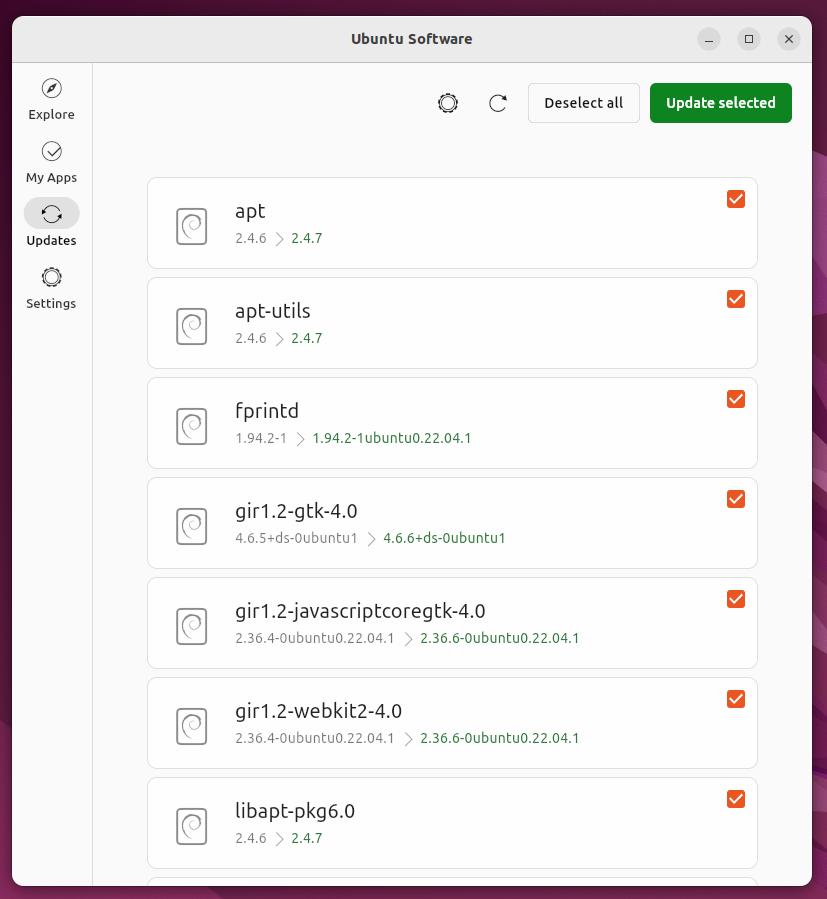 |
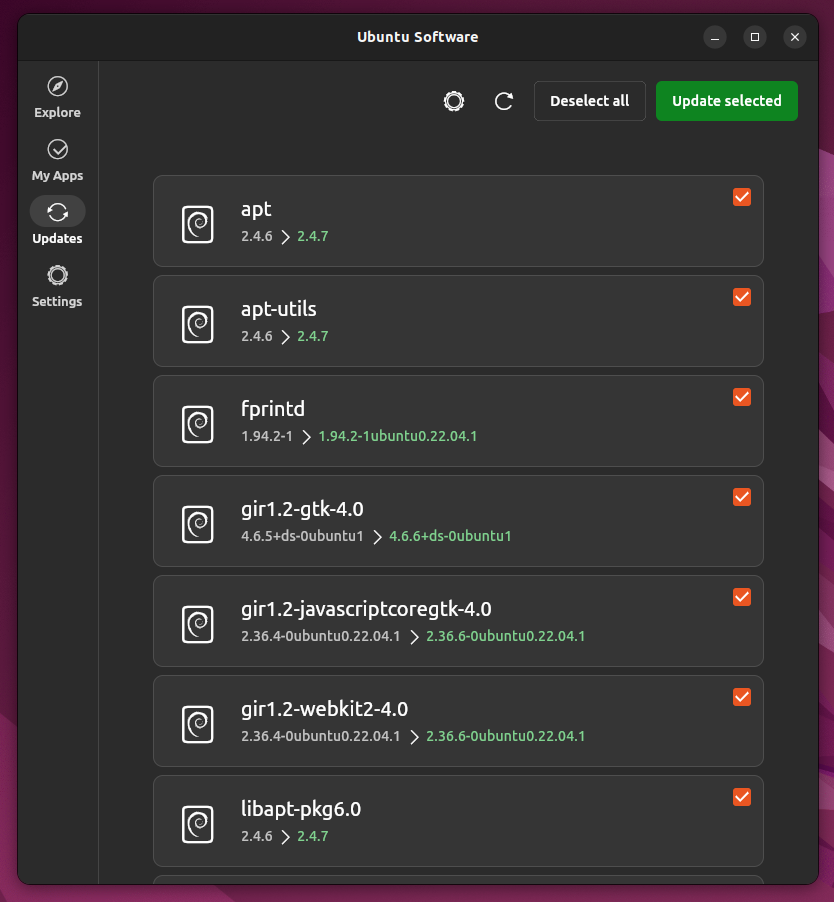 |
Colored Icons as an alternative
| Light | Dark |
|---|---|
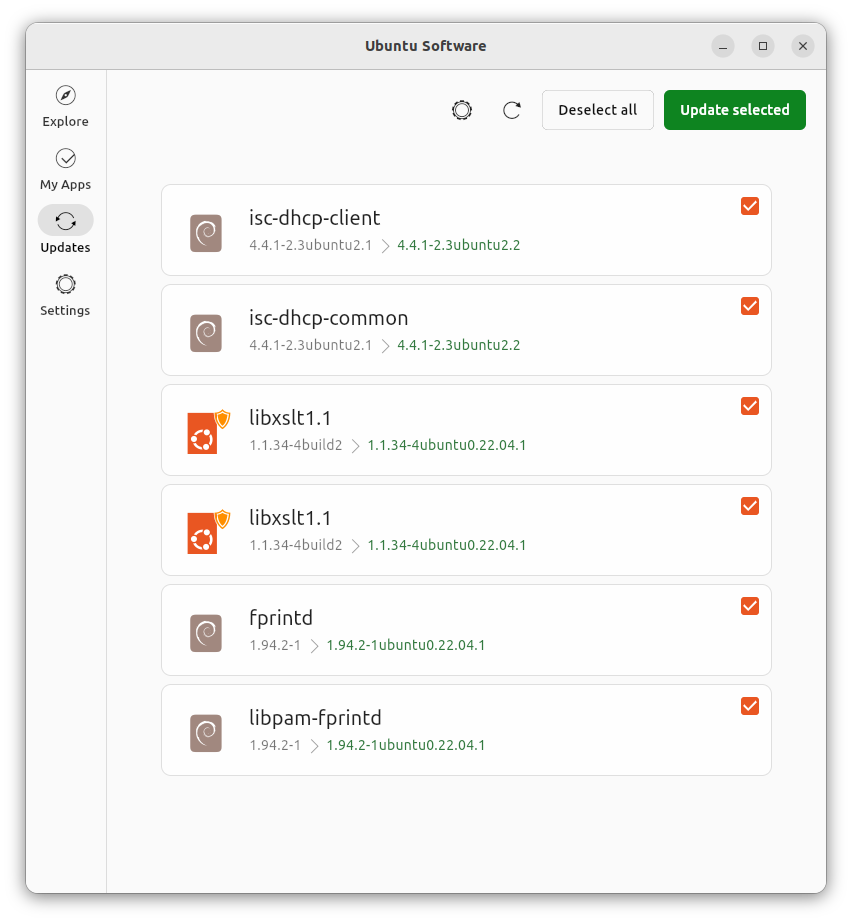 |
 |
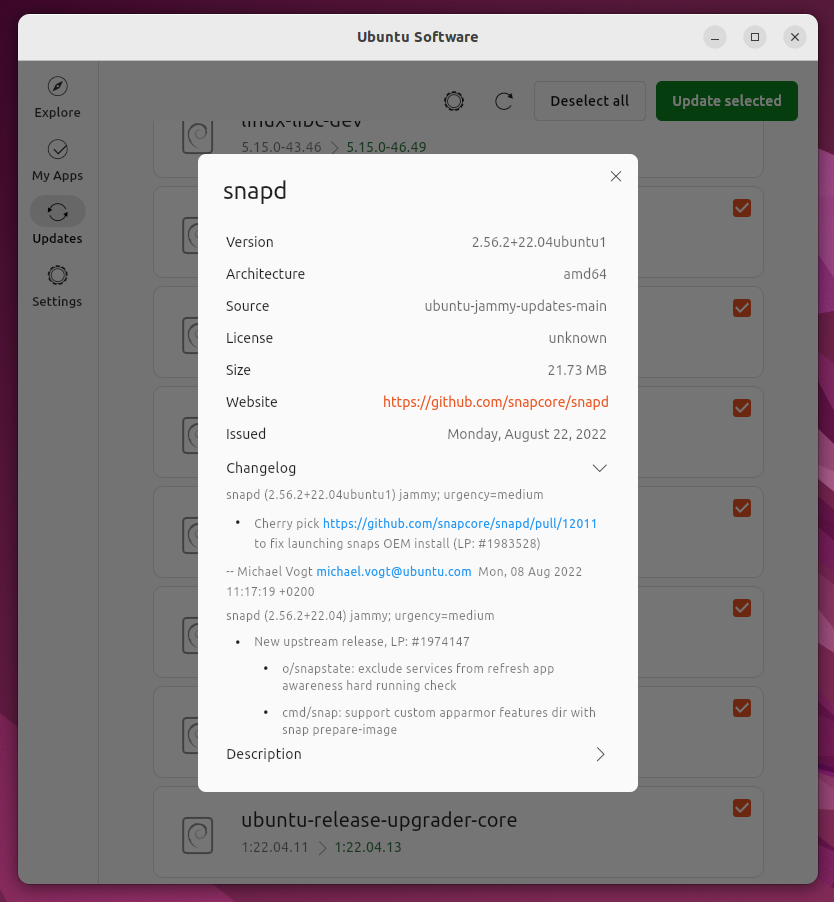
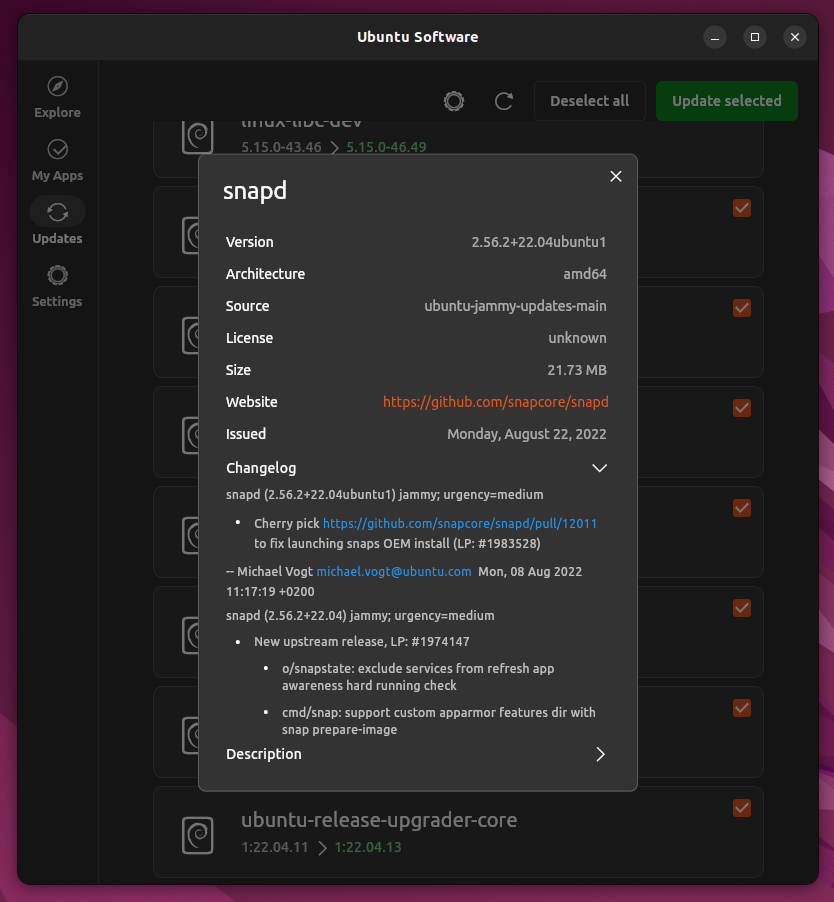
Clicking an update opens this dialog
| Light | Dark |
|---|---|
 |
 |
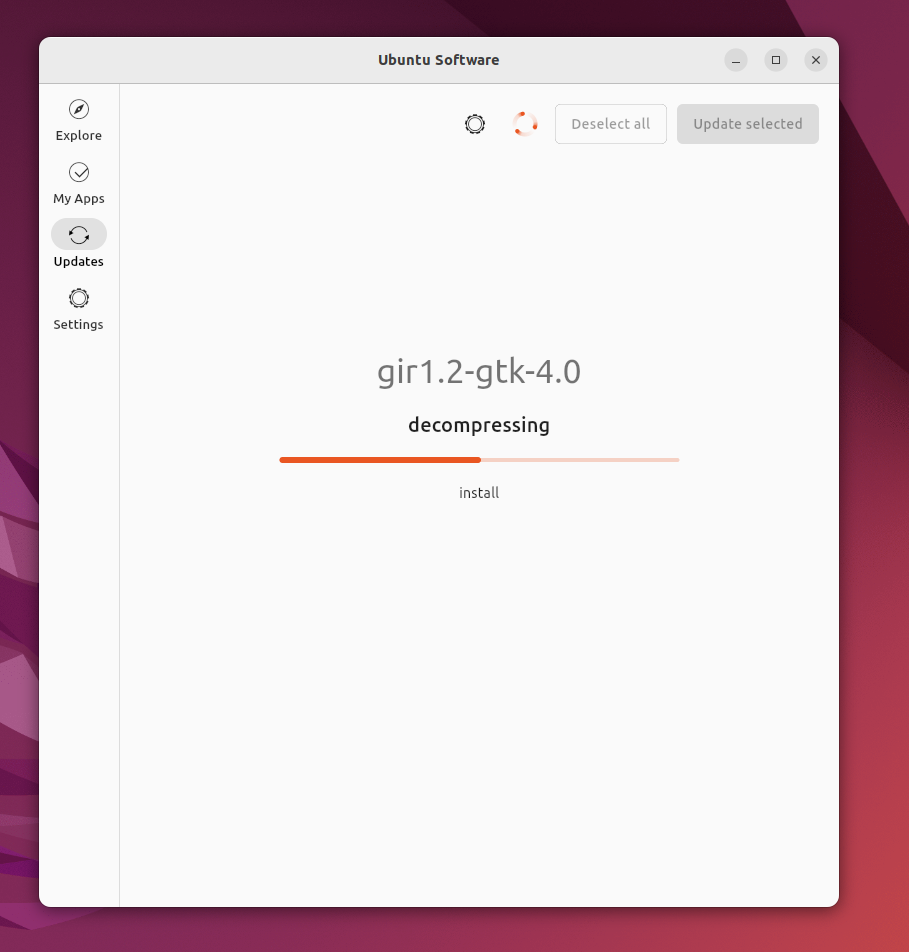
Installing starts and all updates become unselectable
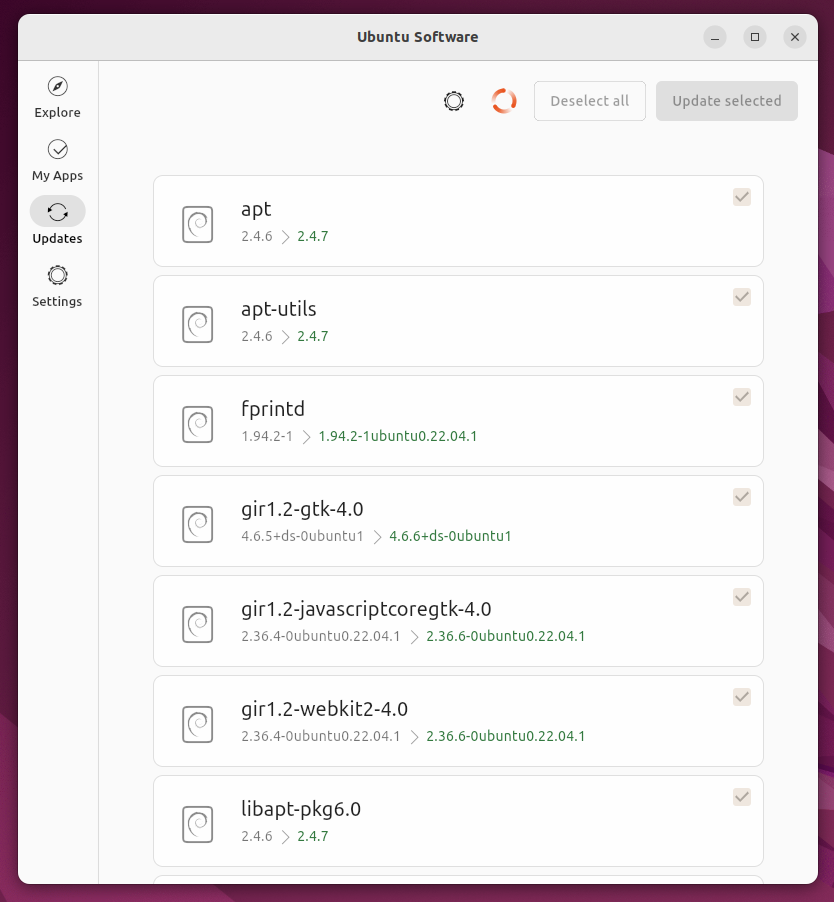
When updating the screen switches to a more simple screen where the process of each step is displayed, this is needed because often the updating process is so fast
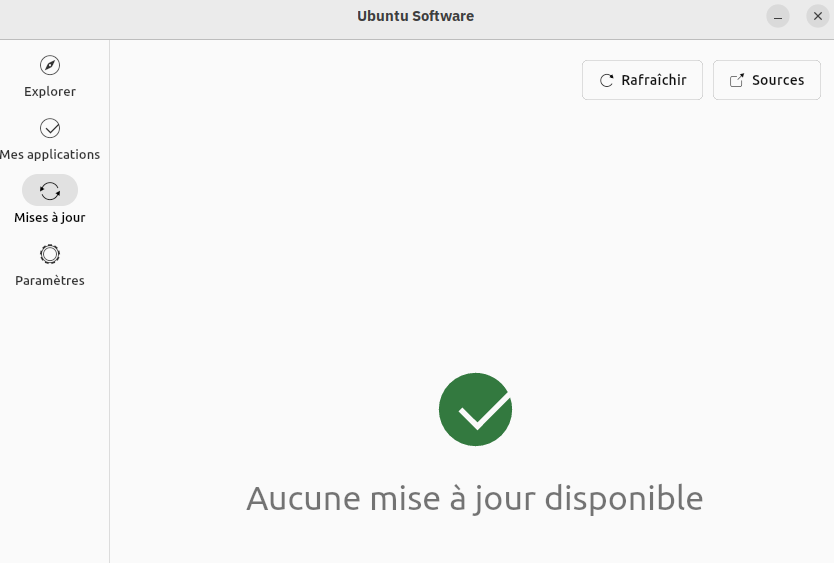
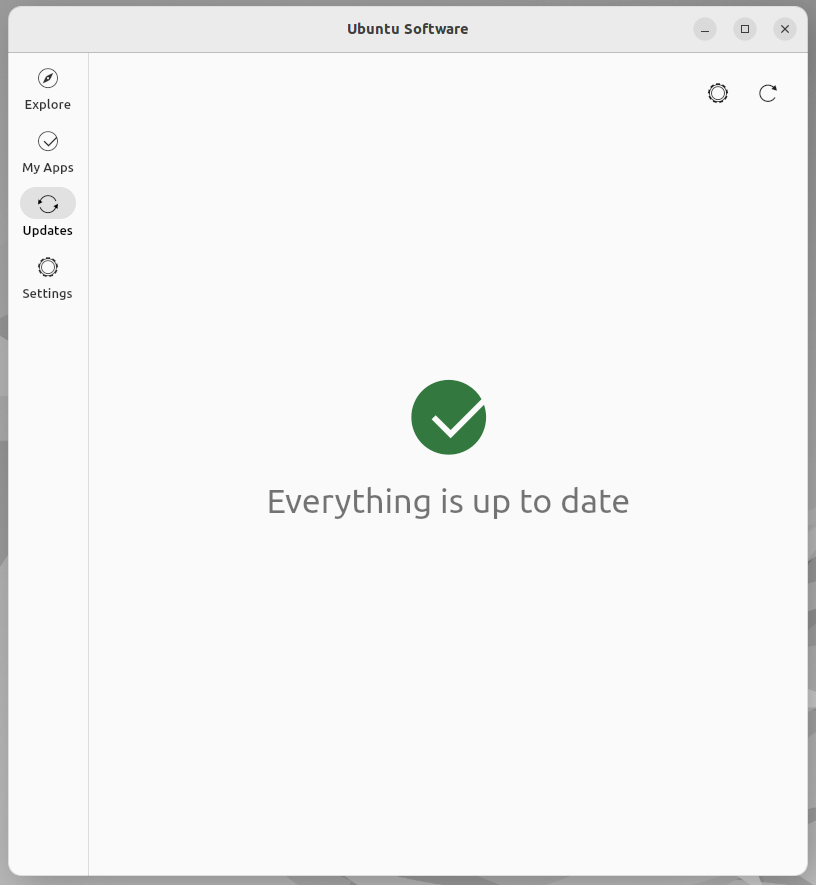
When the update is done or no update is available this splash screen is shown
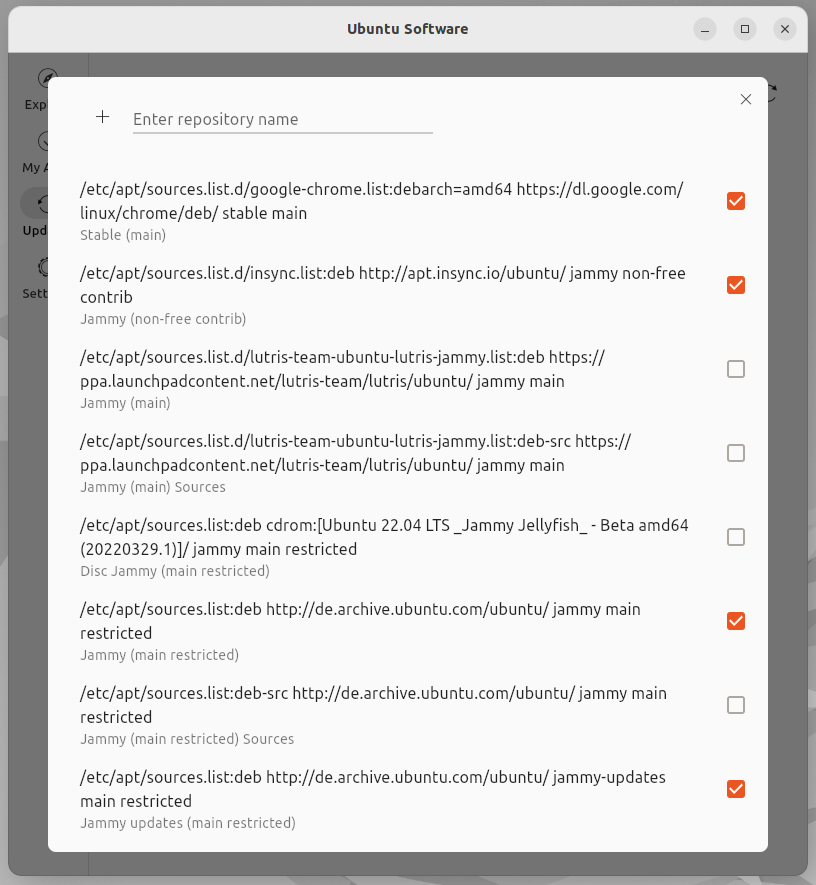
The repositories in place where the software comes from can be managed by clicking the levitating settings wheel button

Update:
Searching for updates as seen from other screens (spinning indicator as an animated icon)
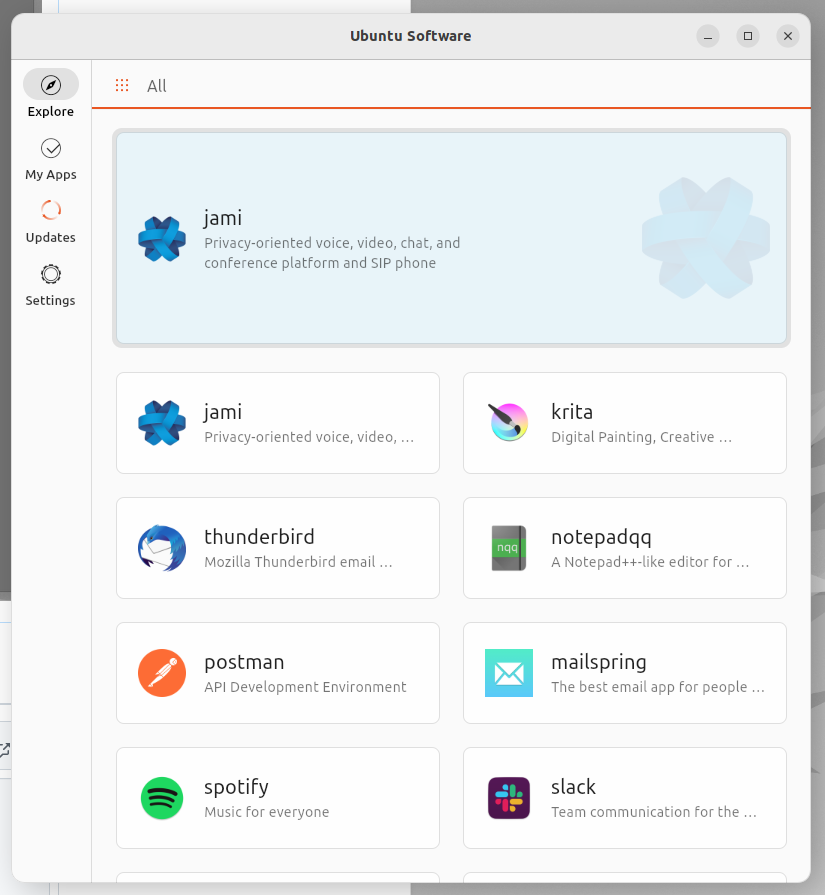
Searching for updates as seen from the update screen (+ animated debian package with liquid inside)
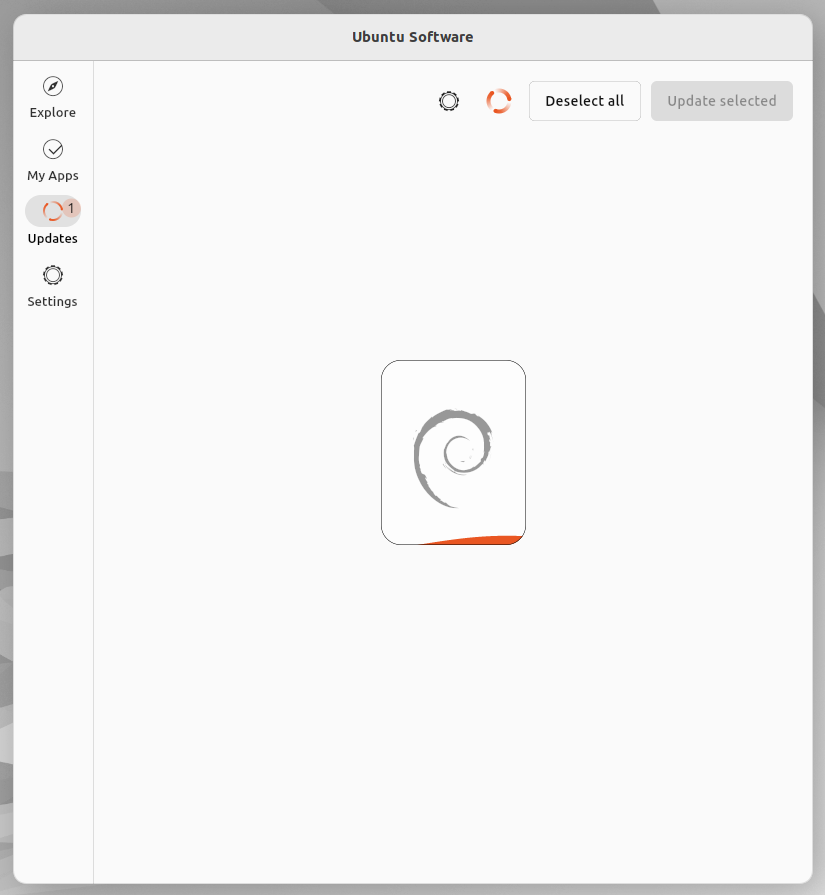
New updates available
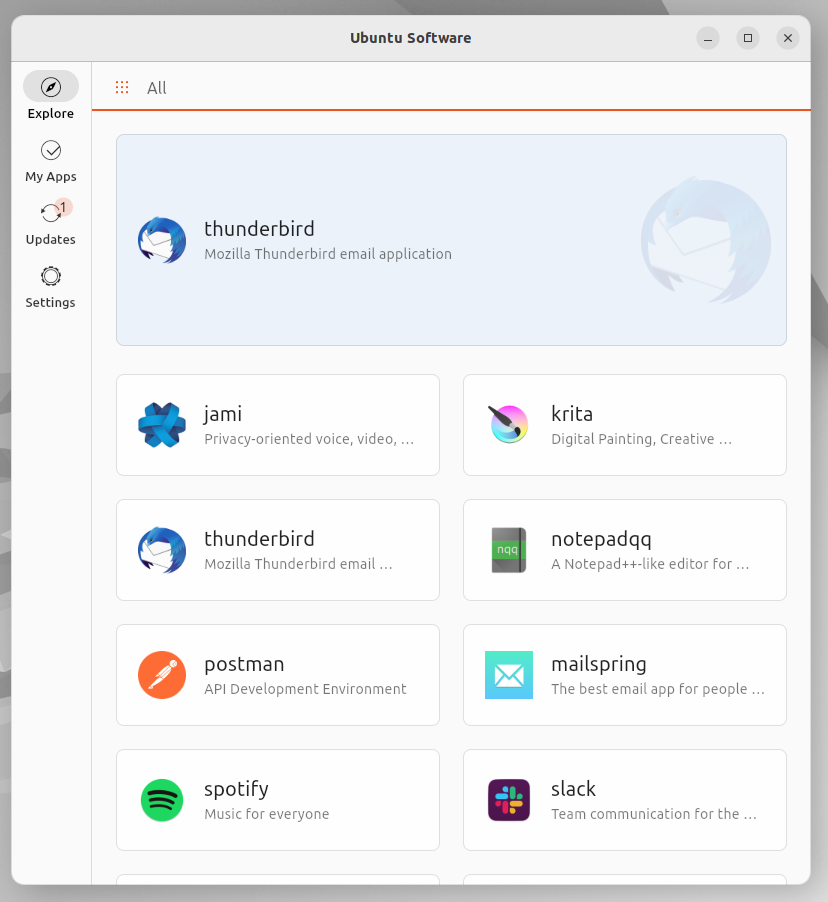
Hi!
I find the 'sources' page not that clear:
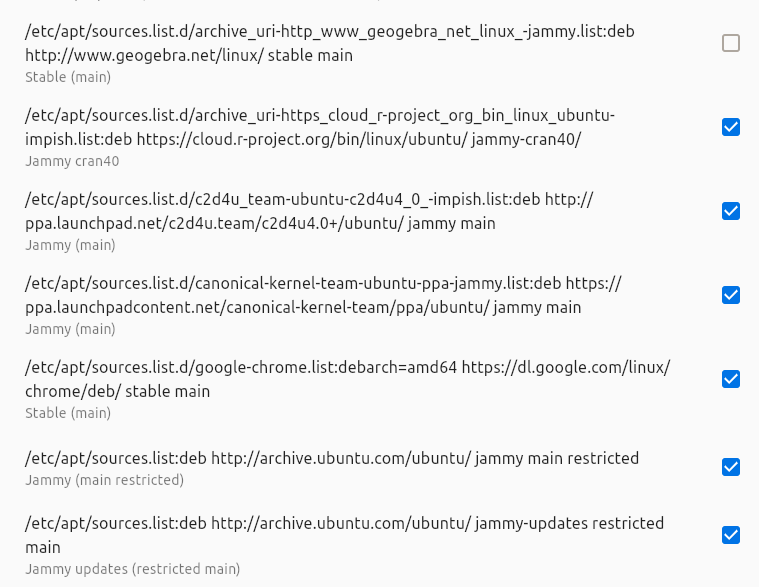
Is it possible to see the title then the address? Or maybe something not as detailed by default? Just my opinion!
In the 'updates' page, I would have thought to two tabs 'updates' and 'sources' to fit somewhat the design I see in 'my apps'?