

 ubuntu
Downloading and installing snaps from external websites
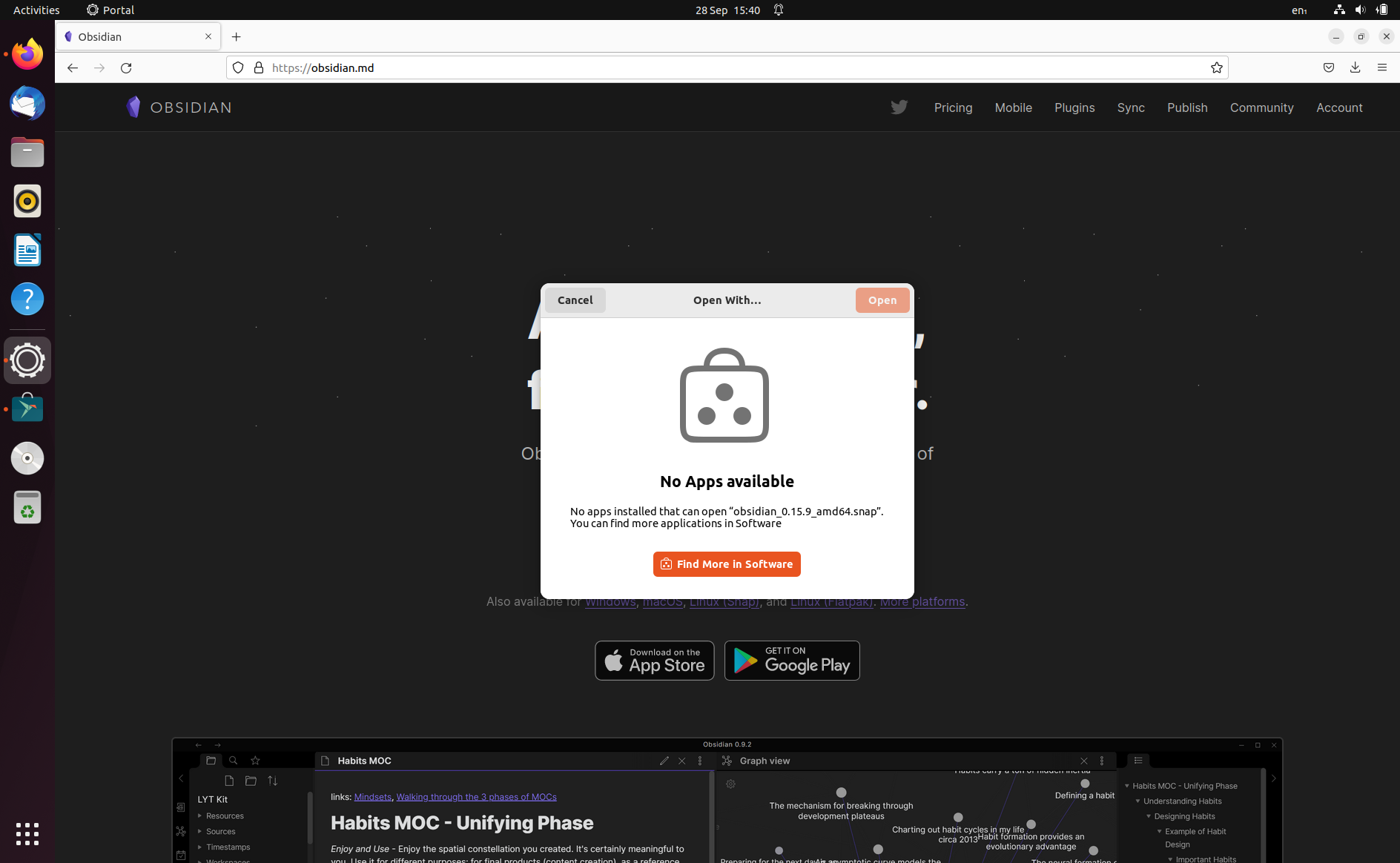
When downloading a snap from an external website, we get a pop-up asking to choose an app to open with (see below)
This should be consistent with what we do when downloading an external Deb - the Software app will display a message (see screenshot below)
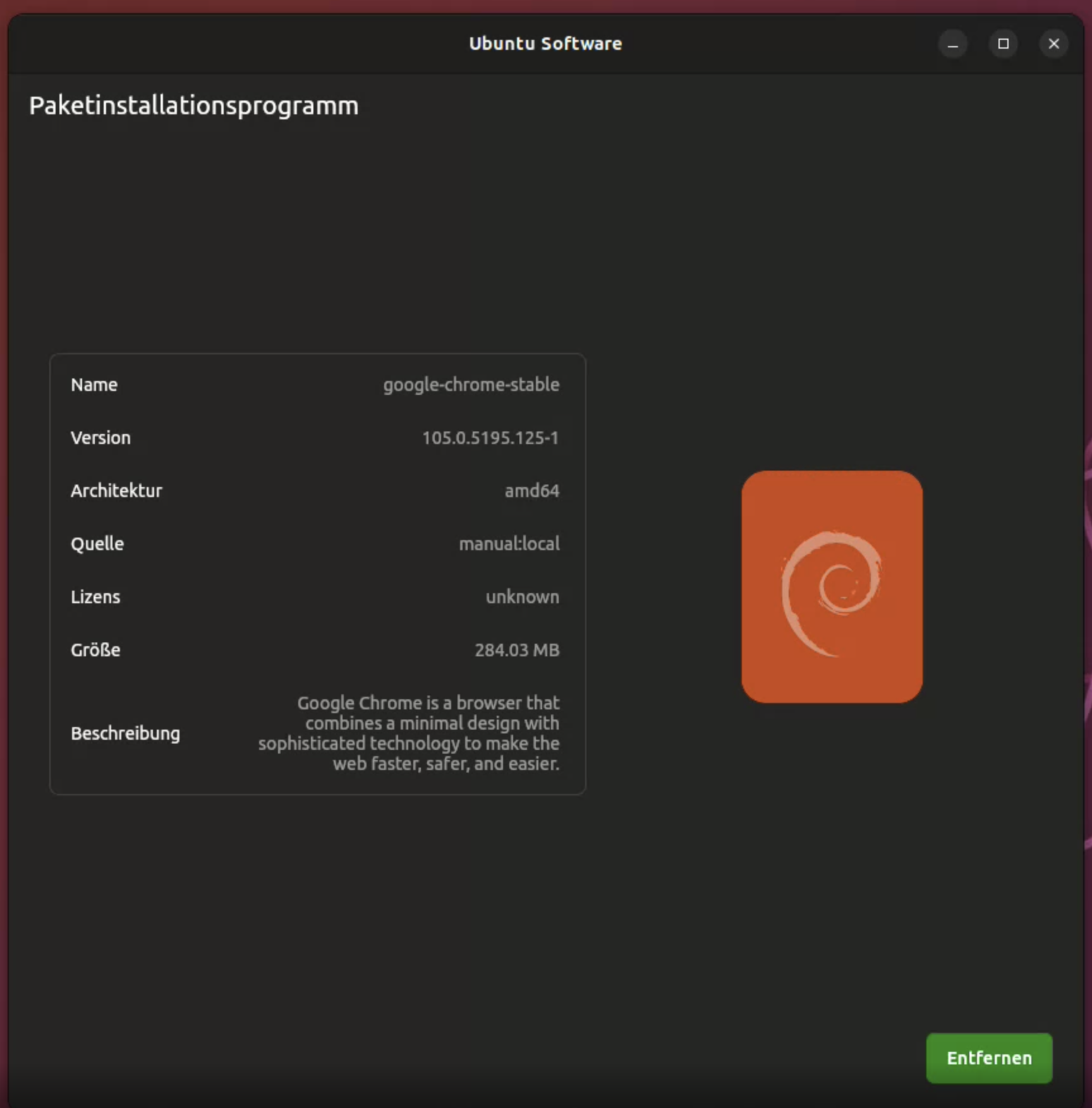

The .deb installer now works pretty much very good and is also integrated into the main app (you click a deb -> the app opens with this package selected as an app in an AppPage)
@anasereijo we might want to double check if we really want this for snaps, too. Maybe topic for the meeting, as far as I know there might me security concerns here (ofc the same with debs, but google chrome and discord... :shrug: )

The .deb installer now works pretty much very good and is also integrated into the main app (you click a deb -> the app opens with this package selected as an app in an AppPage)
@anasereijo we might want to double check if we really want this for snaps, too. Maybe topic for the meeting, as far as I know there might me security concerns here (ofc the same with debs, but google chrome and discord... 🤷 )
Good point. I will add this to the Thursday meeting agenda.