

 ubuntu
Carousel image dialog padding is not consistent
The dialog is using material default padding which is EdgeInsets.fromLTRB(0.0, 12.0, 0.0, 16.0), and it looks weird:

Imo, we should either remove the padding:

Or add the same one for each edge:

Sorry, I don't know why, but I can't load any image in the app
CC @Feichtmeier

snap store is currently in maintenance
I mean the backend :) Sleep well 😴

Oh, okay. I was thinking it was my internet connexion which was completely broken 😅
Sleep well 🌜
@Jupi007 I think this is fixed? Or maybe I did not understand it correctly
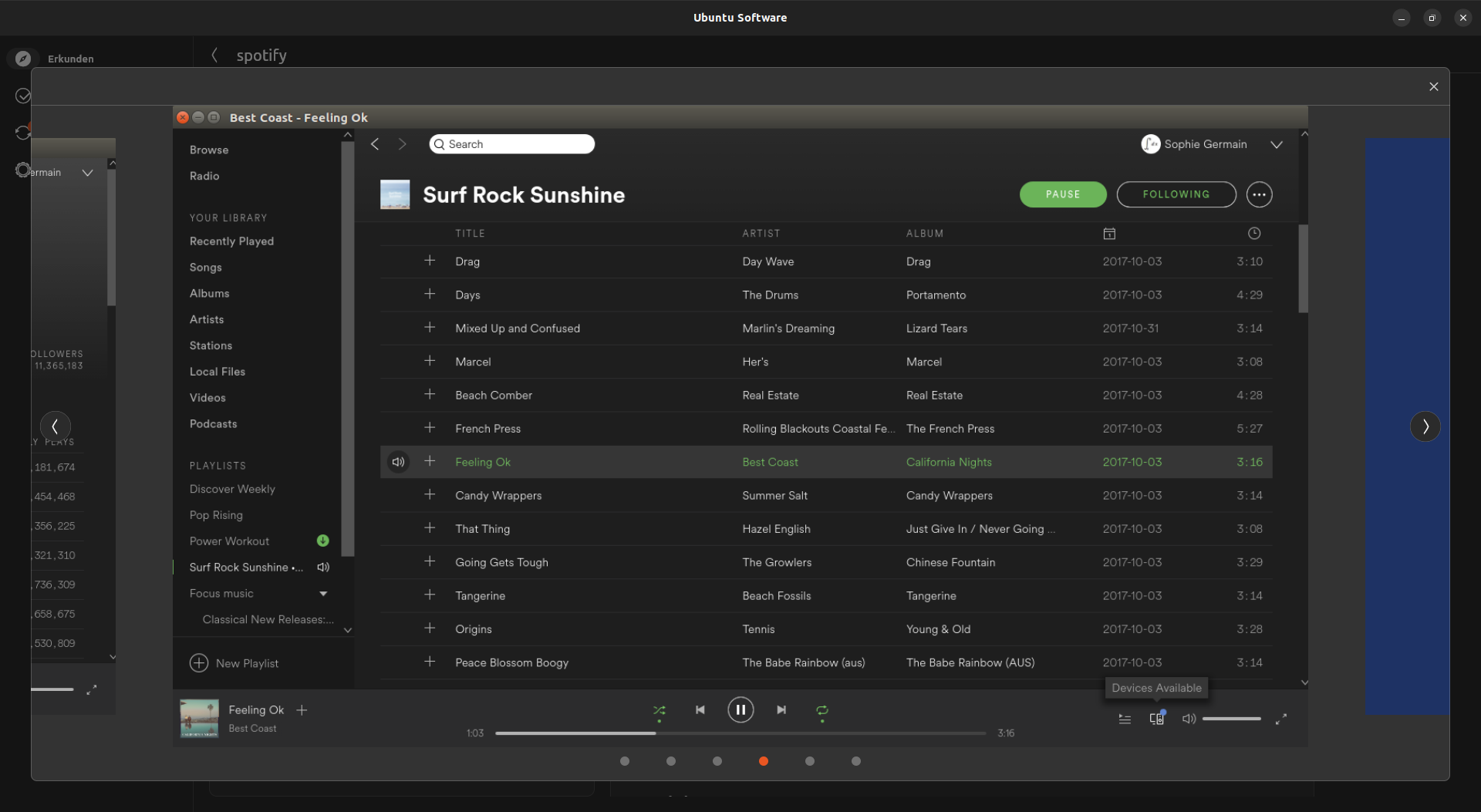
The look has changed since my first message but I think it is still the same problem :)
Imo, this dialog should look like this:

- No titlebar, just the close button ;
- same padding on top, bottom and around the close button ;
- same margin as padding on top of the carousel place indicator.
I created a branch if you want to test: Jupi007/issue253
Thanks! Feel free to create a pull request
Or should we add a border property to the titleBar first?
Or should we add a border property to the titleBar first?
I think we can, but it is not necessary for this as we just want a close button :)
Thanks! Feel free to create a pull request
Okay 🚀