

 tzapu
tzapu
iOS devices on recent-ish firmware fail to connect to WM AccessPoint
Hey folks!
I've made a remote informer for a gas boiler that sends notifications to Telegram on burner/carrier temps, and alerts if burner goes out. The problem is that I cannot make iOS devices connect to the AP which is created by WM during the initial setup. Here's what happens:
- WM runs in autoconnect, and when it starts webportal with a password and I try to connect to it with an iOS device (I have tested iOS 13, 14 and 16) it fails with an "Incorrect Password" (although it is correct).
- If I config AP to run passwordless, connection fails with "Failed to connect".
It works fine on Win10 laptop, and I also dusted my old iPhone 4S and it works just fine on iOS7. I do not have an Android device to test unfortunately.
Running on WeMos D1 Mini Using WM version 2.0.15-rc.1 Tested on board versions 3.1.1, 3.0.1, 2.7.4 with same disappointing results.
And just in case, here's the snippet of my setup() (although I tried basic Autoconnect example - and it is not working either).
void setup() { pinMode(D1, INPUT); EEPROM.begin(memory.blockSize()); // initialize EEPROM handler users += settings.adminsID; users += ","; users += settings.chatsID; FastLED.addLeds<NEOPIXEL, D3>(led, NUM_LEDS); FastLED.setBrightness(80); ledTicker.attach_ms(500, ledBlink); WiFi.mode(WIFI_STA); sensors.setAddress((uint8_t*)DSaddr); Serial.begin(115200); wm.setConfigPortalTimeout(90); wm.setAPCallback(portalCallback); if (wm.autoConnect("BoilerConfig")) { ledTicker.attach_ms(2000, ledBlink); } else { ESP.restart(); }
Any thoughts?

I test this fairly often and have not noticed anything, I will test today and see. What ESP lib version?
Turn on full esp debugging and get logs.
Disable all callbacks and callout portalCallback and led ticker and test again.

I experience the same problem with iPadOS, but iOS does work (most of the times). Did some testing with different settings but it made no difference.

works for me Iphone 12 Iphone 7 Ipad 2
my mac mini will not auto launch the captive portal if I have internet access but used to, also you have to forget wifi networks in IOS/OSX for them to captive portal again, so make sure they are not "remembered" or use a random SSID
wm:[2] [SYS] WM version:  v2.0.15-rc.1
*wm:[2] [SYS] Arduino version:  2.0.6
*wm:[2] [SYS] ESP SDK version:  v4.4.3
*wm:[2] [SYS] Free heap:        288100
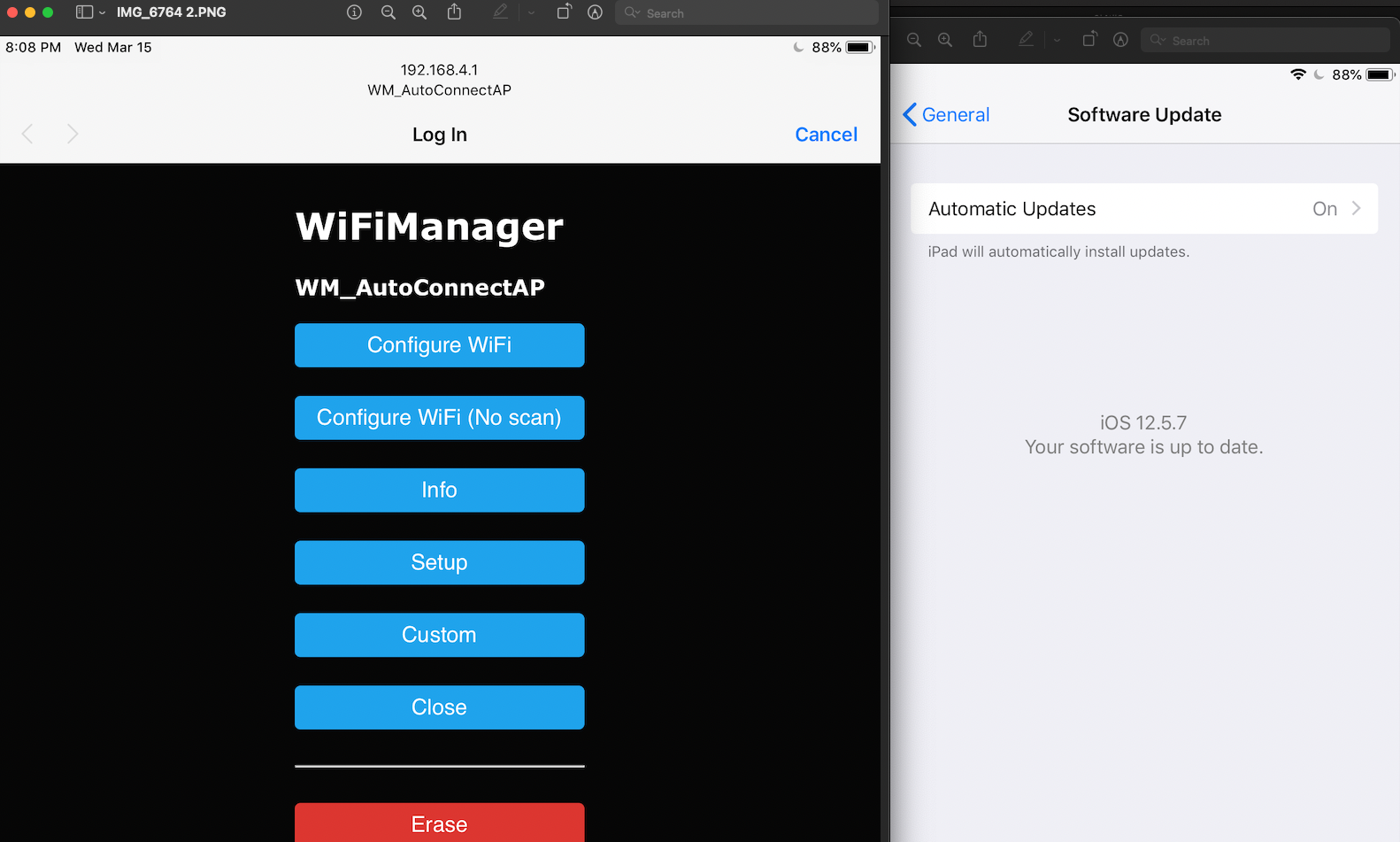
The problem is (I think) not even with the captive portal. The iPad Pro (and also my partner's iPad) does not even connect on WiFi level with the ESP32 AccessPoint (it seems). When using a PSK, I can enter the PSK on the iPad but it then also immediately fails. MacBooks and iPhones do not experience this and just work. So something is different for the iPad and can figure out what it could be.
Ah, ill test that also. Could be dhcp issue, have you tested on ESP 2.0.6+
I tried connecting with the ESP/WiFiManager when coming off my home WiFi network with Private WiFi Addresses disabled (the rotating of MAC addresses). When I turn on the Private WiFi Addresses option (so activate the rotating MAC addresses) then swapping to the ESP does work. Strange. I will investigate/test this further.
The same here. Simple Sketch in arduino ide.:
#include <WiFiManager.h>

 WiFiManager wm;

 void setup() {
     Serial.begin(115200);
     Serial.println("Setting Up WiFi configuration");

     bool res;
     res = wm.autoConnect("TestWiFi"); // password protected ap
     Serial.printf("Returned from WiFi.autoConnect with %d\n", res);
     if(!res) {
         Serial.println("Failed to connect");
     }
     else {
         Serial.println("connected...yeey :)");
     }
   }

 void loop() {
   delay(1500);
   Serial.println("Hello World");
 }
iPhone 11 pro with iOS 17.1 does not connect. MacBook with Sonoma 14.2.1 connects without Problem. WiFiManager Version is: 2.0.16-rc.2

Theres an open esp32 issue about this if you get incorrect password or auth failures or ap not found. Try updating esp lib