

 typora
typora table border is missing
When i use the Typora to create a table, the border cannot be displayed. I can only see it in the print preview, and its quote also does not work. The software version is 1.2.4, and the operating system is macOS Monterey 12.1. I have tried other versions of Typora, and there is the same issue, which cannot be solved by repeated installation and uninstallation.
like :
table border is missing, only button
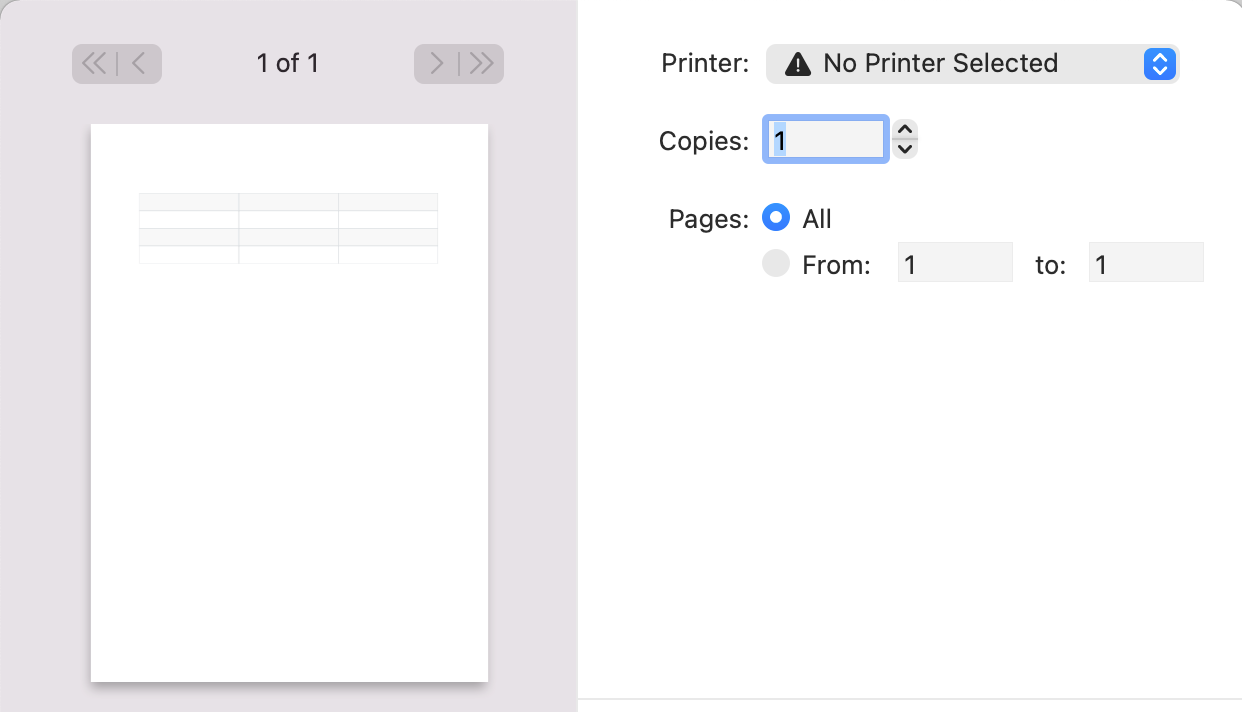
 but table border is normal in the print preview


the default github theme,and i try to switch other theme, but it also doesn't work.
Would you provide screenshots if you use Night or Newsprint theme? Did you use custom CSS? Does exit Typora and delete /Users/abner/Library/Application Support/abnerworks.Typora/ works?