
typora-issues
 typora-issues copied to clipboard
 typora
Copy line adds extra newline after selecting text by triple click
When you select a full line of text in a code block and paste it, a second newline is added to the clipboard.
Eg, select "line "
This gets pasted as "line
"


Yeah, I saw that ticket. But it looked to me that it was Firefox related. My issue has nothing to do with a browser. It's copying a single line of text in a code block in Typora (triple-cklick), and paste it anywhere e.g. to an editor. Then I always get 2 instead 1 new lines. Especially annoying when you paste into a terminal window.
MacOS Catalina, 10.15.3. Any editor, it is not target depended. The clipboard already gets the wrong contents.
I can reproduce it by opening a blank document in Typora. The type:
Hello<enter>Hello<enter>```<enter>Hello<Enter>
The generated MD is:
Hello

Hello

```
Hello
Hello
```
So when you triple-click on the first or the third Hello, it will select the text, plus it's line like:
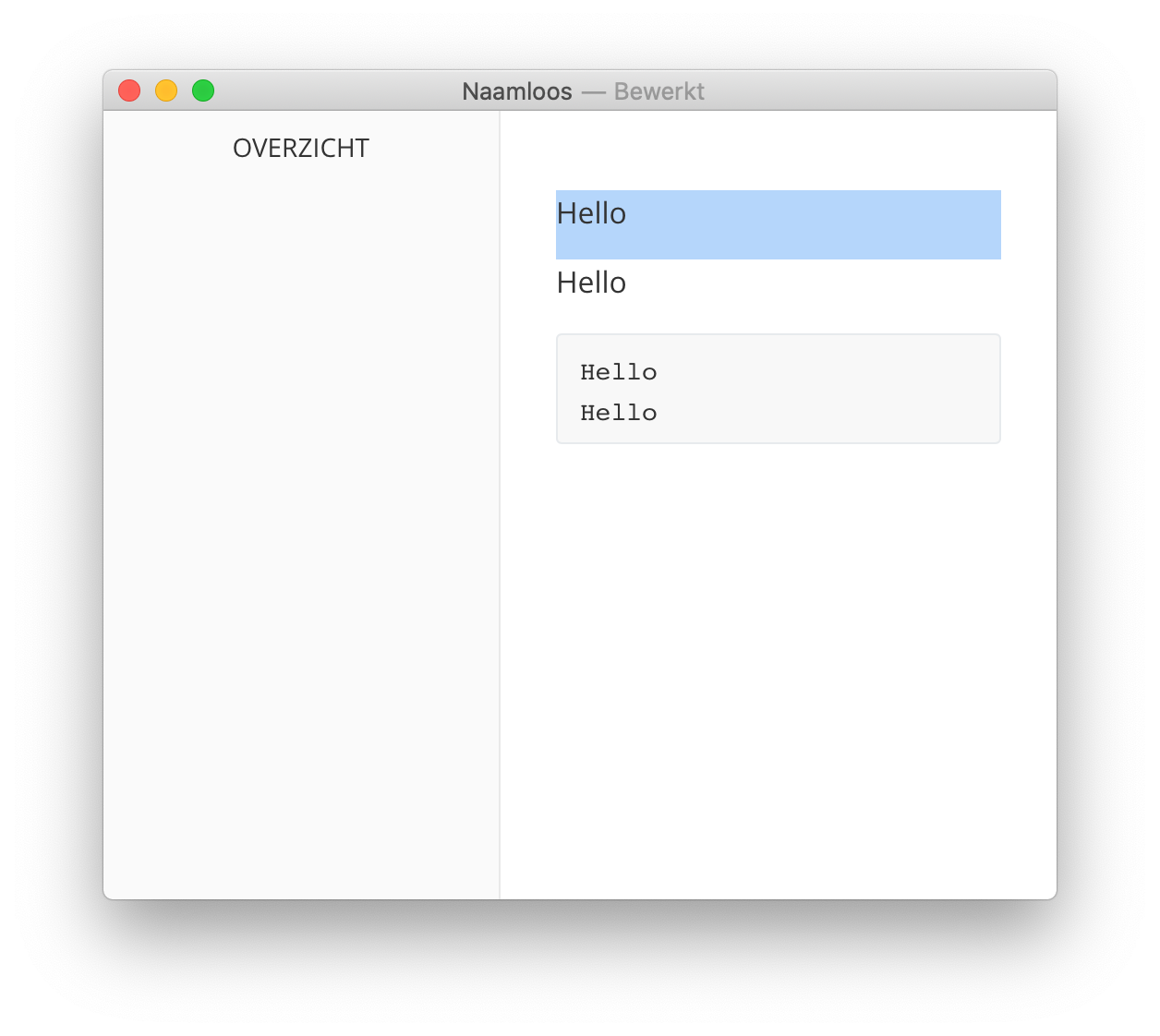
That looks okay, but the clipboard contains 2 instead of 1 new line. So pasting it into a terminal gives:
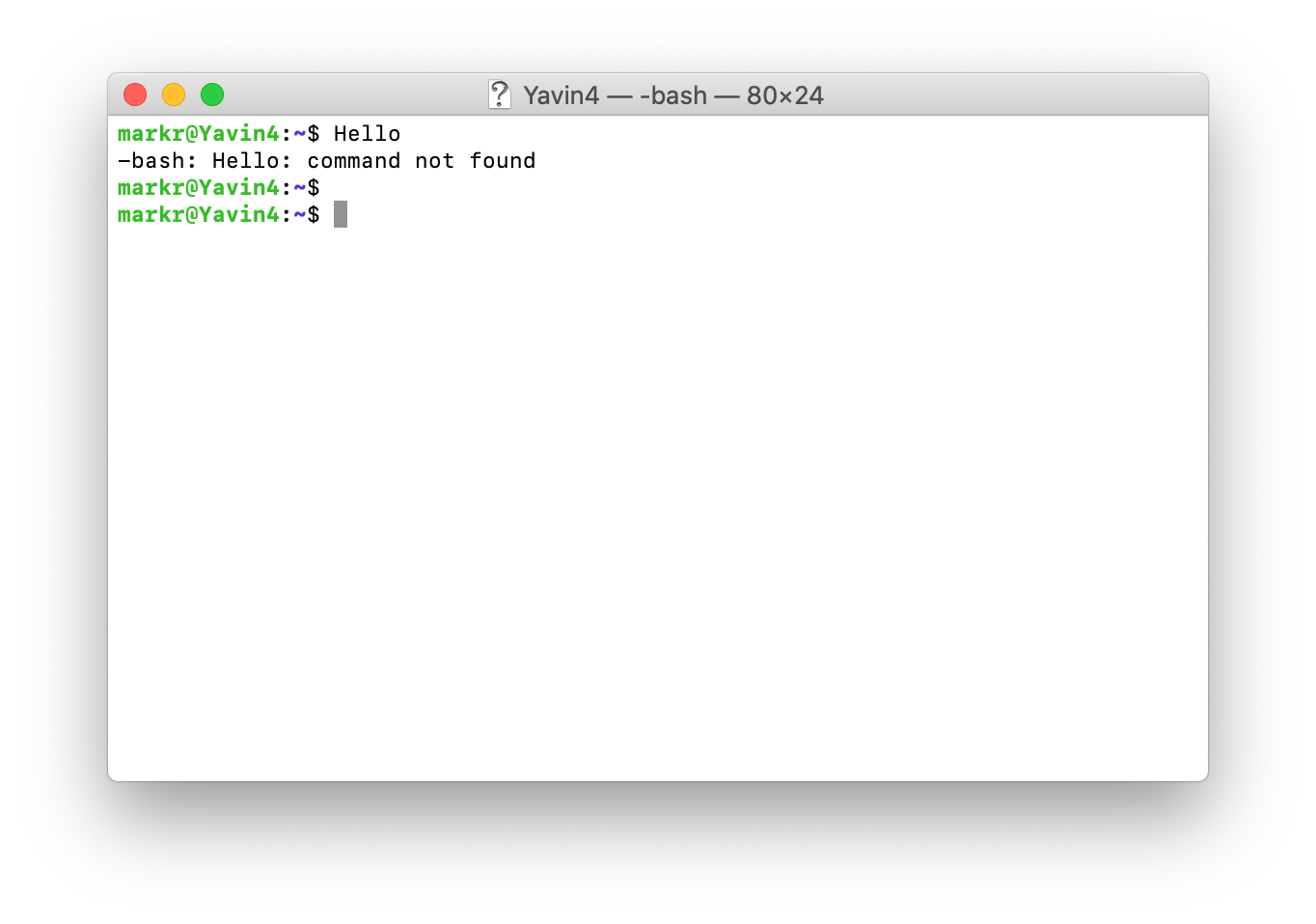
As you can see we get a new prompt twice instead of once.
When you triple-click on the second and fourth Hello is copied without any newline, with which I can live. When you add another Hello in the code block and you copy the first two lines to the clipboard, the clipboard contains: "Hello\nHello\n\n". The last \n is wrong.
Theme Github, Typora 0.9.9.32.1 (4191).
BTW, I just tested, and this is no longer true. However, a triple-click no longer copies any linefeeds. I'll file a separate bug report.
Typora Version 1.9.3 (7256), MacOS Ventura 13.6.9 (22G830)
