
DesktopToastANE
 DesktopToastANE copied to clipboard
 tuarua
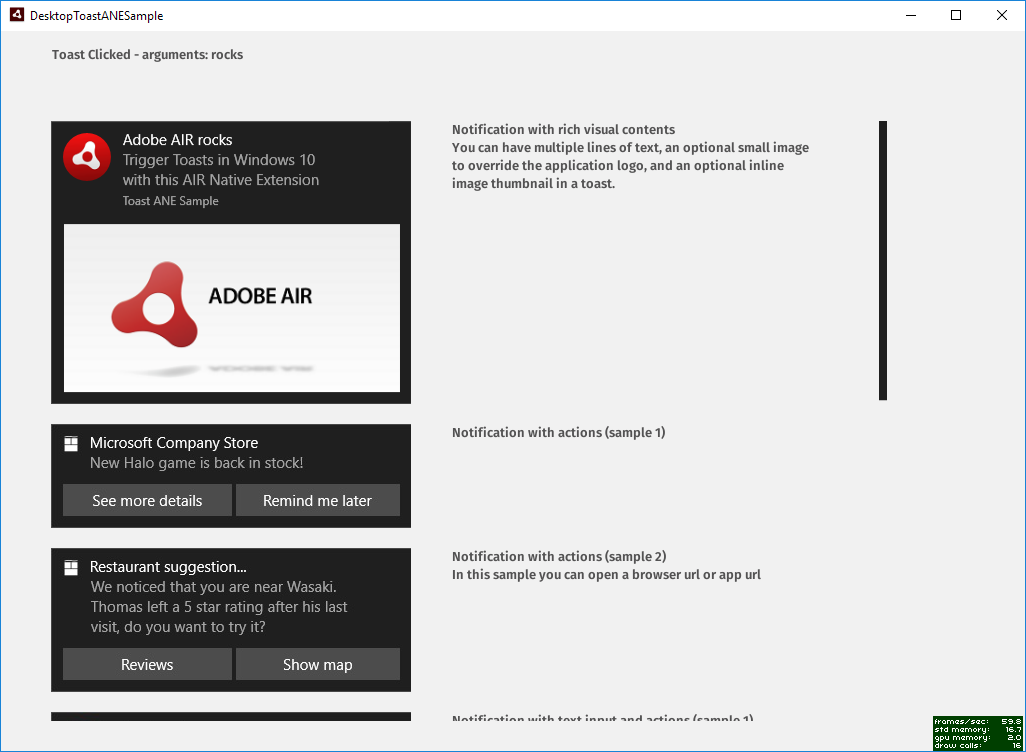
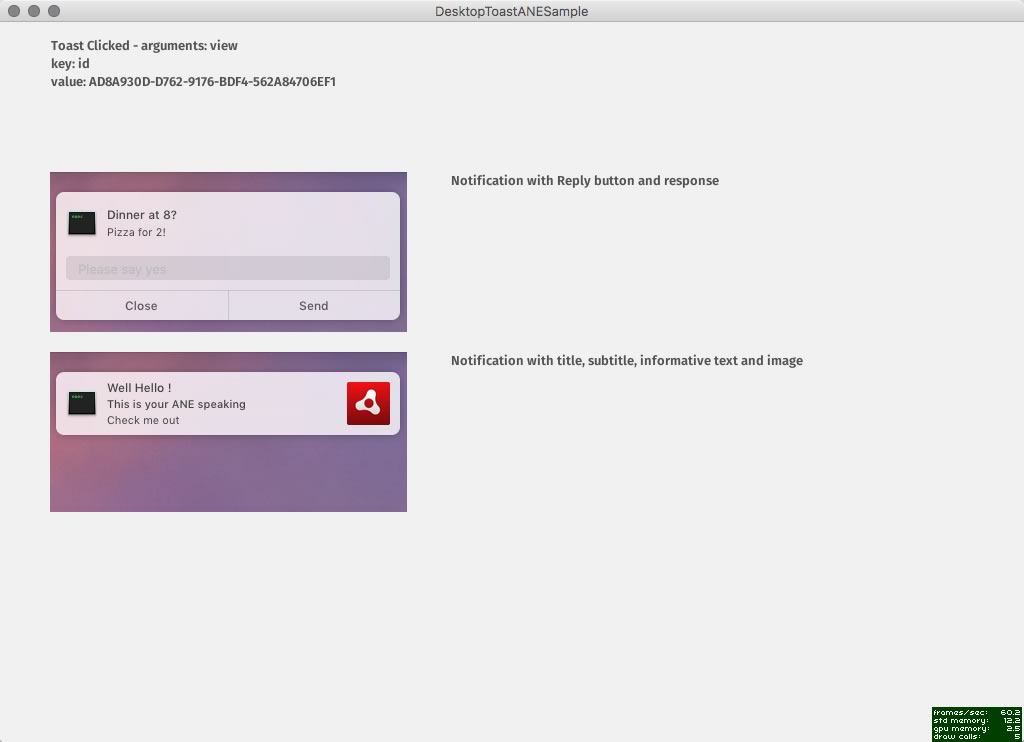
Adobe Air Native Extension for displaying adaptive and interactive toast notifications in Windows 8, 10 and OSX
DesktopToastANE

Adobe Air Native Extension written in ActionScript 3 and C++ for displaying adaptive and interactive toast notifications in Windows 8.1, Windows 10 and UserNotificiations on macOS 10.12.1. Sample client included
Prerequisites
You will need:
- IntelliJ IDEA
- AIR 33.1.1.217+
- .Net Core Runtime
- AIR-Tools
The ANE + Dependencies
Change directory into the example folder eg
cd /MyMac/dev/AIR/DesktopToast-ANE/example
Run the "air-tools" command (You will need AIR-Tools installed)
air-tools install
NEW This tool now:
- Downloads the ANE and dependencies.
- Applies all required Android Manifest, InfoAdditons and Entitlements to your app.xml. See air package.json
Windows Installation - Important!
- This ANE was built with MS Visual Studio 2015. As such your machine (and user's machines) will need to have Microsoft Visual C++ 2015 Redistributable (x86) runtime installed. https://www.microsoft.com/en-us/download/details.aspx?id=48145
Tech
DesktopToastANE uses the following libraries:
C++
- [https://github.com/nlohmann/json/] - JSON for Modern C++
Prerequisites
You will need
- Flash Builder 4.7 or IntelliJ IDEA
- AIR 29
- MS Visual Studio 2017 if you wish to modify the ANE code on Windows
- Xcode 11.3 if you wish to modify the ANE code on macOS
- wget on macOS via
brew install wget
Known Issues
You should use a different appName when debugging. The required .lnk file created in \AppData\Roaming\Microsoft\Windows\Start Menu\Programs will point to adl initially.
References
https://blogs.msdn.microsoft.com/tiles_and_toasts/2015/07/02/adaptive-and-interactive-toast-notifications-for-windows-10/
https://blogs.msdn.microsoft.com/tiles_and_toasts/2015/10/16/quickstart-handling-toast-activations-from-win32-apps-in-windows-10/
https://github.com/WindowsNotifications/desktop-toasts
 tuarua