
stable-diffusion-webui-aesthetic-image-scorer
 stable-diffusion-webui-aesthetic-image-scorer copied to clipboard
 tsngo
tsngo
Still unable to write tag to png file

The webui version are the latest version,but it still doesn't work.
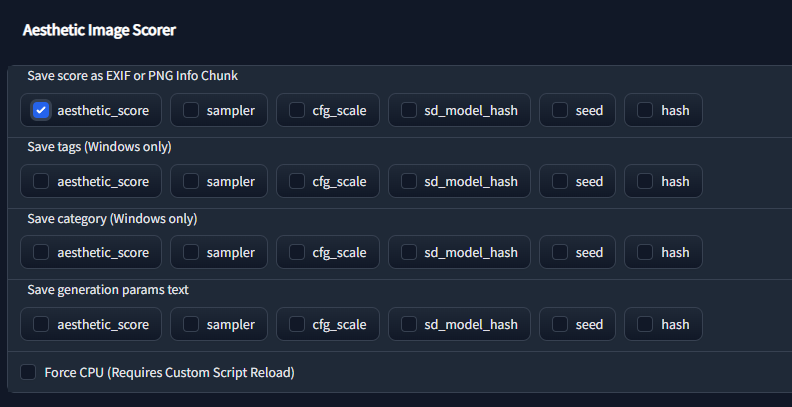
Setting.


I looked into this a little bit. From my understanding, PNGs in Windows don't support many of the file properties (like tagging) that are supported for JPG. The code is erroring out when it tries to write invalid properties. Writing it to the PNG Info Chunk (see settings page) works fine though. For now, I'm just going to disable the broken part by adding this to line 63 of add_tags.py
if not file.endswith(".png"):

Make sure you're on latest webui and this extension. If still getting Unable to write tag or category then post the settings you're using, and whether you're saving png or jpg. As @ArrowM noted, PNGs do not support tags like JPGs do by default. FileMeta is needed to support tags File Metadata

确保您使用的是最新的 webui 和此扩展程序。如果仍然得到
Unable to write tag or category然后发布您正在使用的设置,以及您是否保存 png 或 jpg。作为@ArrowM注意,PNG 默认情况下不支持 JPG 那样的标签。需要 FileMeta 来支持标签文件元数据
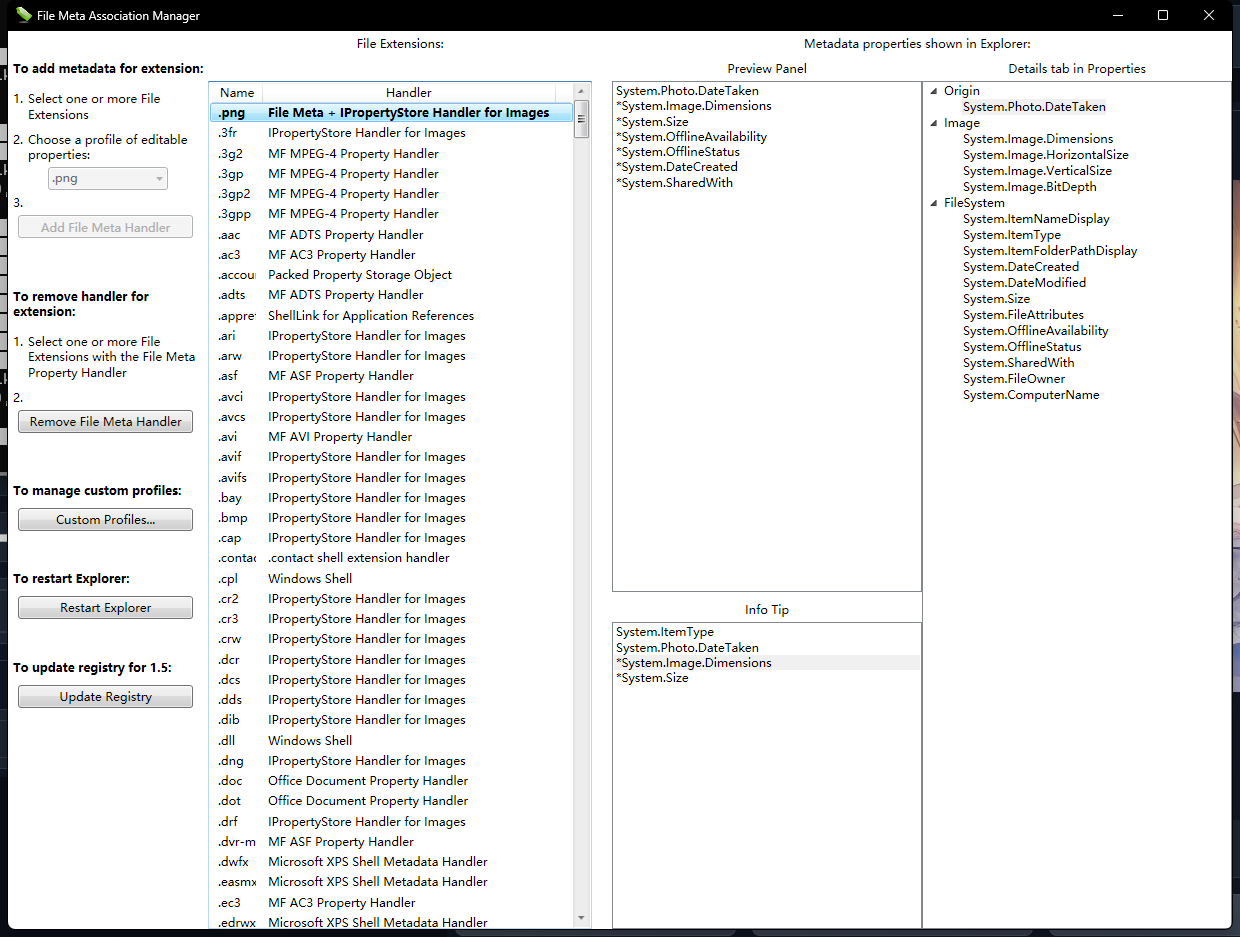

All versions are up to date. I used File Meta but still got the same error. Did I get something wrong? My system is WIN11.
Did you try the walkthrough? https://www.thewindowsclub.com/enable-tags-for-unsupported-files-windows. You should see System.Keywords and System.Category under Details tab in Properties