

 trimble-oss
[BUG] Dropdown - Keyboard accessibility - When the user hit on up and down arrow keys on the keyboard, dropdown list items is not selected
[BUG] Dropdown Web component - Keyboard accessibility - When the user hit on up and down arrow keys on the keyboard, dropdown list items is not selected
Steps to reproduce the behavior on Docs section:
- Go to Dropdown web component
- Click on Docs section
- Scroll down to Dropdown Element
- Hit on Tab key on the keyboard
- Dropdown element should be selected
- Hit on Enter key on the keyboard
- Dropdown list should be displayed
- Hit on Up and Down arrow keys to select the drop down list items
- Dropdown list items is not selected accordingly
Steps to reproduce the behavior on Canvas section:
- Go to Dropdown web component
- Click on Canvas section
- Hit on Tab key on the keyboard
- Dropdown element should be selected
- Hit on Enter key on the keyboard
- Dropdown list should be displayed
- Hit on Up and Down arrow keys to select the drop down list items
- Dropdown list items is not selected accordingly
Expected behavior The first item in the dropdown list should be preselected and when user hit on up and down arrow keys on the keyboard, the list of items on the dropdown should be selected accordingly
Current behavior The list of items is not selected when the user hit on up and down arrow keys on the keyboard
Please refer the below screenshots:

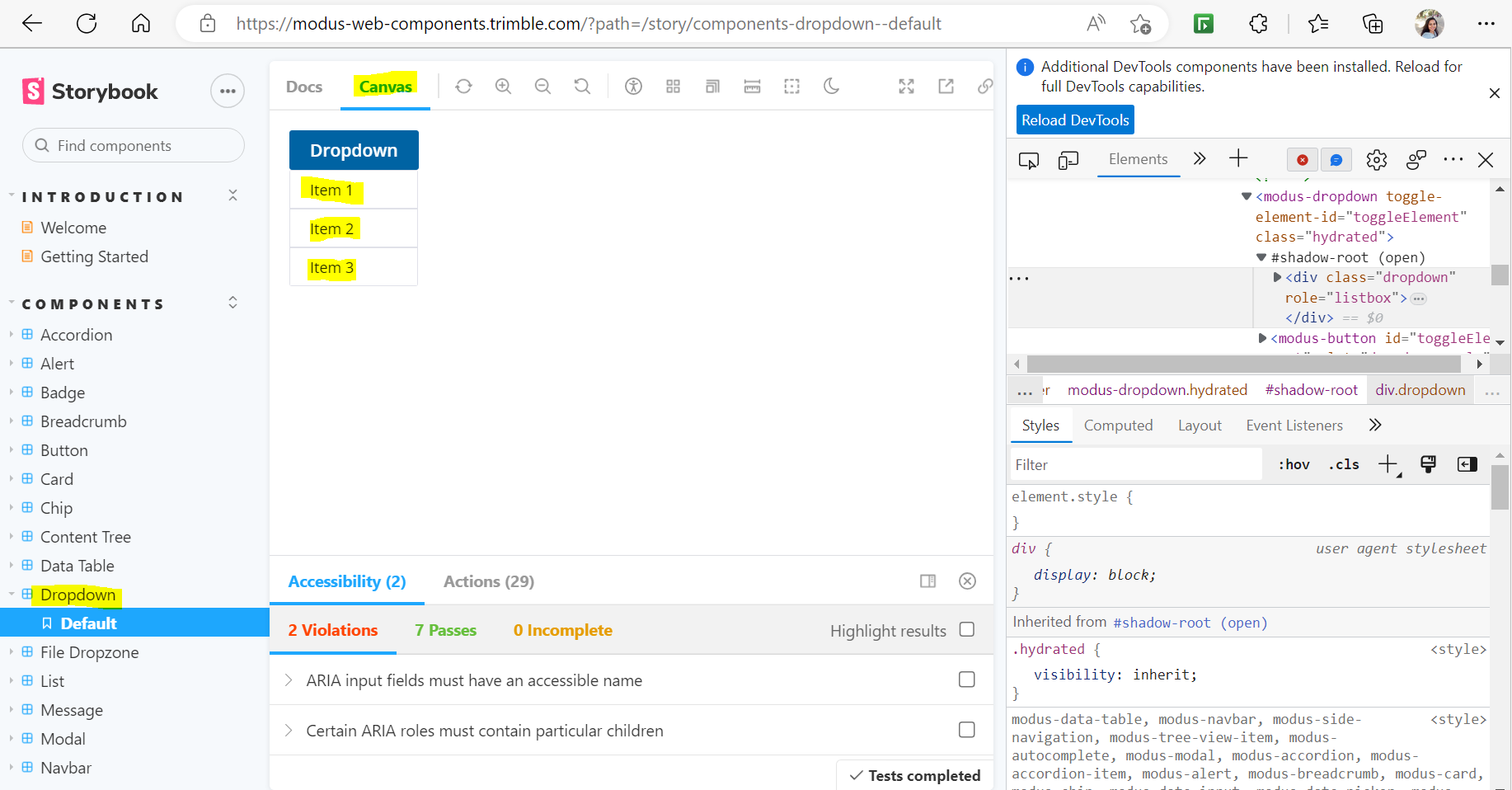
- Browser Tested - Edge, Chrome and Firefox

We've since made many improvements to keyboard accessibility for the Dropdown component including opening with Enter and Space and Escape to close.
Furthermore, a user can tab into the dropdown and tab down the list of items. If you find this an acceptable solution please feel free to close the issue. Otherwise I suggest we mark this issue as low priority.

@HarshithaNous closing this issue based on @coliff comment. Kindly reopen this issue if you need more changes.
