
gaac
 gaac copied to clipboard
 toughyear
Use Github as a CDN
Gaac: Github as A CDN :sparkles:


Gaac is an open source project that allows you to store your images/static files in your public Github repository and use them in blogs, websites, apps, etc. It is built with NextJS and relies on GitHub API to fetch the files.
How to use
Visit gaac.vercel.app and follow the instructions to get started.
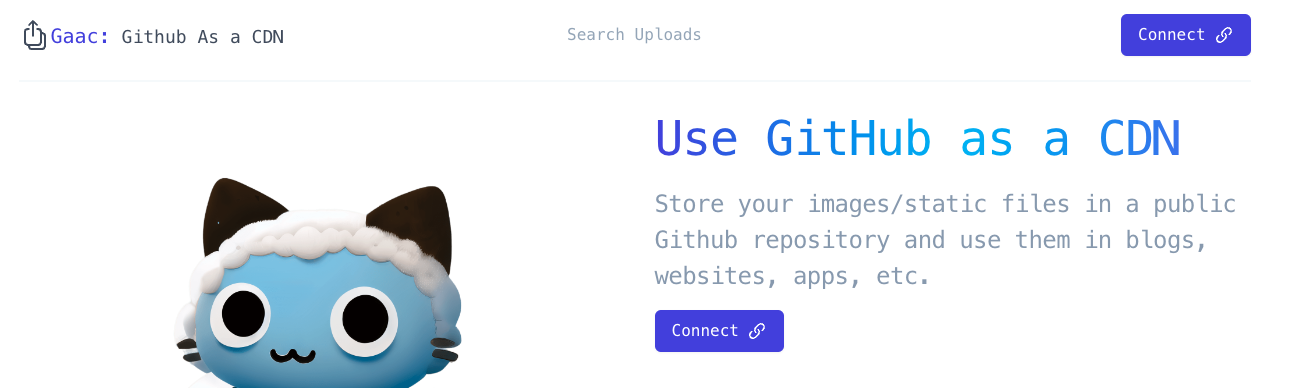
Connect
You can connect your GitHub account by clicking on the Connect button on the homepage.
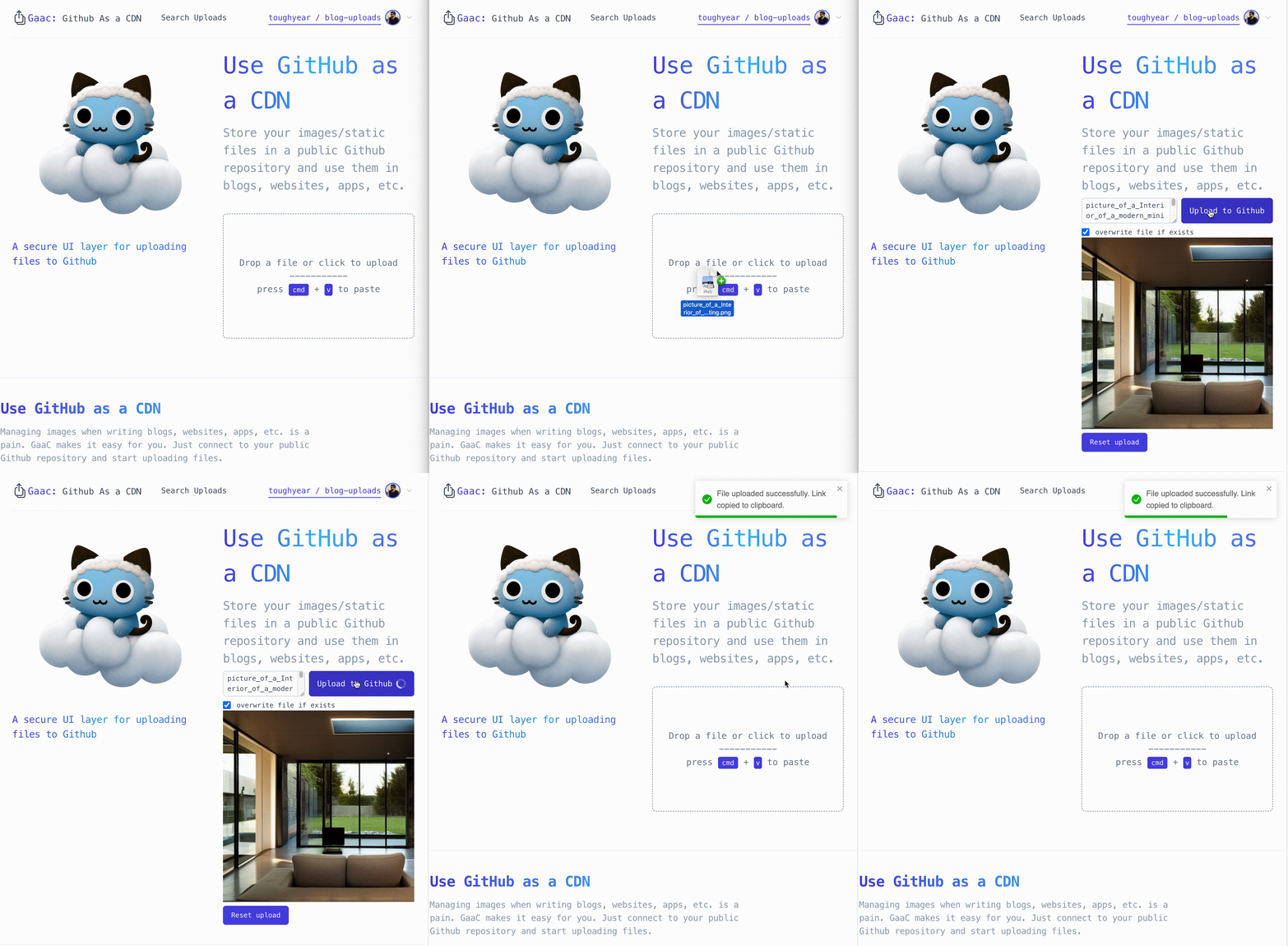
Upload
You can upload files by the file uploader on the homepage. You can also drag and drop files to upload or paste from the clipboard. All files are uploaded to the /upload directory in your public repository.
Searching
You can search for uploaded files using the UI -
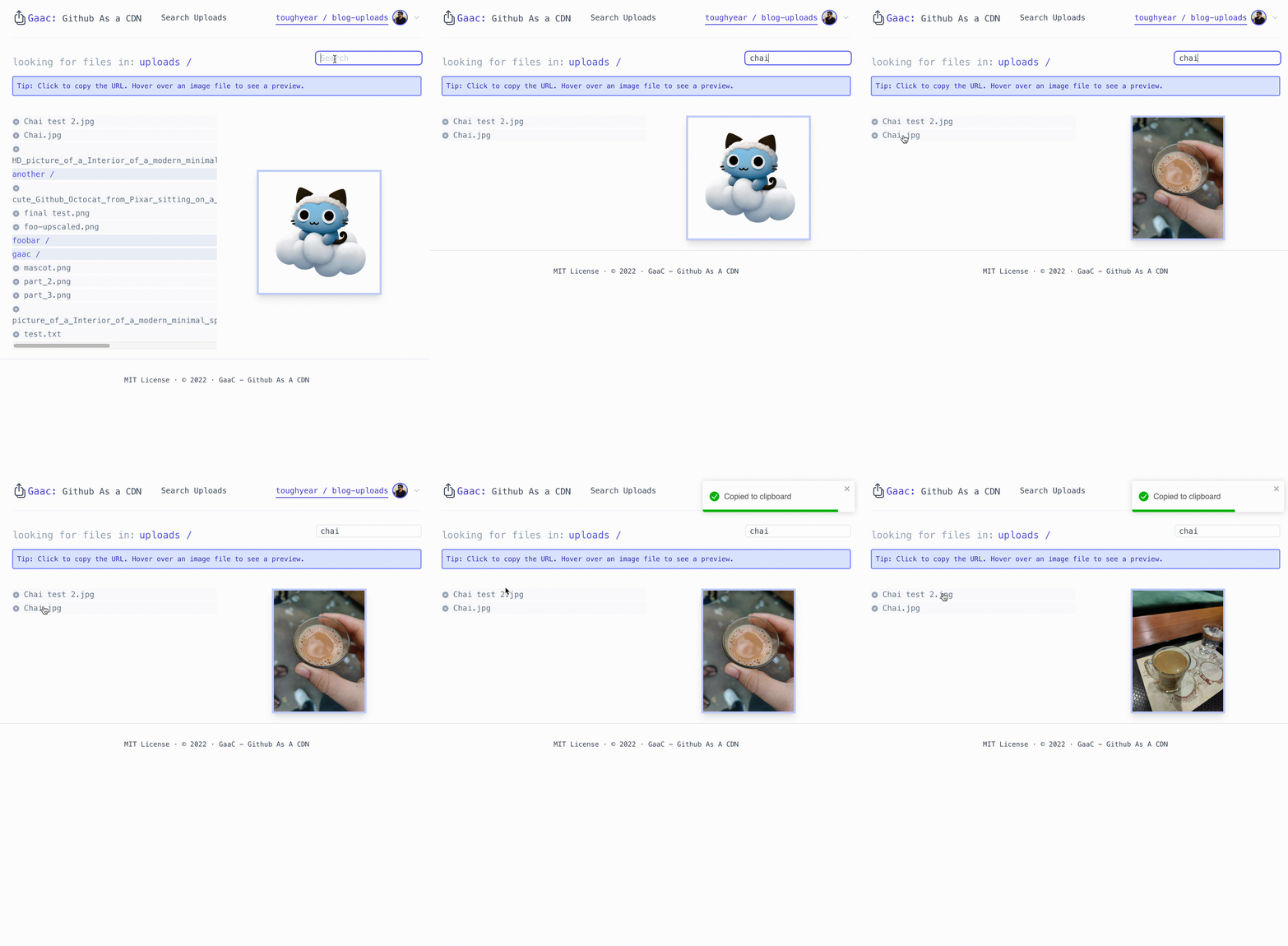
Fun fact, the image above was uploaded using Gaac itself.
Self hosting
You can also host Gaac yourself.
Run locally
This is a standard NextJS project. You can run it locally by following the instructions here.
You will need to set the environment variables GITHUB_APP_CLIENT_ID and GITHUB_APP_CLIENT_ACCESS_TOKEN in a .env.local file.
You can obtain the GITHUB_APP_CLIENT_ID and GITHUB_APP_CLIENT_ACCESS_TOKEN by creating a new GitHub OAuth app here.
Contributing
Contributions are welcome! Please open an issue or a pull request.
License
This project is licensed under the MIT License - see the LICENSE file for details.
 toughyear