"Please port CPU detection to your platform" Error with M1 Chip
Open
hb0nd
opened this issue 4 years ago
•
3 comments
Trying to run OSM2World on an M1 mac results in this error:
Exception in thread "main" java.lang.ExceptionInInitializerError
	at javax.media.opengl.GLProfile.<clinit>(GLProfile.java:82)
	at org.osm2world.viewer.view.ViewerFrame.createCanvas(ViewerFrame.java:340)
	at org.osm2world.viewer.view.ViewerFrame.<init>(ViewerFrame.java:119)
	at org.osm2world.console.OSM2World.executeArgumentsGroup(OSM2World.java:210)
	at org.osm2world.console.OSM2World.main(OSM2World.java:144)
Caused by: java.lang.RuntimeException: Please port CPU detection to your platform (mac os x/aarch64)
	at jogamp.common.os.PlatformPropsImpl.getCPUTypeImpl(PlatformPropsImpl.java:166)
	at jogamp.common.os.PlatformPropsImpl.<clinit>(PlatformPropsImpl.java:95)
	... 5 more
I did some research, and it seems to be an issue with GlueGen being an old version (2.0.2). According to this report, it's fixed in GlueGen 2.3.1-1 https://bugs.debian.org/cgi-bin/bugreport.cgi?bug=791993
Thanks for testing, this is good information as I don't have access to M1 hardware
Upgrading to JOGL 2.4.0 (and the associated gluegen) is something I want to do for other reasons, such as compatibility with modern Java versions. The main challenges are that there's no nicely packaged build of 2.4.0 in the usual maven repositories (so I'll likely end up having to bundle a build with my code), and that upgrading across multiple version jumps does involve significant changes to OSM2World's OpenGL-related code.
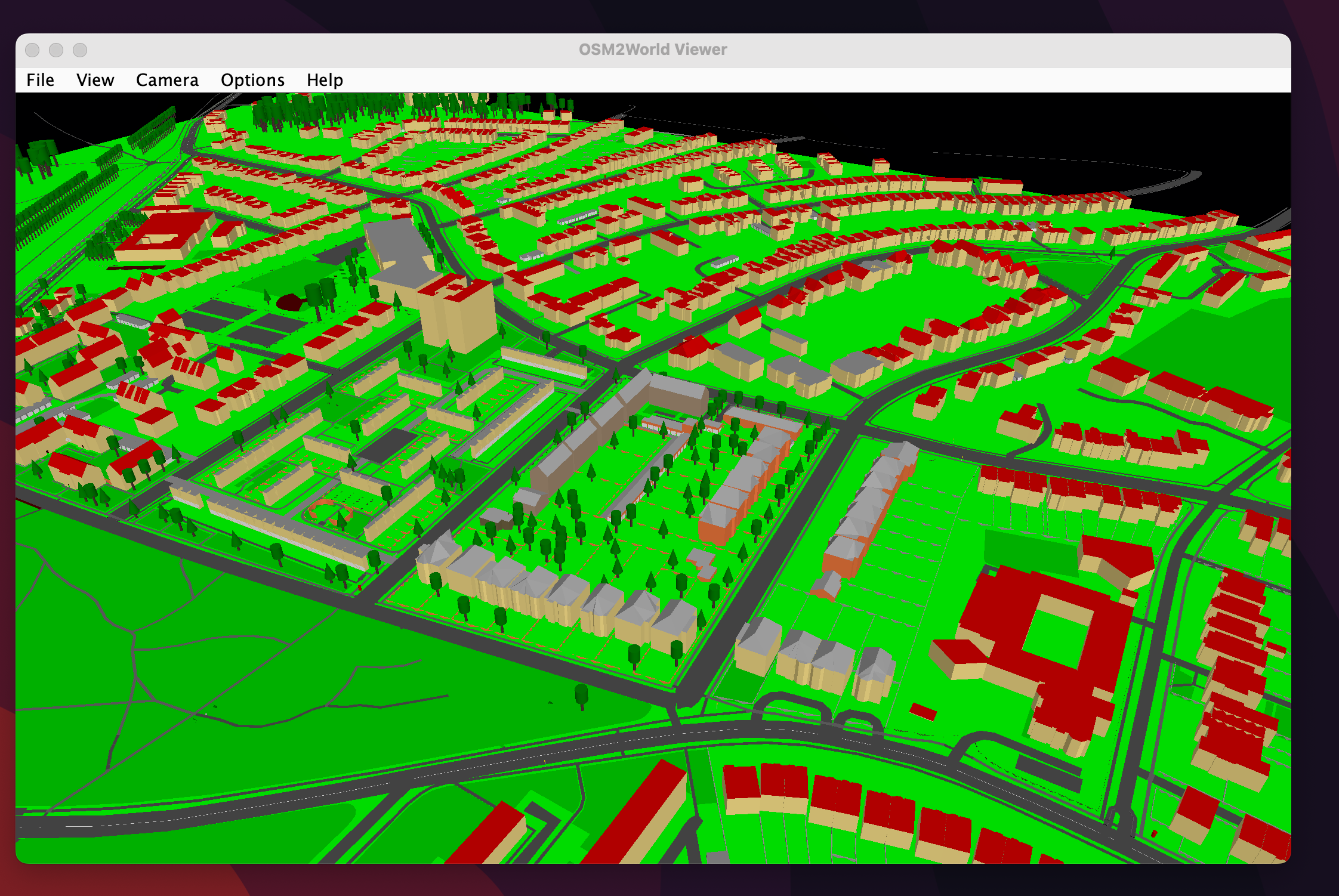
After installing an M1-native Java8 (https://stackoverflow.com/a/73843488/13351126), it works! thank you so much 😄
The error you get when using java8 through Rosetta, for posterity (expand me)
Exception in thread "main" java.lang.UnsatisfiedLinkError: /private/var/folders/28/mvn3_3892cb4fwykn0bk611m0000gn/T/jogamp_0000/file_cache/jln14801305812938588134/jln3604521211879084807/natives/macosx-universal/libgluegen_rt.dylib: dlopen(/private/var/folders/28/mvn3_3892cb4fwykn0bk611m0000gn/T/jogamp_0000/file_cache/jln14801305812938588134/jln3604521211879084807/natives/macosx-universal/libgluegen_rt.dylib, 0x0001): tried: '/private/var/folders/28/mvn3_3892cb4fwykn0bk611m0000gn/T/jogamp_0000/file_cache/jln14801305812938588134/jln3604521211879084807/natives/macosx-universal/libgluegen_rt.dylib' (mach-o file, but is an incompatible architecture (have 'x86_64', need 'arm64')), '/System/Volumes/Preboot/Cryptexes/OS/private/var/folders/28/mvn3_3892cb4fwykn0bk611m0000gn/T/jogamp_0000/file_cache/jln14801305812938588134/jln3604521211879084807/natives/macosx-universal/libgluegen_rt.dylib' (no such file), '/private/var/folders/28/mvn3_3892cb4fwykn0bk611m0000gn/T/jogamp_0000/file_cache/jln14801305812938588134/jln3604521211879084807/natives/macosx-universal/libgluegen_rt.dylib
at java.base/jdk.internal.loader.NativeLibraries.load(Native Method)
at java.base/jdk.internal.loader.NativeLibraries$NativeLibraryImpl.open(NativeLibraries.java:384)
at java.base/jdk.internal.loader.NativeLibraries.loadLibrary(NativeLibraries.java:228)
at java.base/jdk.internal.loader.NativeLibraries.loadLibrary(NativeLibraries.java:170)
at java.base/java.lang.ClassLoader.loadLibrary(ClassLoader.java:2389)
at java.base/java.lang.Runtime.load0(Runtime.java:755)
at java.base/java.lang.System.load(System.java:1953)
at com.jogamp.common.jvm.JNILibLoaderBase.loadLibraryInternal(JNILibLoaderBase.java:604)
at com.jogamp.common.jvm.JNILibLoaderBase.access$000(JNILibLoaderBase.java:64)
at com.jogamp.common.jvm.JNILibLoaderBase$DefaultAction.loadLibrary(JNILibLoaderBase.java:107)
at com.jogamp.common.jvm.JNILibLoaderBase.loadLibrary(JNILibLoaderBase.java:488)
at com.jogamp.common.os.DynamicLibraryBundle$GlueJNILibLoader.loadLibrary(DynamicLibraryBundle.java:427)
at com.jogamp.common.os.Platform$1.run(Platform.java:321)
at java.base/java.security.AccessController.doPrivileged(AccessController.java:318)
at com.jogamp.common.os.Platform.(Platform.java:290)
at com.jogamp.opengl.GLProfile.(GLProfile.java:154)
at org.osm2world.viewer.view.ViewerFrame.createCanvas(ViewerFrame.java:340)
at org.osm2world.viewer.view.ViewerFrame.(ViewerFrame.java:119)
at org.osm2world.console.OSM2World.executeArgumentsGroup(OSM2World.java:205)
at org.osm2world.console.OSM2World.main(OSM2World.java:144)


 tordanik