

 tonesto7
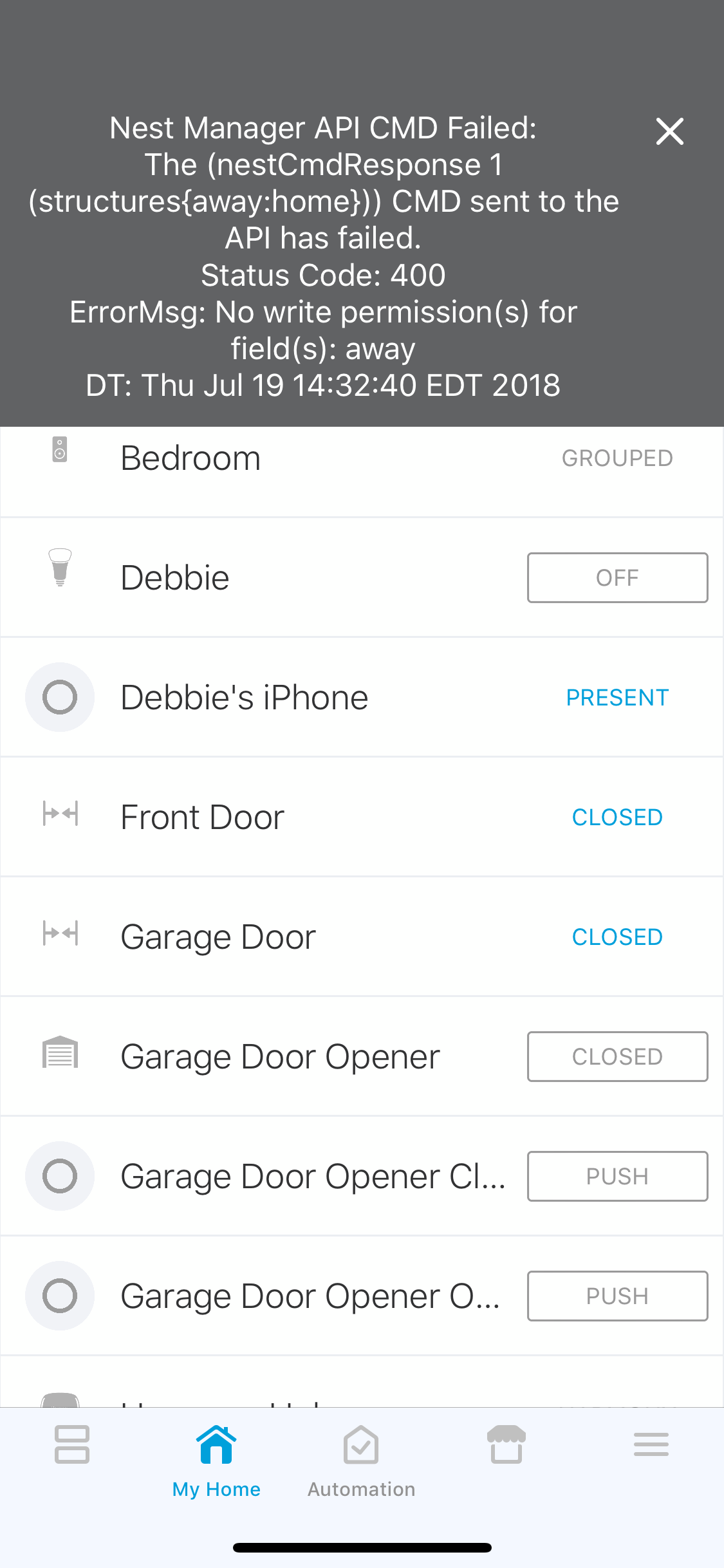
API CMD Failed Error:400
Verify the following before opening an issue:
- [X ] You followed the Nest Developer documentation here? Nest Developer Account Creation
- [X ] That OAuth is Enabled for the SmartApp under the IDE.
- [X ] The SmartApps and ALL (5) Devices Handlers are using the latest code available.
- [X ] You have reviewed the NST Manager Wiki for potential fixes.
- [X ] That ALL SmartApps and Device Handlers have been Published for You in the IDE.
About Your Setup:
- How many Thermostats?: 2
- How many Protects? 1
- How many Cameras? 2
- Using the Nest Presence Device? Yes, Virtual
- Using the Nest Weather Device? No
- iOS or Android?: iOS
- Mobile App Version:2.16.1 (1437)
Expected Behavior
Nest should be set to Away when everyone leavesCurrent Behavior
Error MessageSteps to Reproduce (for bugs)
-
GREAT STUFF!
Context
Please include a copy of your log under the IDE if possible

This is an easy fix. It tells you right in the notification. The permissions on the nest dev product are not set correctly. Please follow the installation instructions very carefully.

Thank you for replying. After reviewing the documents, I cannot find the specifics on how to correct this error. If you can please point me to the specific section, I would appreciate it. Thanks
It’s in the nest developer permissions under https://developers.nest.com
Specifically making sure the permissions match those in the documentation