

 tomusborne
Inline items display as block in the block editor
When creating inline or inline-flex items, they display as block elements in the block editor (one below the other). They display fine in the front end but the backend preview doesn't accurately represent the front end.

This only happens when they're a root block. Unfortunately it's not something we can control right now as the editor requires the root block to be centered with the max-width defined by the theme.

Same thing happens with the headline element. In 1.6 version, root inline headlines were displayed inline in the block editor. What has changed now?
It's true than inline worked for root elements in 1.6, but the elements were no longer centered or within the defined width set by the theme.
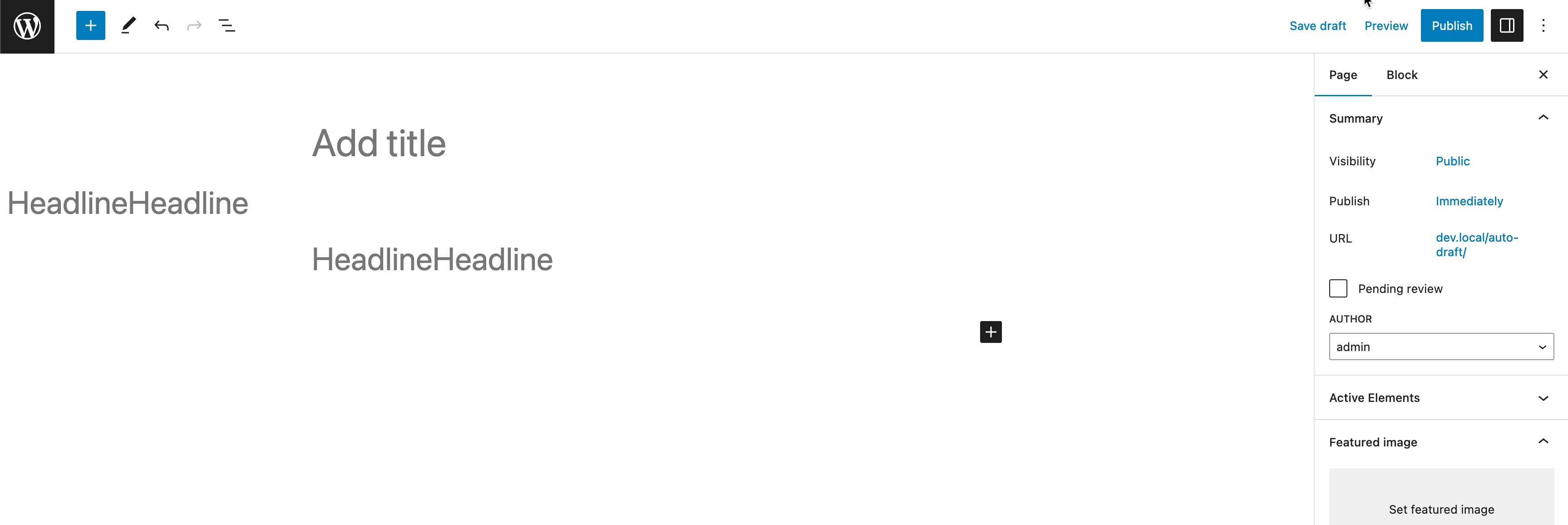
At this point I'm not sure which is better, but I'd rather find a solid solution than go back to the above screenshot.