
Glox
 Glox copied to clipboard
 tomatopickle
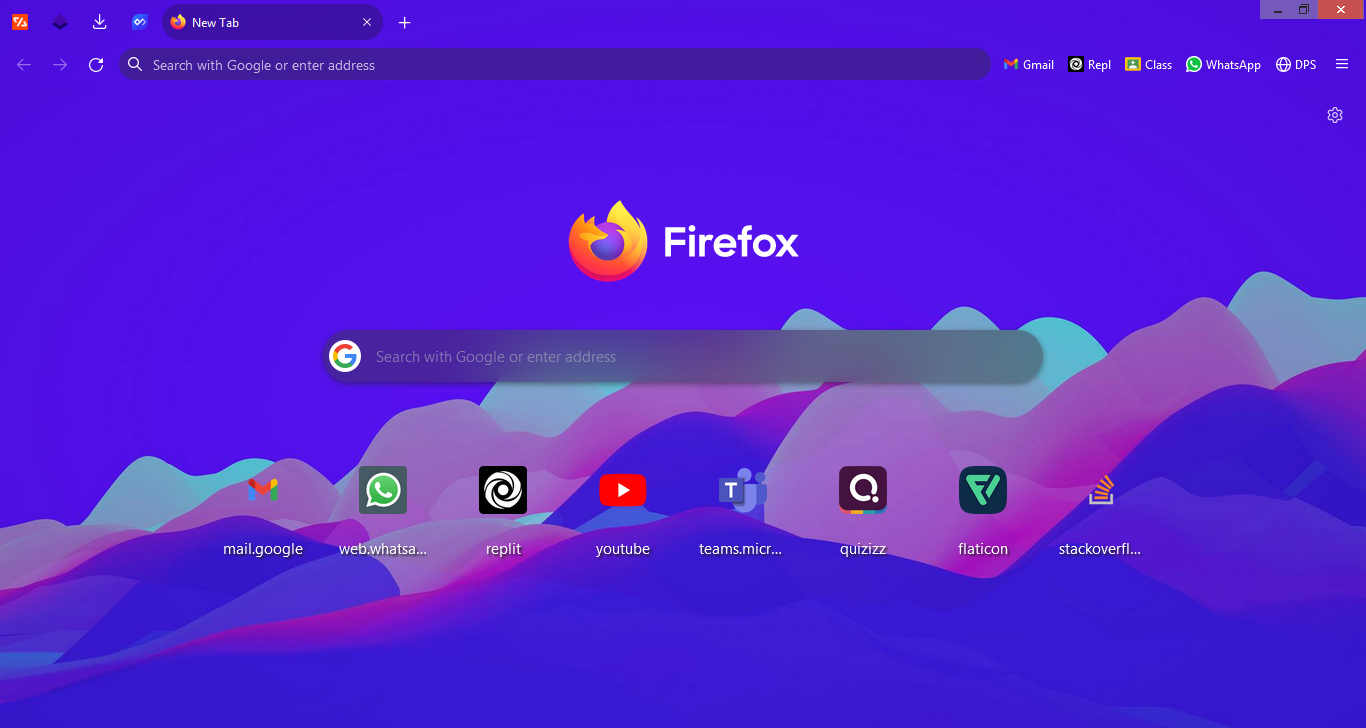
A glassmorphistic Firefox skin, also has round elements
| :exclamation:Warning: This skin won't work with Firefox 96, Please read this comment |
|---|
Glox. Firefox, but better
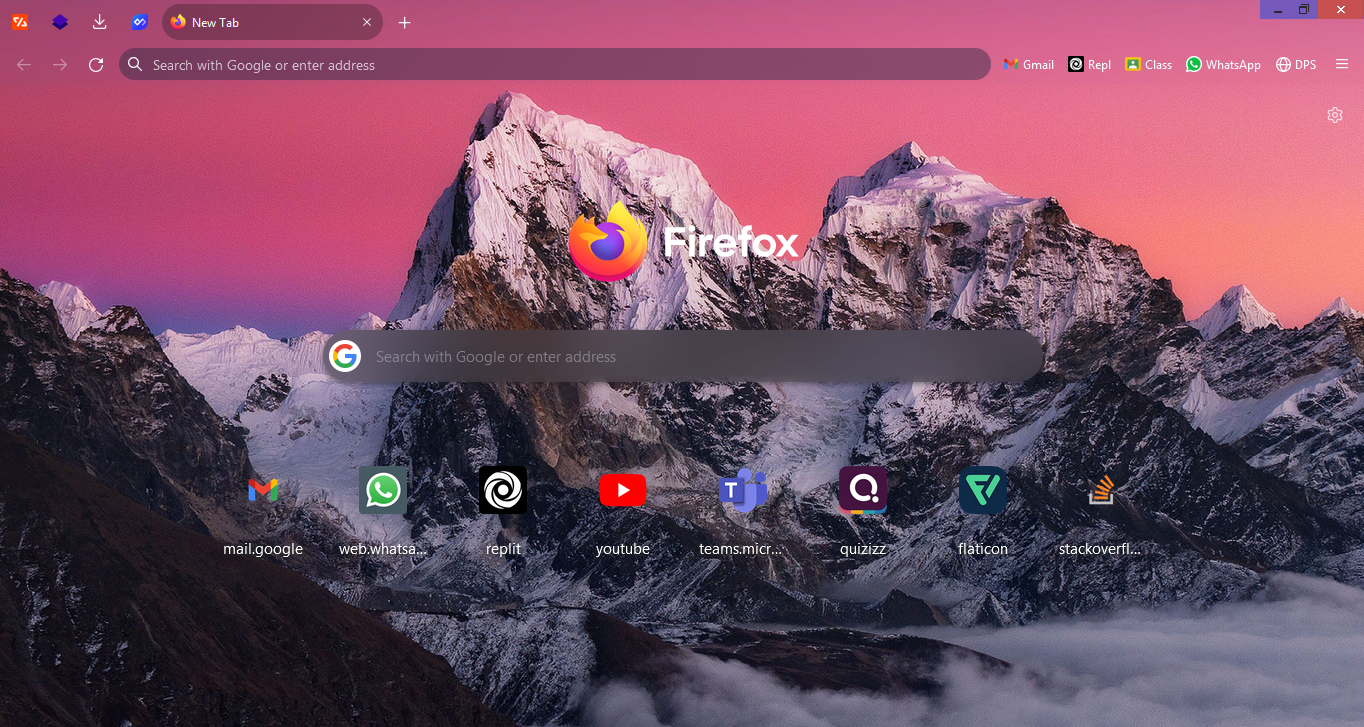
More screenshots
About
This skin makes use of glassmorphism, also makes most parts of the UI round. It also has a blended background (doesn't work with all backgrounds).
Installation
Warning: This skin uses the backdrop-filter property which is still expermental in Firefox
Steps
- Set
toolkit.legacyUserProfileCustomizations.stylesheetsandlayout.css.backdrop-filter.enabledto true in about:config - Go to about:support, open the profile folder
- From that directory, make chrome folder if it doesn't exist
- Download the gloxskin.zip file, unzip all it contents to the chrome folder
- Restart Firefox
Note
- You can change the bg.jpg in your chrome folder to any image you prefer
- It's recommended to use Firefox's default dark theme with this skin
- To truly get the blended background effect, remove the bookmarks toolbar by pressing Cntrl/Cmd + Shift + B or by going to View > Toolbars > Bookmarks Toolbar > Never Show. Place your bookmarks next to the search bar by dragging them in using the cutomize toolbar option. As shown in this image
Other backgrounds
Big Sur light
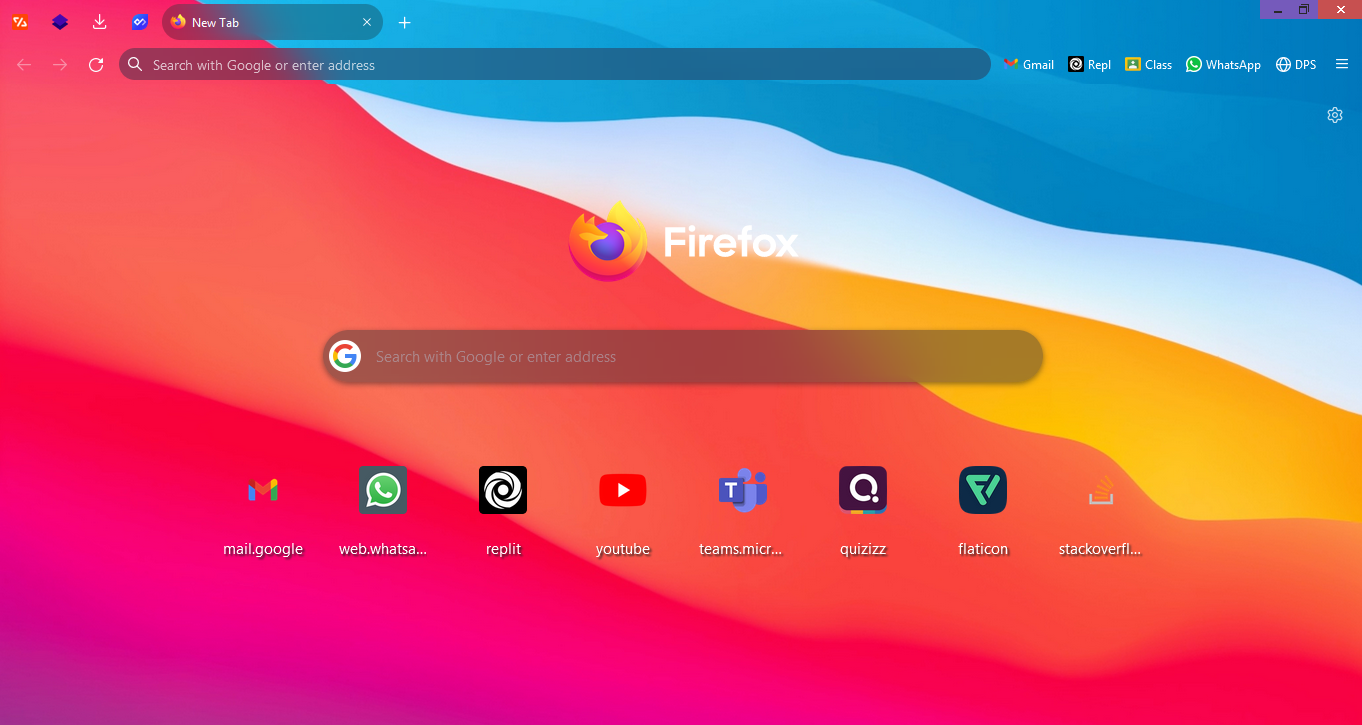
Big Sur Dark
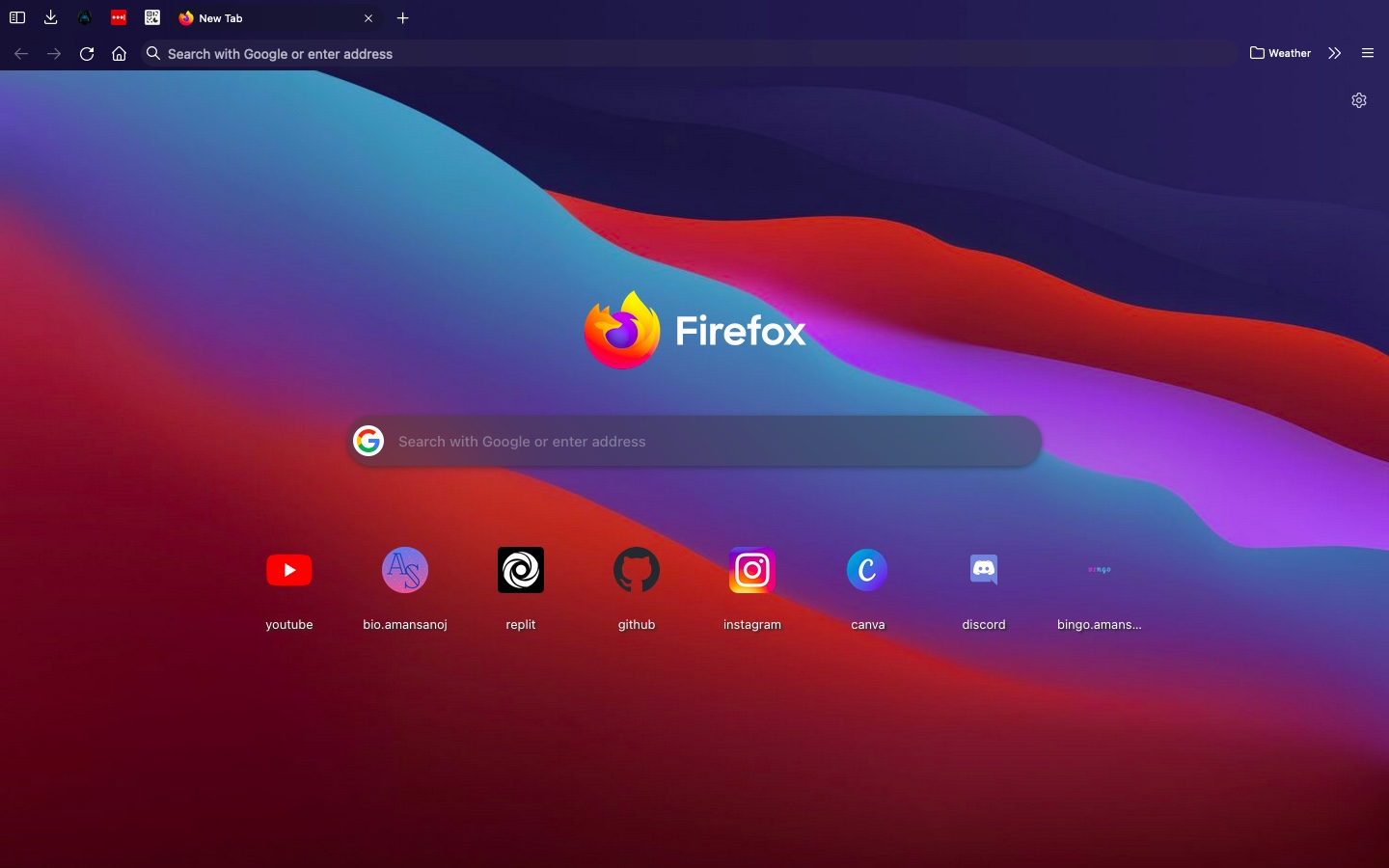
Opera Pink
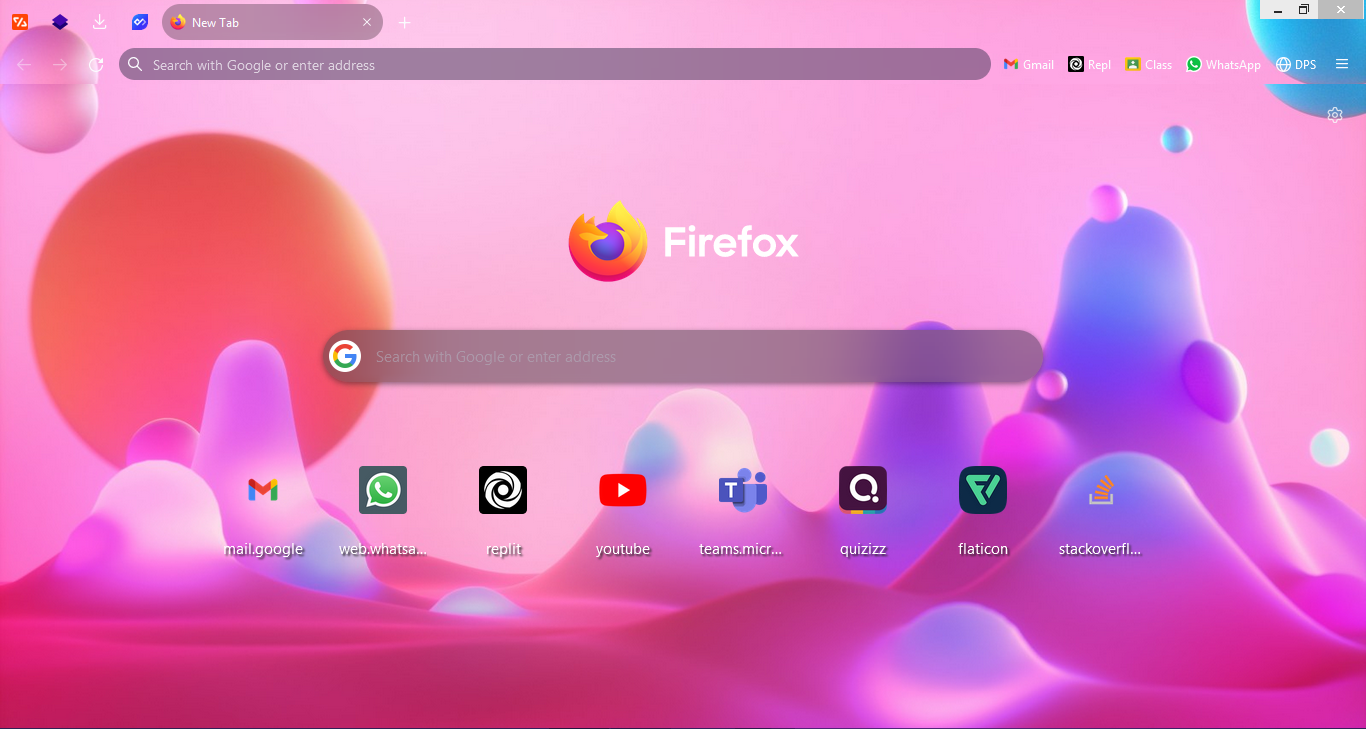
Opera Blue
Credits
Thank you Unnat_297, for giving me the name for this skinMetadata
25
Stars
0
Forks
Watchers
Owner
 tomatopickle
Metadata
A glassmorphistic Firefox skin, also has round elements