tokens-studio
Introduce Onboarding modal flow
Currently when new users launch the plugin for the first time they're presented with a whole lot of our changelog modals but are left alone when it comes to actual onboarding.
We should change that by doing 2 things:
- Change behaviour of when the changelog modals appear if the user launches for the first time by NOT showing the changelog then, instead it should only show if the user previously launched. We keep track of that in the lastOpened state which we use to query while launching the plugin.
- Introduce 3-4 onboarding modals that the user can step through, outlining what the plugin can do, how to use it, how to best get started and where to find help.
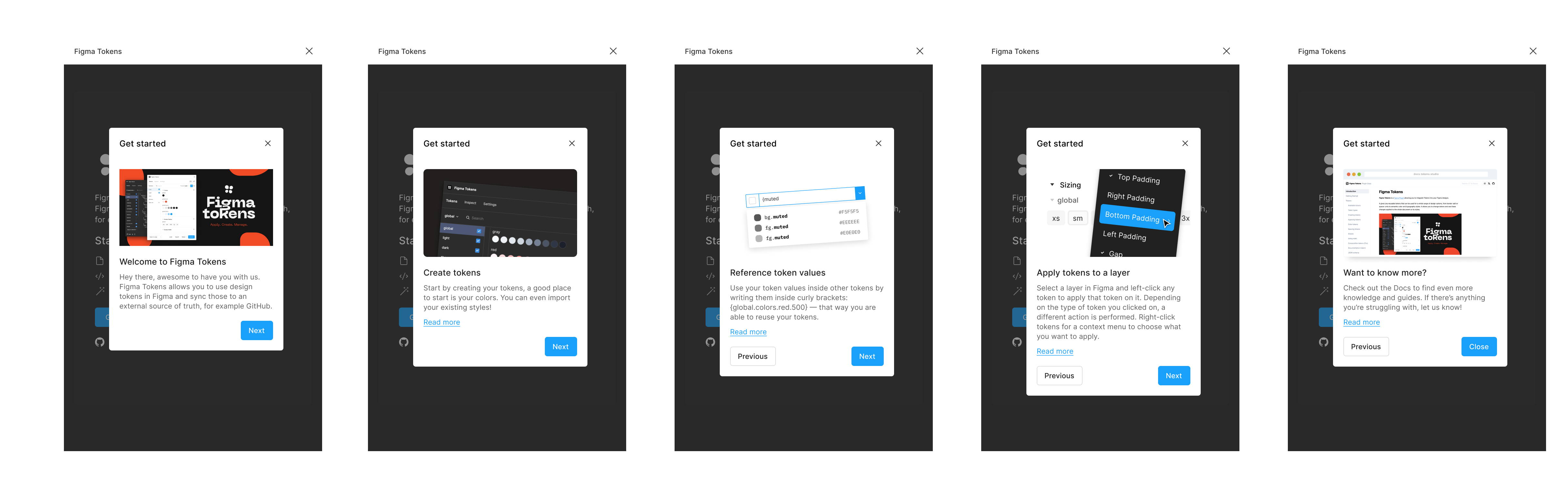
We could just use the same component that we're using for the changelog modals:
Steps and images:
1:
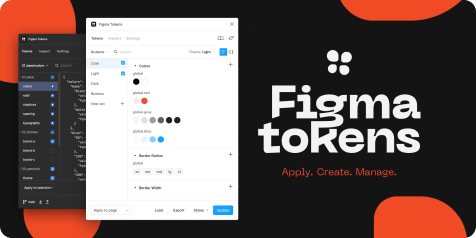
Welcome to Figma Tokens
Hey there, awesome to have you with us. Figma Tokens allows you to use design tokens in Figma and sync those to an external source of truth, for example GitHub.
2:
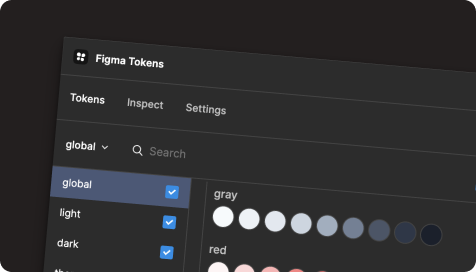
Create tokens
Start by creating your tokens, a good place to start is your colors. You can even import your existing styles!
Read more link: https://docs.figmatokens.com/tokens/creating-tokens
3:
Reference token values
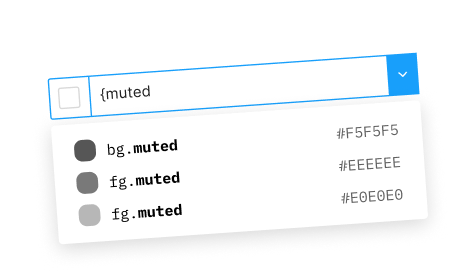
Use your token values inside other tokens by writing them inside curly brackets: {global.colors.red.500} — that way you are able to reuse your tokens.
Read more link: https://docs.figmatokens.com/tokens/aliases
4:
Apply tokens to a layer
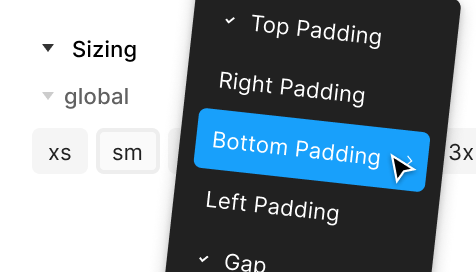
Select a layer in Figma and left-click any token to apply that token on it. Depending on the type of token you clicked on, a different action is performed. Right-click tokens for a context menu to choose what you want to apply.
Read more link: https://docs.figmatokens.com/tokens/applying-tokens
5:
Want to know more?
Check out the Docs to find even more knowledge and guides. If there’s anything you’re struggling with, let us know!
Read more link: https://docs.figmatokens.com