
track-extension

track-extension copied to clipboard
 toggl
toggl
Taiga Integration not working
- Manjaro lLinux:
- Firefox 85.0.1 (64-bit) as well as Google Chrome Version 88.0.4324.96 (Official Build) (64-bit):
- Version 1.69.2 (Firefox & Chrome):
Relevant integration (if any):
- Taiga on
tree.taiga.io - (as well as my self-hosted Taiga-Version)
🐛 Describe the bug
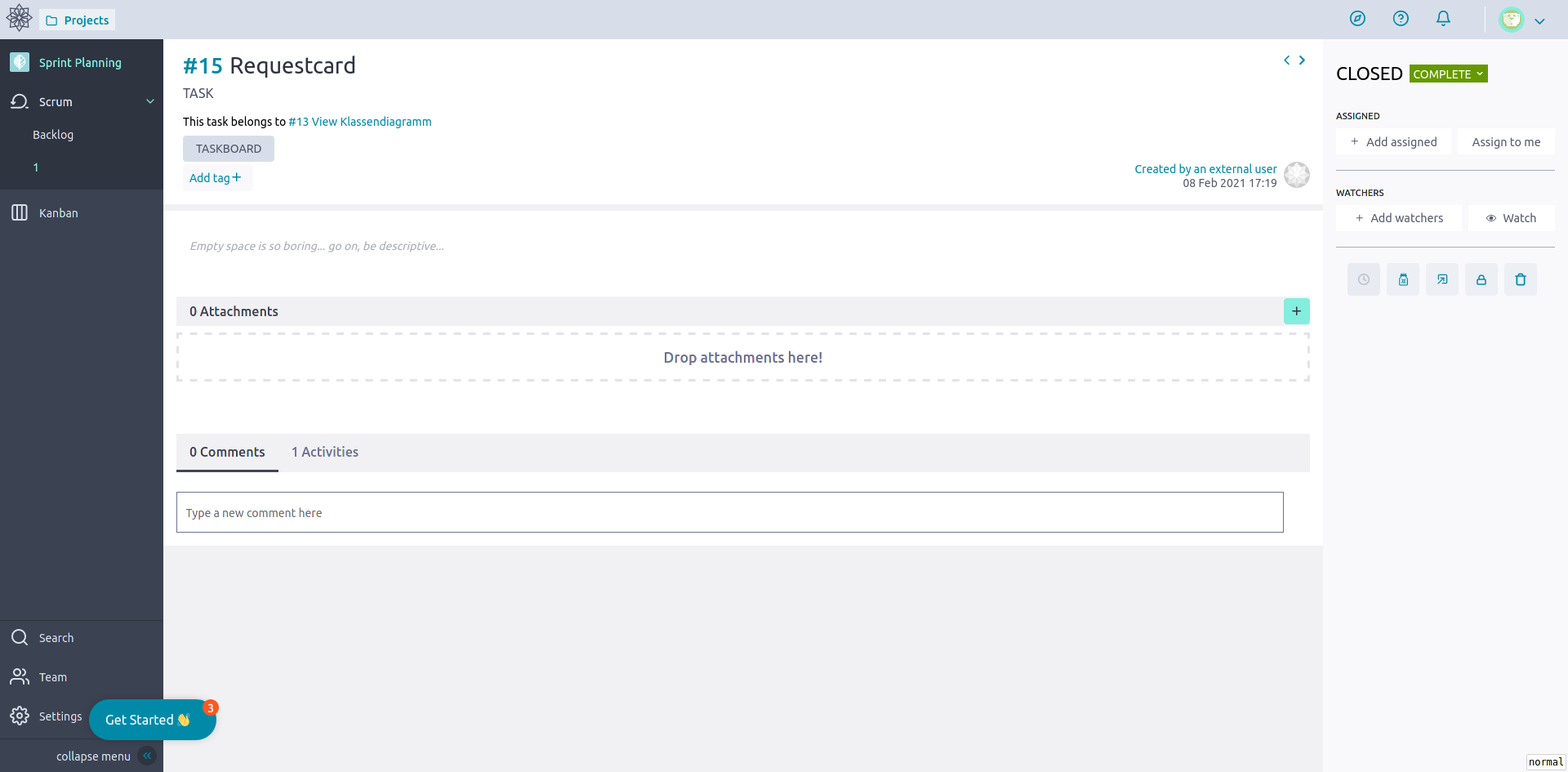
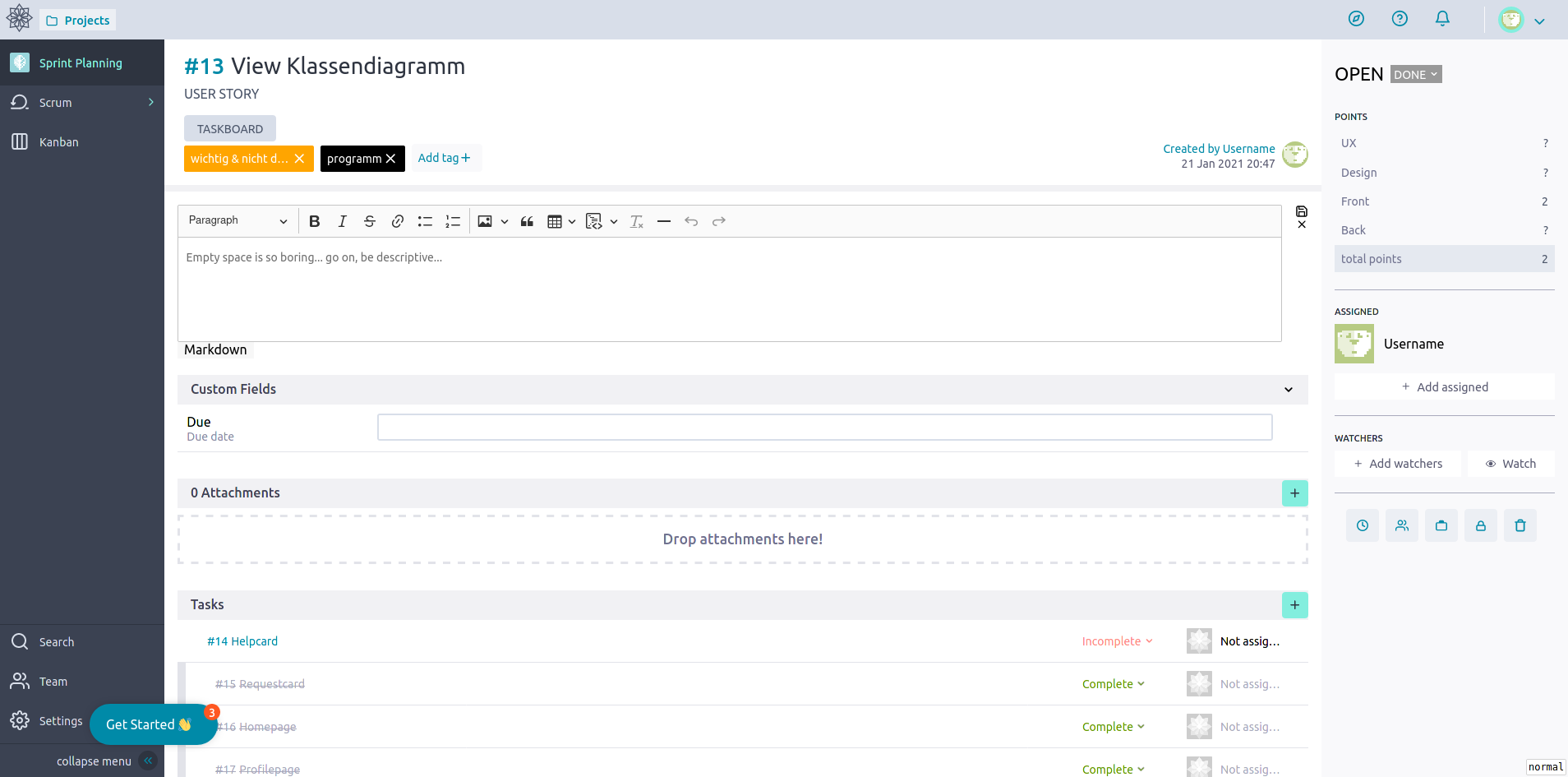
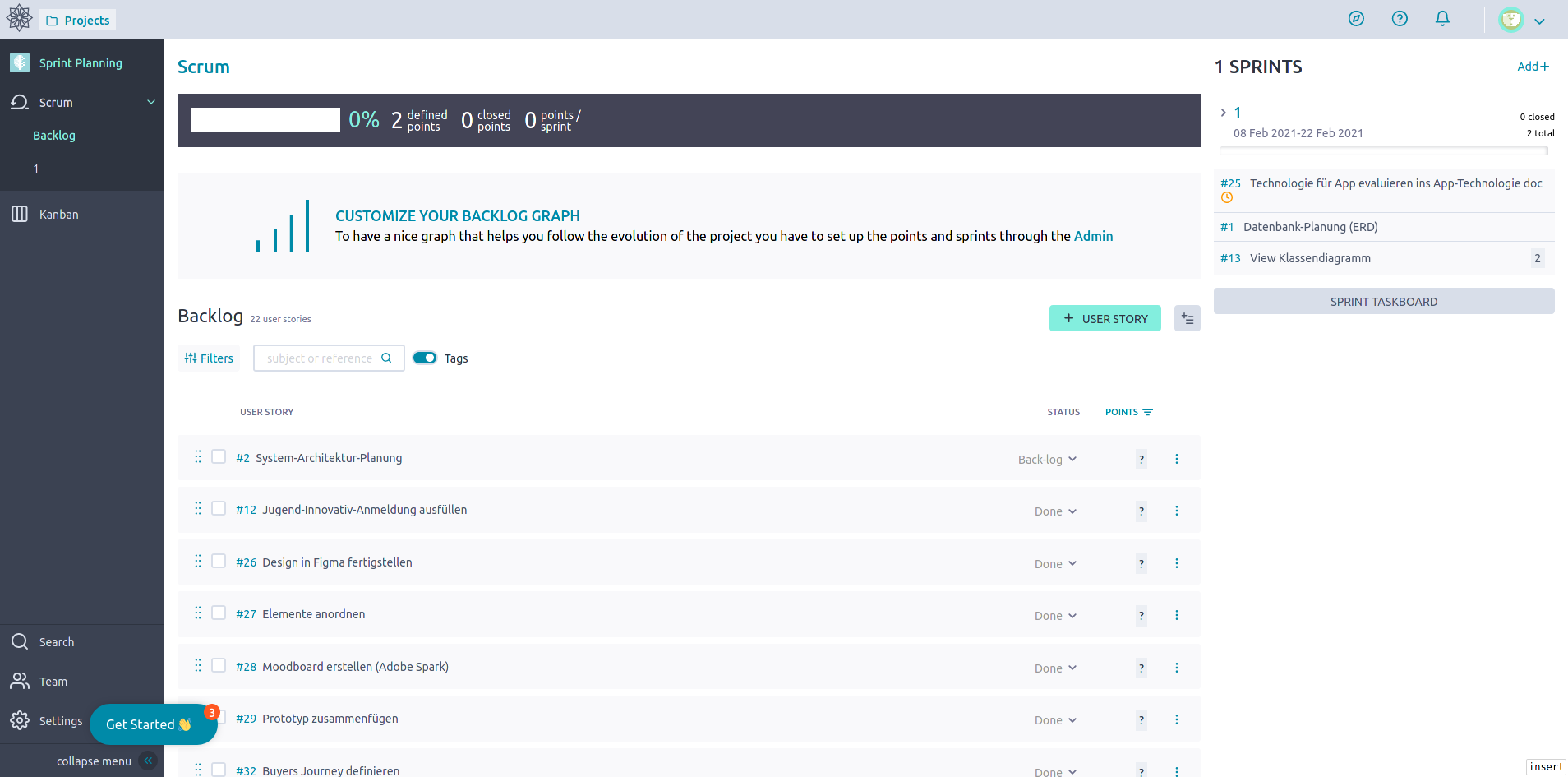
In a Taiga Project, the Toggl-Start-Button doesn't appear anywhere:
- Task-View
- User-Story
- Backlog
and nowhere else
Expected behaviour
That there appears a button, when you enable the taiga extension (or all extensions) from the integrations menu
Steps to reproduce
Steps to reproduce the behaviour:
- Create Taiga-Project
- Download Toggl-Extension
- Enable Taiga Integration (Or all Integrations, Or Taiga for your Custom Domain)
- Open your Taiga Project
- As you can see, you can't see the buttons
Other details or context
- I tried both chrome and firefox, no difference.
- I haven't found any elements that look like they could belong to Toggl in the HTML-Sourcecode.

Remove this page from your website https://toggl.com/track/taiga-time-tracking/
It encourages people to waste their time on installing a plugin that doesn't work, whilst this bug languishes with no comment.

I figured a workaround whilst this bug is worked on. The clockify taiga integration actually works. https://clockify.me/taiga-time-tracking