

 tiny-pilot
Stream doesn't appear in macOS Safari when not in private browsing
Description
I cannot figure out why, but for some reason TinyPilot just doesn't render the stream about 80% of the time when on macOS Safari (tested both Monterey with both Intel and Apple Silicon as well as Ventura beta). However, it works perfectly when in private browsing. It also works perfectly on Edge on Windows and Safari on iOS. I thought it might be my extensions, but the problem still occurs when I disable all of them.
What's the behavior that you expect?
TinyPilot should work as well on normal (non private browsing) on Safari as well as other browsers and Safari on private browsing
What's happening instead?
It just hangs:
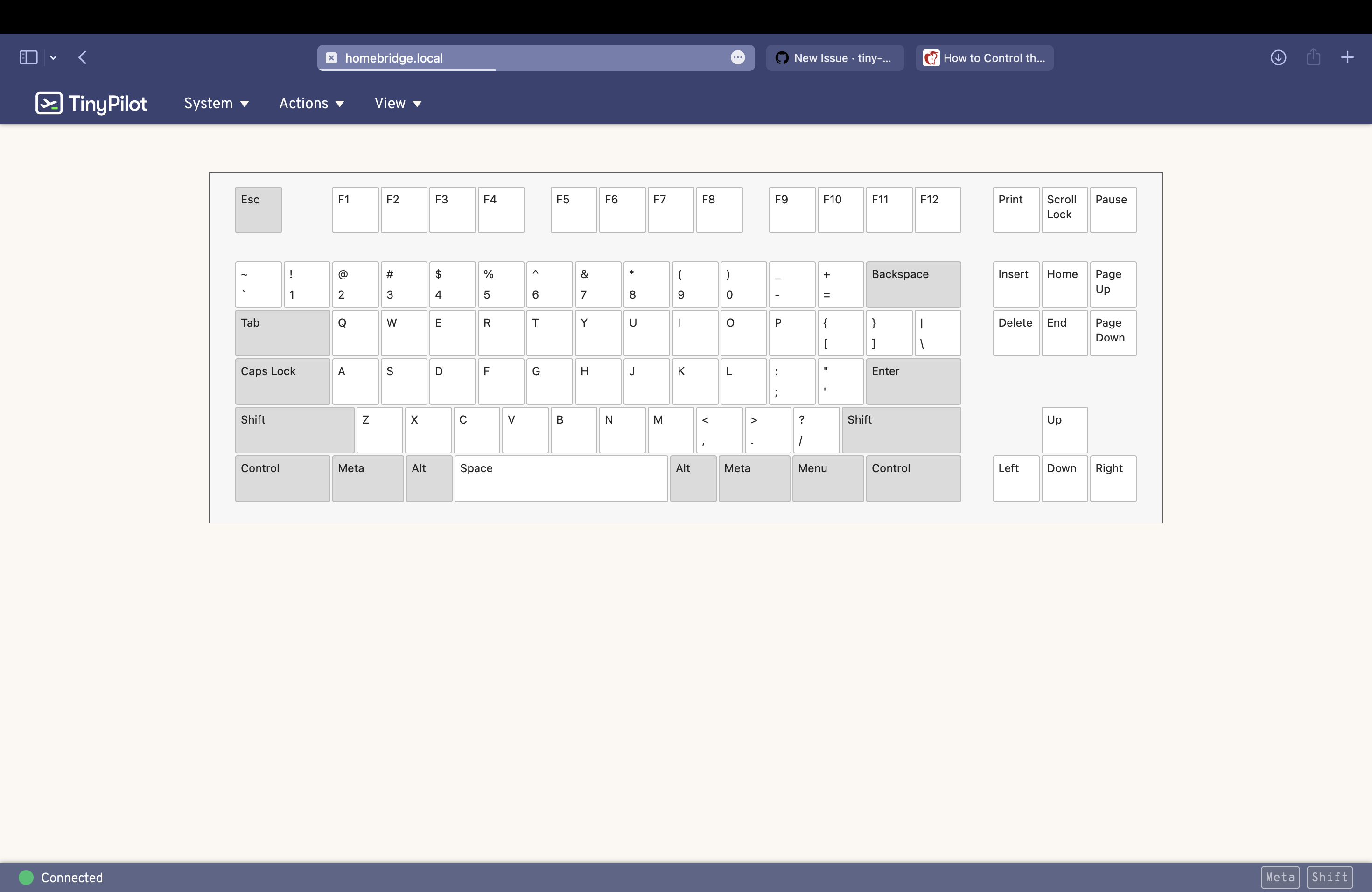
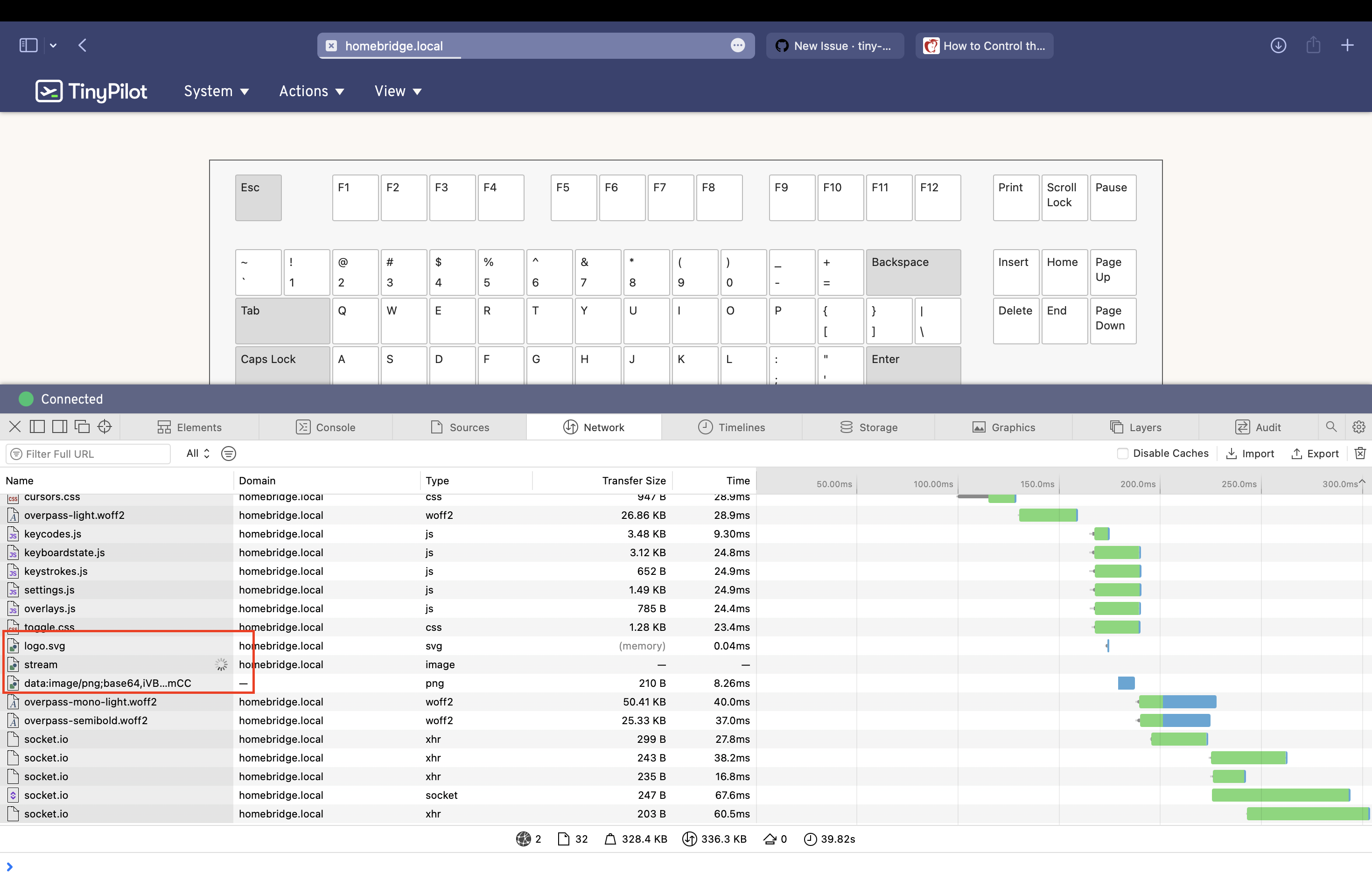
Checking the developer console, the "stream" just keeps hanging:
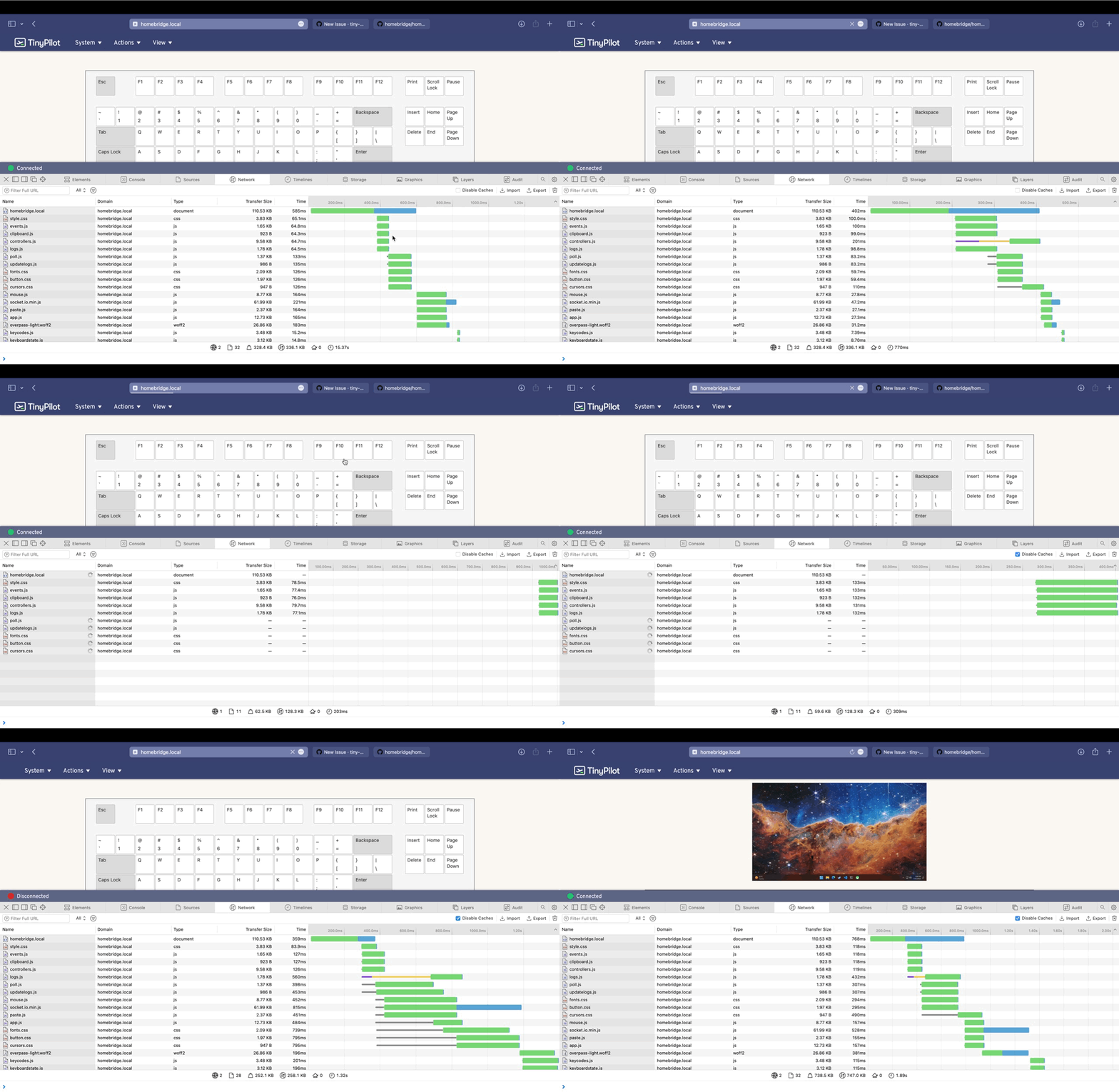
However, if I "disable caches" then it starts to work every time. Here I go to TinyPilot 3 times normally, and it doesn't work. Then I disable caches, and then it works 3 times in a row:
As you can maybe see, I've installed TinyPilot on my raspberry pi 4 with the official Homebridge image. Because Homerbidge is critical to us I can't try a clean install of TinyPilot on an empty device. But I did do a complete reinstall of the Homebridge image + TinyPilot and the issue persists.
What are the steps to reproduce this behavior?
- Open TinyPilot in Safari
- See that it hangs
Screenshots
See above
Logs
https://logs.tinypilotkvm.com/7RFLLu2T

I found a workaround for now, which is to make a cache busting bookmarklet.
Basically, use JavaScript to redirect to TinyPilot's hostname (http://homebridge.local/ in my case) with a random query string at the end:
javascript:location.href = 'http://homebridge.local/' + '?bustcache=' + new Date().getTime()
Encode it using this page https://caiorss.github.io/bookmarklet-maker/
javascript:(function()%7Bjavascript%3Alocation.href%20%3D%20'http%3A%2F%2Fhomebridge.local%2F'%20%2B%20'%3Fbustcache%3D'%20%2B%20new%20Date().getTime()%7D)()%3B
And then it becomes a draggable bookmarklet. Add it to favorites:

And now it works every time!
Thanks for reporting this!
Hmm, I haven't heard of a case like this before.
Is it possible that something on your network is trying to cache responses from TinyPilot?
Maybe we should send an HTTP header that explicitly forbids caching. Instead of the cache busting, could you try running this command:
sudo nano /etc/nginx/sites-enabled/tinypilot.conf
And then add this line:
  location /stream {
      add_header Cache-Control "no-store"; # <<< add this line
      auth_request     /auth;
      auth_request_set $auth_status $upstream_status;
Then restart nginx with sudo service nginx restart.
If you disable the cache busting at that point, do you still see the remote screen fail to load?

Well, this is embarrassing. After your hint
Is it possible that something on your network is trying to cache responses from TinyPilot?
I realized that I had the eero lab setting for local DNS caching turned on. I turned it off and rebooted the mesh system, and the problem stopped happening (no need for cache busting)🥳.
To make sure that was the culprit, I turned it on again, rebooted, and still I cannot reproduce the issue. So, maybe my router just need to be rebooted? 😅
Given this, I didn't try the nginx thing. I'll keep monitoring and see if the issue comes back.
DNS caching actually shouldn't affect this, as it seems like something is caching at the HTTP layer.
If you do see this recur, feel free to reopen and let me know if the nginx change resolves the issue.
Problem is back. Before I restarted my router I figured I should try the nginx thing. Doesn't seem to fix it, but now the problem manifests a little differently with the page just blank with no loading bar like before.

But if I check the network tab I do see the stream loading icon. But this is also the case even when it is working.
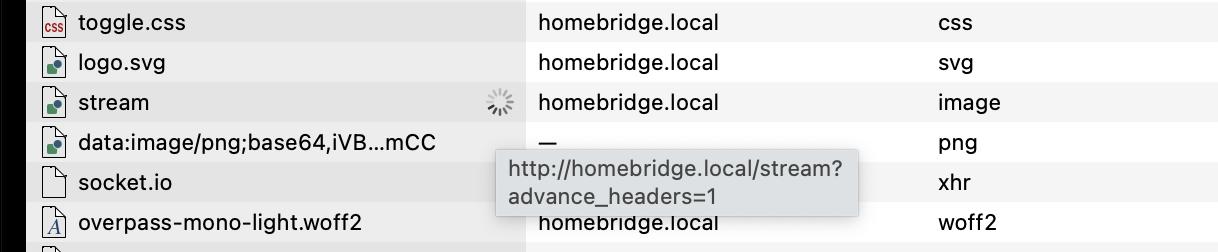
EDIT: if I drill in to the stream request I see that it hangs
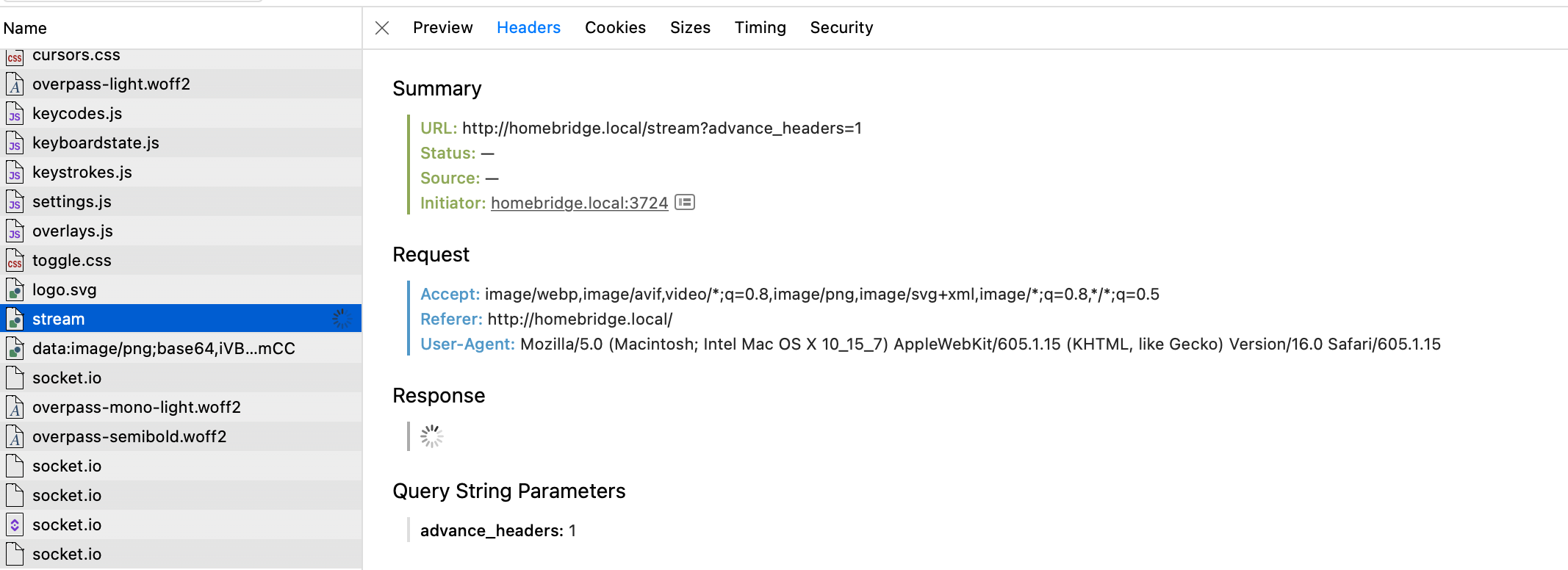
Lastly, using private browsing or disabling caches in the developer tools fixes the issue. Cache busting also works.
https://logs.tinypilotkvm.com/sjOE6PHP
That's strange, and I'm surprised the nginx cache doesn't do anything. I can't figure out why the response just never returns without the cache busting parameter.
Does this reproduce in other browsers or is it limited to Safari?
Really not sure what's going on. I turned off DNS caching and restarted my router and now the problem doesn't occur anymore. Maybe it'll come back like it did last time. And yes, it was only ever in Safari.