
TABAnimated

TABAnimated copied to clipboard
 tigerAndBull
请问是否支持开/关单个 view 的骨架图?高度自适应的 cell 只能靠假数据撑开不能设置骨架的高度吗?
开发者您好,我在使用 QMUI (腾讯的开源库)尝试为自适应的 cell 添加骨架时遇到以下问题,想请教下您:
- QMUITableViewCell
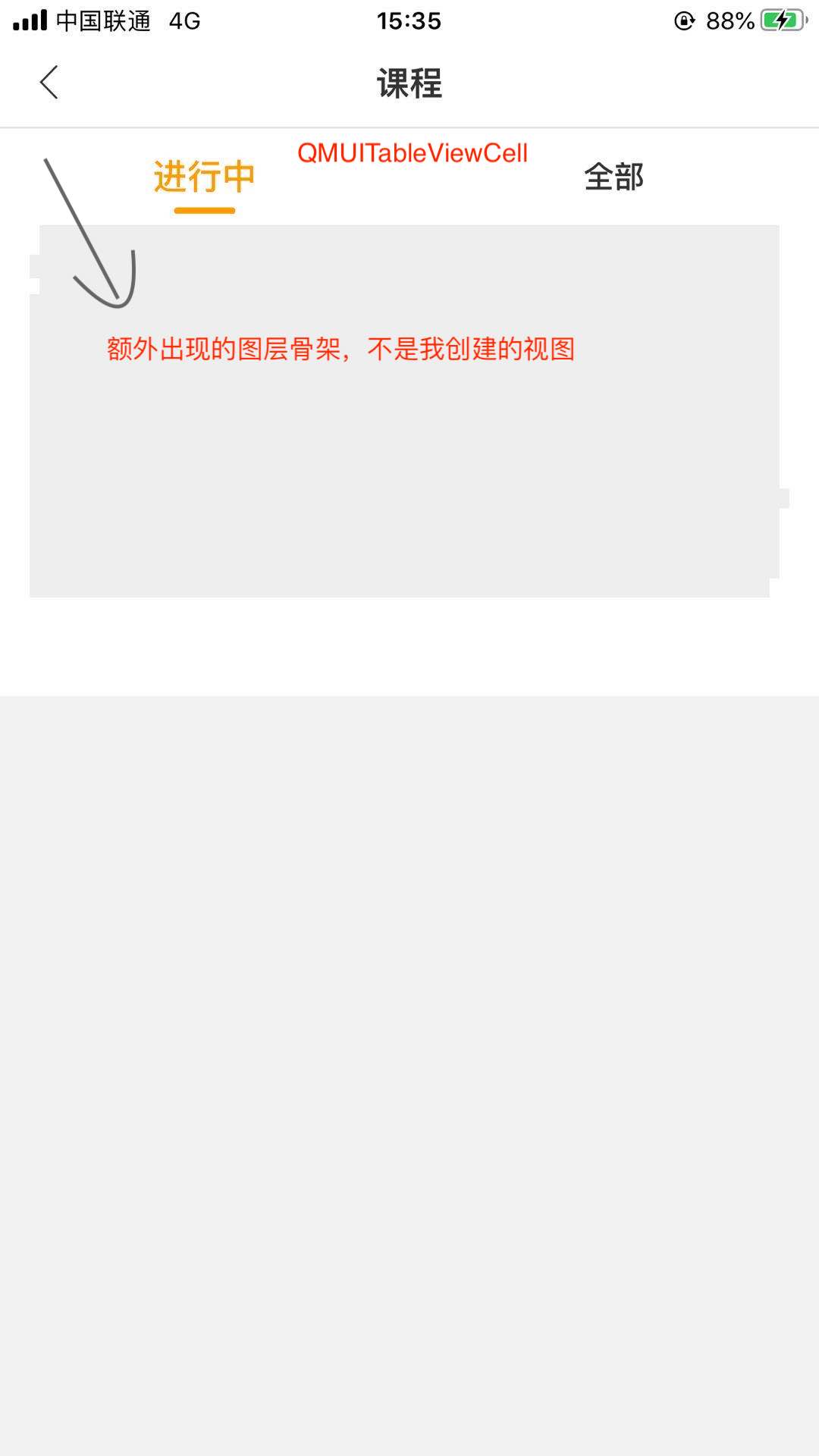
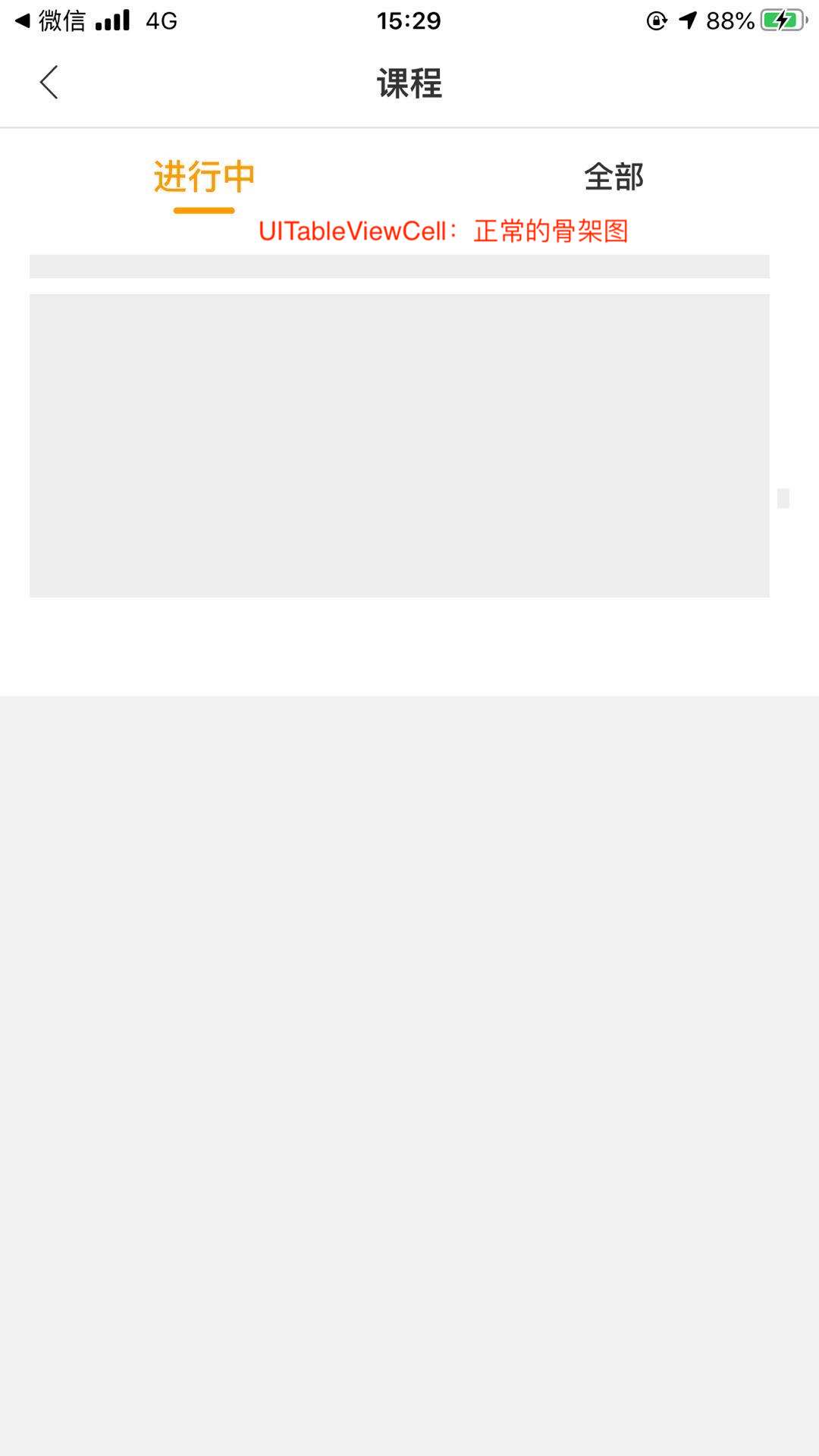
我在使用 QMUITableViewCell 时,会出现额外的图层,遮挡住了我自己创建的视图⬇️
-
是否支持类似「SkeletonView」这个第三方库的 isSkeletonable 属性开关单个 view 的骨架? 为了解决类似 「1.」的问题,请问是否有单个视图开关骨架的属性?我试着找了下没发下相关属性..
-
是否自适应的 cell 只能靠假数据撑开高度? 在 Demo 的 「TestLayoutTableViewController」看到如下提示:
        _tableView.estimatedRowHeight = 100;
        _tableView.rowHeight = UITableViewAutomaticDimension;
        _tableView.backgroundColor = [UIColor tab_normalDynamicBackgroundColor];

        // 设置tabAnimated相关属性
        // 可以不进行手动初始化,将使用默认属性
        // 自适应高度需要在cell中用假数据撑开,不能保证撑开的完全没有问题,而且高度不能调整,目前没有确定最终的适配方案
        _tableView.tabAnimated = [TABTableAnimated animatedWithCellClass:[TestLayoutCell class]];
        _tableView.tabAnimated.animatedCount = 20;
        _tableView.tabAnimated.adjustBlock = ^(TABComponentManager * _Nonnull manager) {
            manager.animation(0).line(1);
        };
// 类似⬇️这种设置 cellHeight 对自适应的 cell 没用吗?
TABTableAnimated.init(cellClass: CourseSubTableViewCell.self, cellHeight: CourseSubTableViewCell.skeletonHeight)

- QMUITableViewCell里有添加组件,默认是会加载它,你可以用第2条将不需要的元素移除。
- 单个视图开关用manager.animation(x).remove();
- 自适应高度无法手动控制高度,只能撑开,用链式语法的api进行微调。

v2.2.6废弃了animatedWithCellClass ,
使用animatedWithCellClass:cellHeight:已经可以自行设置自适应cell的高度了。