

 thomaskeck
OSError: [WinError 126] The specified module could not be found
Hi, Sorry if it is a simple error but I need some help. I am trying to import FastBDT in my file but it doesn't work. I am on Windows 7 with python 3.6
- I have downloaded cmake then run 'cmake .' in the terminal and got some new files, as we can see on the image below. (I don't know if it was even necessary to do this if I only want to use this library in python). I also got a small error saying that it could not find GTest.

- Then in this same directory in the terminal I have run the command 'python3 setup.py.in install'
- Finally when I try to run the example code an error arrives, print screen below.

Does anyone know how to solve this problem please? Thank you
PS: it's my first issue post, sorry if it is not well written

Hi Jonathan,
no worries, that's a pretty good bug report. Can you check what files are in the directory site-packages\PyFastBTD given in one of the error messages. If there's a .dll file you need change the .so in the code to .dll and it should hopefully work.
I don't think the author (Thomas) is using Windows that often so support may be lacking. I'll try to build it on Windows myself in the next days.
Regards, Steffen
On 16 Mar 2018 20:00, "Jonathan Addo" [email protected] wrote:
Hi, Sorry if it is a simple error but I need some help. I am trying to import FastBDT in my file but it doesn't work. I am on Windows 7 with python 3.6
- I have downloaded cmake then run 'cmake .' in the terminal and got some new files, as we can see on the image below. (I don't know if it was even necessary to do this if I only want to use this library in python). I also got a small error saying that it could not find GTest.
[image: p1] https://user-images.githubusercontent.com/36447056/37539106-13305cc2-2953-11e8-8b77-12babe142a2b.png
- Then in this same directory in the terminal I have run the command 'python3 setup.py.in install'
- Finally when I try to run the example code an error arrives, print screen below.
[image: p2] https://user-images.githubusercontent.com/36447056/37539475-19c5675c-2954-11e8-96a8-c9edbb6d36aa.png
Does anyone know how to solve this problem please? Thank you
PS: it's my first issue post, sorry if it is not well written
— You are receiving this because you are subscribed to this thread. Reply to this email directly, view it on GitHub https://github.com/thomaskeck/FastBDT/issues/10, or mute the thread https://github.com/notifications/unsubscribe-auth/AAWI7cXwzGOYaEmXhZUbvQY_rHW8SU1Dks5tfAvlgaJpZM4SuSfZ .

Hi Steffen, Thank you for your quick response! I have change the only .so in .dll in the file (cercle in red). Unfortunately I still get the same error.
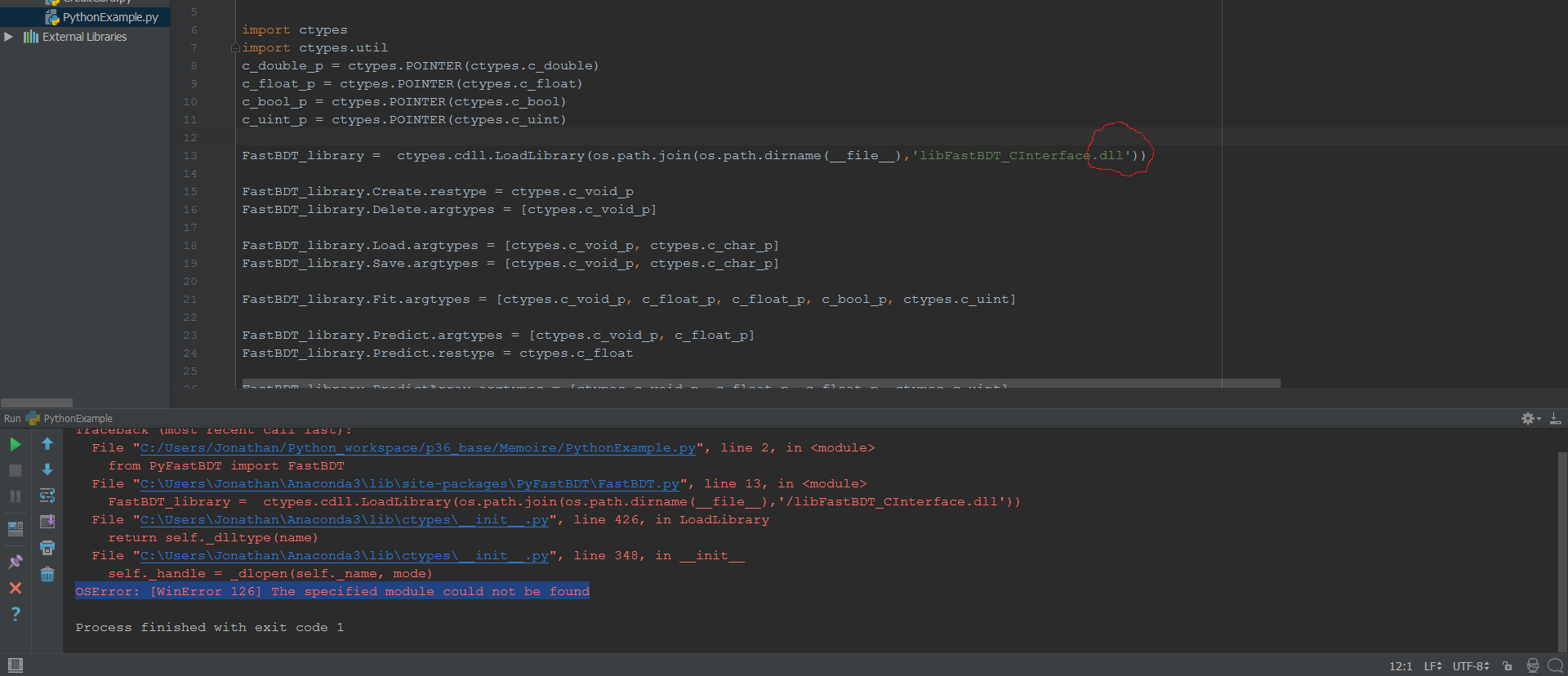
Did you check that there's a .dll file in the site-packages directory? If yes you could try to change the / to a . If not it's going to be more complicated.
Yes sorry I forgot to tell you and no there is no .dll file in this directory. Right now I'm trying to run the PythonExamples.py in a Virtual machine that has Debian but now I get this error.
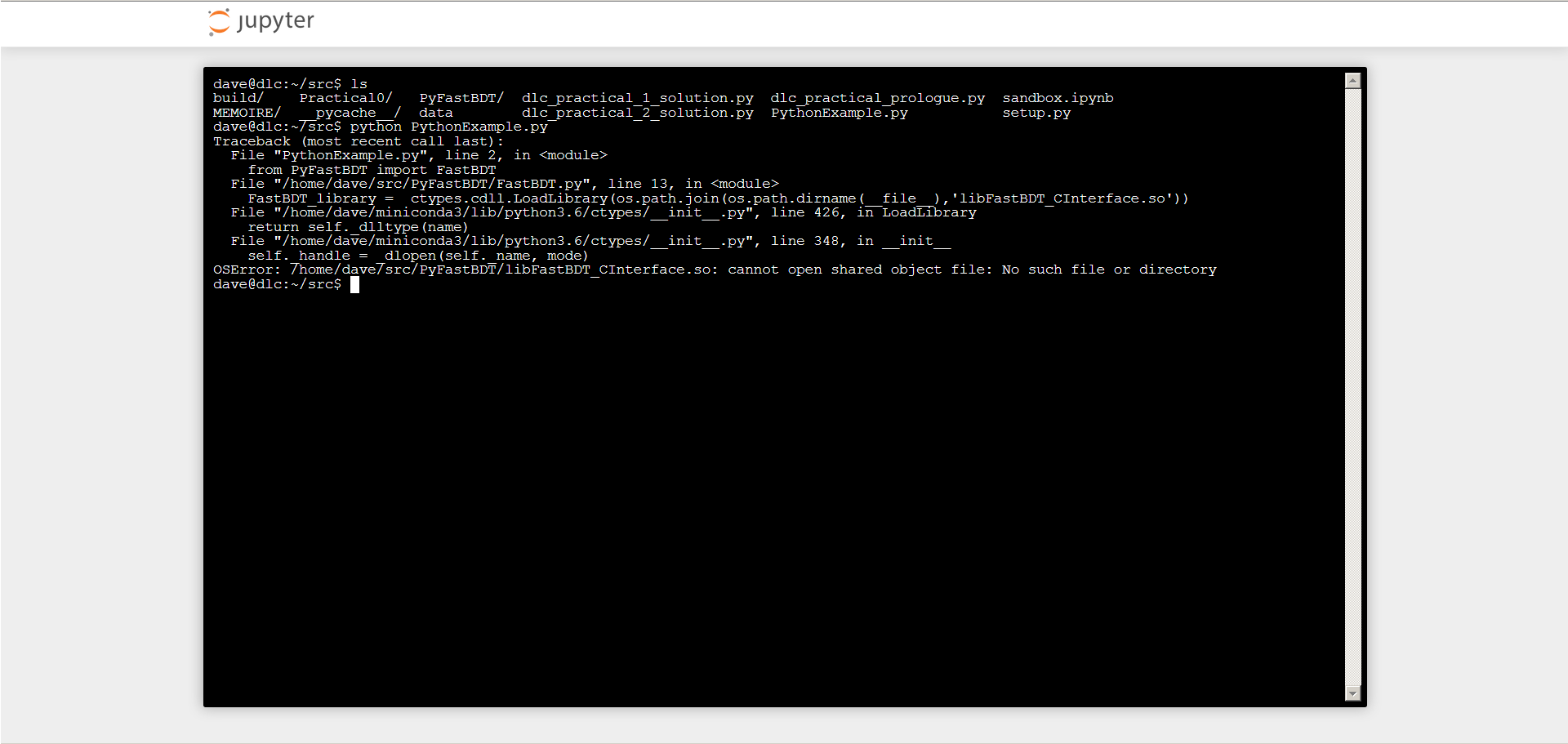
Since it's from my University I believe they have disable any 'sudo' command, because I get a 'not allowed...'.
Thank you for helping me
Hi, So I have installed Ubuntu in a Virtualbox and so now I can have full access to this OS. But as on my previous comment I still get the same error 'OSError: /usr/local/lib/python3.5/dist-packages/PyFastBDT/libFastBDT_CInterface.so: cannot open shared object file: No such file or directory
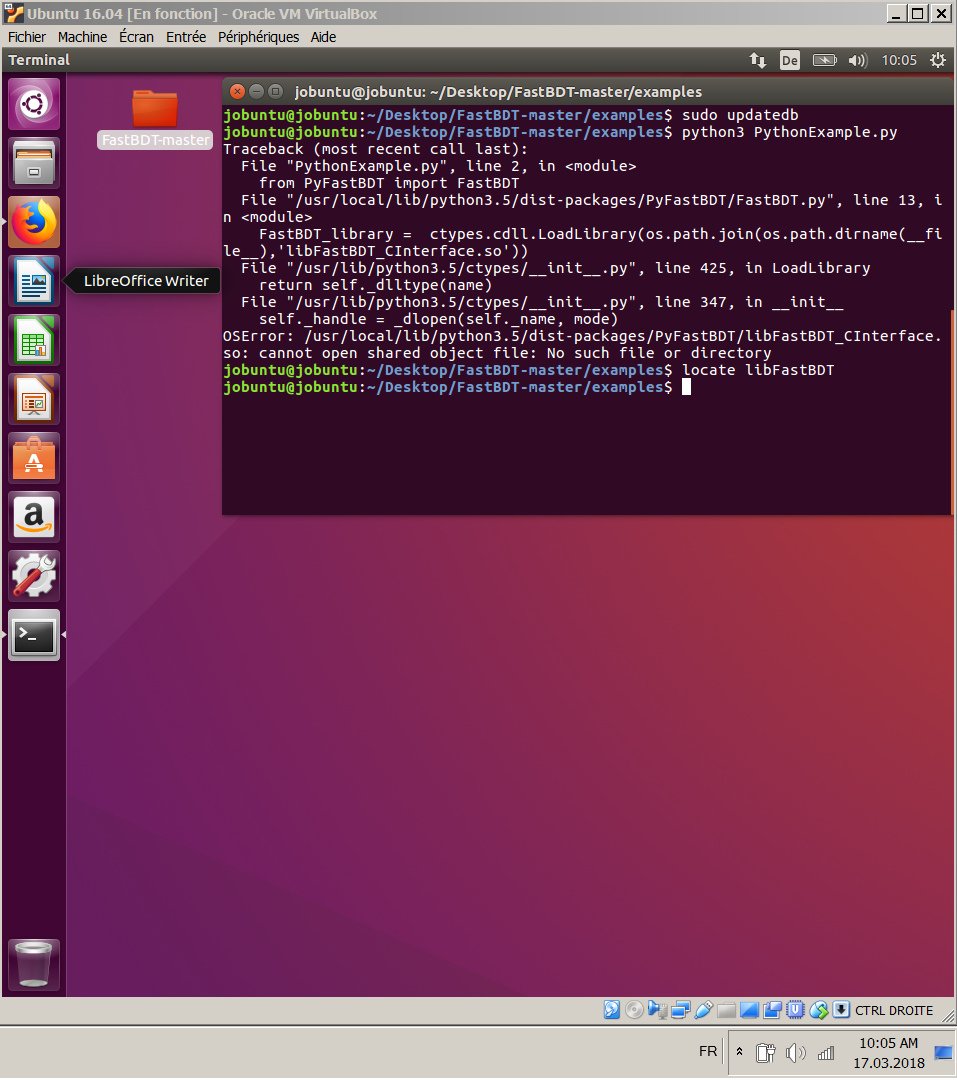
I guess it would be easier for you to help me now. I am a total beginner in Linux, I guess you already noticed lol
Thank you
Seems like you're missing packages to actually build the library. python setup.py install should give you error messages. Try sudo apt-get install cmake build-essentials g++ gcc
Btw, usually the way to install python packages is to create a virtualenv, activate it and install the packages in there.
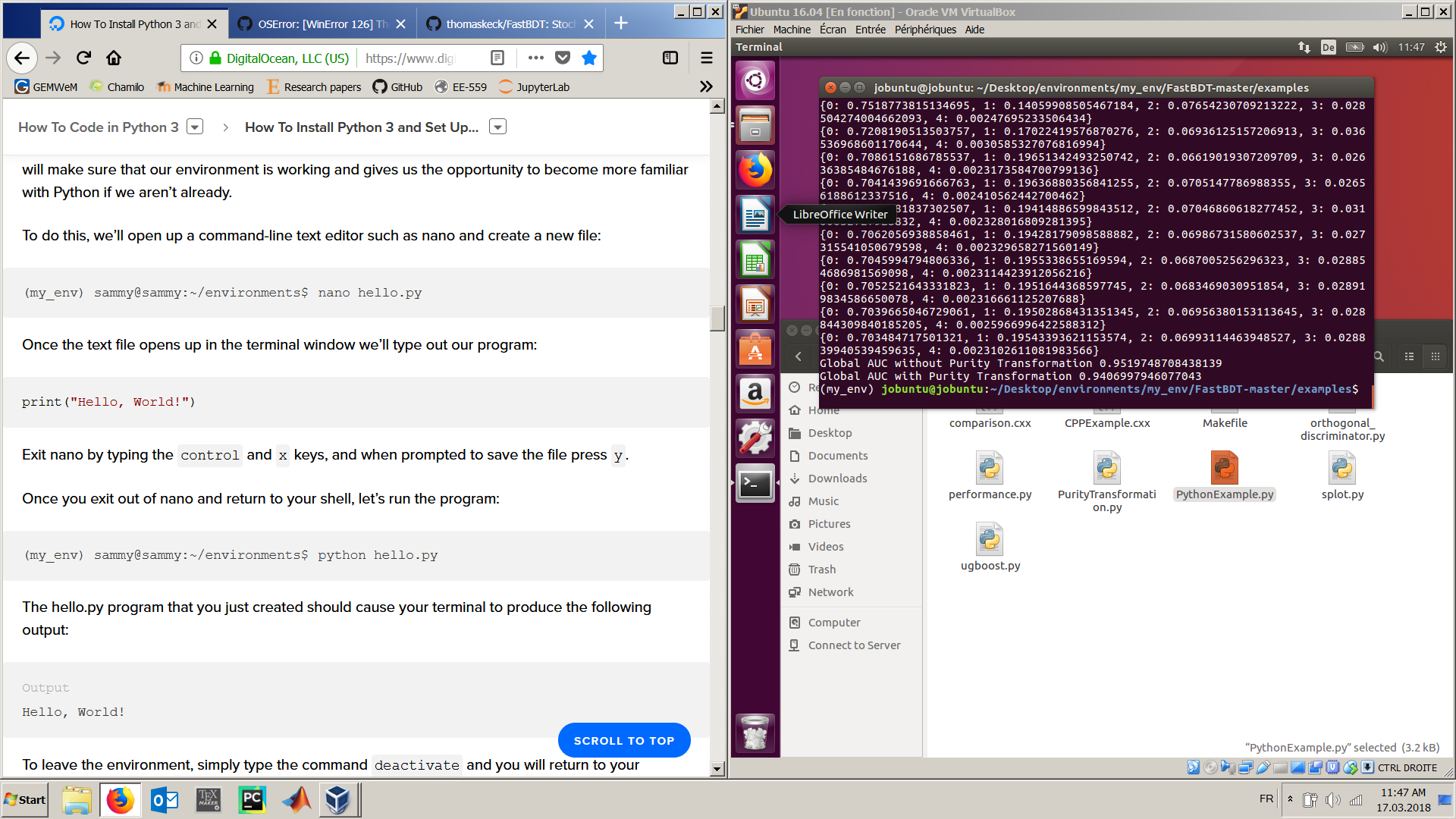
It worked!
Thank you very much for your help Steffen! I wish you a pleasant weekend
Jonathan