
node-google-spreadsheet
 node-google-spreadsheet copied to clipboard
Published
20 hours ago •
 theoephraim
theoephraim
Error: Cannot read property 'rowCount' of undefined for google spreadsheets that contain Chart sheets
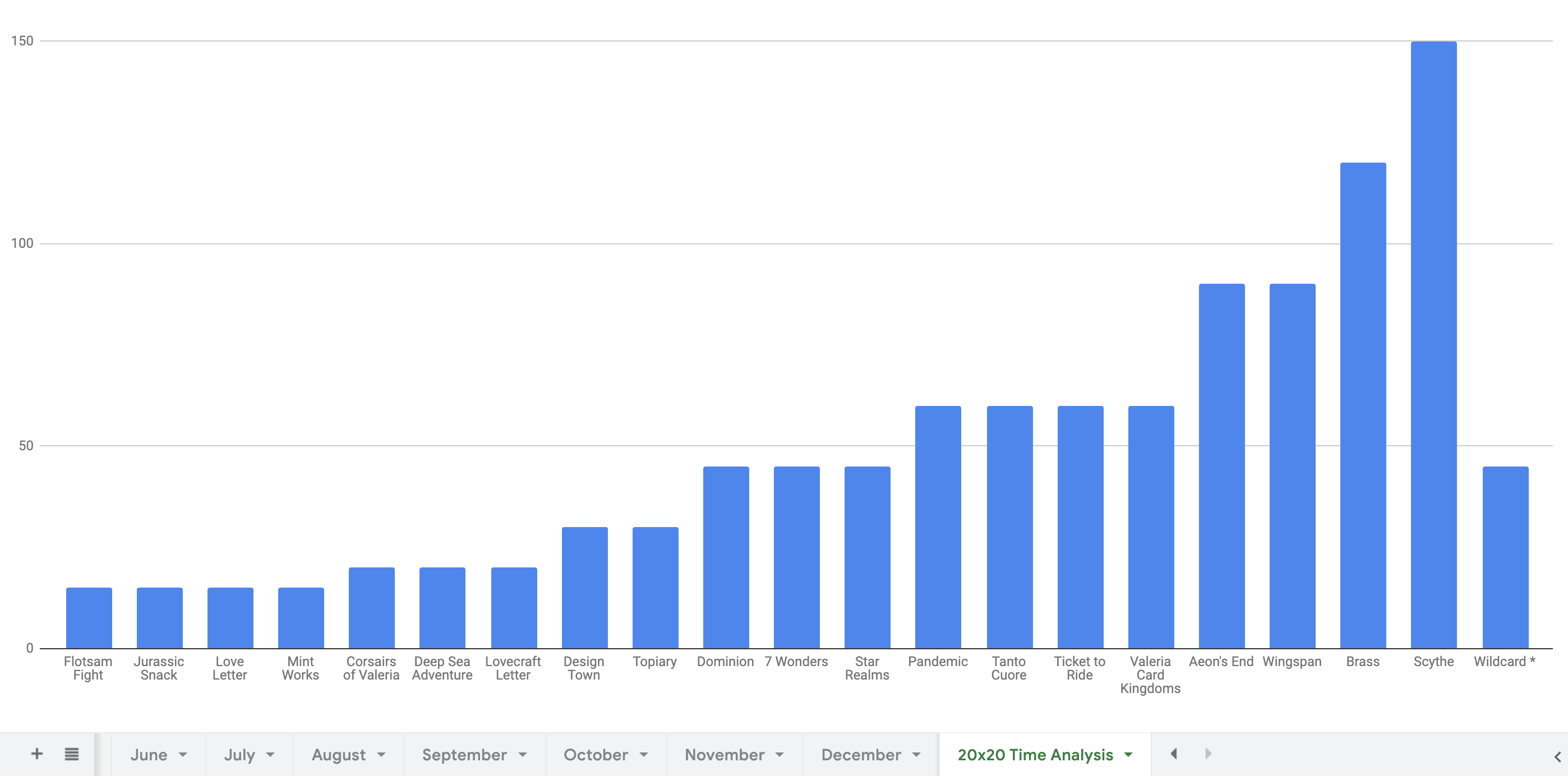
Using a multi-tab spreadsheet that contains a chart as one of the tabs:
Example code:
function getCells(worksheet) {
  const { title, index } = (worksheet || {})._rawProperties
  try {
    await worksheet.loadCells()
    console.log(worksheet.rowCount)
  } catch (ex) {
    console.warn('Get cells failed for worksheet:', { title, index }, 'Error:', ex.message, ex)
  }
}
Throws an error in GoogleSpreadsheetWorksheet.js:131:32:
Get cells failed for worksheet: { title: '20x20 Time Analysis', index: 13 } Error: Cannot read property 'rowCount' of undefined TypeError: Cannot read property 'rowCount' of undefined
    at GoogleSpreadsheetWorksheet.get rowCount [as rowCount] (/Users/john/Local/google-spreadsheet-to-json/node_modules/google-spreadsheet/lib/GoogleSpreadsheetWorksheet.js:131:32)
Expected behaviour:
- Not throw a "Cannot read property" error
- Throw an error related to the type of spreadsheet
- or: return
0for rowCount

Trying to recreate this, but I don't see how to make the chart take up the entire tab?
