

 themesberg
Collapse Sidebar on small screens
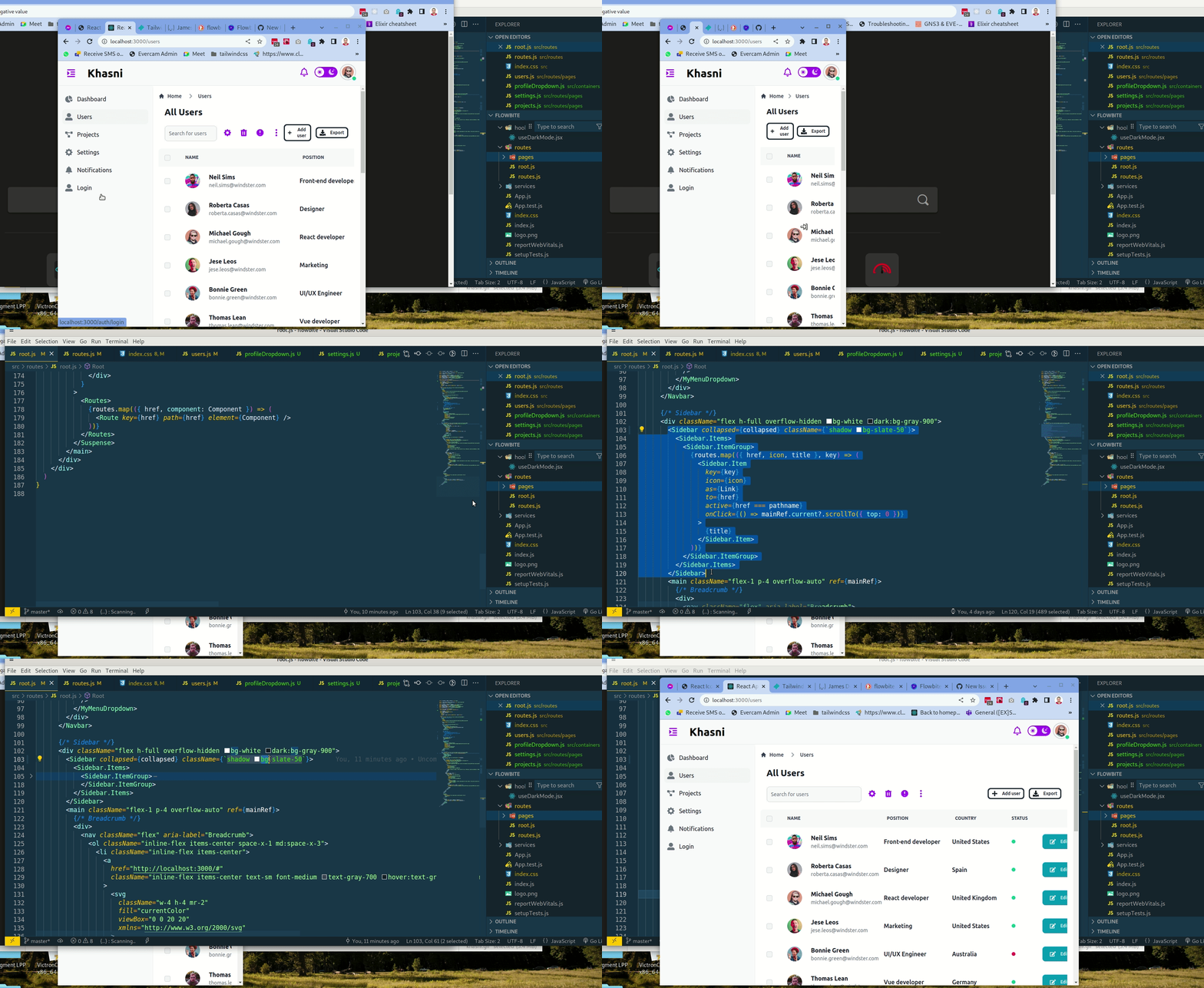
Describe the bug When the screen is on "xs sm md", sidebar needs to collapse
To Reproduce
- Add a sidebar with all its items
- Change the browser width to small screen
- Sidebar does not collapse
Expected behavior Sidebar to collapse on small screens
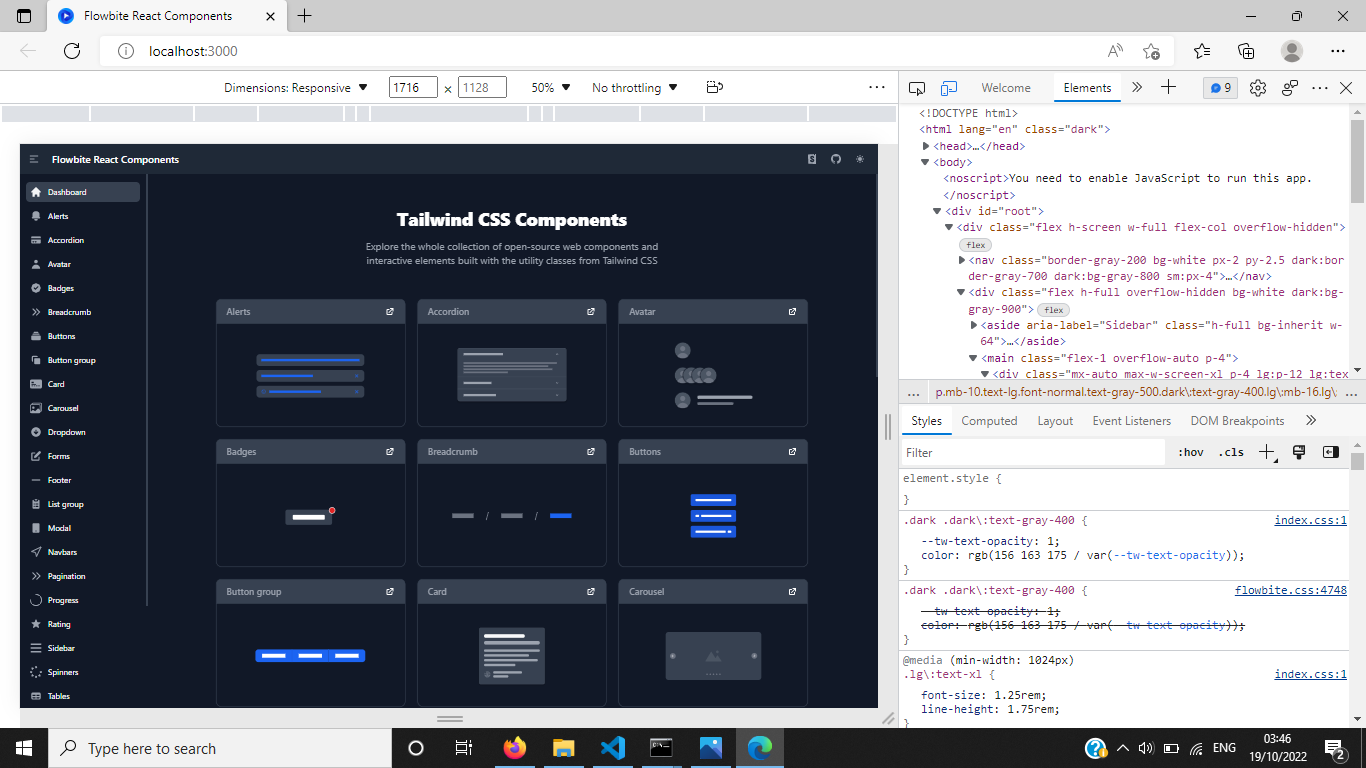
Screenshots
Project information:
- Tailwind: 3.1.8
- Flowbite: 1.4.7
- Flowbite React: 0.0.22
- Type: CRA

@magixus Please, upgrade it to the latest flowbite-react and see it the issue still happening.

@rluders I did, but still not collapsing on small screen.
{
    "flowbite": "^1.4.5",
    "flowbite-react": "0.1.10",
}
Maybe my approach is not the most sophisticated one
...
const [collapsed, setCollapsed] = useState(true)

...
{/* Navication top bar */}
<Navbar
	fluid
	rounded
	className="border-b border-gray-200 dark:border-gray-600 bg-slate-50"
>
	<div className="flex items-center">
		{/* Toggle Sidebar */}
		{collapsed ? (
			<div
				type="button"
				className="top-navigation-icon !mr-6"
				onClick={() => setCollapsed(!collapsed)}
			>
				<span className="sr-only"> Toggle sidebar</span>
				<FaOutdent size={24} />
			</div>
		) : (
			<div
				className="top-navigation-icon !mr-6"
				onClick={() => setCollapsed(!collapsed)}
			>
				<span className="sr-only"> Toggle sidebar</span>
				<FaIndent size={24} />
			</div>
		)}

...
{/* Sidebar */}
<div className="flex h-full overflow-hidden bg-white dark:bg-gray-900">
<Sidebar collapsed={collapsed} className={`shadow bg-slate-50`}>
	<Sidebar.Items>
		<Sidebar.ItemGroup>
			{routes.map(({ href, icon, title }, key) => (
				<Sidebar.Item
					key={key}
					icon={icon}
					as={Link}
					to={href}
					active={href === pathname}
					onClick={() => mainRef.current?.scrollTo({ top: 0 })}
				>
					{title}
				</Sidebar.Item>
			))}
		</Sidebar.ItemGroup>
	</Sidebar.Items>
</Sidebar>
<main>...</main>
</div>

@rluders

How is the collapsed prop in the sidebar being toggled in the index.tsx
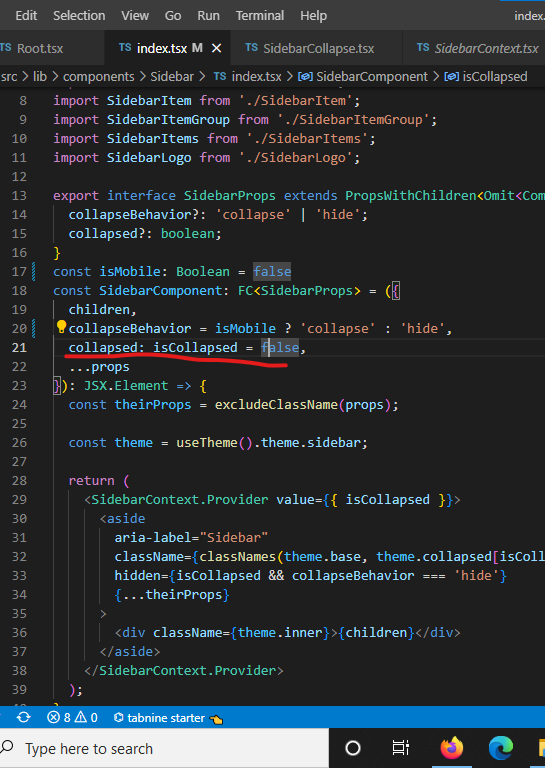
And what is the underlined code below doing.is it setting an intital state for the collapsed prop??
https://github.com/themesberg/flowbite-react/blob/37644b7247a35ce15df0379425139585bc8ae27f/src/lib/components/Sidebar/index.tsx#L21
Well, yep... This is definitely a bug.
Anyway, basically, you will have to check how it is being declared at the SidebarContext and understand how that thing works. We pass the value to the Context so it can be changed and also be accessed from other components.
https://github.com/themesberg/flowbite-react/blob/37644b7247a35ce15df0379425139585bc8ae27f/src/lib/components/Sidebar/index.tsx#L32
Also, the same collapsed property is used to manipulate the classes (from the application theme) and add the correct ones when the collapsed is true or false.
https://github.com/themesberg/flowbite-react/blob/37644b7247a35ce15df0379425139585bc8ae27f/src/lib/theme/default.ts#L672
I've made the changes and its working.The issue now is committing.
I followed the contributing guide but i'm still getting an error
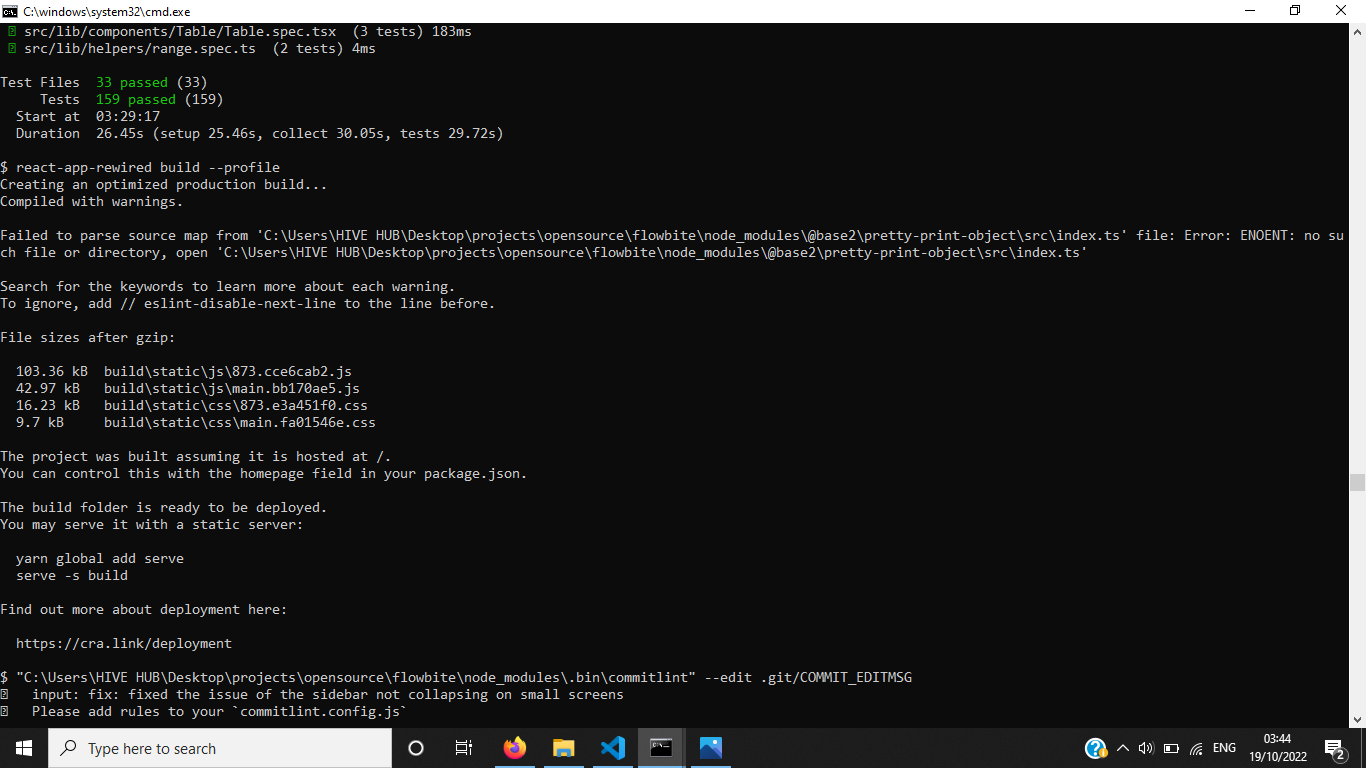
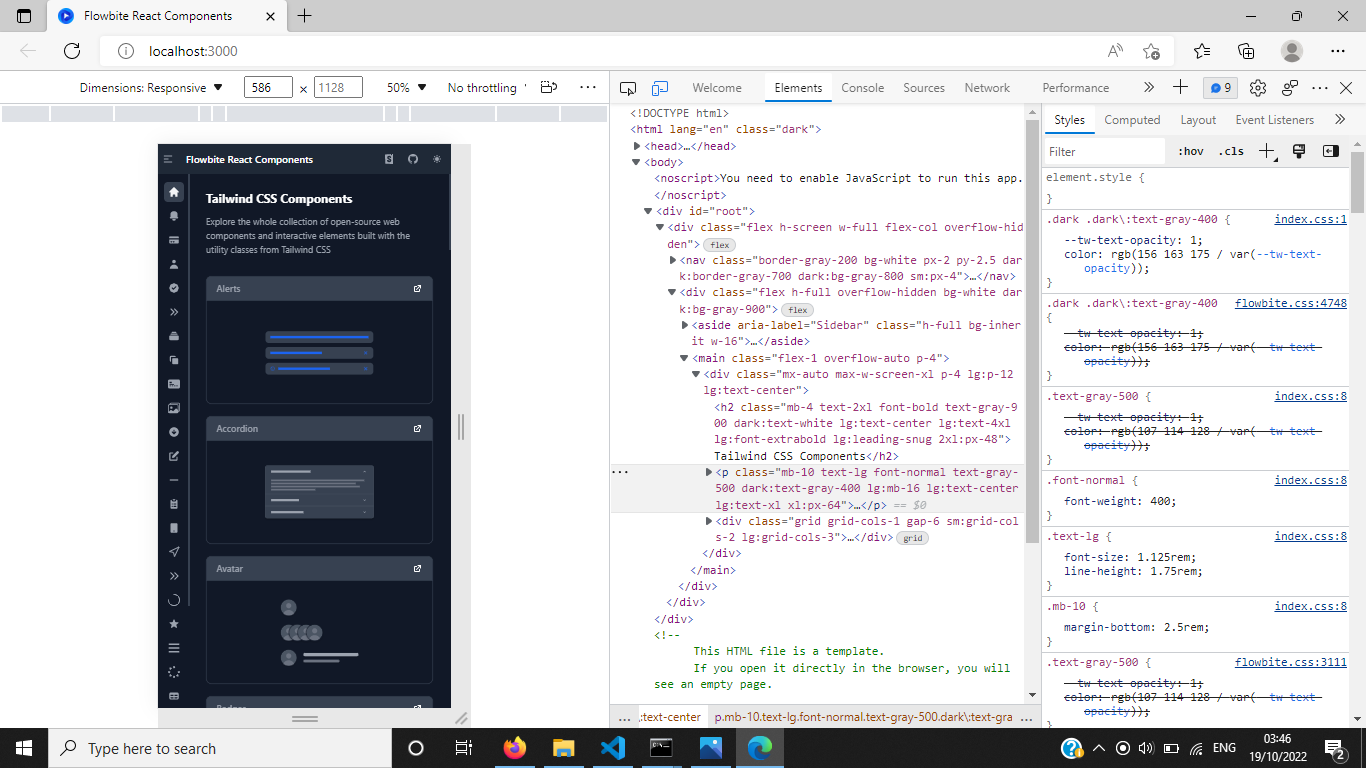
@Drex72 there is the link from my previous commend and as well this video: https://www.youtube.com/watch?v=OJqUWvmf4gg
I was investigating this one today, and I'm not sure that it is a bug. I mean, OK, it isn't collapsing, but I think that it would be very arbitrary from the component perspective if we add this functionality directly to it.
So, my suggestion is to add this control to your own application and change the isCollapsed property of the sidebar according to your desired behavior.