
codeapp
 codeapp copied to clipboard
 thebaselab
Cannot rename file when using hardware keyboard
When selecting to rename a file, the interface glitches and the name cannot be changed.

Thanks for reaching out. I can't seem to reproduce this issue though. Are you using a physical keyboard? And which version of iPadOS is your iPad on? A screenshot demonstrating the problem would also be very helpful.

iPadOS 15.2 and after checking it only happens with the keyboard attached. If I remove the keyboard and restart the app then it works but with keyboard attached is not working.
Thanks for the details. While I still can't reproduce this issue on my iPad 8th generation with smart keyboard cover, I will try more hardware / software settings combinations to reproduce the issue.
I can confirm this issue. I cannot rename files when having a keyboard attached via bluetooth. While i can simply move the file in the terminal, the UI glitches like described.
iPad 6th Gen and running iPad OS 15.2.

I can reproduce this. It seems like when General > Keyboards > Shortcuts is disabled, the rename ui gets confused.
For me this happens even though the option is enabled, it still confuses the UI.
I am having the same issue. First noticed when trying to rename a directory.
Keyboard Settings and Device Details
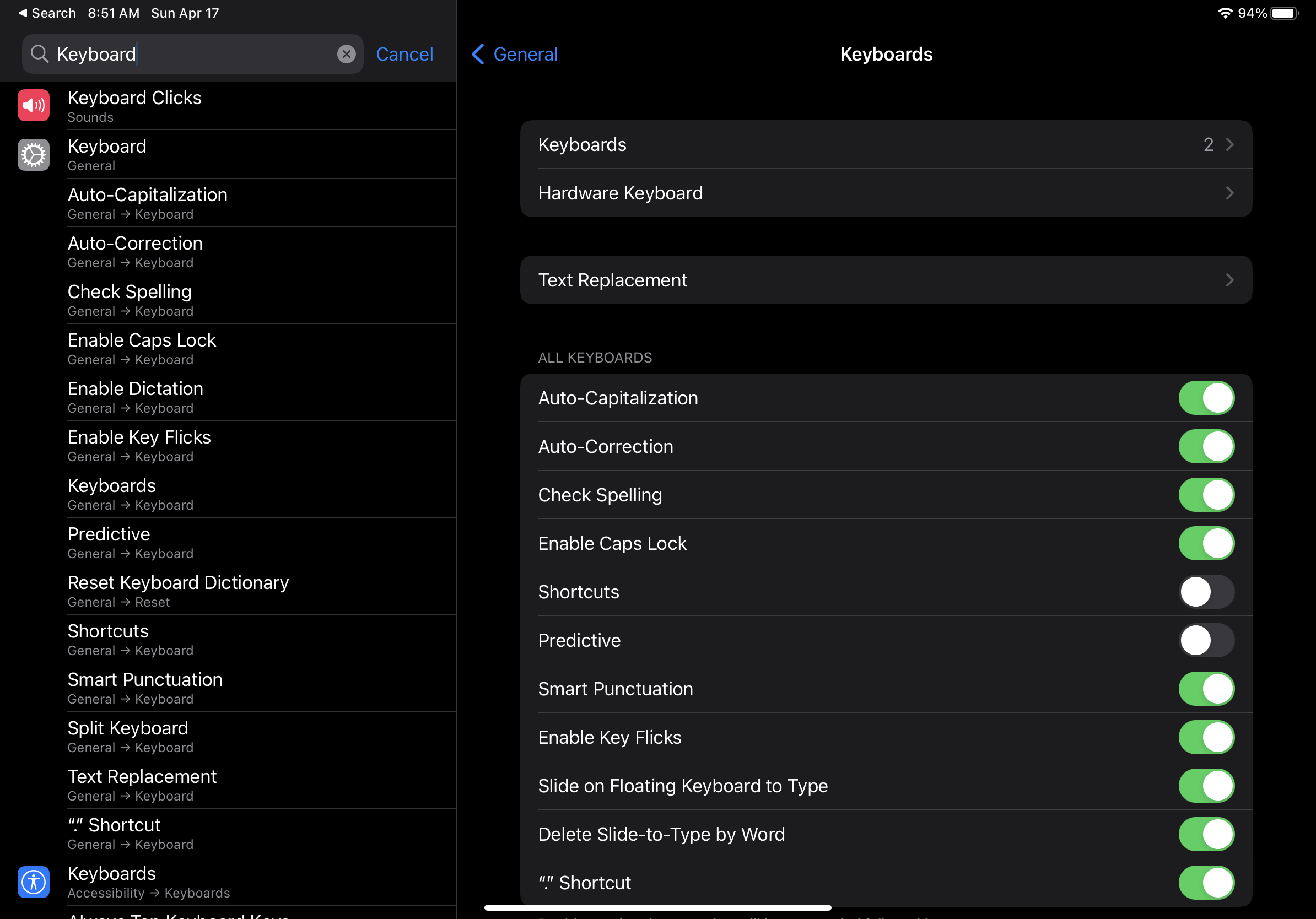
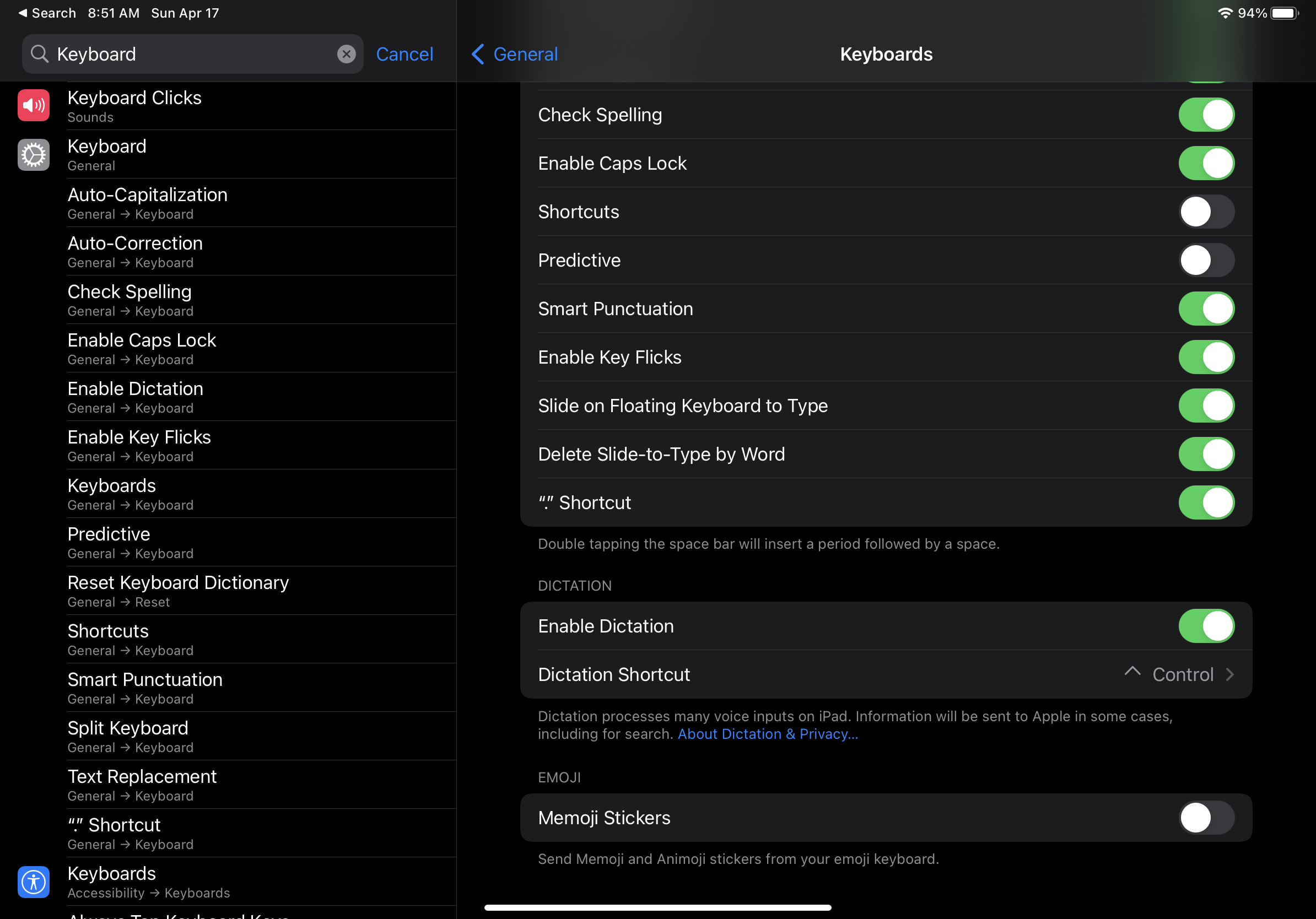
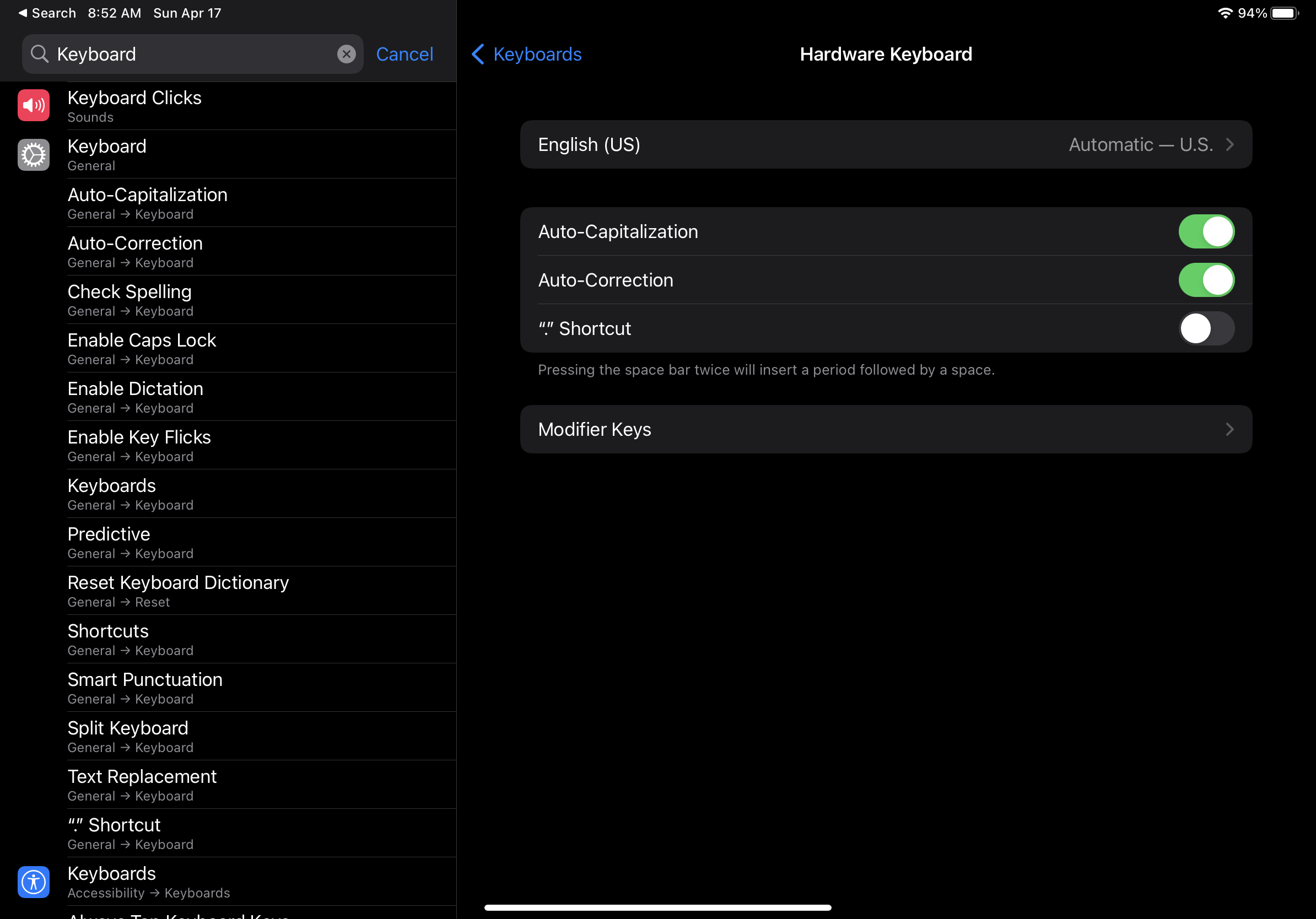
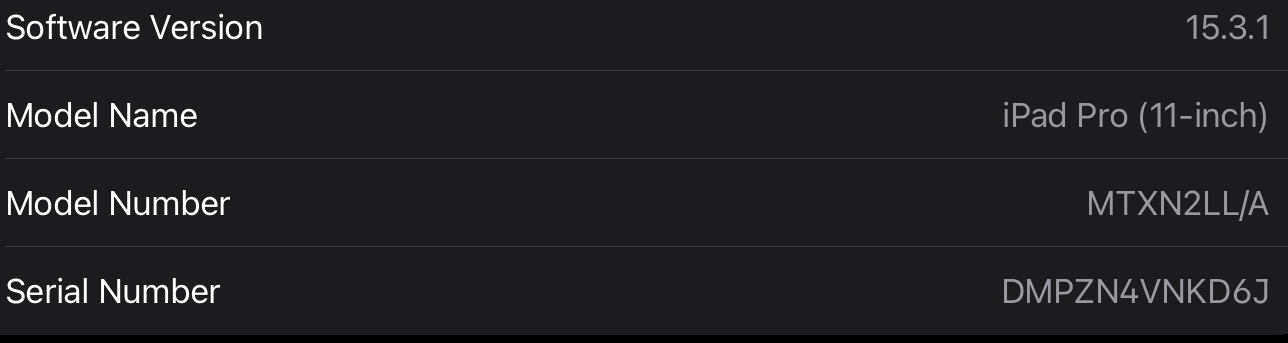

I'm facing the same issue using Magic Keyboard on iPad Pro.
If I disconnect the keyboard, I can rename using the screen keyboard.
