testcontainers
docker.errors.NotFound: 404 Client Error when launching MongoDB on Ubuntu 22.04 running in WSL2.
Describe the bug
...expected it to run?
To Reproduce
Provide a self-contained code snippet that illustrates the bug or unexpected behavior. Ideally, send a Pull Request to illustrate with a test that illustrates the problem.
from motor.motor_asyncio import AsyncIOMotorClient, AsyncIOMotorCollection
from testcontainers.core.container import DockerContainer
from testcontainers.mongodb import MongoDbContainer
from testcontainers.core.waiting_utils import wait_for

async def test_db():
    with DockerContainer("mongodb/mongodb-community-server:latest").with_bind_ports(27017, 27017) as mongo_container:
        def connect():
            return AsyncIOMotorClient("mongodb://{}:{}".format(mongo_container.get_container_host_ip(),
                                                           mongo_container.get_exposed_port(27017)))


    db = wait_for(connect).primer
    result = db["restaurants"].insert_one(
        {
            "address": {
                "street": "2 Avenue",
                "zipcode": "10075",
                "building": "1480",
                "coord": [-73.9557413, 40.7720266]
            },
            "borough": "Manhattan",
            "cuisine": "Italian",
            "name": "Vella",
            "restaurant_id": "41704620"
        }
    )
    cursor = db.restaurants.find({"borough": "Manhattan"})
    for document in await cursor.to_list(1000):
        print(document)
Runtime environment
Provide a summary of your runtime environment. Which operating system, python version, and docker version are you using? What is the version of testcontainers-python you are using? You can run the following commands to get the relevant information.
# Get the operating system information (on a unix os).
$ uname -a
Linux DESKTOP-GJIUB03 5.15.90.1-microsoft-standard-WSL2 #1 SMP Fri Jan 27 02:56:13 UTC 2023 x86_64 x86_64 x86_64 GNU/Linux
# Get the python version.
$ python --version
Python 3.10.6
# Get the docker version and other docker information.
$ docker info
https://pastebin.com/raw/5meC1tZJ
# Get all python packages.
$ pip freeze
https://pastebin.com/raw/zJQfnQkb
Latest version of testcontainers-python and MongoDB.
Full traceback when I run the snippet: https://pastebin.com/raw/3TvwYiLa (warn me if I doxxed myself in somewhere)
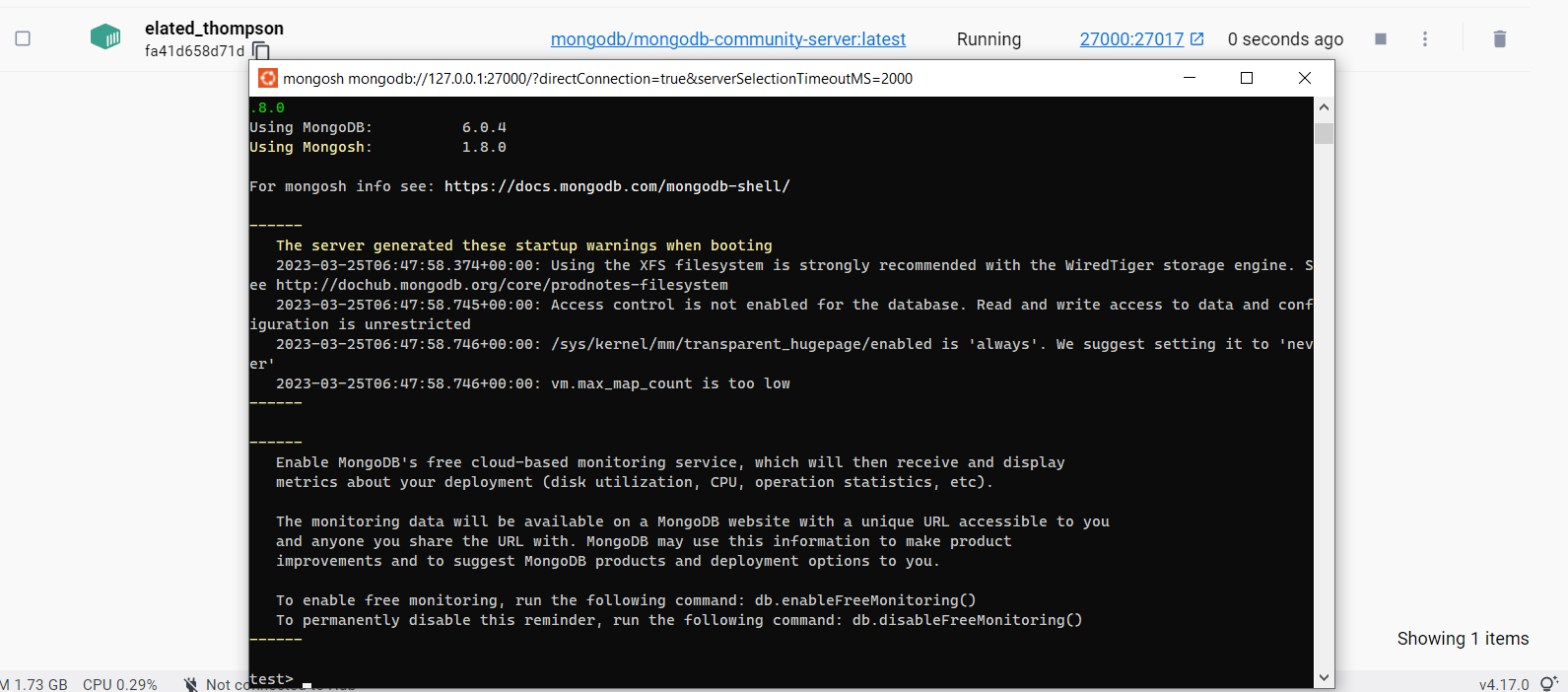
I can launch this container inside WSL, so Docker is working. Weird.


Changed bind_ports to
with_bind_ports(27000, 27017) just to be sure if 27017 port is fucked, but no, same traceback again. I could launch Mongo shell inside a Docker container that runs at port 27000.