

 tensorlayer
Some training issues. (color problem, high g_loss)
Hi! Thanks for your implementation of SRGAN. It works well.
By the way, I have some issues while training. I have trained both on Ubuntu16.04 + GTX 860m 4Gb / Windows10 + GTX 1070 8Gb, but I had same issues.
First I had OOM memory issue, so I changed config.TRAIN.batch_size = 4, and config.TRAIN.n_epoch = 8000. (I thought I need more iterations cause I reduced batch size) Then It worked. Also I trained a few number of pictures, for fast testing.
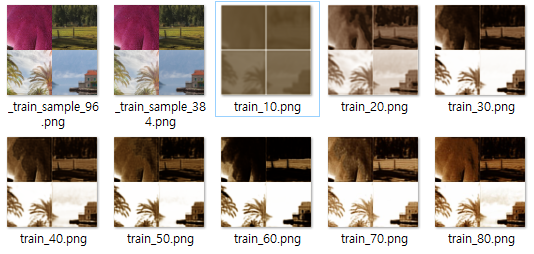
[Issue 1] at initializing G process, the valid sample for every 10epoch seems losing its data.
Like these, the results become whitening and size(Kb) of the result is also decreasing.
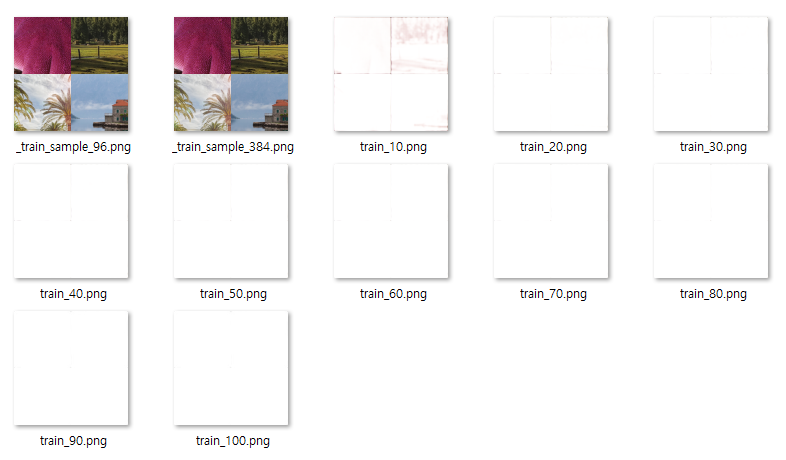
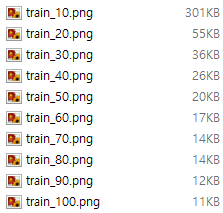
I wonder if it is normal process or is there any problem I should fix.
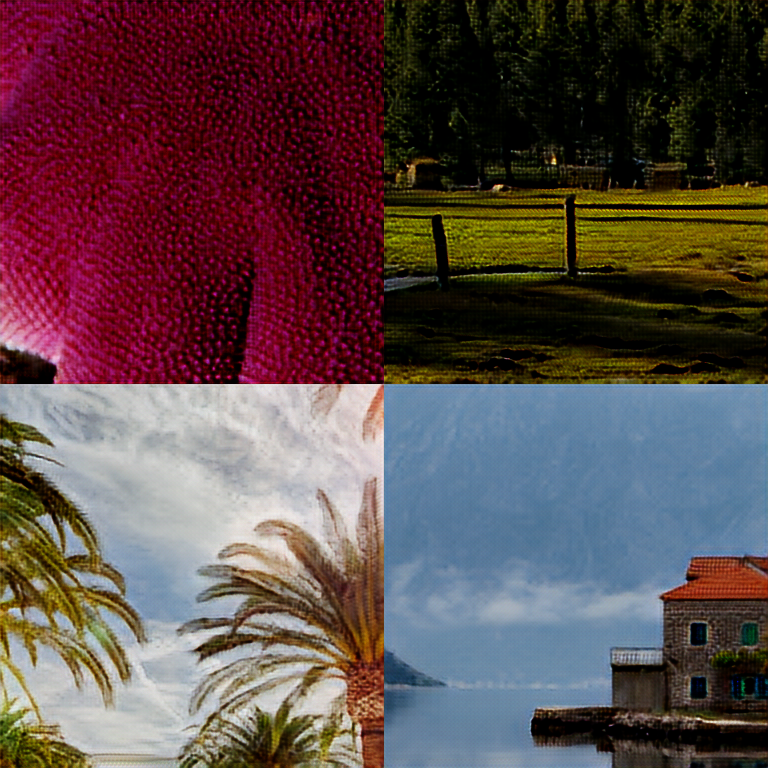
[Issue 2] I finished training 8000 iterations, but the valid result has color issue. (Not only color issue, maybe train failed)
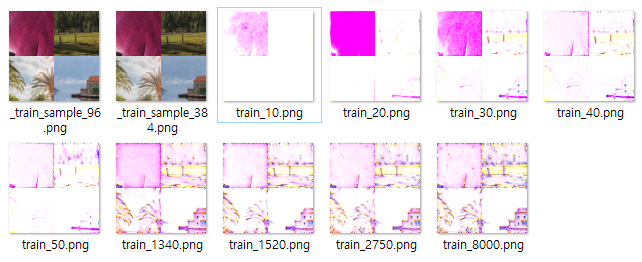
When I tested the result g_srgan.npz with –mode=evaluate, the result is below; it has same issue.
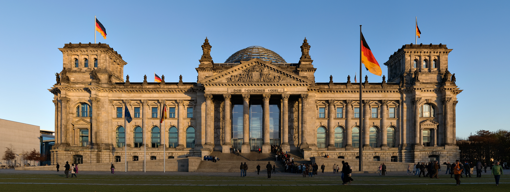 <valid_lr.png>
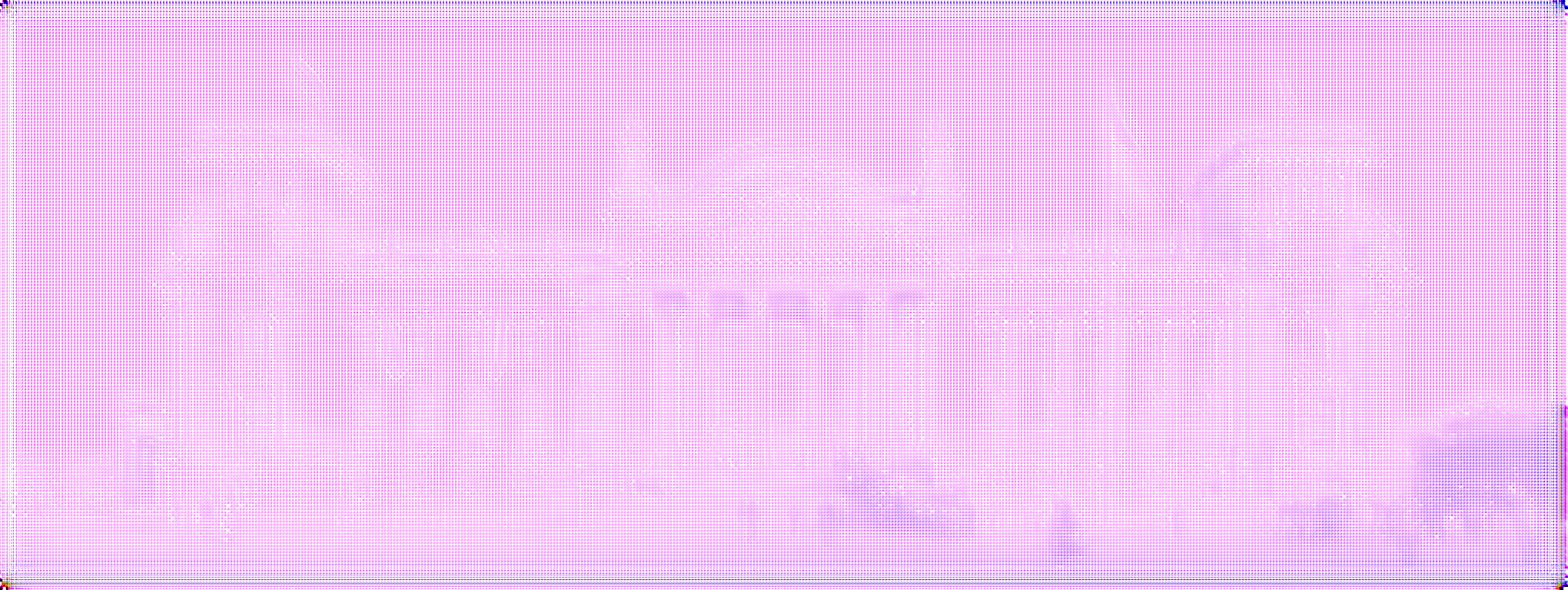 <valid_gen.png>
These are my logs for starting training and finishing it.
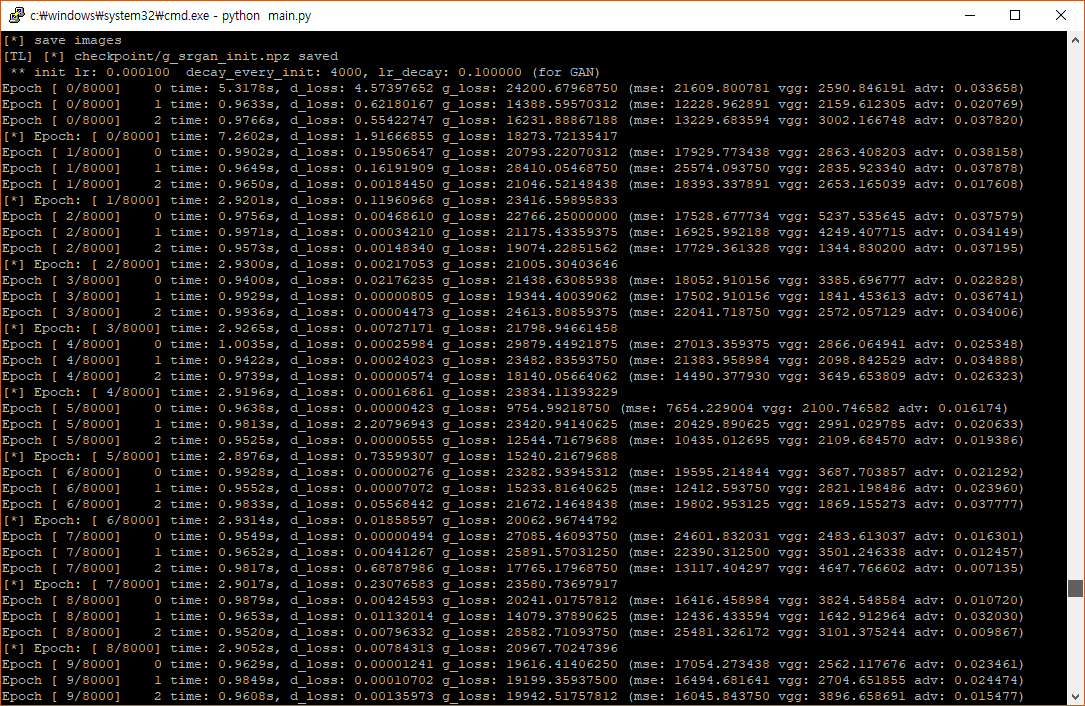
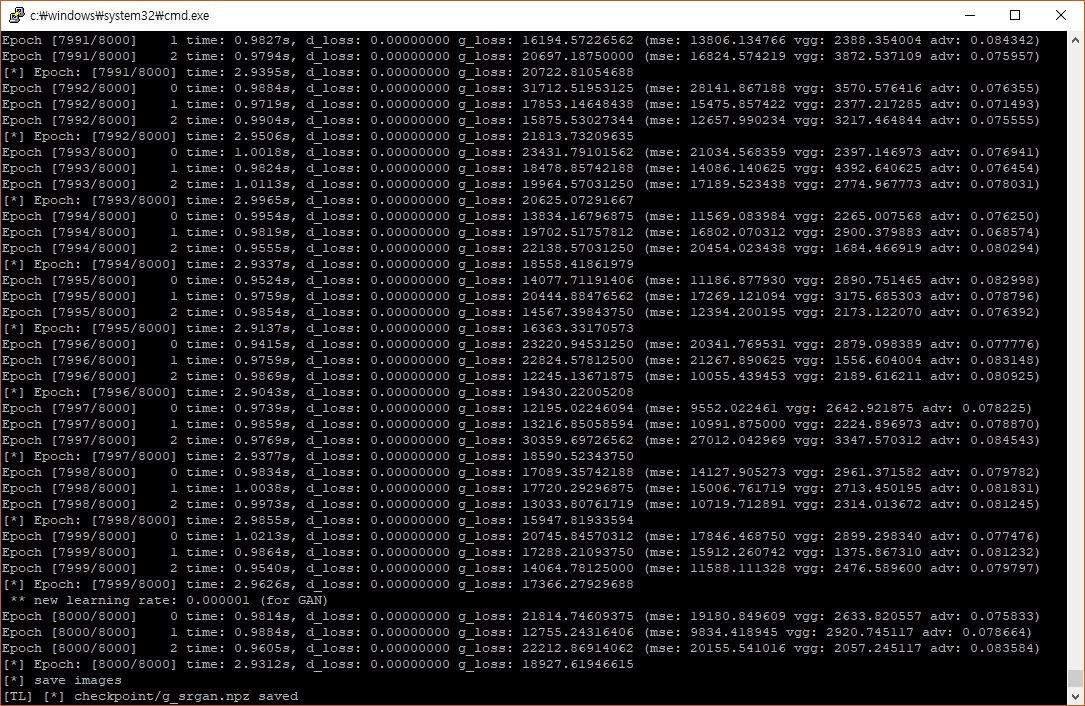 I found that I have so high g_loss value, while d_loss is 0. Also g_loss doesn’t seem decreasing while training.
I tried for both cases: using only vgg19.npy / vgg19.npy + your g_srgan.npz but the results were similiar.
so should I train for longer iteration? or do we need more pictures for train dataset? (I used 12pictures from DIV2K) I don't think batch_size=4 is problem.. Or can you guess why I have these issues?
Thanks for reading this.


I only changed these in main.py: to solve memory issue
from line 151
## If your machine cannot load all images into memory, you should use
        ## this one to load batch of images while training.
        random.shuffle(train_hr_img_list)
        for idx in range(0, len(train_hr_img_list), batch_size):
            step_time = time.time()
            b_imgs_list = train_hr_img_list[idx : idx + batch_size]
            b_imgs = tl.prepro.threading_data(b_imgs_list, fn=get_imgs_fn, path=config.TRAIN.hr_img_path)
            b_imgs_384 = tl.prepro.threading_data(b_imgs, fn=crop_sub_imgs_fn, is_random=True)
            b_imgs_96 = tl.prepro.threading_data(b_imgs_384, fn=downsample_fn)

        ## If your machine have enough memory, please pre-load the whole train set.
        #for idx in range(0, len(train_hr_imgs), batch_size):
        #    step_time = time.time()
        #    b_imgs_384 = tl.prepro.threading_data(train_hr_imgs[idx:idx + batch_size], fn=crop_sub_imgs_fn, is_random=True)
        #    b_imgs_96 = tl.prepro.threading_data(b_imgs_384, `fn=downsample_fn)
from line 200
## If your machine cannot load all images into memory, you should use
        ## this one to load batch of images while training.
        random.shuffle(train_hr_img_list)
        for idx in range(0, len(train_hr_img_list), batch_size):
            step_time = time.time()
            b_imgs_list = train_hr_img_list[idx : idx + batch_size]
            b_imgs = tl.prepro.threading_data(b_imgs_list, fn=get_imgs_fn, path=config.TRAIN.hr_img_path)
            b_imgs_384 = tl.prepro.threading_data(b_imgs, fn=crop_sub_imgs_fn, is_random=True)
            b_imgs_96 = tl.prepro.threading_data(b_imgs_384, fn=downsample_fn)

        ## If your machine have enough memory, please pre-load the whole train set.
        #for idx in range(0, len(train_hr_imgs), batch_size):
        #    step_time = time.time()
        #    b_imgs_384 = tl.prepro.threading_data(train_hr_imgs[idx:idx + batch_size], fn=crop_sub_imgs_fn, is_random=True)
        #    b_imgs_96 = tl.prepro.threading_data(b_imgs_384, fn=downsample_fn)
Hi, the loss is incorrect. It seems it is caused by a TensorLayer update, and the image value should be -1~1, the scale functions in utilise.py may need to modify: divide image by 127.5 then minus 1.
Could you have a quick try? Or I can check it later

I changed utils.py and losses seem fine.
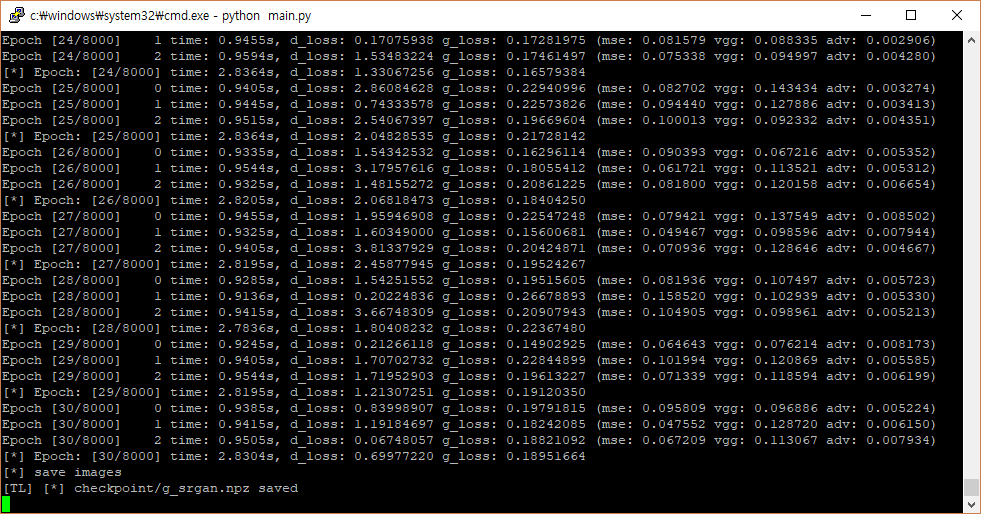
g_init result is below
train_50.png result is this
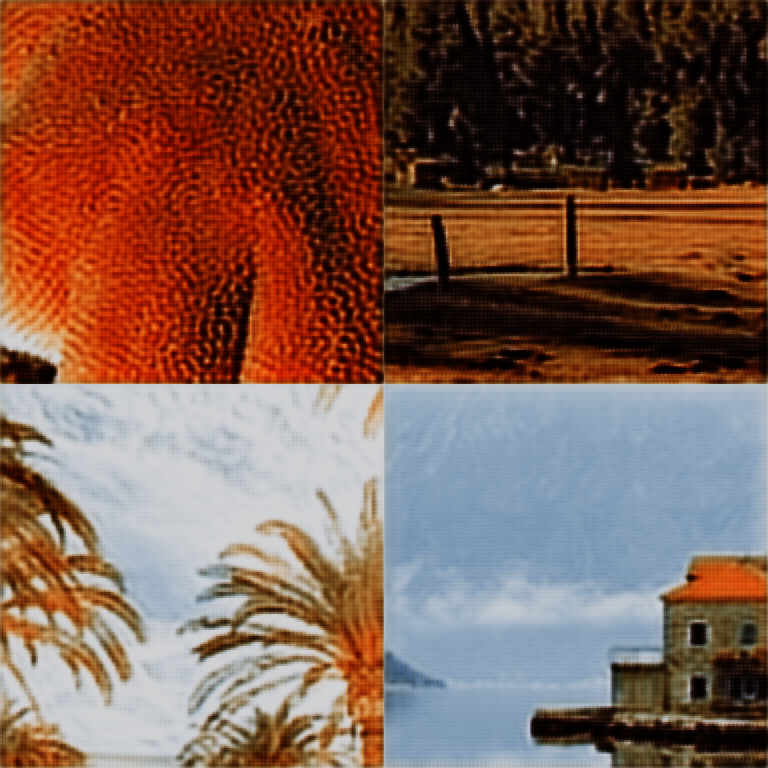
I think the training now goes well. I will upload the final result later.
Thanks for your help!!
Wow, great! Let me know if your training is success~
Btw, could you commit your change to this repo? Many thanks for the contribution ~
I'm using tensorlayor 1.8.0 now. The current version is 1.10.1.
I'm not sure if my change causes other well-worked people to not working.. Because my tensorlayer version is not the latest one.
Also I just deleted the comments in utils.py :)
def crop_sub_imgs_fn(x, is_random=True):
    x = crop(x, wrg=384, hrg=384, is_random=is_random)
    # x = x / (255. / 2.)
    # x = x - 1.
    x = x -0.5
    return x
to the
def crop_sub_imgs_fn(x, is_random=True):
    x = crop(x, wrg=384, hrg=384, is_random=is_random)
    x = x / (255. / 2.)
    x = x - 1.
    x = x -0.5
    return x
If you don't mind these, then I will commit my change to this repo!
hi, you should delete x = x - 0.5 as well, let me change it, I just go home.
Hi! I finished 8000 iteration, and here is my result. I started this training from vgg19.npy only.
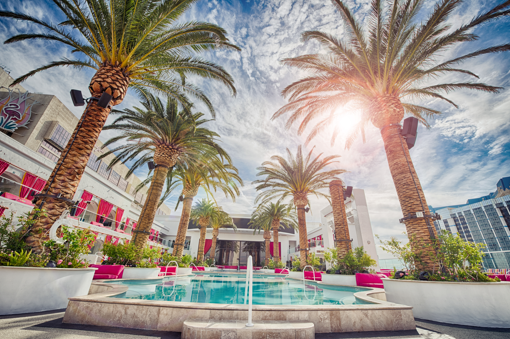 <valid_lr.png>
 <valid_gen.png>
The result is not bad, I think it would be better with modifying rescale part(remove x-=0.5) and with more iteration.
<valid_gen.png>
The result is not bad, I think it would be better with modifying rescale part(remove x-=0.5) and with more iteration.
This is my log file,
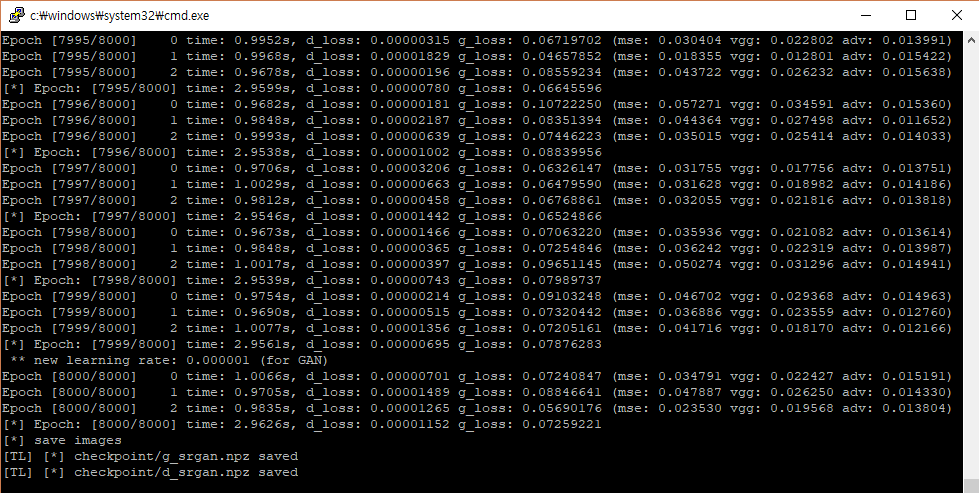
and This is last auto_saved vaild img while training.
 comparing with the original image, images become little darker (maybe it's related with scale -1.5 to 0.5)? but above evaluation result is fine with brightness problem.
I'm going to delete x = x - 0.5 , and try next train with my own data.
wow, so quick. I thought it should be bad as you didn't delete x = x - 0.5 ...