
bit
 bit copied to clipboard
 teambit
How to add remote scope
After having to reset/reinstall bit and workspace multiple times because of various issues with bit, I now need to export some components to an existing scope to update them.
The components are staged, but when doing 'bit export', bit says:
please specify
How can I do that? The documentation is close to non-existent and I couldn't find any examples of this anywhere. Tried: bit export myscope/name, - says scope doesn't exist bit remote myscope/name
- says "no configured remotes found in scope"

I think you need to create a remote scope.
- Login into your bit account https://bit.cloud/ and then create a new scope
- You will see a new default scope
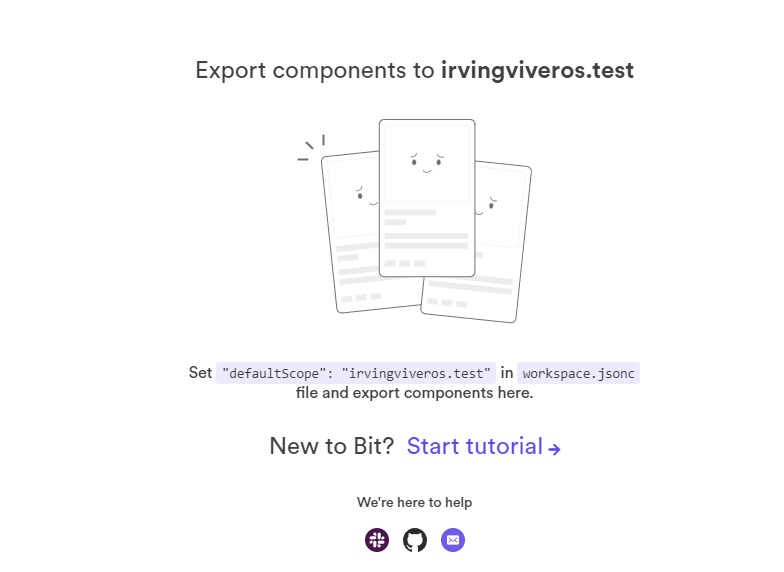
- Go to your existing project and open the workspace.jsonc file
- Replace "defaultScope": with your default scope and then build, tag, and export the components
Otherwise, please see this section of the documentation: https://bit.dev/docs/quick-start#create-a-remote-scope

In your workspace.jsonc file update the defaultScope value
have in mind that the format needs to be:
myCompanyOrOrganization.myScope
For example:

Also make sure that the scope was already created in bit.cloud.
Regarding the docs, I it is specified in the quick start, somewhat around the middle. https://bit.dev/docs/quick-start
