
wpunix
 wpunix copied to clipboard
 taviso
WordPerfect for UNIX Character Terminals
WordPerfect for UNIX Character Terminals
This is a set of build scripts and patches to make WordPerfect for UNIX work on modern Linux.
WordPerfect is a powerful word processor for the terminal. There is more information and a quick introduction on the wiki, and a FAQ covering common questions and problems.
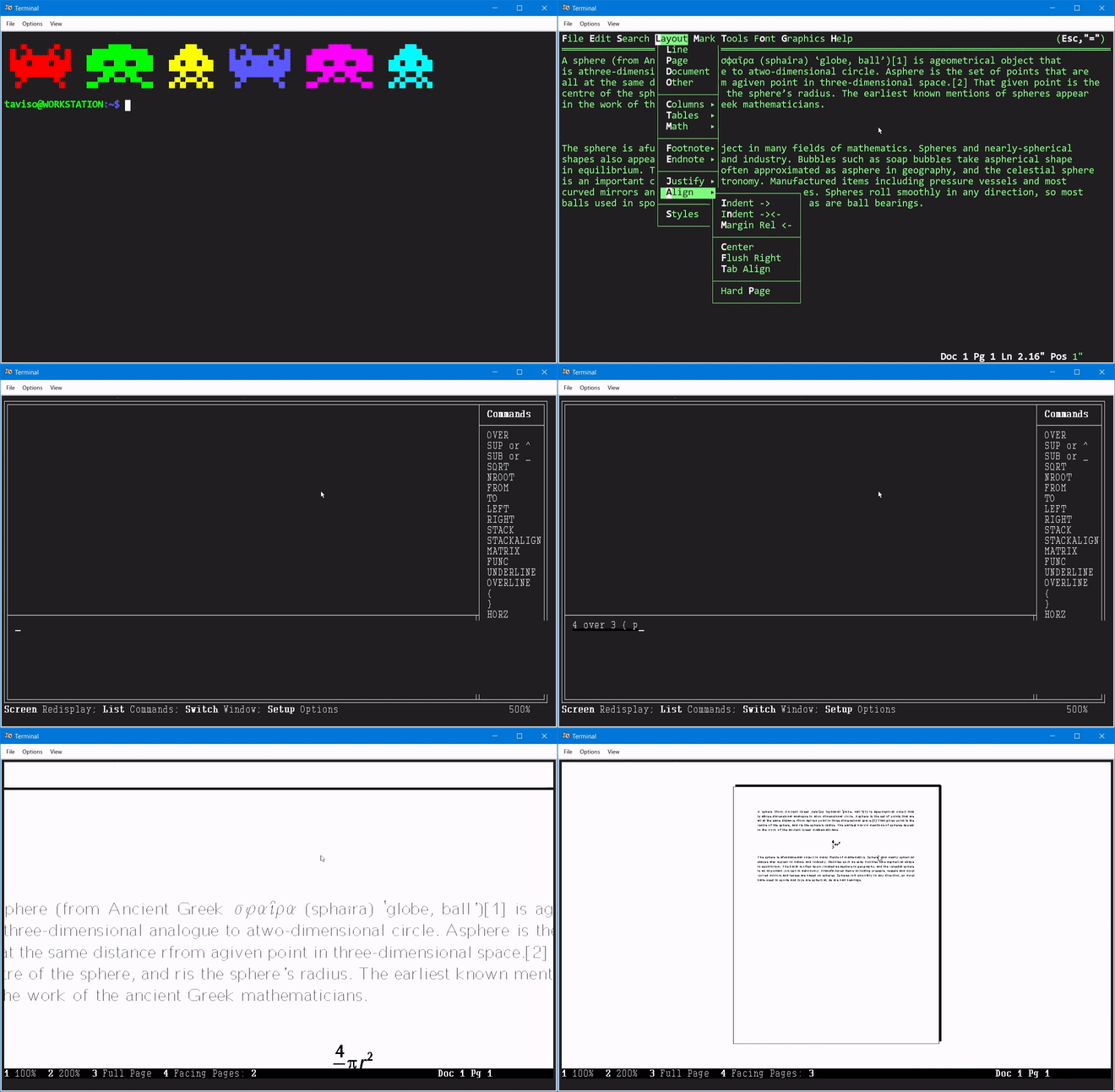
It features print previews, an equation editor, mouse support, drop down menus, spelling and grammar checking, builtin macro editor and more.

Building
Note: If you just want a
deborrpmto try out, check the Releases tab.
You need the following file to build this, available here.
$ md5sum COREL_WPUNIX_1.iso
036d10f279aecc61704b214e7bd58a6d COREL_WPUNIX_1.iso
Packages
The following packages are required to build the WordPerfect patches.
| Ubuntu / Debian | Fedora |
|---|---|
| build-essential | glibc-devel.i686 |
| gcc-multilib | libgcc.i686 |
| bsdtar / libarchive-tools | bsdtar |
| patchelf | patchelf |
| rpm2cpio | glibc-static |
| glibc-static.i686 |
Getting Started
Run wp to start WordPerfect. The default keybinding to open the menu is
Esc+=.
There is a quick start guide on the wiki.
The complete user manual is available online here.
There is also a huge amount of useful information that is mostly relevant to wpunix on the wpdos site.
Note: Print previews require a terminal with sixel support, such as XTerm.
Screenshots
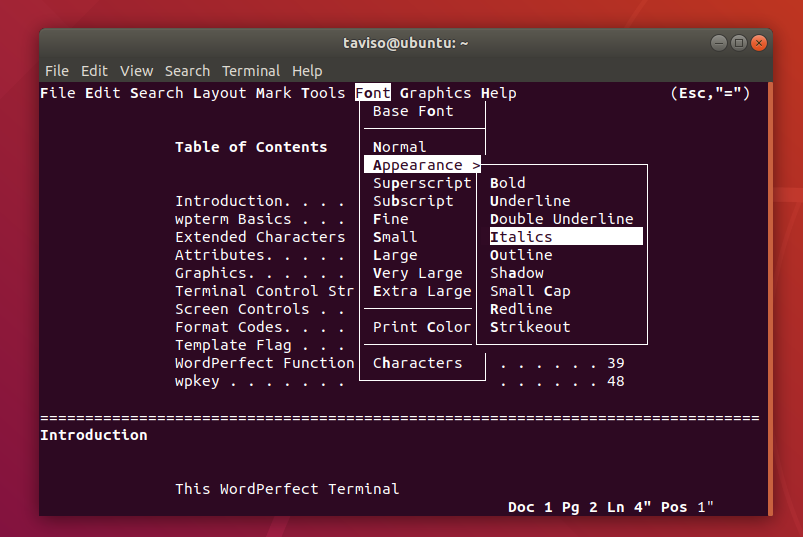
The default look.
The classic "Reveal Codes" view.

There is a interactive equation editor, it can use Sixels or ascii art.
Licensing
In theory, this is a demonstration copy, but I haven't noticed any limitations.
 taviso