

 tauri-apps
[bug] After the upgrade, the program cannot run properly
Describe the bug
Follow-up to the previous question https://github.com/tauri-apps/tauri/issues/4801
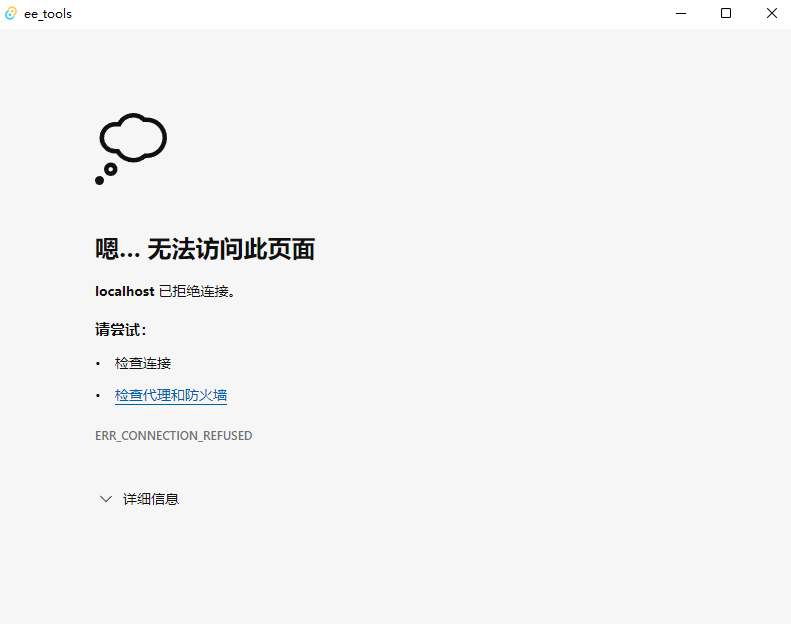
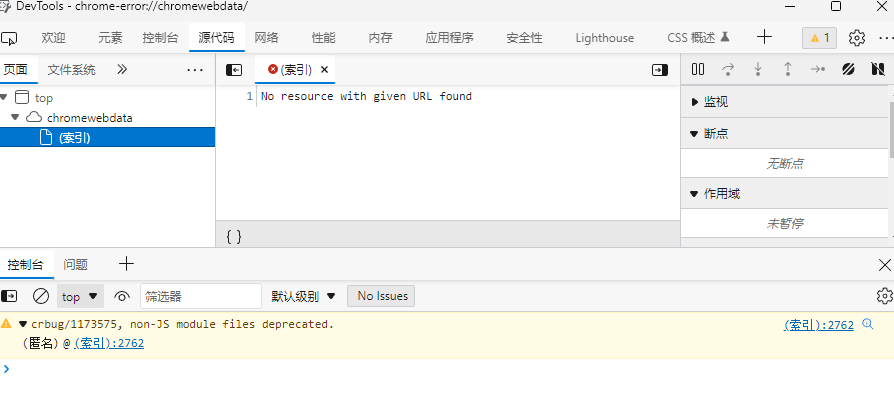
After the upgrade, the program cannot run properly
updater code

updater result
Reproduction
No response
Expected behavior
No response
Platform and versions
Environment › OS: Windows 10.0.22000 X64 › Webview2: 103.0.1264.71 › MSVC: - Visual Studio Community 2022 › Node.js: 18.6.0 › npm: 8.13.2 › pnpm: 7.6.0 › yarn: Not installed! › rustup: 1.25.1 › rustc: 1.62.1 › cargo: 1.62.1 › Rust toolchain: stable-x86_64-pc-windows-msvc
Packages › @tauri-apps/cli [NPM]: 1.0.5 › @tauri-apps/api [NPM]: 1.0.2 › tauri [RUST]: 1.0.5, › tauri-build [RUST]: 1.0.4, › tao [RUST]: 0.12.2, › wry [RUST]: 0.19.0,
App › build-type: bundle › CSP: unset › distDir: ../dist › devPath: http://localhost:5173/ › framework: Vue.js
App directory structure ├─ .git ├─ .vscode ├─ dist ├─ node_modules ├─ public ├─ src └─ src-tauri
Stack trace
No response
Additional context
No response


Can you share the app so I can check the update process?
Sure.This is the program
@greedyhao I can't really download that, Windows is marking it as virus :( can you share a repo with a minimal app I can use to reproduce it?
@lucasfernog This is the path of the repo https://github.com/greedyhao/ee_tools/tree/dev-updater
The way to reproduce is in the root directory of the repo
Run the following command
pnpm tauri dev
@greedyhao Are you sure that the installer in the zip file in this release https://github.com/greedyhao/ee_tools/releases/tag/v0.1.0 is build using tauri build and not tauri build --debug? because the updated app opens a console window on Windows and tries to connect to localhost which is an indication that the app is built in debug mode.
Please try create a new installer and an updater package using tauri build without the --debug flag and then update your updater endpoint to this new release.
