
obsidian-another-quick-switcher
 obsidian-another-quick-switcher copied to clipboard
 tadashi-aikawa
FR: Allow setting of hotkeys in dialogs
I don;t use hover editor all that much, so I would love to make open in new pane crtl alt enter` but there is currently no way to customize those. Thanks for your amazing plugin!


@tadashi-aikawa A similar issue arrises with 0.16 and the introduction of tabs as a new hotkey is defined by default: "cmd alt ↵" opens a link into a new pane on the right.
It'd be nice to have the same hotkeys for opening files mirrored in this plugin. Or, in line with this FR at least give the opportunity to change the hotkeys.

@tim-hilde 100% agree. I am going to implement it in the next major release 👍
Hi, @brimwats @tim-hilde
I have released v7.0.0-beta8 🚀
To be honest, I'm not sure how it would work on macOS correctly😅. If anyone uses macOS and BRAT, it would be great to try the beta version 🙏
For details: https://github.com/tadashi-aikawa/obsidian-another-quick-switcher/discussions/101#discussion-4357986
Can you tell me how to make keyboard shortcuts (for example, ctrl+j) work in all keyboard layouts (English and, for example, Russian)?

that's not possible unless we're talking on the level of how a computer sees a keyboard, like 0x0c or something. the two examples you gave; Russian doesn't use J, it uses Cyrillic. keyboard layouts are also quite different
@tonygrr
If they have an event.key, it might be possible to set the shortcut keys.
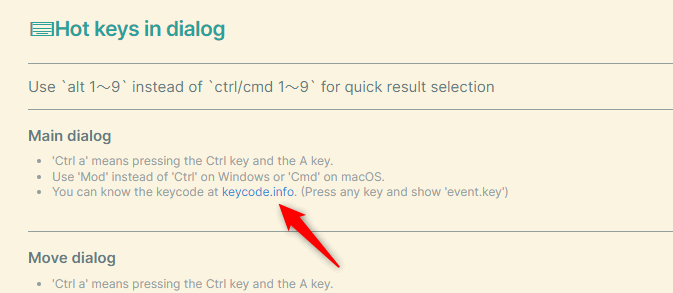

@tadashi-aikawa unfortunately, for Russian and English layout event.key of the same button is different.
Is it possible to improve this functionality to eliminate this problem? Before v. 7.0.0, navigation worked with any keyboard layout. Maybe there is a way to allow the user to configure multiple keyboard shortcuts for the same action?
@tonygrr Do you use both Russian and English layouts?
Before v. 7.0.0, navigation worked with any keyboard layout.
What is navigation specifically? Between 6 and 7, I didn't change most actions related to hotkeys (in dialog) except for a few ones.
Do you use both Russian and English layouts?
Yeah.
Between 6 and 7, I didn't change most actions related to hotkeys (in dialog) except for a few ones.
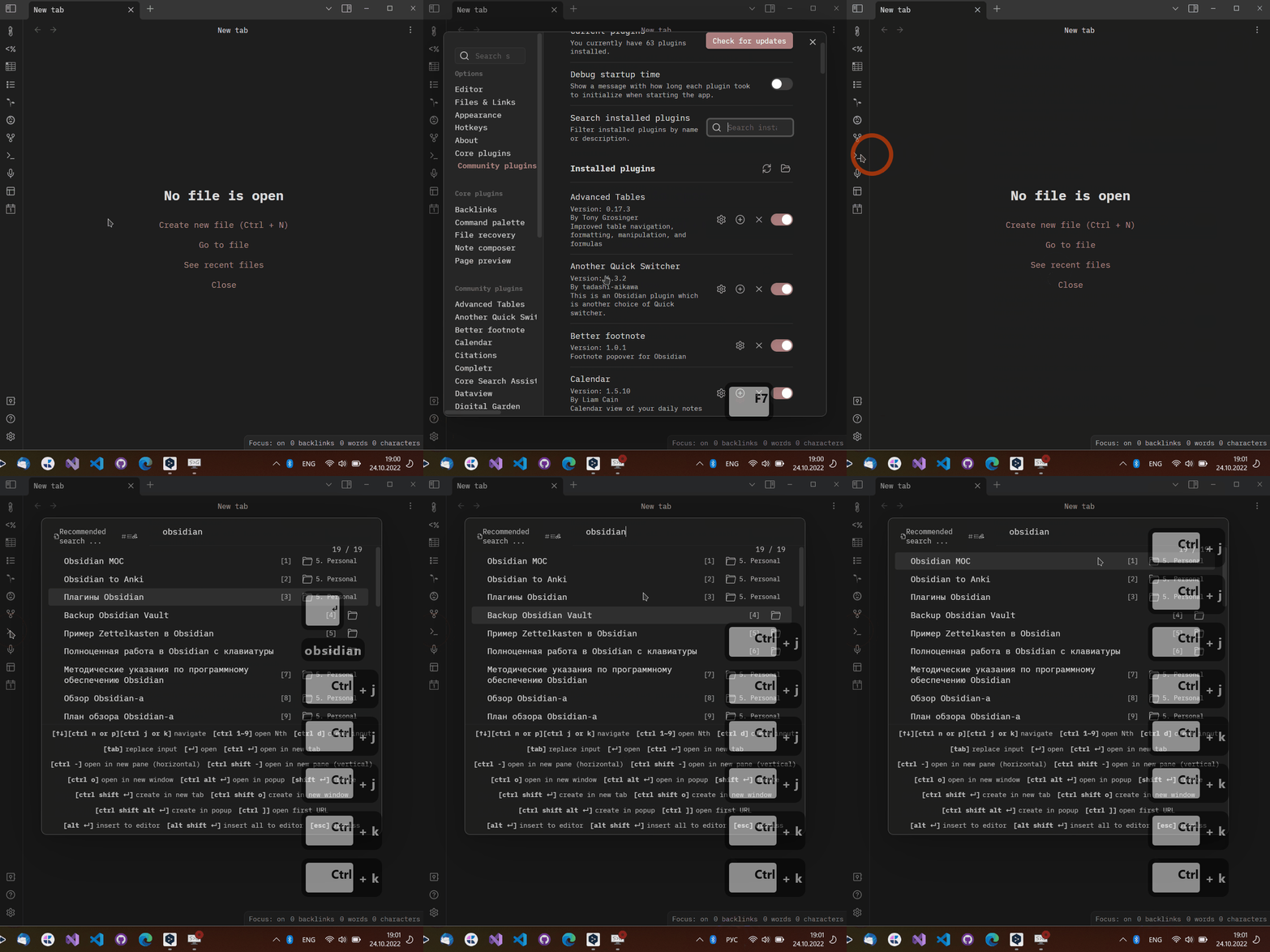
I don't remember exactly on which version I started having problems, but at one point after updating the plugin, I stopped navigating through the search results using the ctrl+j/k shortcuts. I thought this was due to the introduction of the "Customizable hotkeys in dialogs" feature in v. 7.0.0.
I recorded a gif with work of plugin "Another Quick Switcher" v. 6.3.2, where you can see that keyboard shortcut ctrl+j/k works with any keyboard layout (note the language switch in the lower right corner).
@tonygrr Thank you for details!
I have found the differences and a solution. I'll fix it 👍
@tonygrr Fixed in https://github.com/tadashi-aikawa/obsidian-another-quick-switcher/issues/118#issuecomment-1289794754