
enable-responsive-image
 enable-responsive-image copied to clipboard
 t-hamano
WordPress plugin that adds settings to the Image block to display different images depending on the width of the screen.
Enable Responsive Image


WordPress plugin that adds settings to the Image block to display different images depending on the width of the screen.
Screenshot
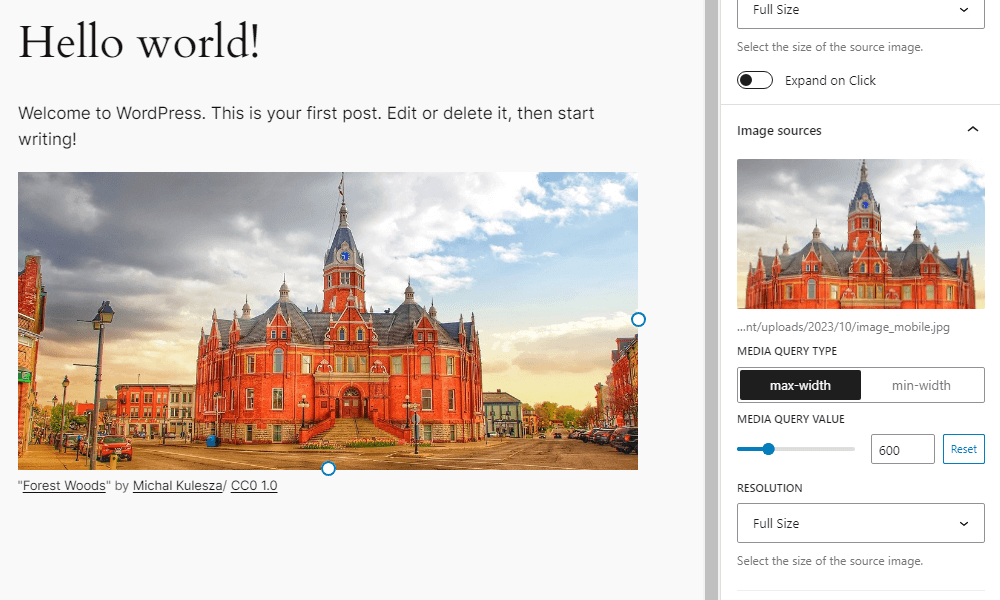
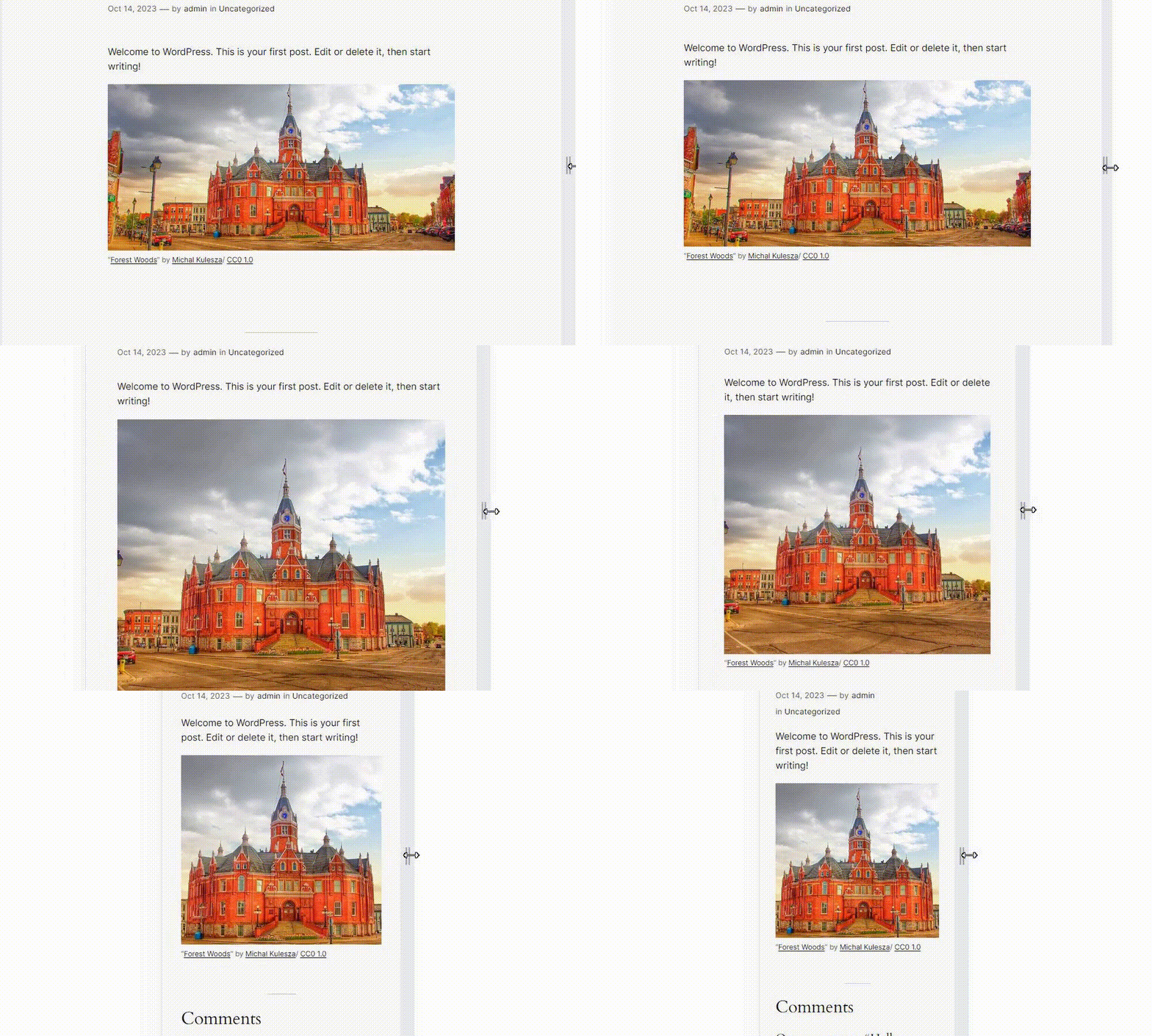
How to build
npm install
npm run build
Filters
enable_responsive_image_default_media_value( $media_value )
Filters the default media value (px).
Parameters
-
$media_value(int) The media value (px). Default is 600.
Example
function custom_enable_responsive_image_default_media_value( $default_media_value ) {
	// Override default media value.
	return 400;
}
add_filter( 'enable_responsive_image_default_media_value', 'custom_enable_responsive_image_default_media_value' );
enable_responsive_image_show_preview_button( $show_preview_button )
Filters whether the preview button is displayed on the block toolbar.
Parameters
-
$show_preview_button(boolean) Whether the preview button is displayed on the block toolbar. Default is
true.
Example
// Disable the preview button.
add_filter( 'enable_responsive_image_show_preview_button', '__return_false' );
Resources
Image for screenshot
- License: Public Domain
- Source: https://openverse.org/image/cd8e5cc5-d38a-462e-b4c1-1ea5c6f94e20
 t-hamano