synthetos
collect2: fatal error: ld terminated with signal 9 [Killed: 9]
I've got this error when compiling as per explaining in the wiki:
collect2: fatal error: ld terminated with signal 9 [Killed: 9]
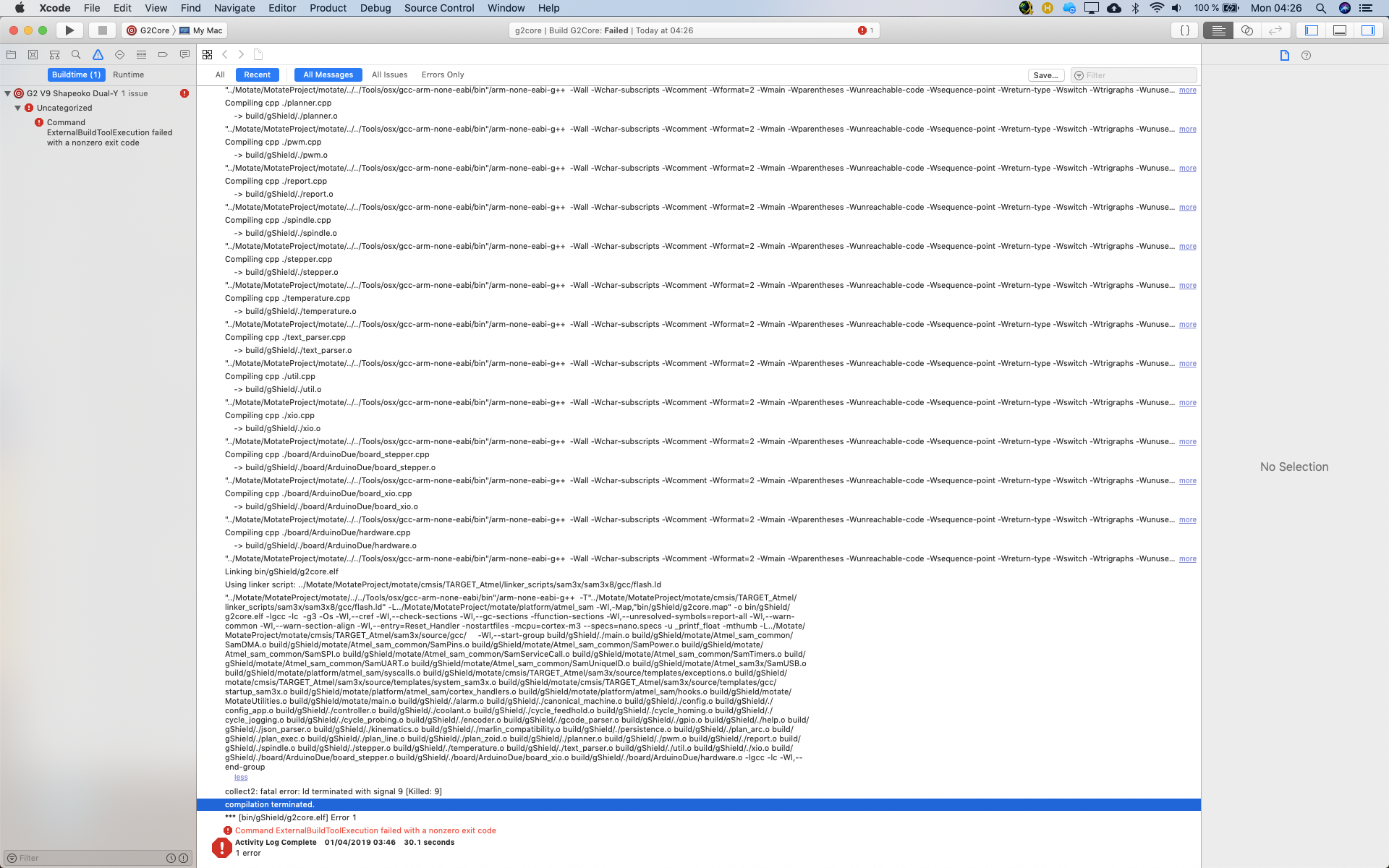
I've no idea what is happening. Thanks

I tried with a more simple directory but the result is not any better:
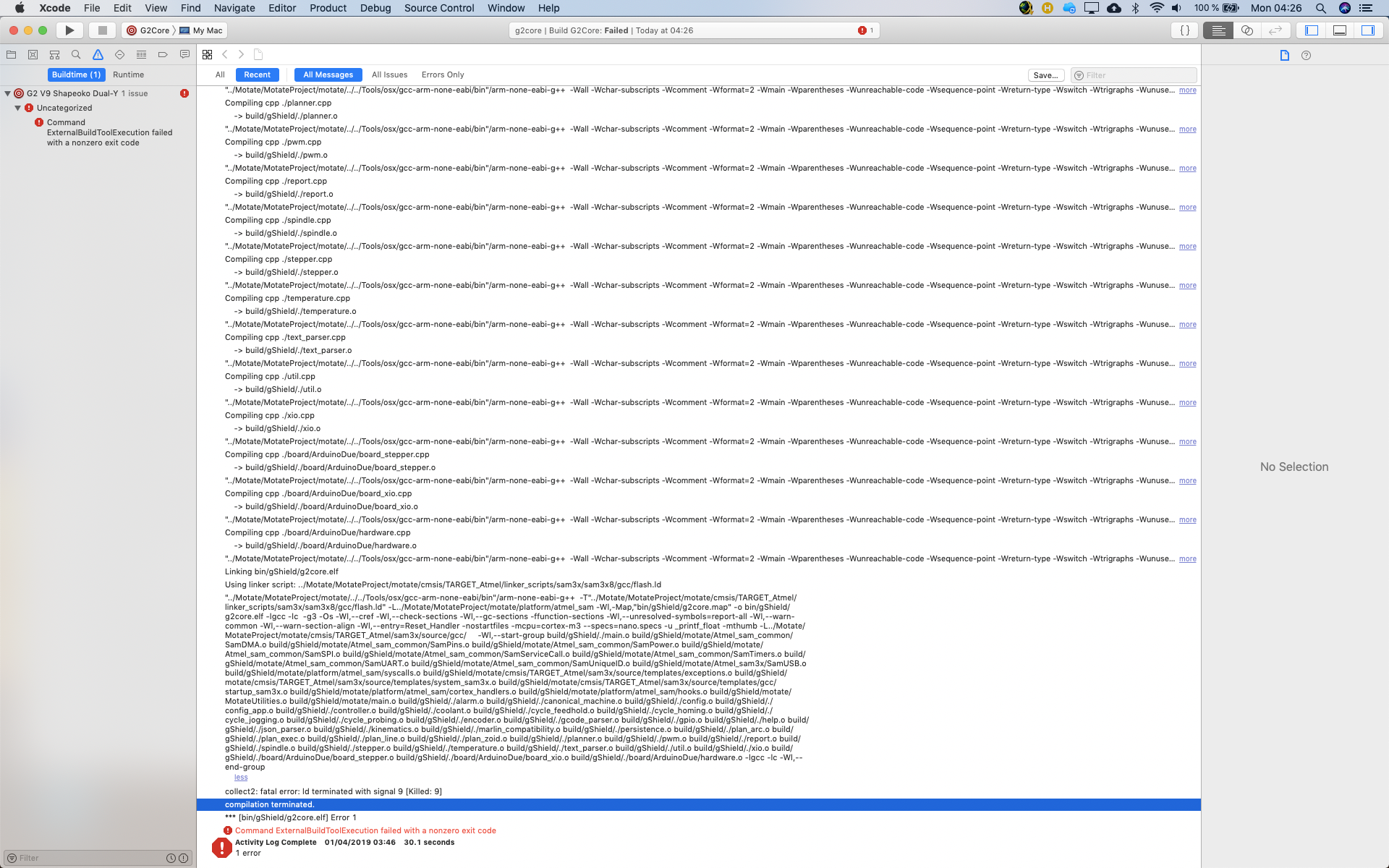
It looks like it is gcc related ?
I looked around and signal 9 means that the process used too much ram and the system killed it.
On OS X that usually means your boot drive is too full for it to effectively use as swap space.
Use Activity Monitor to see if you have anything else open that’s eating a bunch of RAM and try to free up RAM and boot drive space. On Sun, Mar 31, 2019 at 10:39 PM spothus [email protected] wrote:
I tried with a more simple directory but the result is not any better:
[image: Screenshot 2019-04-01 at 04 26 49] https://user-images.githubusercontent.com/13031668/55302199-6d4e5100-5440-11e9-9315-866f682bf08f.png
It looks like it is gcc related ?
— You are receiving this because you are subscribed to this thread. Reply to this email directly, view it on GitHub https://github.com/synthetos/g2/issues/406#issuecomment-478424569, or mute the thread https://github.com/notifications/unsubscribe-auth/AAXj0YfwfrLtqXwnnPRW8mxqwvMqQeJ3ks5vcX-DgaJpZM4cUum6 .

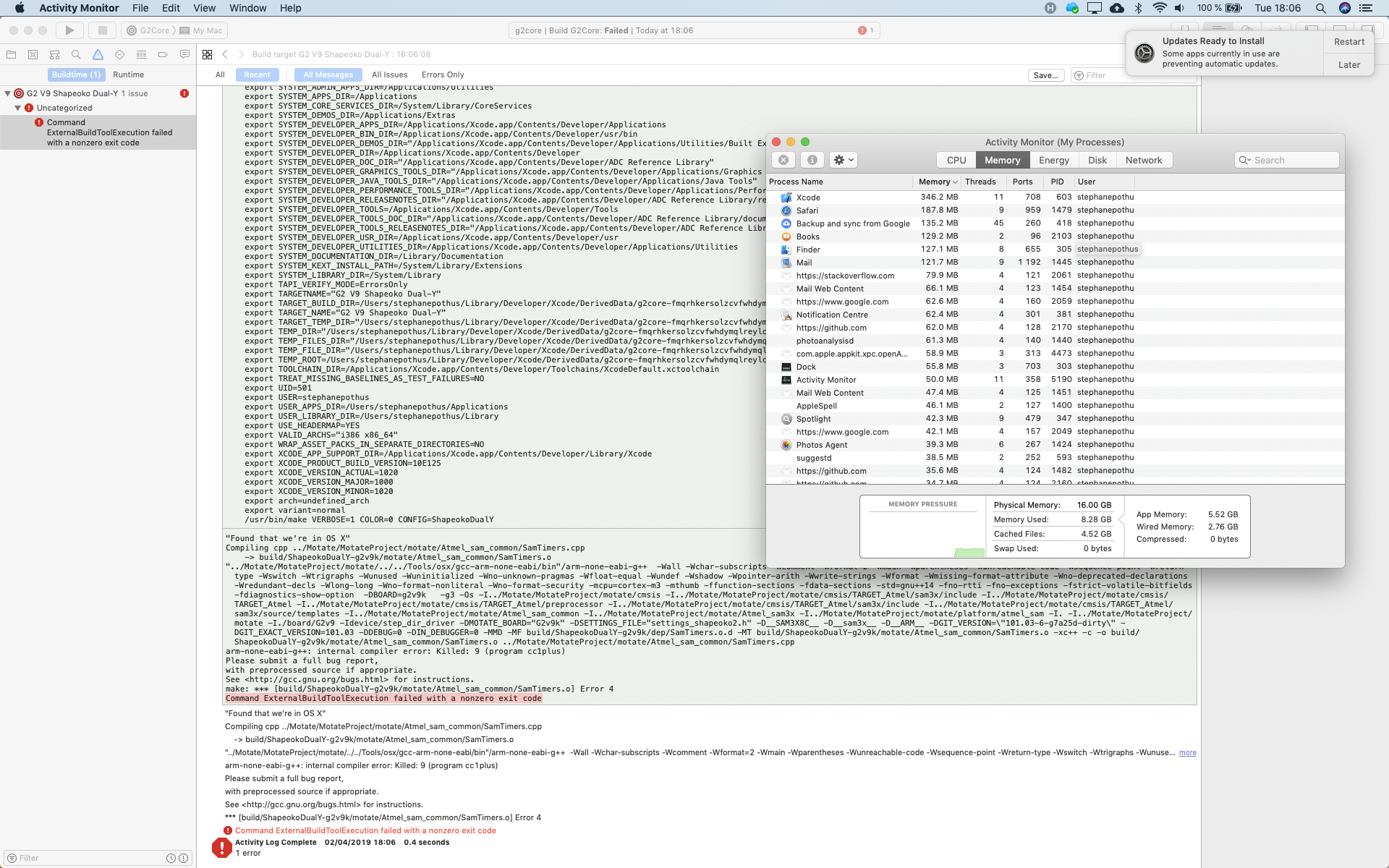
Try with command line. In my case I got succeeded with command line. I can't recall the error that time I was getting with XCode. That might be because XCode is using more RAM.

same thing with command line and I've installe the commande line tools for Xcode
Bossac and motate paths are defined? I mean it should have the hierarchical folders which you need to manually put there. I am not from software or electronics background so dont know much about signal 9. But i can only suggest to use command line with above paths well defined.
I've installed Github desktop and downloaded the project via this app. It works both via make and Xcode now... Anyway I don't know what was the issue. The only thing was that the Motate folder was empty when I downloaded the zip file and I had to perform the submodule command. Thanks for your time
I fixed this issue before by switching linker from ld (GNU, default) or lld (LLVM):
To switch to lld I used: .cargo/config.toml: (make sure lld is installed)
[target.x86_64-unknown-linux-gnu]
rustflags = [
    "-C", "link-arg=-fuse-ld=lld",
]
https://github.com/xd009642/tarpaulin/issues/517#issuecomment-923429731
Edit: Or give the machine more RAM. (if possible)
I don't know if this helps, but hope it does.