ODIN

ODIN copied to clipboard
 syncpoint
Bug display map palette after zoom and change arrangement window
There is a bug in the Map Palette display when performing the following action:
The Map Palette is open and the user zooms in or out. Then he changes or moves the window (under MS Windows) in which ODIN is displayed.
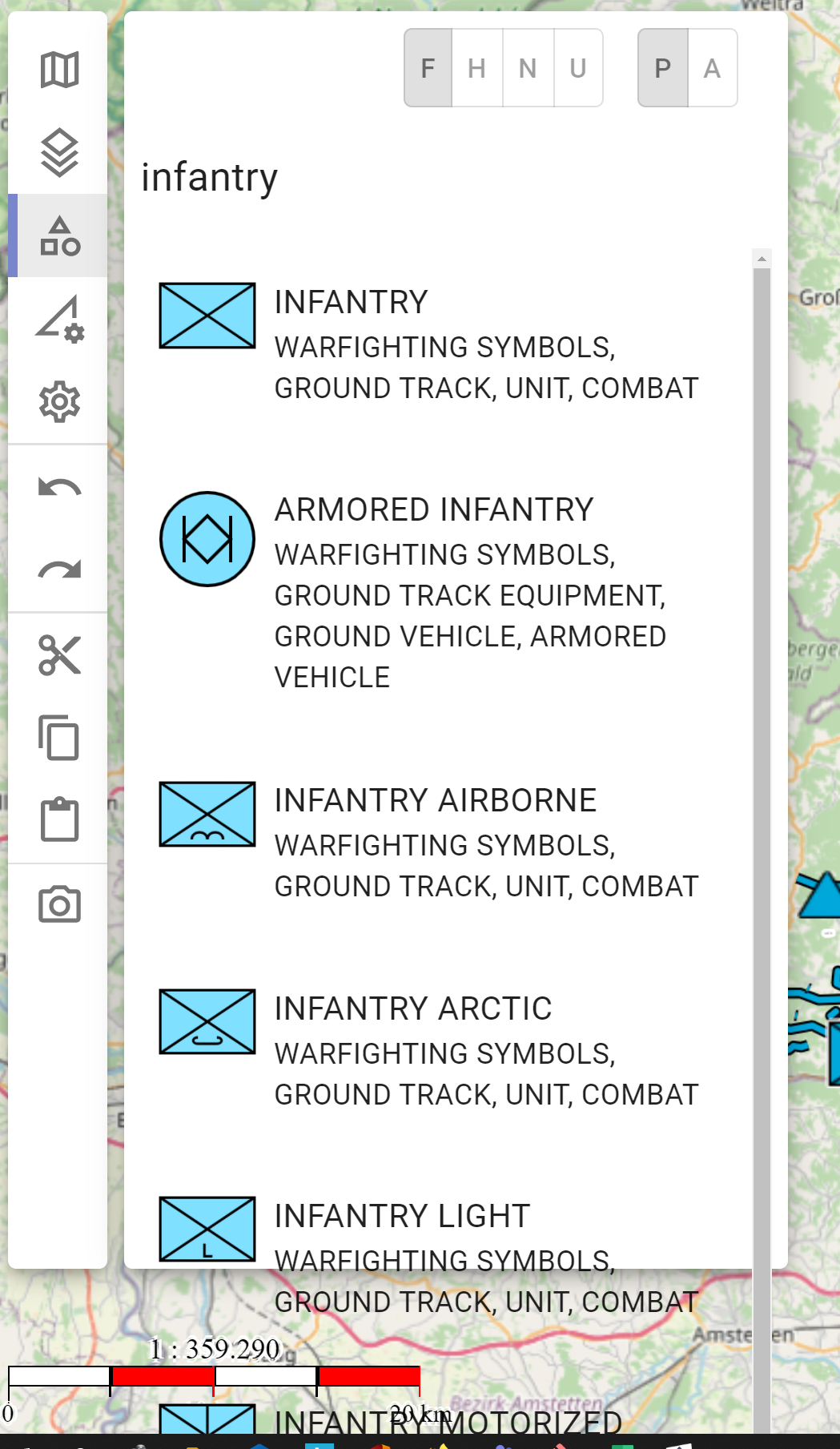
If the user now returns to the original size (e.g. with shortcut "CTRL" + "-"), the objects in the Map Palette are no longer displayed in the complete area of the Activty Bar:
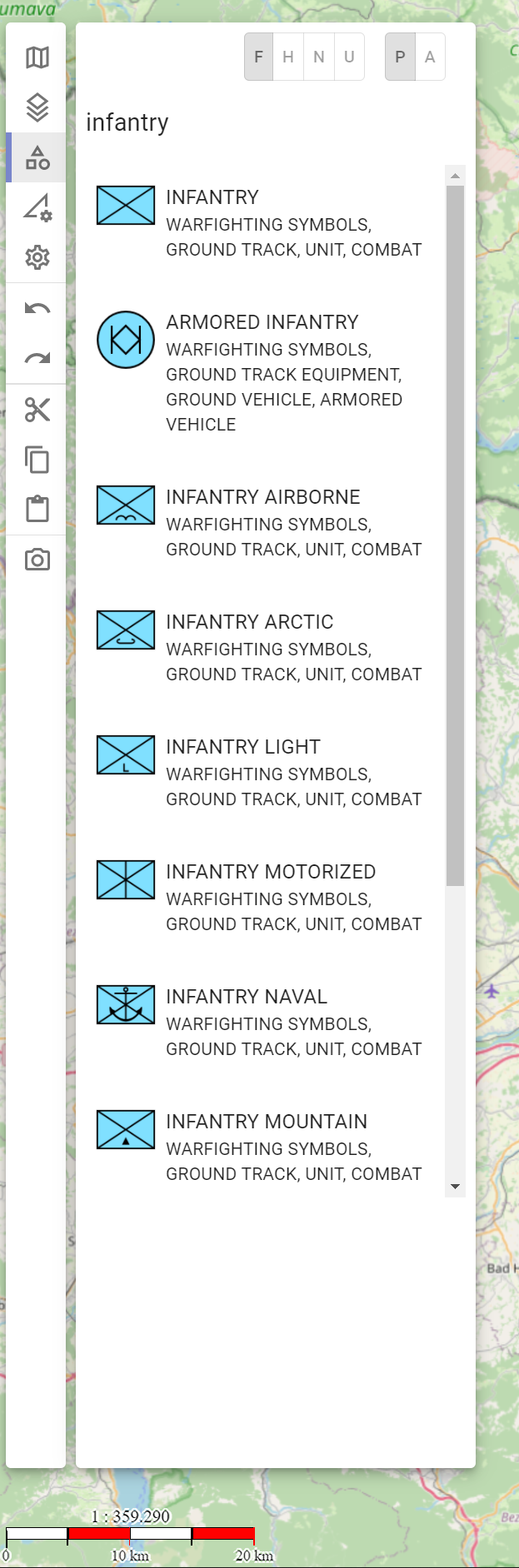
If you click into another area of the Activity Bar (e.g. Basemap, Layer management) and then back into the Map Palette, the area is displayed correctly again:

If you do not move the window, the zooming behavior will be correct.
Furthermore, the objects are displayed outside the Activity Bar area if you zoom in too far: