
swifty

swifty copied to clipboard
 swiftyapp
Bug with Synchronizing vault with Google Drive
Describe the bug unable to Synchronize the vault with Google Drive
To Reproduce Steps to reproduce the behavior:
- Open Swifty and click on Vault Settings Icon
- Click on "Connect your Google Drive" button under the title "Synchronize"
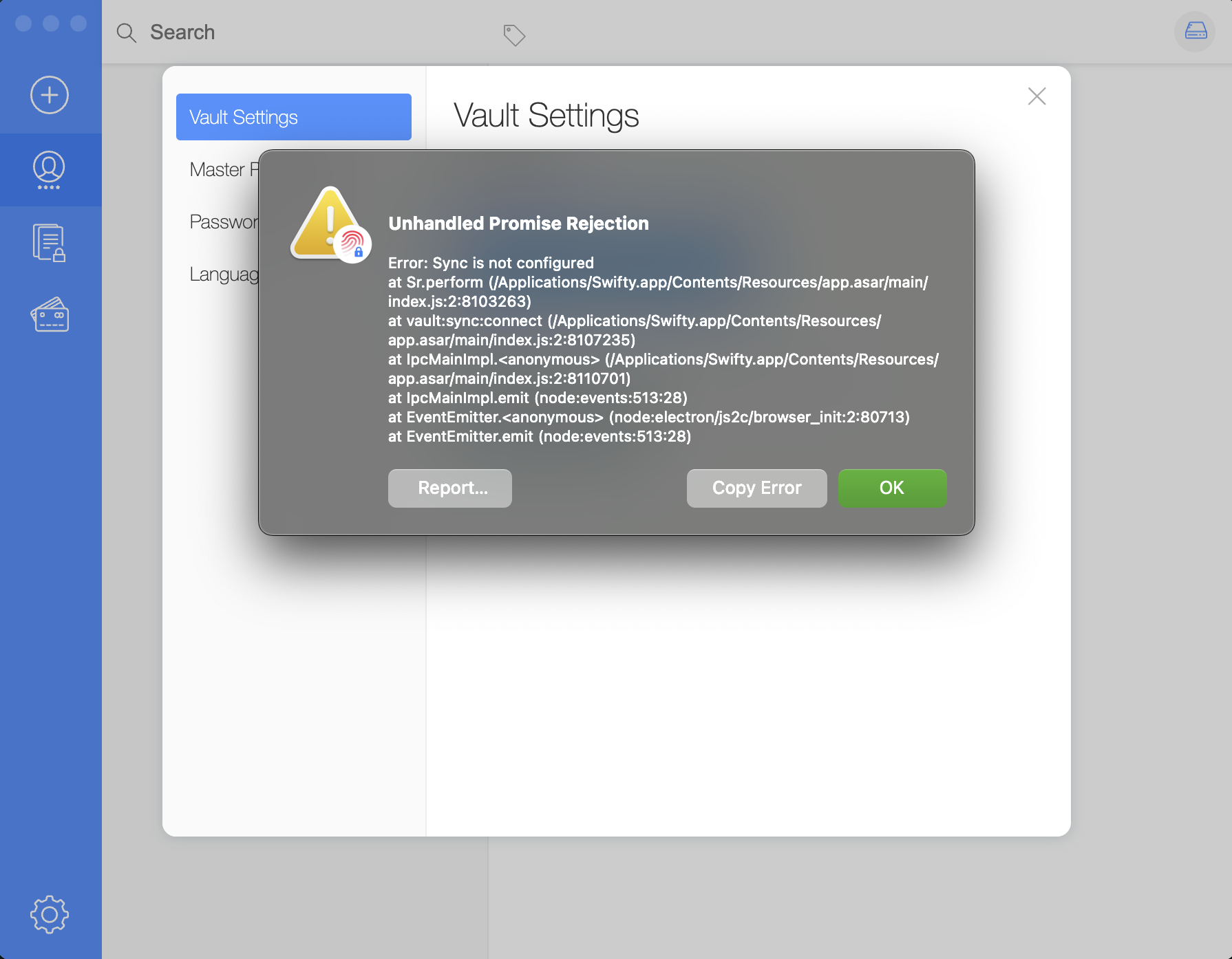
- pop up shows with the title "Unhandled Promise Rejection"
Unhandled Promise Rejection

Error: Sync is not configured
    at Sr.perform (/Applications/Swifty.app/Contents/Resources/app.asar/main/index.js:2:8103263)
    at vault:sync:connect (/Applications/Swifty.app/Contents/Resources/app.asar/main/index.js:2:8107235)
    at IpcMainImpl.<anonymous> (/Applications/Swifty.app/Contents/Resources/app.asar/main/index.js:2:8110701)
    at IpcMainImpl.emit (node:events:513:28)
    at EventEmitter.<anonymous> (node:electron/js2c/browser_init:2:80713)
    at EventEmitter.emit (node:events:513:28)
Expected behavior Authentication and Synchronization of vault with Google Drive.
Screenshots
Desktop and Version:
- OS: MacOS
- Swifty 0.6.13
- Electron 23.0.0
- darwin 22.4.0
- Locale: en-US
Additional context Installed on MacOS with
brew install --cask swifty
