

 swarmpit
Unable to have a different organization namespace in an added registry
We are using an "organization account" as a private registry on Docker hub (which is the new standard way), and so the user name used for docker login is different from the repositories namespace. This makes the UI unusable for our use case:
- Unable to specify a namespace when linking the registry
- Unable to select the right docker image when creating a service (no repositories appear under the organization namespace)
- The tag list aren't available anywhere (service create / edit) because the get request
http://<url>:888/api/repository/tags?repository=<orga_ns>/<docker_image>returns a 401.
Am I missing something?

@cyppan Just using the credentials of "organization account" to link dockerhub registry account should be enough to list and fetch repository tags.
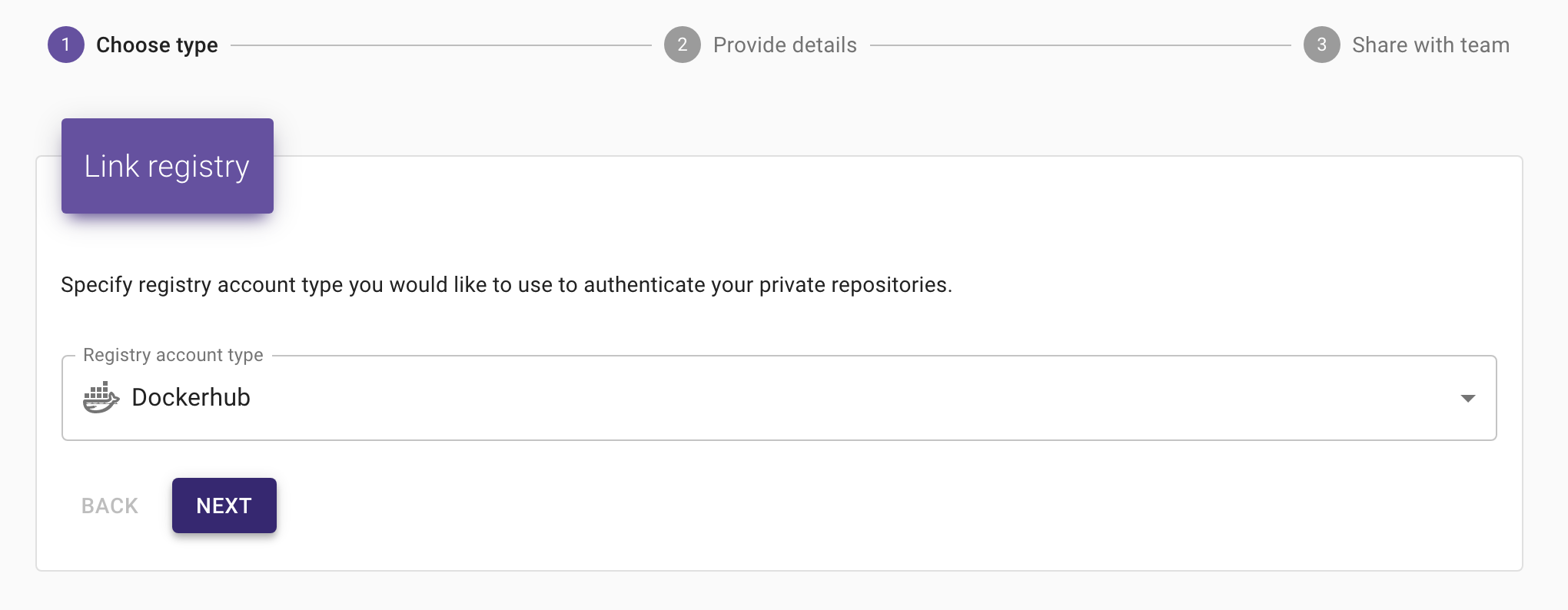

Actually you can't connect to Docker hub with the organization account directly, you're forced to create and connect with explicit user accounts that you have added in the organization team with the relevant rights.
Yes correct. You have to link your user account with organization. Then you should login with your user account and all linked namespaces will be available for listing.
E.g.
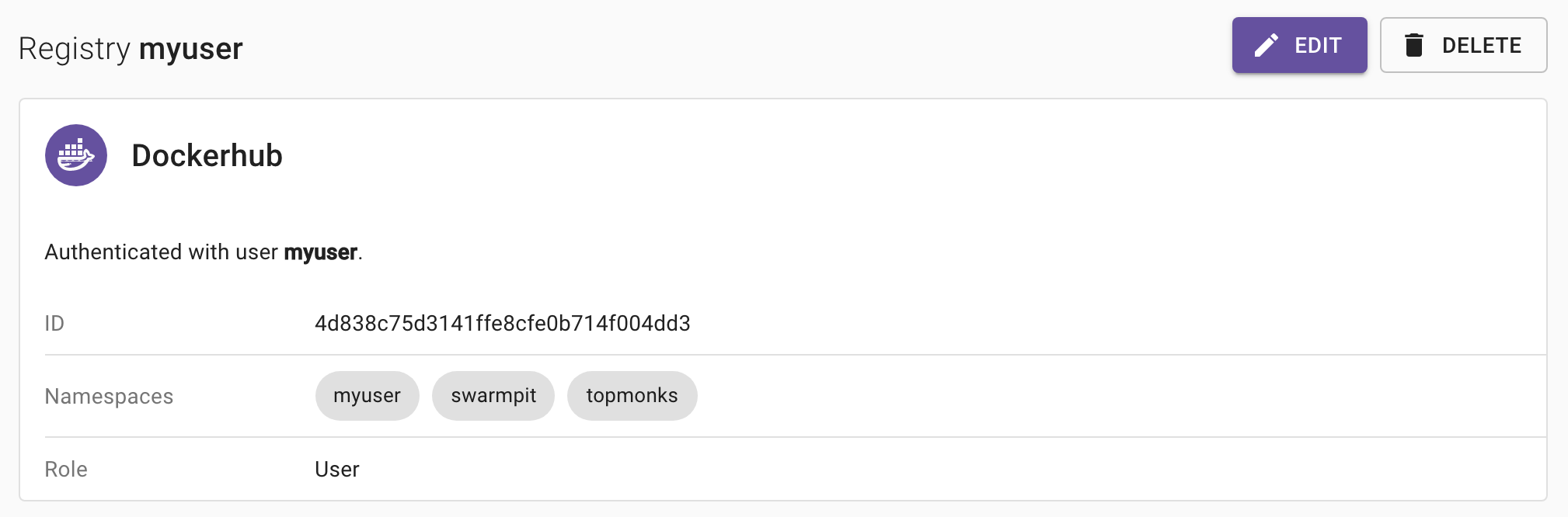
myuser is linked with 2 organizations: swarmpit & topmonks so i can list and use images from both no matter namespace prefix.
Ok I understand better now, but for us the other namespace doesn't show up... Even if our user is indeed linked to the organization as a "Member", I see only its user namespace.
@cyppan Just out of curiosity: Did you link user to organization in dockerhub before linking in Swarmpit ? These namespaces are now fetched by Swarmpit during linking process only. We might have to introduce some refresh button later.
Yes it's the user we use for all of our CI stuff it was existing before and was linked to the organization. However I didn't have the registry setup in swarmpit before I create our swarm stack (not the swarmpit one) but I don't think it's the problem here since I don't see the namespace on the registry page anyway. I've also tried to delete / recreate the registry account with no success.
@cyppan Can you elaborate more on your dockerhub org account setup ? Basically i have myuser in both org under following team:
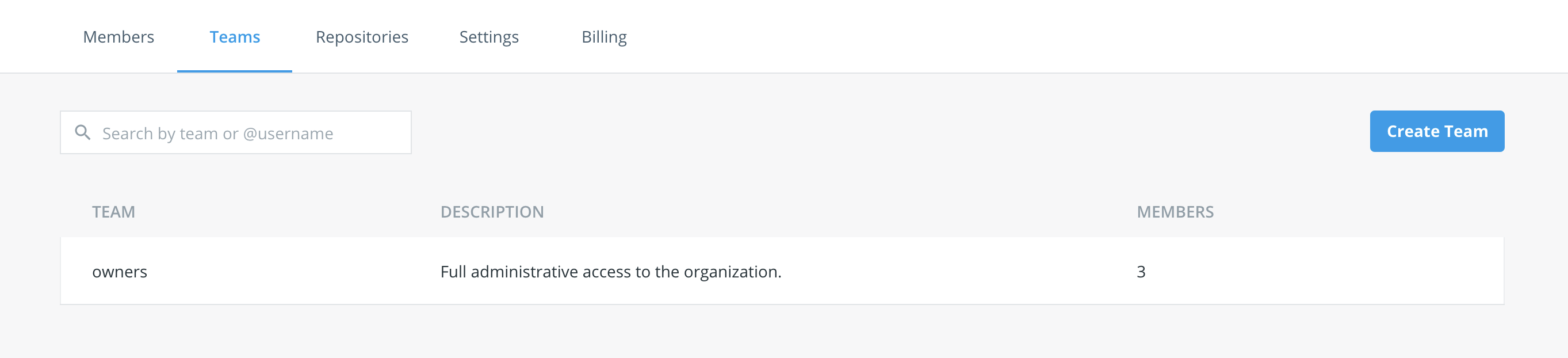
I would like to simulate your setup. Team configuration of your user within the org is the one i'm interested in.
Sure, thank you. Our user in in a "members" team which only provides read/write access to all repos.
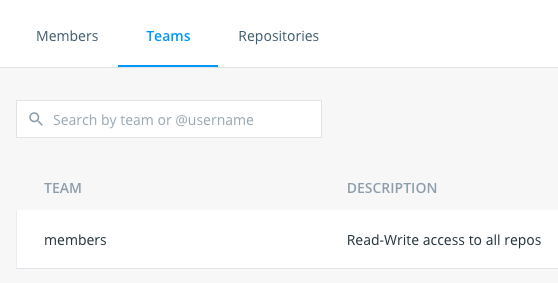
@cyppan You're right .. With member access you can't see linked namespaces (only yours). With owner access you can. Looks like the API used to fetch user namespaces is restricted for owners only.
curl --location --request POST 'https://hub.docker.com/v2/users/login' \
--header 'Content-Type: application/json' \
--data-raw '{
	"username": "user",
	"password": "pass"
}'
Returns JWT token which is then used for:
curl --location --request GET 'https://hub.docker.com/v2/repositories/namespaces' \
--header 'Authorization: JWT {token}'
Unfortunately linked namespaces are returned only in case of owner access. Not sure why such privileges are needed.
But interesting fact is that i can list private repositories of linked org :)
curl --location --request GET 'https://hub.docker.com/v2/repositories/{linked_org}?page=2' \
--header 'Authorization: JWT {token}'
So basically only problem is that we can't automatically distinguish which orgs is user linked with unless owner.
Thanks for the investigation, indeed we have no problem listing repos, I don't understand the needed privilege for listing namespaces me neither... I've reached the Docker hub support for their feedback on this.
@cyppan What swarmpit does is that we fetch the namespaces available for user and then list all the repositories for given namespaces e.g.:
if
curl --location --request GET 'https://hub.docker.com/v2/repositories/namespaces' \
--header 'Authorization: JWT {token}'
returns:
{
    "namespaces": [
        "org1",
        "org2"
    ]
}
We call
curl --location --request GET 'https://hub.docker.com/v2/repositories/org1' \
--header 'Authorization: JWT {token}'
curl --location --request GET 'https://hub.docker.com/v2/repositories/org2 \
--header 'Authorization: JWT {token}'
and concat the results for user. If we can't list the namespaces we can't show the repositories under linked org namespaces, and we don't have any relation between service image and repository account. So we can't tell which registry account to use in order to authenticate if image in use have different namespace (is from org) than user default ns. Therefore you're getting 401 on tags most probably.