

 sumatrapdfreader
Bookmark tree fully expands by default instead of being collapsed after updating from 3.3.3 to 3.4.6
After updating from 3.3.3 to 3.4.6 the default state of the bookmarks changed from being collapsed to fully expanded for new files.
If the option "remember opened files" is disabled, every time you open a file the bookmark tree will be fully expanded. Otherwise it will remember the last state the bookmarks were in. Deleting a file from history also causes the bookmark to be fully expanded when you open the file again.
I would expect the default state to be fully collapsed like it previously was in 3.3.3, as it makes searching easier for files with many bookmarks.

Expanded state is normally set in the PDF document, SumatraPDF should honor that (unsure how it works in other formats) then if remember is ON store a copy of current state, for return.

here is best example I can find
one where in old and new SumatraPDF on first open some are expanded and some are not but the same ones in old and new are not expanded
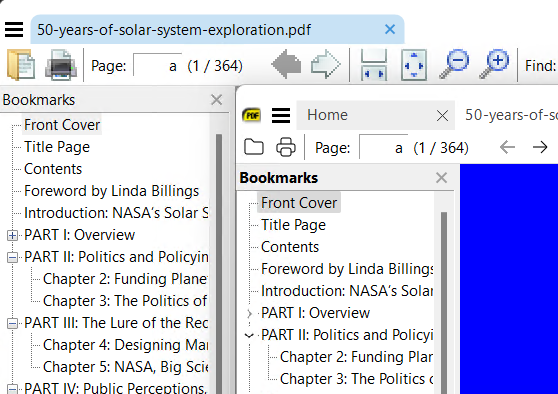
same in acrobat but browsers like Edge do not follow guidance 
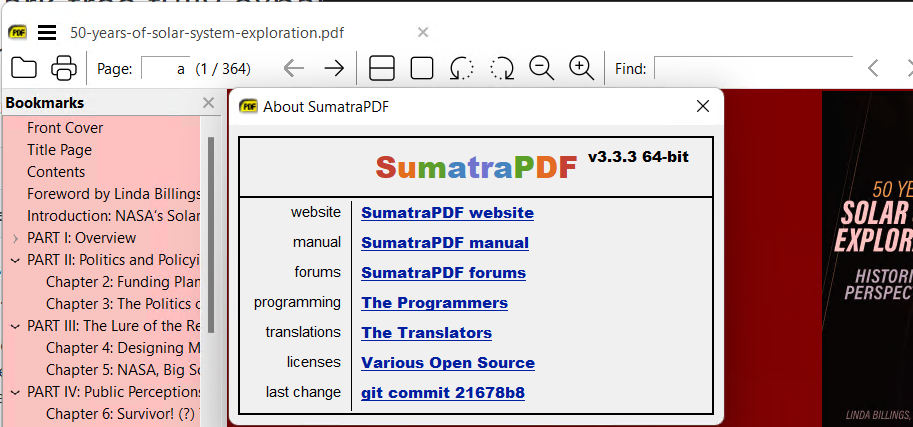
unless you can provide a sample that differs from standard behavior I suggest its not an issue.
I should have added that it is an epub file. PDFs do work correctly.
This is the example after opening the file for the first time
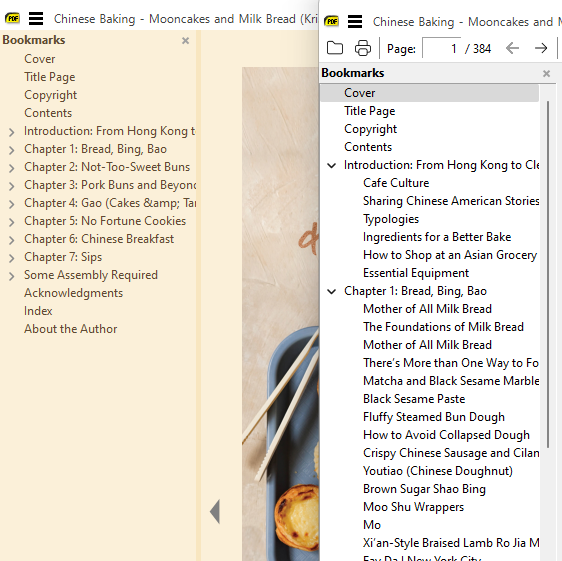
I can't upload the epub though as it should be under copyright.
ahhh
That's a different rendering methodology and without sample for comparison no way to know how exactly how it should behave.
However agreed the newer MuPDF engine behavior does seem to differ (expanded) to the earlier native engine default (collapsed).