sumatrapdfreader
Ability to see document in 2 views
Like many modern text editors I would like to have the ability to see an open PDF file in 2 different views, e.g. to look at a graphic at page 100 and read its description on page 102 (being able to scroll indepdently).

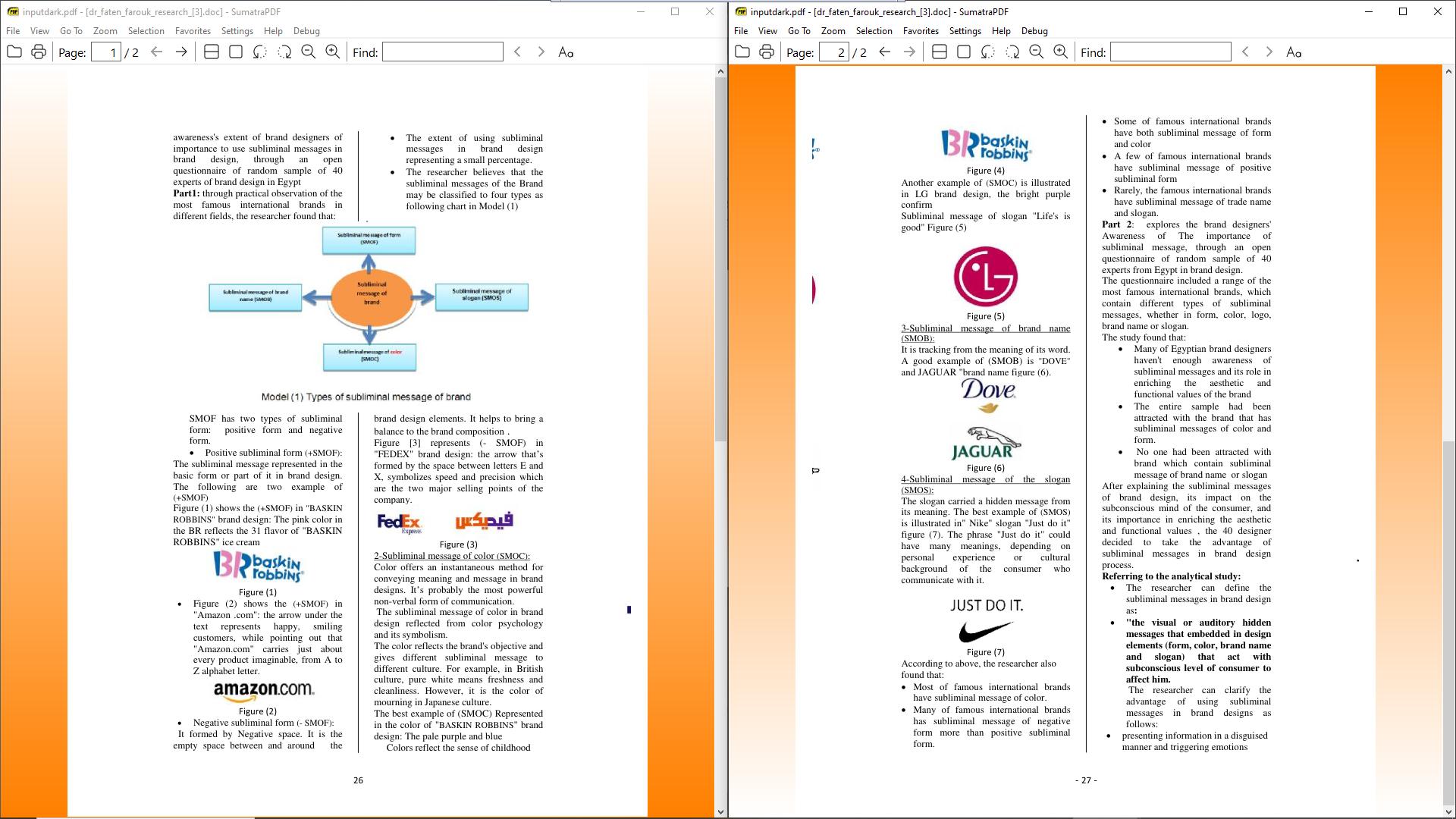
Ctrl+Shift+N to open your document in a second window.
Drag the window so that Windows snaps them to sit side by side. Read and scroll independently.
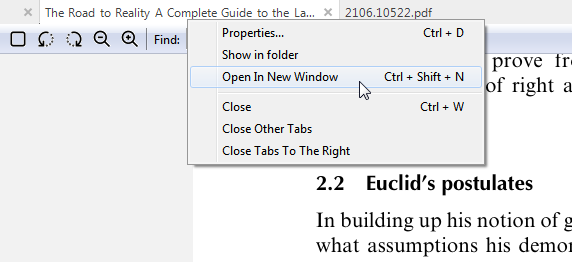

Thanks. Where can I find this shortcut if the menu bar is active ([ ] Use tabs)?
@mklhmnn Its not exposed on main menu so you could use open in new window see first part of https://github.com/sumatrapdfreader/sumatrapdf/issues/2275#issuecomment-1005687376

Using Ctrl+Shift+N requires me to
- unmaximize both windows
- rearrange both windows to be right beside each other
- find the page Text editors have this requested feature to avoid all these steps.
Unsure why you have to unmaximise half a screen is usually perfect for reading then ctrl shift N opens second copy for drag to the other half
or using new tab dragging move between halves