

 sumatrapdfreader
sumatrapdf is not honering Direction R2L
Hi,
please check: https://maknoon.com/hafs_new.pdf
the direction is still L2R eventhough it is created with direction R2L
you can see the difference when using Adobe reader

related to R2L pages https://github.com/sumatrapdfreader/sumatrapdf/issues/1545
Sorry I do not understand R2L Languages but it looks Right 2 Me
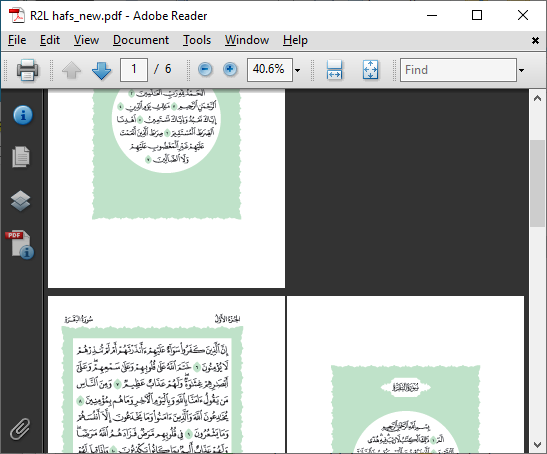
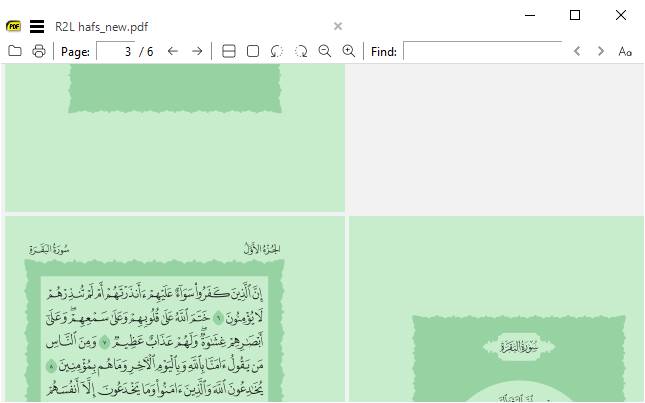
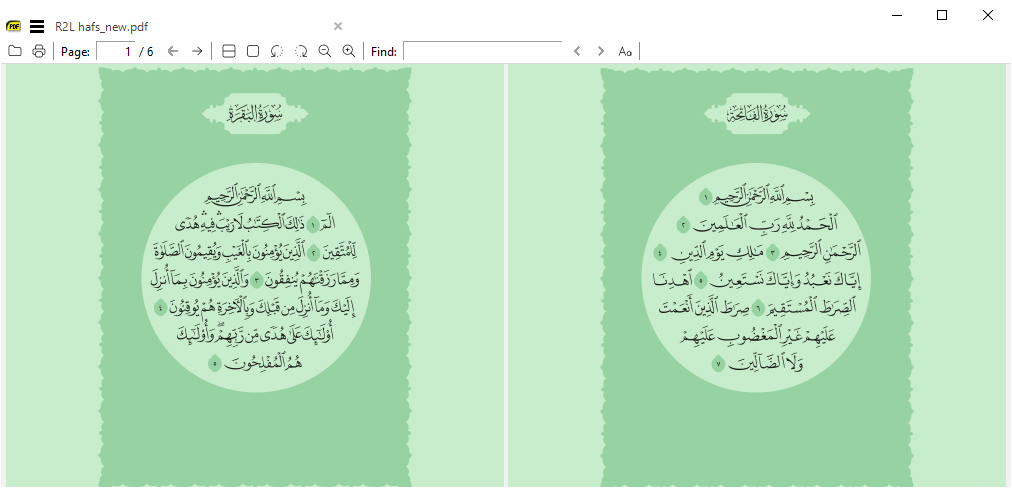

apologies, you are right. it is R2L but because the layout has frontpage, the order is missed hence i was confused.
the issue is with having frontpage where it should not.
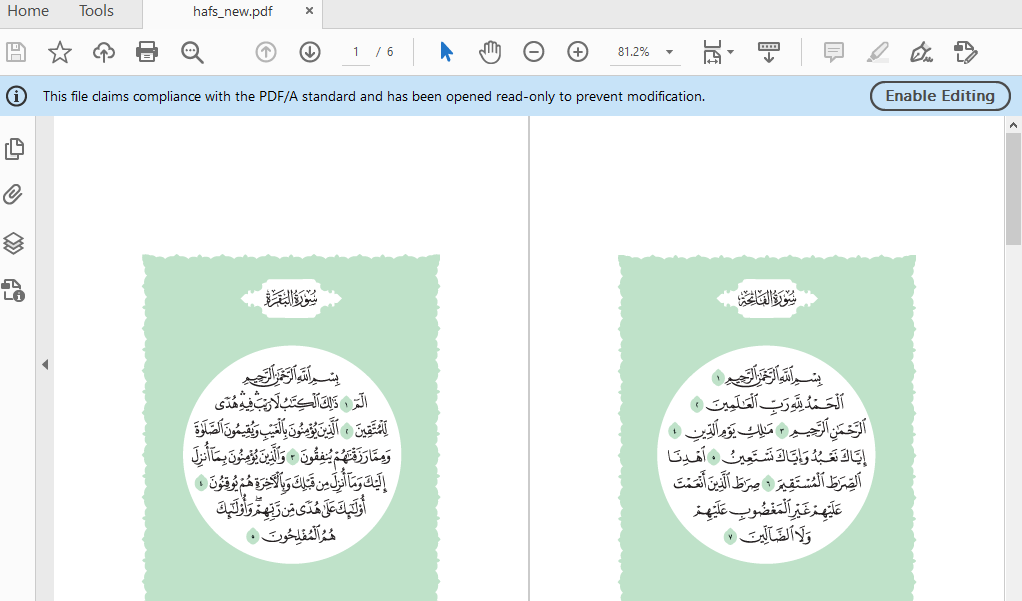
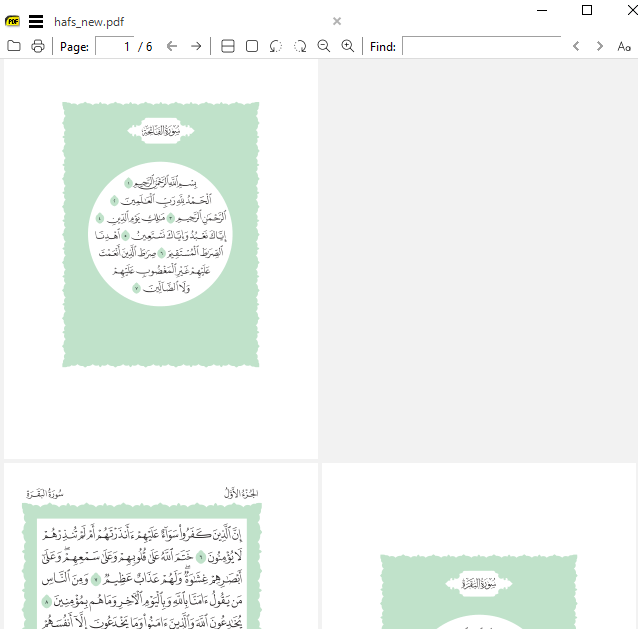
your first image seems the expected one but for some reason it is not with me. i tried the lates pre release but the same issue. your second image has the same issue
your Adobe version seems old and has the same issue, not sure.
I updated Images but the difference is what Adobe call Show Coverpage during 2-Up in SumatraPDF that is simply "Book View" the opposite is "Facing View"
OK, i think i got the issue. please have a look now at this: https://maknoon.com/hafs_new1.pdf
this is the output in Adobe without any changes in the GUI
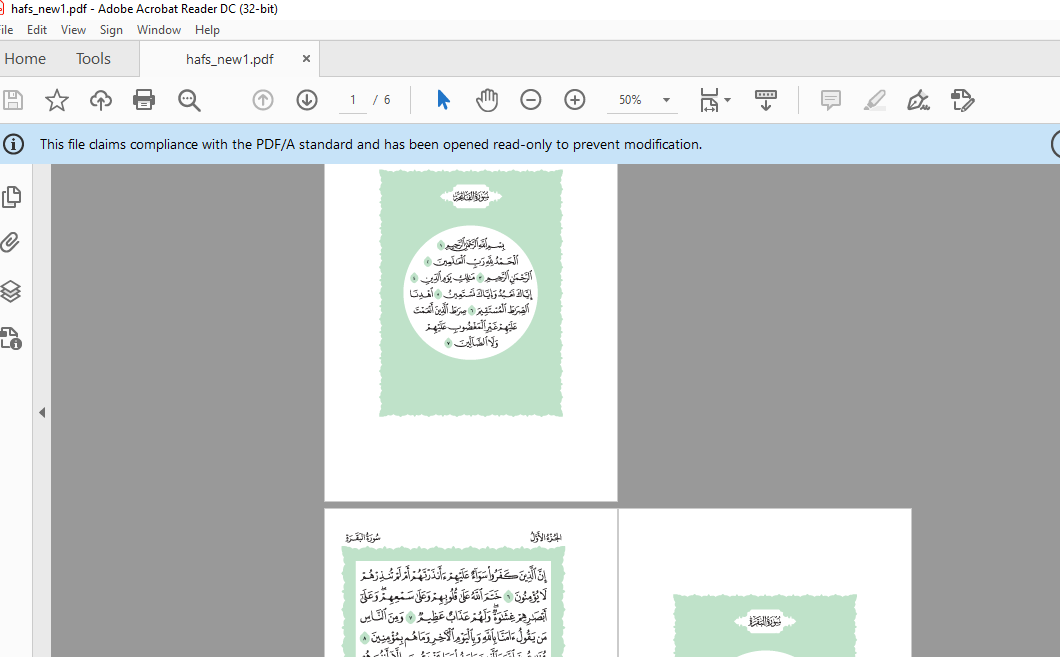
those documents i'm creating with PDFBox libraries and there is Viewer setting

the first document is using TWO_COLUMN_LEFT, the second document is using TWO_COLUMN_RIGHT. the behavious is correct in Adobe without the need to do anything in the GUI
I guess it might be about honoring these viewer setting.
I still dont find a difference with the second sample. But Acrobat is not SumatraPDF
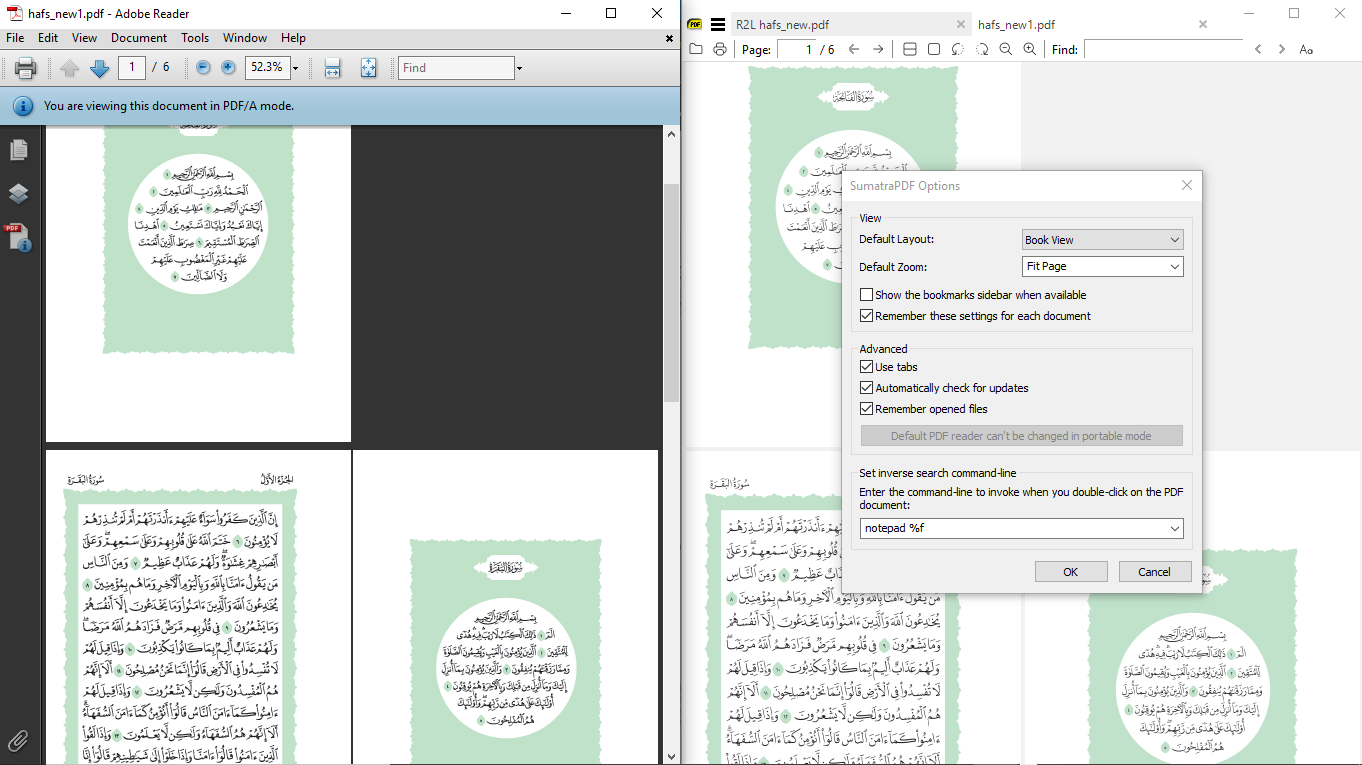
In SumatraPDF you can set initial View to BOOK or FACING without any insecure program actions, in Adobe Acrobat you can include programming to change the first view. RTL viewing should not require programming. However MuPDF (the rendering engine used by SumatraPDF) may not always see the RTL ordering correctly, hence there is an open issue for other samples. However these samples apear to be working according to the correct RTL flags.
thank you for your efforts. i beleive there is a difference. i have used this online tool and it is showing different page layout as expected:


it depends on the viewer on how it interpret it
Direction (L2R or R2L) and page layout on side-by-side view (facing or book) are two different things.
In PDF spec, direction is specified in Root -> ViewerPreferences -> Direction and page layout in Root -> PageLayout.
For each combination of these two properties, pages should be ordered like:
Direction: L2R, PageLayout: TwoColumnLeft
1 2
3 4
5 6
...
Direction: R2L, PageLayout: TwoColumnLeft
2 1
4 3
6 5
...
Direction: L2R, PageLayout: TwoColumnRight
1
2 3
4 5
6 7
...
Direction: R2L, PageLayout: TwoColumnRight
1
3 2
5 4
7 6
...
White Adobe Reader repects these two properties, it seems SumatraPDF respects only direction and ignores layout info (, which I think is okay as I can switch between facing and book view manually).

@mkyt Thanks for the breakdown, Adobe products use imbedded programmable "Actions" which may be as simple as ON Open switch layout and go to page X OR more complex like run ECMA (JAVA) scripts to send user info via background email or anything else like a usage tracker. SumatraPDF does not have such baggage (one reason its cleaner and leaner, only crash reports are sent out) However some "Actions" like open file at page X and zoom to show 2 Pages Facing are emulated/permitted via settings or command line.
@kjk effectively duplicate of other RTL issues in that Mang Mode allows user over-ride toggle of current page order