

 sublimelsp
Hover popup does not render images from the internet
Description
The window that appears when you hover over when looking for documentation about a class/object/function is not rendering images correctly on latest ST4:

The rendered images should be as follows:

Steps to reproduce
First step: hover over any class/object/function (that has images in its documentation) to view the documentation Second step: Scroll to the part of the documentation that has images in it Images don't show Expected behavior
Images should show on the documentation window
Actual behavior
Images show as missing (missing icon)
Environment
Build: 4087 Operating system and version: MacOS 10.15.7


I can’t remember if it worked before cause I just stumbled upon this one document that had pictures in it.
Language is dart and server is LSP-Dart.
Sent from my iPad
On Oct 5, 2020, at 11:36 PM, Jack Cherng [email protected] wrote:
Just wondering
does it work before? what's the language and the server? — You are receiving this because you authored the thread. Reply to this email directly, view it on GitHub, or unsubscribe.
It would be good to know the LSP payload from the server for this hover request, so we can see how the Dart server handles images. I can say that in general images in hover popups work for me with e.g. the TexLab server, and that server uses Markdown markup for it, with the image encoded as a png/base64 string. But I don't use Dart and don't want to install the Dart SDK just for this, so maybe you could paste it here?
To show the server payload, I believe on ST4 you need to set "log_server": ["panel"] in the settings, then use the "LSP: Toggle Log Panel" command and look for the response to textDocument/hover.

Thank you for the instructions!
Here's the log specific to the hover event:
:: <<< Dart 3: {'contents': {'kind': 'markdown', 'value': "```dart\nclass Colors\n```\n*package:flutter/src/material/colors.dart*\n\n---\n[Color] and [ColorSwatch] constants which represent Material design's\n[color palette](https://material.io/design/color/).\n\nInstead of using an absolute color from these palettes, consider using\n[Theme.of] to obtain the local [ThemeData] structure, which exposes the\ncolors selected for the current theme, such as [ThemeData.primaryColor] and\n[ThemeData.accentColor] (among many others).\n\nMost swatches have colors from 100 to 900 in increments of one hundred, plus\nthe color 50. The smaller the number, the more pale the color. The greater\nthe number, the darker the color. The accent swatches (e.g. [redAccent]) only\nhave the values 100, 200, 400, and 700.\n\nIn addition, a series of blacks and whites with common opacities are\navailable. For example, [black54] is a pure black with 54% opacity.\n\n\nTo select a specific color from one of the swatches, index into the swatch\nusing an integer for the specific color desired, as follows:\n\n```dart\nColor selection = Colors.green[400]; // Selects a mid-range green.\n```\n\nEach [ColorSwatch] constant is a color and can used directly. For example:\n\n```dart\nContainer(\n color: Colors.blue, // same as Colors.blue[500] or Colors.blue.shade500\n)\n```\n\n## Color palettes\n\n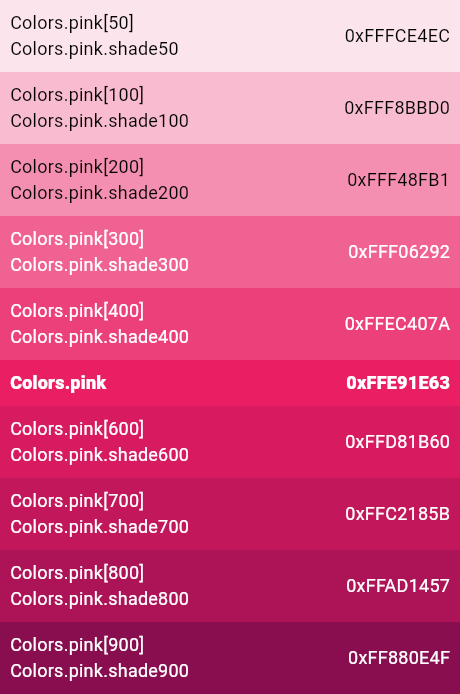\n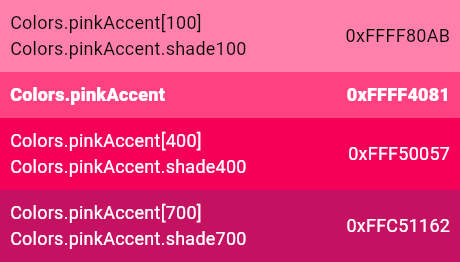\n\n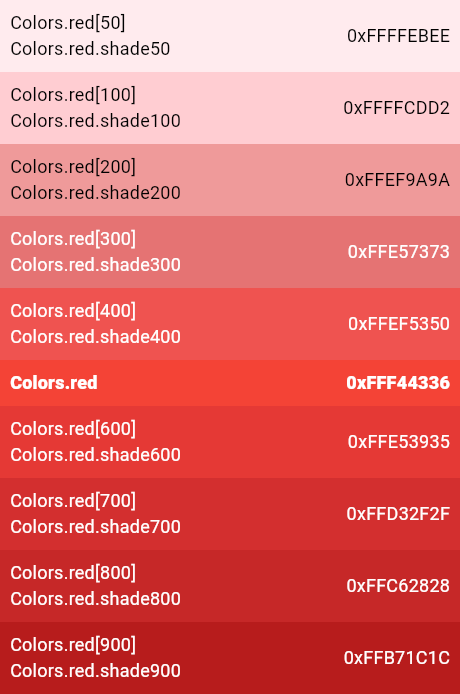\n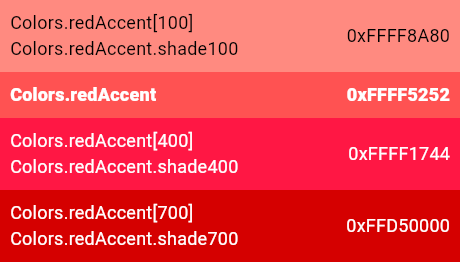\n\n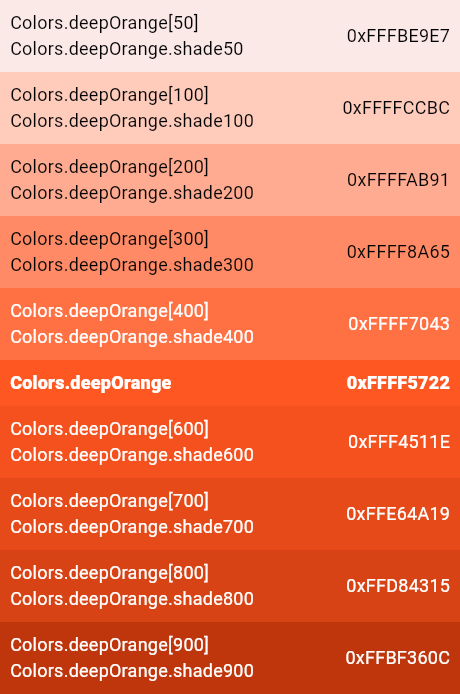\n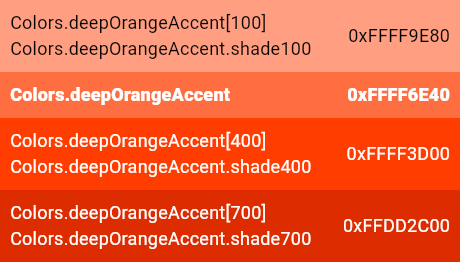\n\n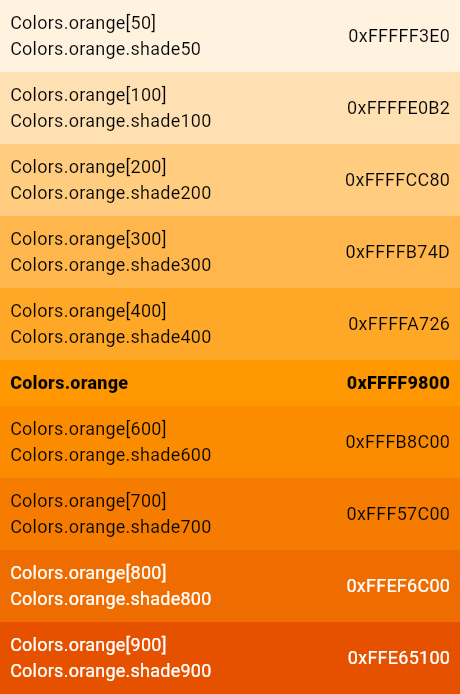\n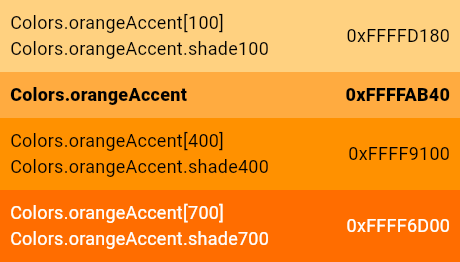\n\n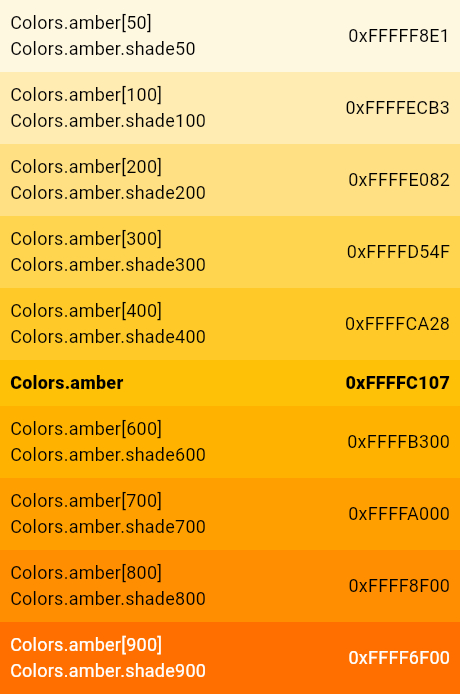\n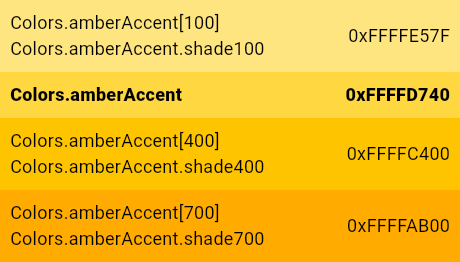\n\n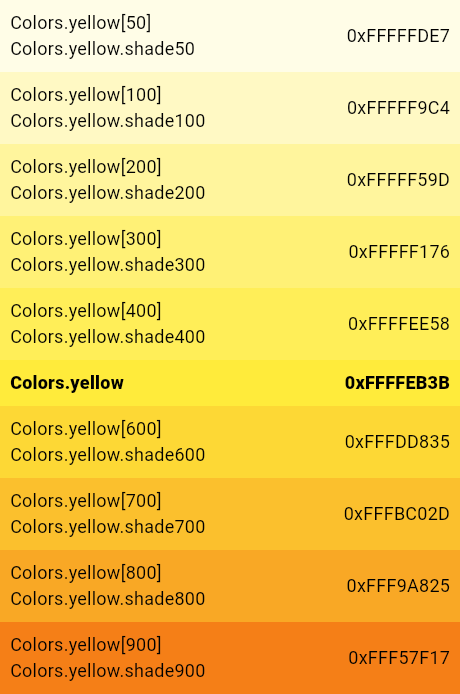\n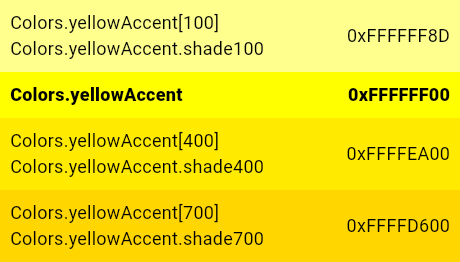\n\n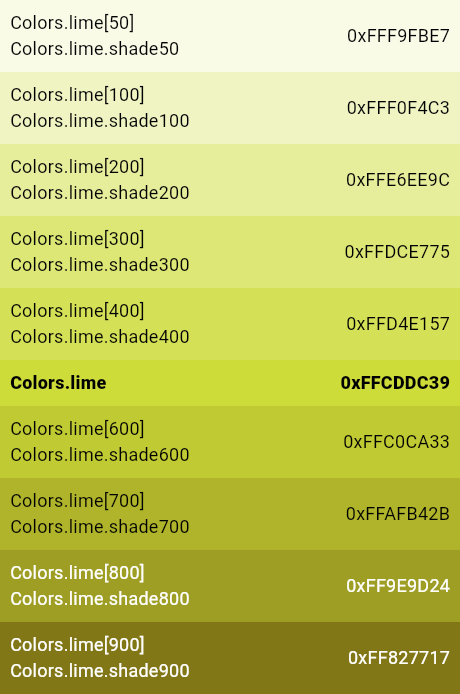\n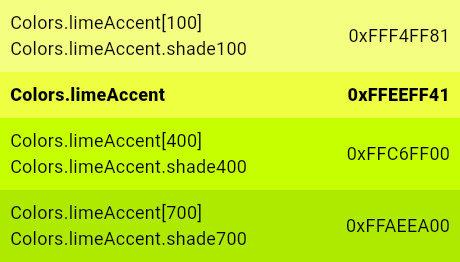\n\n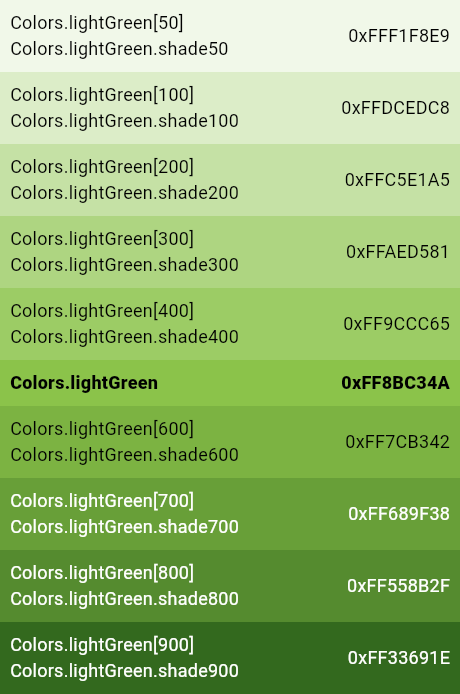\n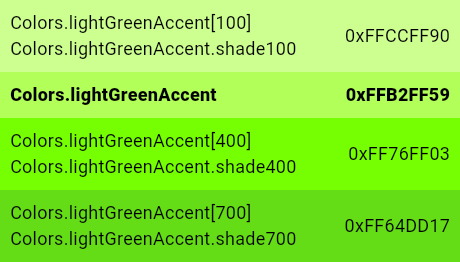\n\n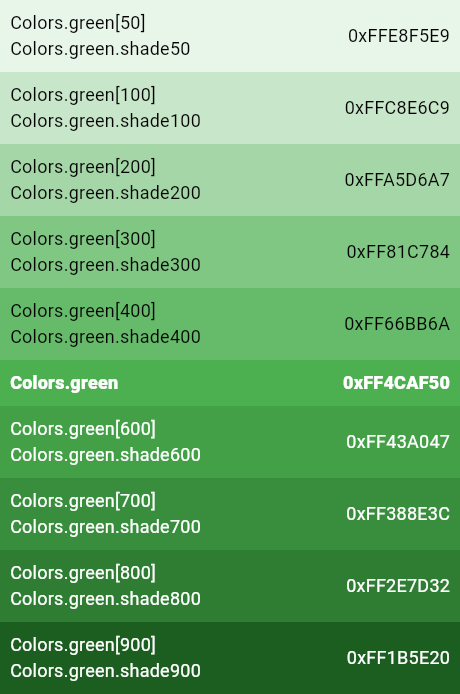\n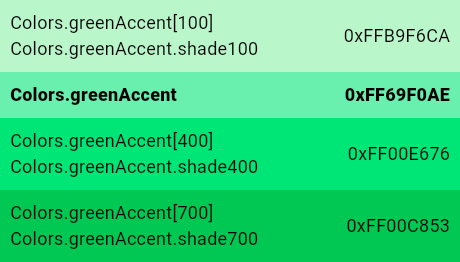\n\n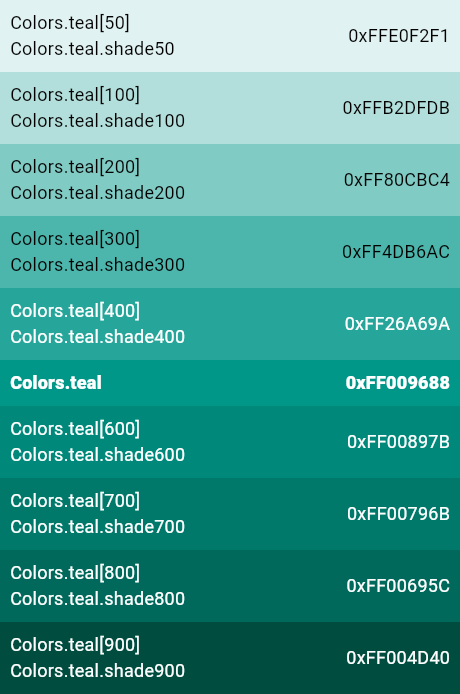\n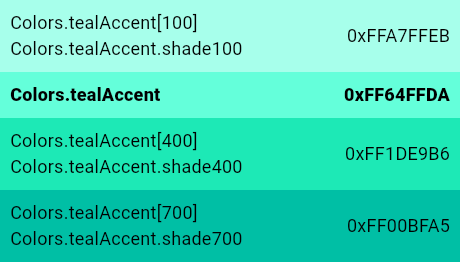\n\n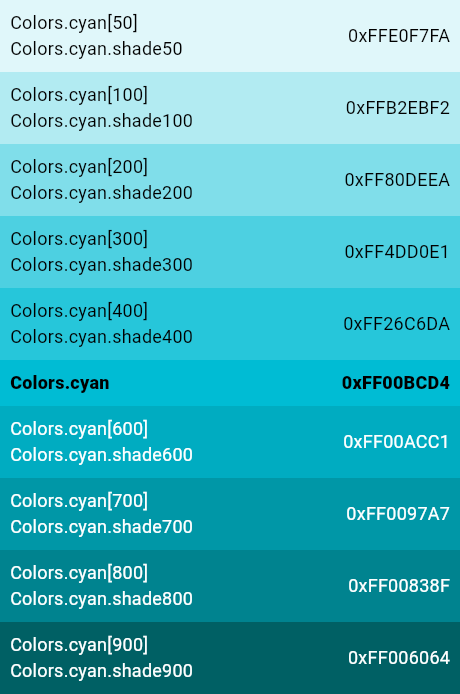\n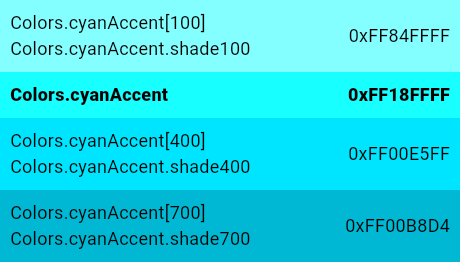\n\n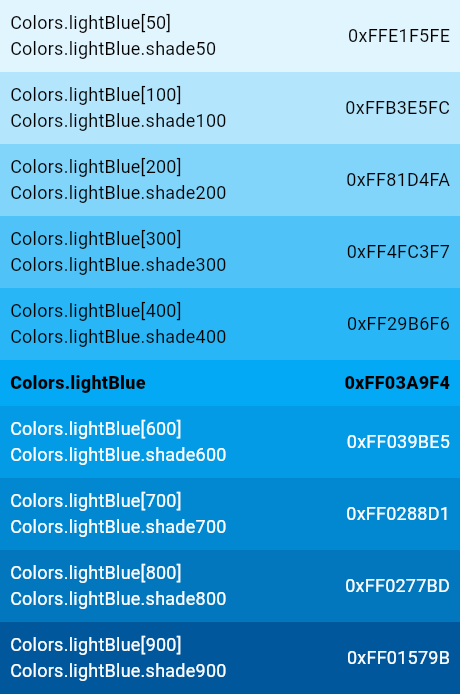\n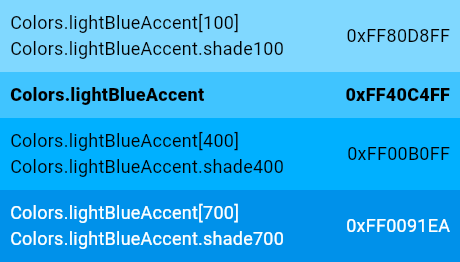\n\n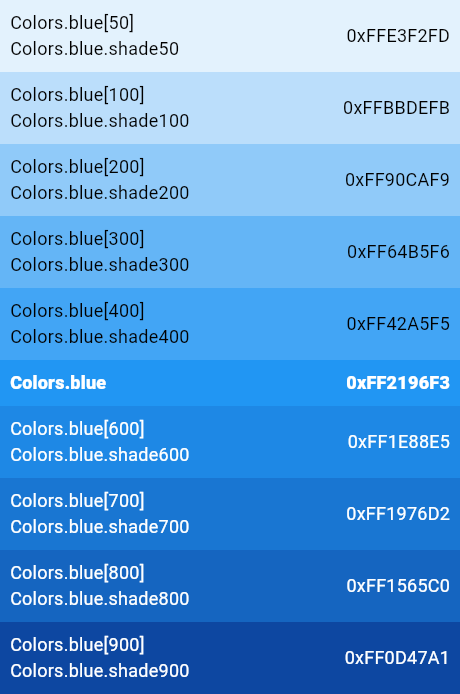\n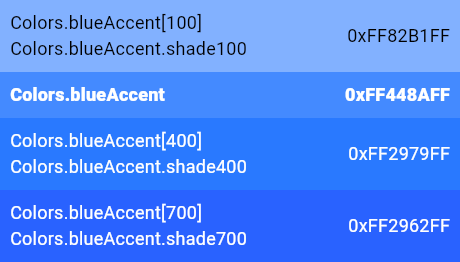\n\n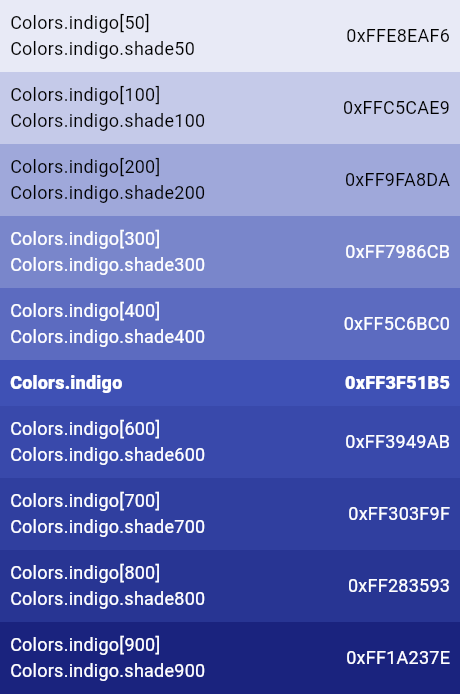\n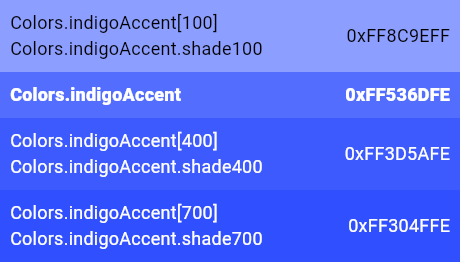\n\n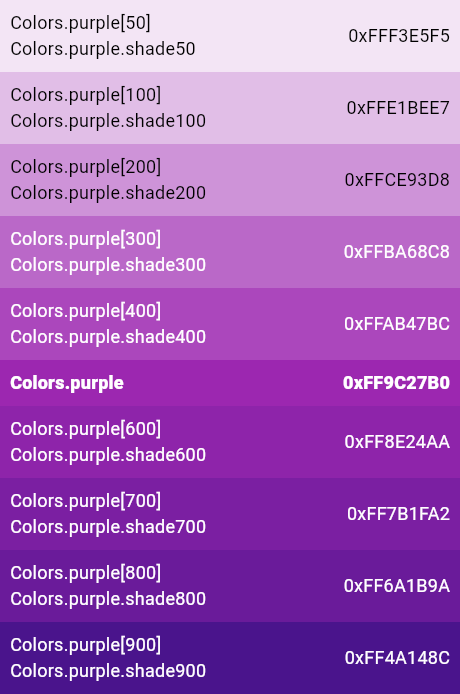\n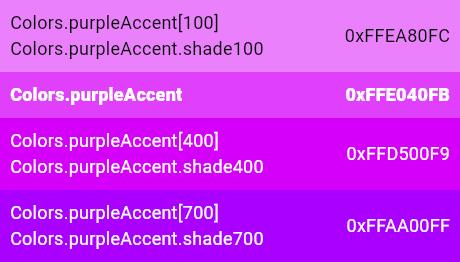\n\n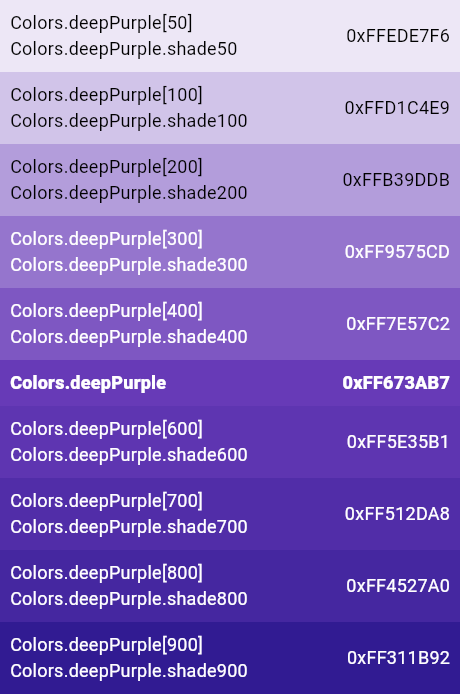\n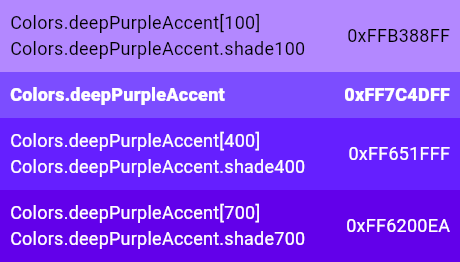\n\n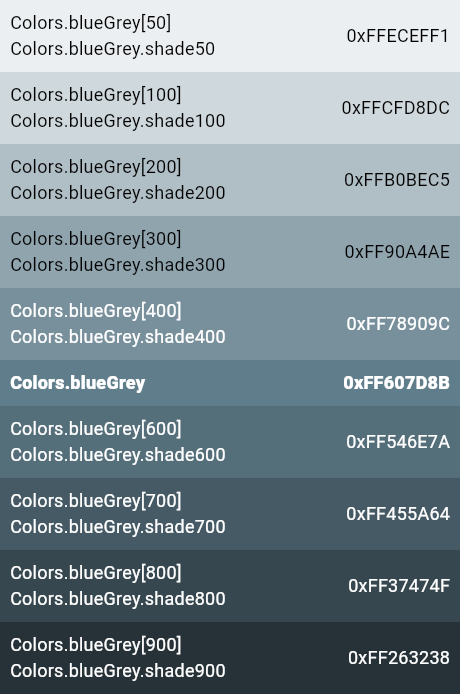\n\n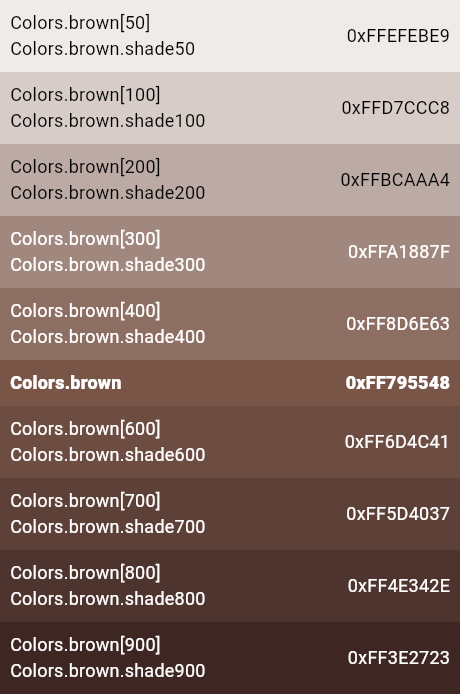\n\n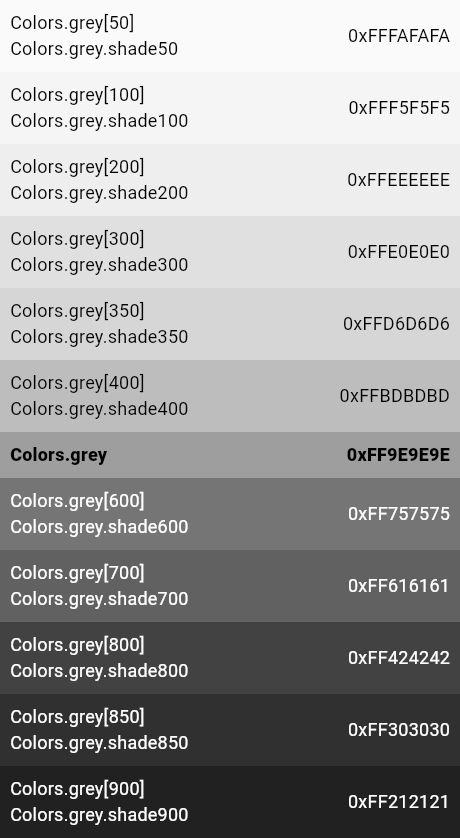\n\n## Blacks and whites\n\nThese colors are identified by their transparency. The low transparency\nlevels (e.g. [Colors.white12] and [Colors.white10]) are very hard to see and\nshould be avoided in general. They are intended for very subtle effects.\n\n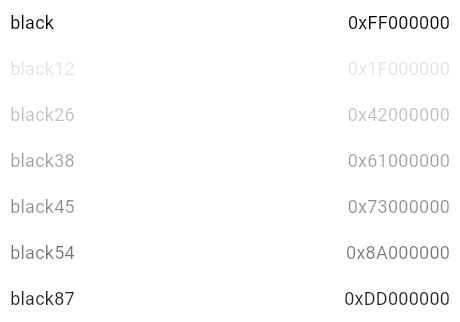\n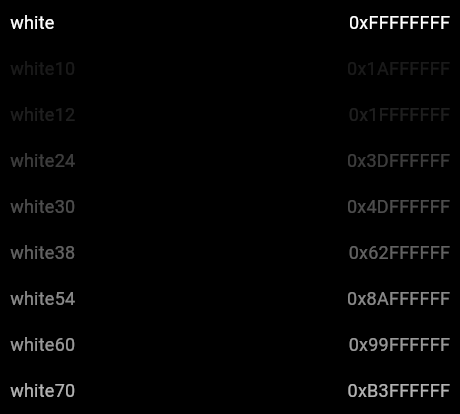\n\nThe [Colors.transparent] color isn't shown here because it is entirely\ninvisible!\n\nSee also:\n\n * Cookbook: [Use themes to share colors and font styles](https://flutter.dev/docs/cookbook/design/themes)"}, 'range': {'end': {'line': 38, 'character': 17}, 'start': {'line': 38, 'character': 11}}}
Looks like its .png's that are not showing correctly. If I look up for any of the links, this is what I get:

~~If you can find the time, please also show the payload from the ST3 version. My hunch: you're using a different dart analysis server in ST3 that embeds these images, while newer ones use a URL.~~
As far as I know mdpopups doesn't handle image URLs:
Python 3.3>>> mdpopups.md2html(view, "")
'<p><img alt="" src="https://flutter.github.io/assets-for-api-docs/assets/material/Colors.pinkAccent.png" /></p>'
Python 3.3>>> view.show_popup('<p><img alt="" src="https://flutter.github.io/assets-for-api-docs/assets/material/Colors.pinkAccent.png" /></p>')
Only @facelessuser can tell for sure :)

Yes, according to the docs, ST doesn't support http(s) urls in <img> tags, only file://, res:// and data:. If we want to support images from http(s) URLs, either we need to detect those URLs here in LSP and then download and convert the images to base64, or alternatively mdpopups would have to do this conversion.
Something like this:
import urllib.request
from base64 import b64encode
url = "https://flutter.github.io/assets-for-api-docs/assets/material/Colors.pinkAccent.png"
try:
    img = urllib.request.urlopen(url).read()
    img_base64 = b64encode(img).decode()
    view.show_popup('<img src="data:image/png;base64,{}" />'.format(img_base64))
MdPopups does not and should not be downloading images. If image lings are to be handled, Sublime itself should do such things. So if you need to make remote images available, you will have to have them locally.
With that said, base64 images should be the image data not the URL.

Looks like there is already an issue for this in the ST issue tracker: https://github.com/sublimehq/sublime_text/issues/1378 But since it's already open for more than 4 years, it seems to be low priority and is unlikely to be resolved in the near future.
So the only possibilities to support this would then be to download and convert image links in the LSP package, or ask the language server maintainers to provide base64 encoded image strings instead of internet URLs.
A small piece of the puzzle is now implemented in mdpopups: https://github.com/facelessuser/sublime-markdown-popups/commit/7b5eece58c96a2b432c0932f12a87c82103c136f
A small piece of the puzzle is now implemented in mdpopups: facelessuser/sublime-markdown-popups@7b5eece
Looks like we are slowly getting there!