stripe-cli
 stripe-cli copied to clipboard
 stripe
Docker container exits after command
The more information we have the easier it is for us to help. Feel free to remove any sections that might not apply Trying to use the CLI with Docker, but it can only execute one command and then exits.
Issue
Describe what happened and what you were trying to do Trying to use the CLI with Docker to test webhooks.
Expected Behavior
Tell us what you expected to happen The Docker container running the CLI should not exit, it should stay running.
Steps to reproduce
What are the steps we can take to reproduce this and verify it's fixed?
Try running docker run --rm -it stripe/stripe-cli latest.
See that there is an error:
Unknown command "latest" for "stripe".
See "stripe --help" for a list of available commands.
Run any other command for example login instead of latest and see the container exit after running.
Traceback
Share any debug output that was given by the CLI
Environment
Select one of: macOS, Linux, Windows, Other Docker on Linux

Thanks for pointing this out @eikooc! This is a bug in our docs -- the command should be
docker run --rm -it stripe/stripe-cli:latest
with a colon before 'latest' instead of a space... latest is a tag on docker that corresponds to the latest version of the stripe-cli and is not meant to be a stripe-cli command.
We will look into getting the docs fixed.

Hi @richardm-stripe. That sounds good, but it only solves half the problem.
You still need to make the docker container stay alive so I can attach to it :+1:
Yes, I see how this is confusing -- after the first step the docs sort of assume that you are inside a shell with access to stripe in the path, which isn't true if you are using it via the provided docker command.
You've got a couple options:
- You can override the docker container's "entrypoint" to be a shell rather than the stripe-cli itself and that will plop you into a shell and allow you to run
stripe loginand then e.g.stripe listenor another command in a single shell session, without the session terminating after each command, i.e.
docker run --rm --entrypoint /bin/sh -it stripe/stripe-cli:latest
$ stripe login
...
$ stripe <some-other-command>
but with this solution you will need to run stripe login at the beginning of each session.
- You can mount a docker "volume" to store the results of
stripe loginon the host -- in your home directory or something -- and use them from subsequent docker invocations, i.e.
$ docker run --rm -v ~/.config/stripe:/root/.config/stripe -it stripe/stripe-cli:latest login
...
$ docker run --rm -v ~/.config/stripe:/root/.config/stripe -it stripe/stripe-cli:latest <some-other-stripe-cli-command>
I hope that unblocks you, I will discuss internally to see if there is a way we can improve the docs to handle your use case better.
Came here to report this issue with persisting the login information. I also suggest adding --network host to make the listen command easier to use from inside the Docker container.

Came here while I was trying to figure out how to persist login information. There is mention about using volume in this page in docs: https://stripe.com/docs/cli/docker But it doesn't tell what kind of volume/where it should be mounted.


Could use the
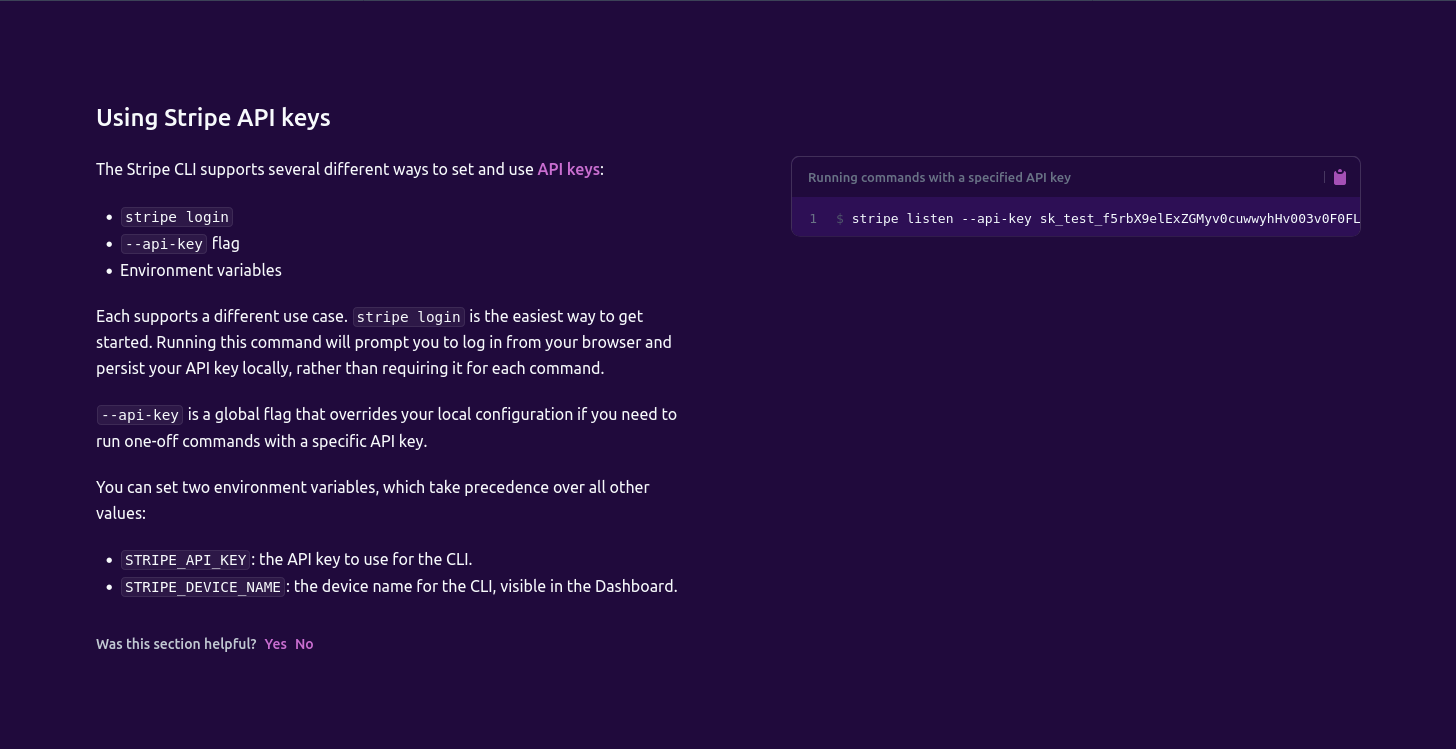
STRIPE_API_KEYenv var though. That seems to be the simplest solution to this.
According to stripe cli doc, it's possible: