

 stride3d
GameStudio resets files on file movement / order restructuring
Release Type: Official Release Version: 4.1.0.1948
Platform(s): Win 10 Pro
Describe the bug Files change back , without warning or any confirmation to whatever it was before. Whatever it was before is either a cached version or the latest(pre latest) save. I noticed this because todays coding and testing was reset to yesterdays version of the file.
To Reproduce Steps to reproduce the behavior:
In short:
- Make a script in the main Code folder
- Write some comments
- Save the code, save the game studio close everthing ( cached version ?)
- Reopen the Game Studio
- Make some changes to the File (doesnt matter where, in Game Studio or VS)
- Save everything
- Make a new folder somewhere under the main Code folder (or somewhere deeper)
- Move the saved file
- Open saved file (it should now be reset to the cached version from step 3)
Steps are many, check Video
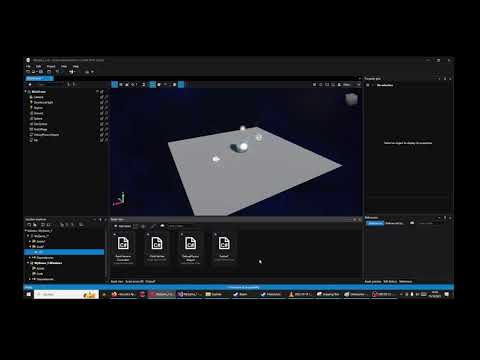
Expected behavior Files that are saved should never be changed. If they must be changed or recreated, a Dialog should apear, asking for permission of that change or to not do anything.
Screenshots see vid link above
Log and callstacks none
Additional Context No git is set up for this, there is no version control
Side Note The saved file can also no longer be opened with the Game Studios Editor after being moved.

Deleted my second post, as i found out it was not related to the issue. (but i never closed this)