

 streamlit
Clearing files/BinaryIO from`streamlit.file_uploader` fails
Summary
Files uploaded with st.file_uploader remains in RAM despite following guidelines given here and caching the read-in part of it.
Steps to reproduce
I'm using mprof as my memory profiling tool, recommended by https://blog.streamlit.io/3-steps-to-fix-app-memory-leaks/.
The python code I'm using can be described below. Any arbitrary .csv file works fine.
import streamlit as st

def main():
    _files = st.file_uploader(
        "",
        accept_multiple_files=True,
        type="csv",
        key="uploaded_files",
            )
    st.write('Selected files:', _files)

if __name__ == '__main__':
    main()
Then after running streamlit run app.py to monitor the memory profiling you can run the following in another terminal (using macos-12 and python3.8):
ps aux | grep "streamlit run" | grep -v grep | awk '{print $2}' | xargs mprof run --attach
Then to plot the memory profiling window, you can run mprof plot in a separate window. Unfortunately, you have to run this command each time you want to see what the memory is after running an action in the App.
Clean up afterwards by running mprof clean.
Expected behavior:
The expected behavior is:
-
Load in the csv file using
st.file_uploader, then runningmprof plotand I will see the memory spike w.r.t the conversion from .csv to BinaryIO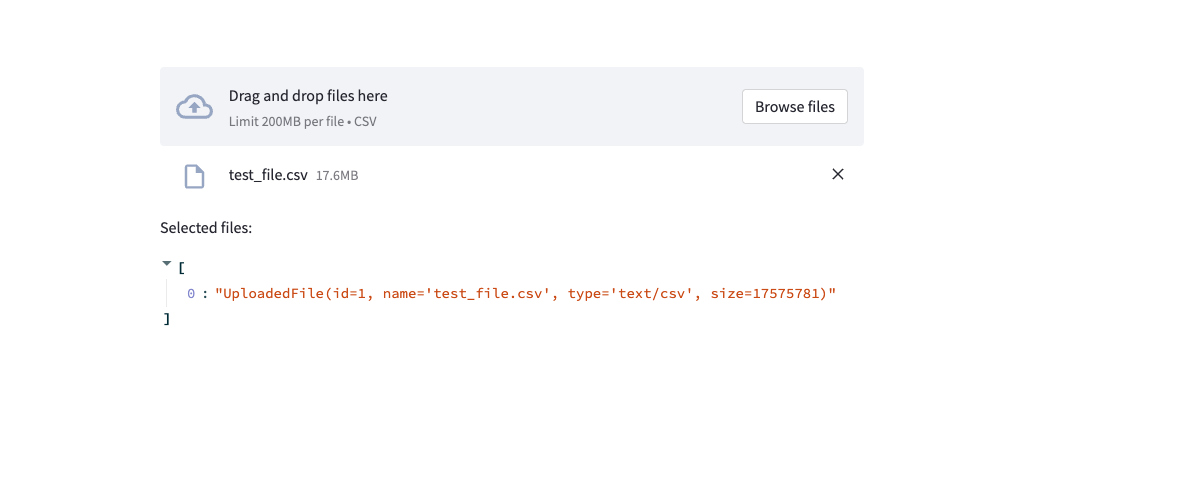

-
Removing the file by clicking X should also remove the BinaryIO used in-memory, i.e. the spike goes down.
-
Refreshing the page should also remove the BinaryIO used in-memory.
Actual behavior:
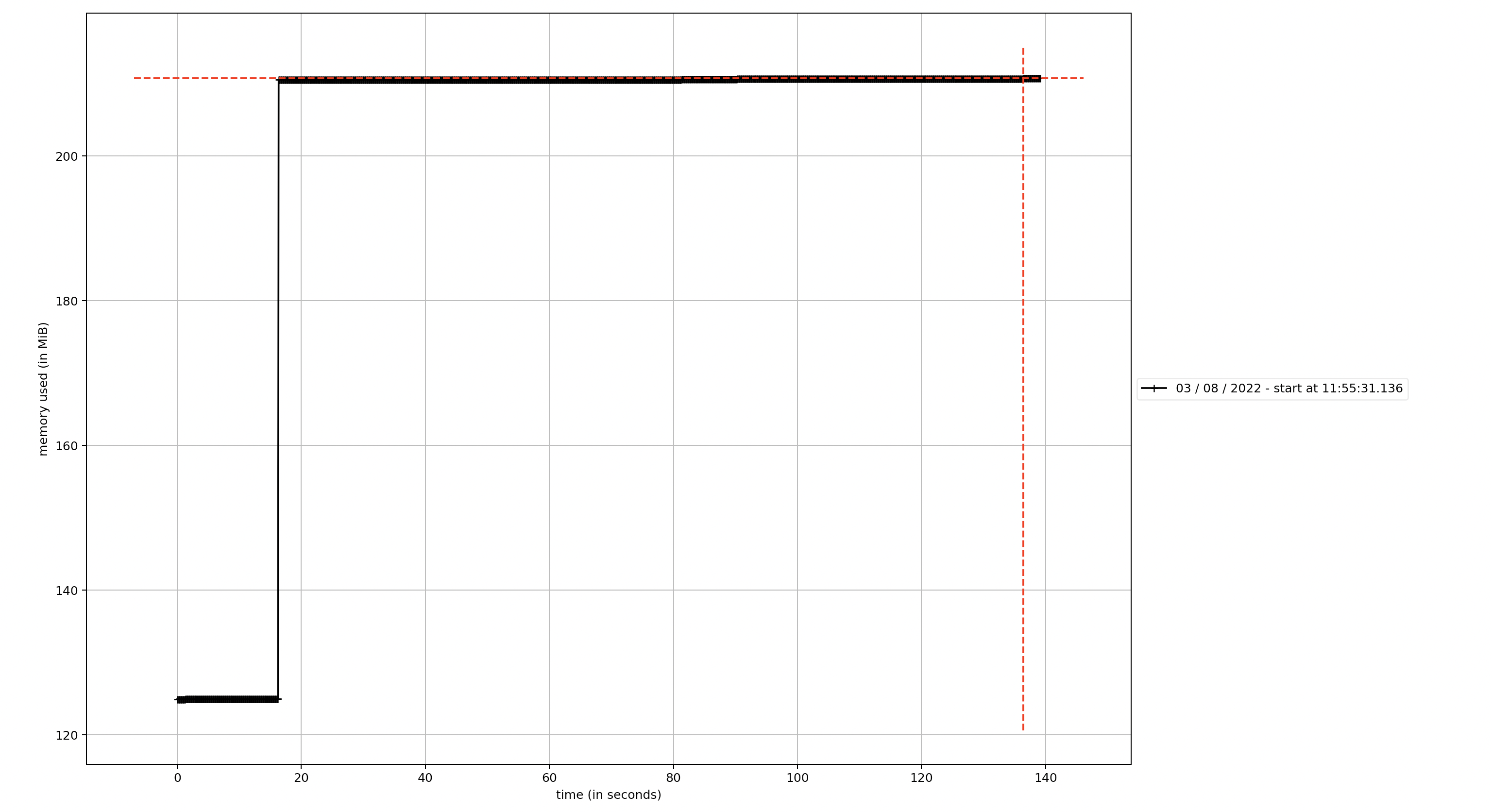
What happens in step 2 & 3 from the above section is the following:
The memory consumed by the BinaryIO never releases despite refreshing the page and clicking X on clearing the files from the file uploader.
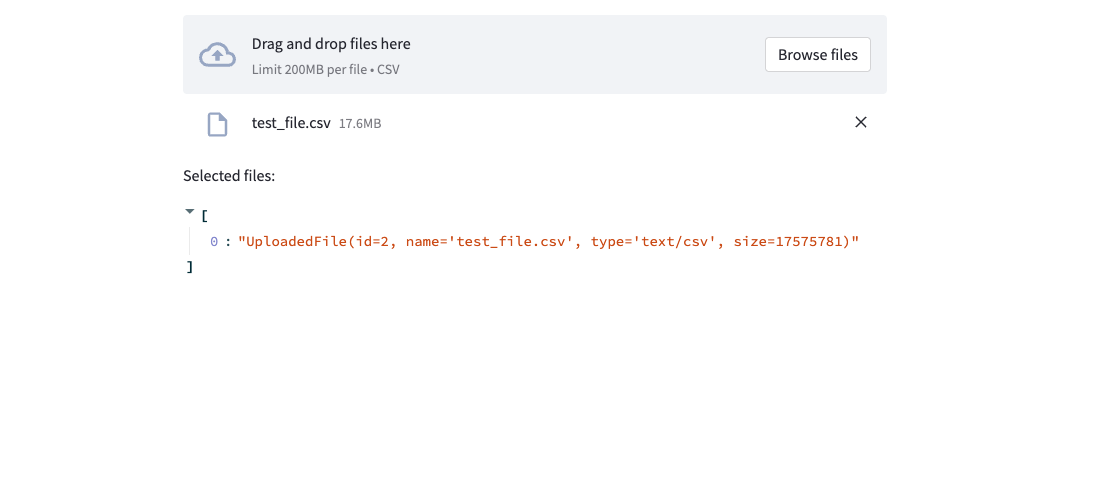
I've also tested uploading the same file again after removing it and refreshing the browser. What then happens is that the memory gets consumed again:
 and the
 id attribute becomes different.
In an actual application, I would expect this to work as caching the read-in of this file once and then be able to remove the BinaryIO from memory. Since I'd now only refer to the cached read-in-object of this BinaryIO. Perhaps it is possible to cache a combination of filename + binary hash (the content of the file) and use that as a reference for the id counter?
Is this a regression?
That is, did this use to work the way you expected in the past? no
Debug info
- Streamlit version: 1.11.1
- Python version: 3.8.9
- OS version: Macos-12.4
- Browser version: Brave latest
Additional information
If people need to know, I am deploying this App using k8s.
