steve-community
API REST MeterValuesSampledData
Checklist
- [ ] I checked other issues already and found no answer
- [ ] I checked the documentation and found no answer
- [ ] I am running the latest version and the feature i am requesting is not implemented there
Describe the problem you are trying to solve
How can I acquire the "MeterValuesSampledData" data, for example: SoC, Power.Active.Export, Power.Active.Import, Energy.Active.Export.Register, Energy.Active.Import.Register, Frequency, by API REST in JSON format from STEVE? ...
Describe the solution you'd like
...
Describe alternative solutions or features you've considered
...
Additional context
...

this is currently not possible, because it is not implemented. however, you can implement it easily. this is not a big task, if you know your way around java, databases and rest apis in spring.
or, you can always go to the database directly and produce an export.

i am not sure whether you are asking this in more abstract terms, or something like "the java method/code that does the work".
@sea-blorin We are working on same feature. Let me know if you figure out something better. Currently we are able to get complete packet from any CP with single meter value on taps but not continuously like heartbeats.

@ksushant881 How you get a single meter value from CP? Can you explain me?
What is the method to receive SoC, Power.Active.Export, Power.Active.Import, Energy.Active.Export.Register, Energy.Active.Import.Register, Frequency from SteVe?
I've found this: https://github.com/RWTH-i5-IDSG/steve/blob/72e086e496c46babe13c8c0c01f0126010f7108f/src/main/java/de/rwth/idsg/steve/repository/impl/TransactionRepositoryImpl.java
the part after "Step 2: Collect intermediate meter values" is the relevant code.
it is active.
you can click on a transaction id to go to the "transaction details" page. on this page you can see the intermediate meter values on a table.
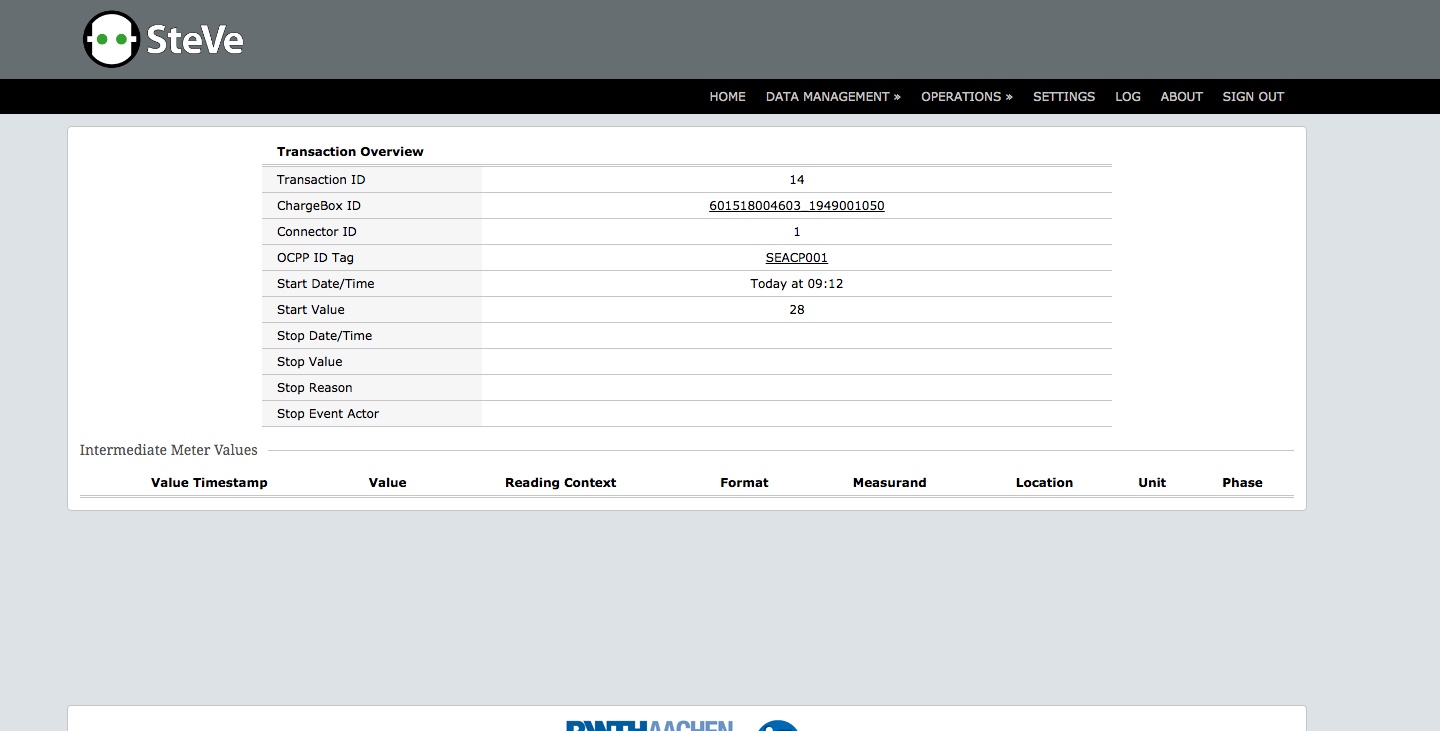
then... it means that the charging station does not report any meter values. steve shows everything that it receives in this table. we do not do any filtering.
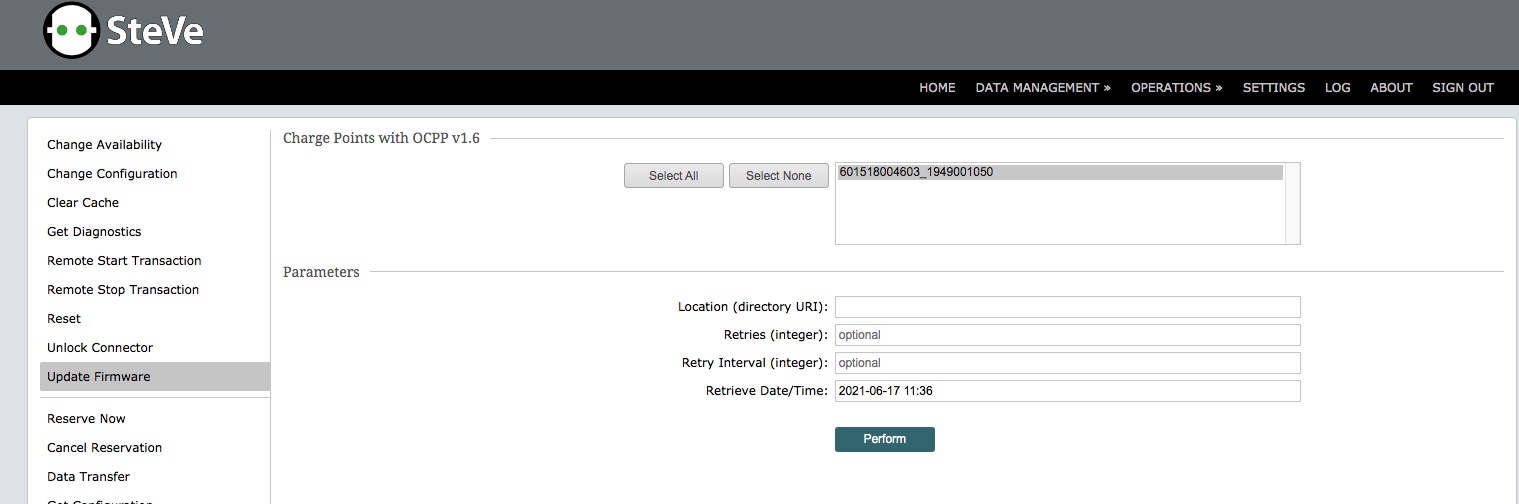
Ok! But for the firmware update, "Location URI" what does it indicate? If for example I've the firmware file on a FTP server?