

 stefanopagliari
Highlighting not appearing
I followed the directions noted below: "Zotfile plugin (black, white, gray, red,orange, yellow, green, cyan, blue, magenta). In order to export the highlight colour you will need to activate this function by going to the main menu of Zoter and selecting Preferences → Advanced → Config Editor. Search for “extensions.zotfile.pdfExtraction.colorAnnotations” and turn the value to “true”. It is also important that the value “extensions.zotfile.pdfExtraction.colorCategories” is restored to the default value."
Under the settings I have highlighted selected:
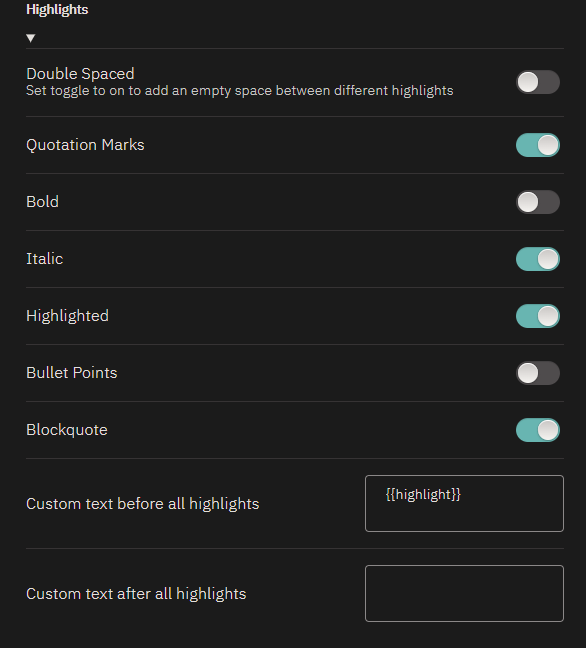
Not sure what else to try. I did notice the comments are highlighted though.
Any suggestions on how I can trouble shoot this?

I equally have this issue. The highlight colours don't carry over from Zotero. Did you manage to resolve the issue? @Brandkmayer
