

 steam3d
Ear detection doesn't work for both Airpods Max and Airpods Pro
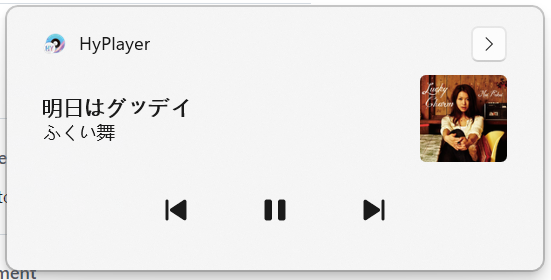
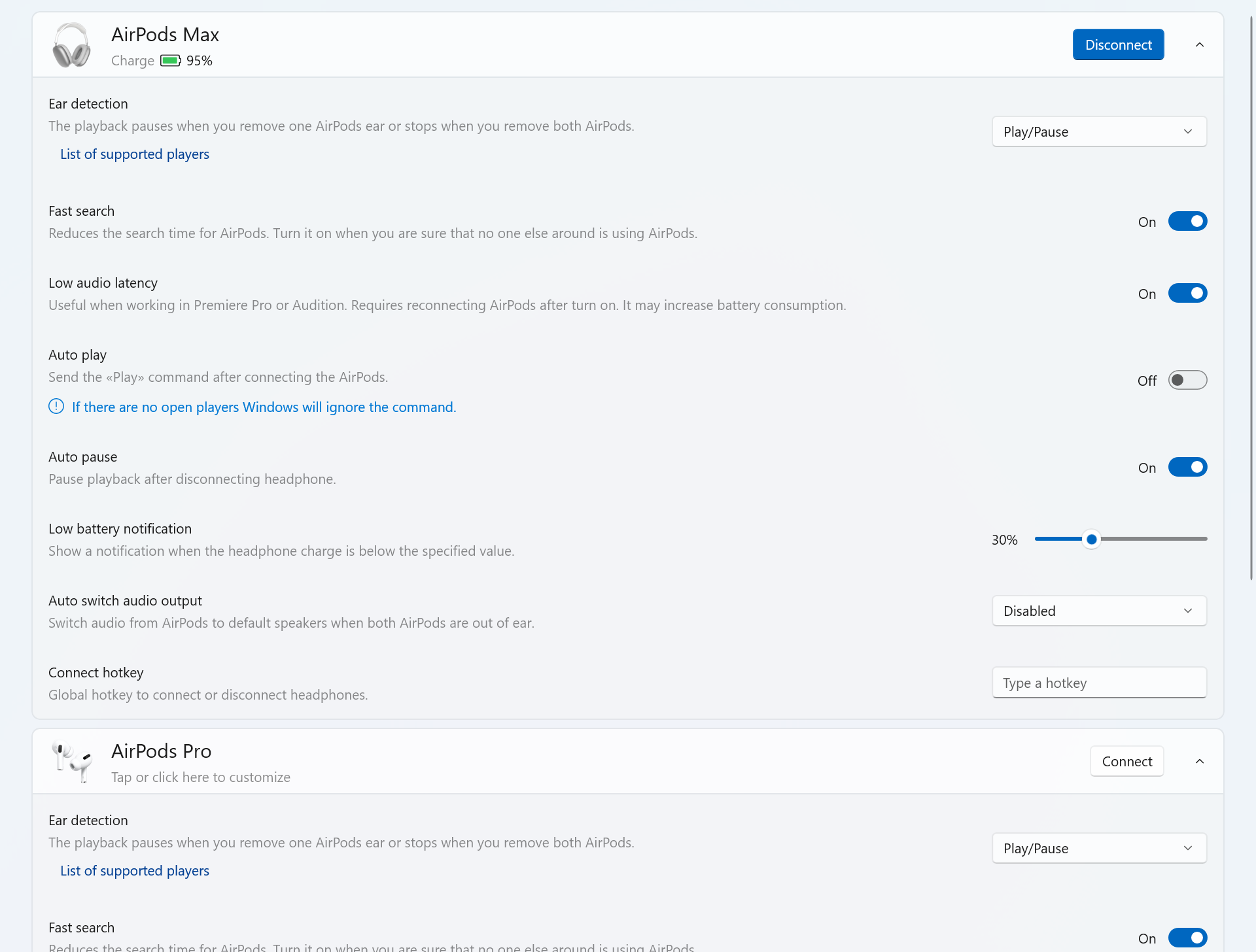


I checked everything works fine. Especially AirPods Max - it's work perfectly. On AirPods Pro can be delay between action so I looking for solution to reduce delay.
I tried different players, like edge,
 but it didn't work. the pause button's play/pause works fine and the ear detection just do nothing
What Windows Build do you use? What firmware version do AirPods has? Can you upload the log files from support page?
I tested the whole day and can't reproduce issue.
22623.730 beta channel I don't know my AirPods firmware version because i don't have an Iphone. I think it's not a firmware problem because it used to work fine on my airpods pro but now it doesn't work on both airpods.
Ear detection is set to none the log file said. You can try to reset settings to default.
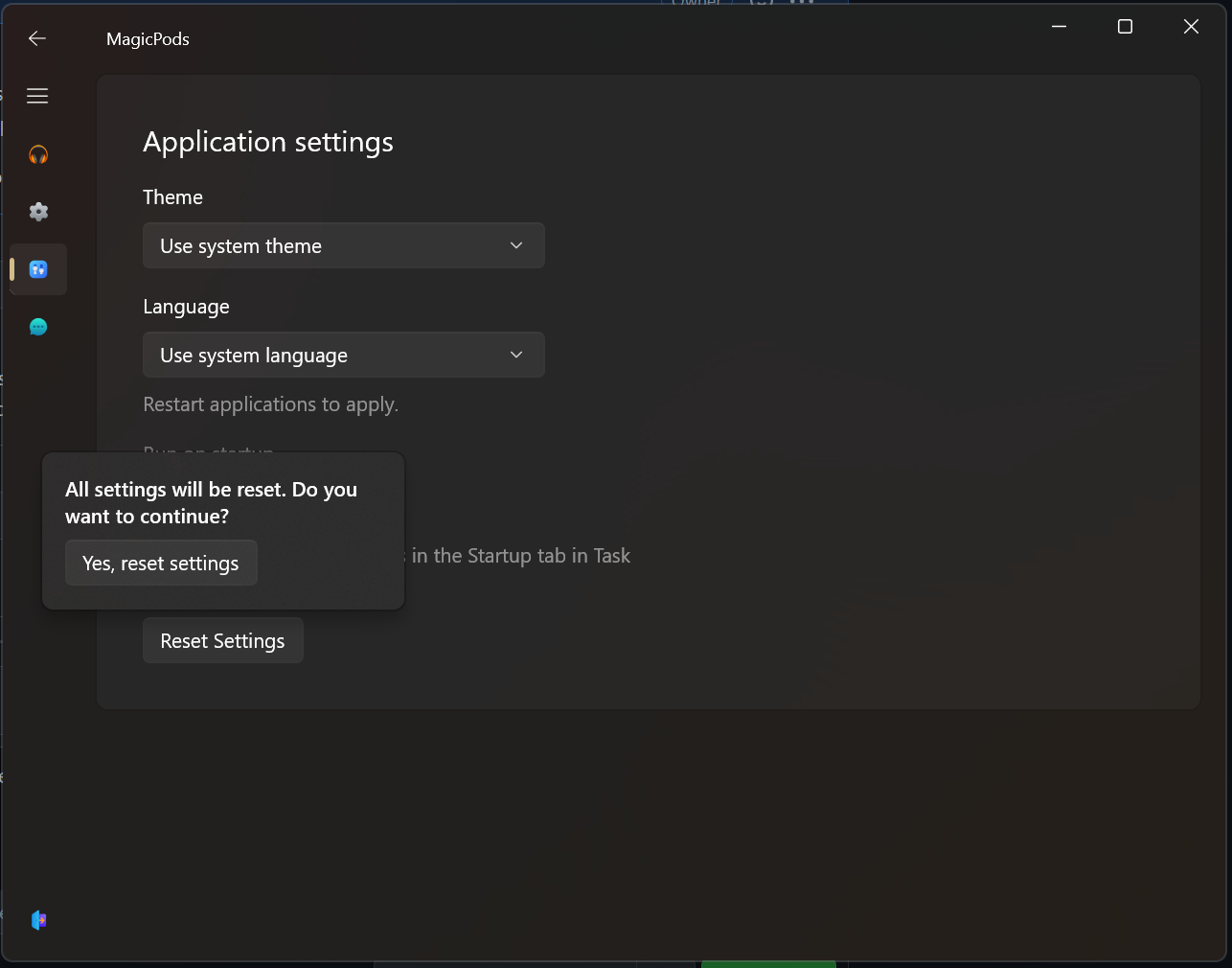
I do not see that you tried to reset settings of MagicPods. 2 headphones were connected last time, so when 2 headphones connected at the same time all the Features will turn off.
Do you use two models headphones at the same time?
I did reset the settings but don't know why there's no log. I tried connect Airpods pro only, Airpods Max only ,and connect both the same time ,and all of these just the same result.
I can't detect anything because most of the time you had both model headphones connected. Try reinstall the MagicPods maybe Windows clear something. AirPods Max is disconnected only when it inside their case.
Tried reinstall, :( still the same ): MagicPodsServiceLog.txt forget this, maybe it's the OS version problem, It's nothing serious without the feature. Thanks again.
I don't have an Iphone, If you can try turn off ear detection on Iphone and connect to windows again, see what will happen :)