MagicPods-Windows icon indicating copy to clipboard operation
MagicPods-Windows copied to clipboard

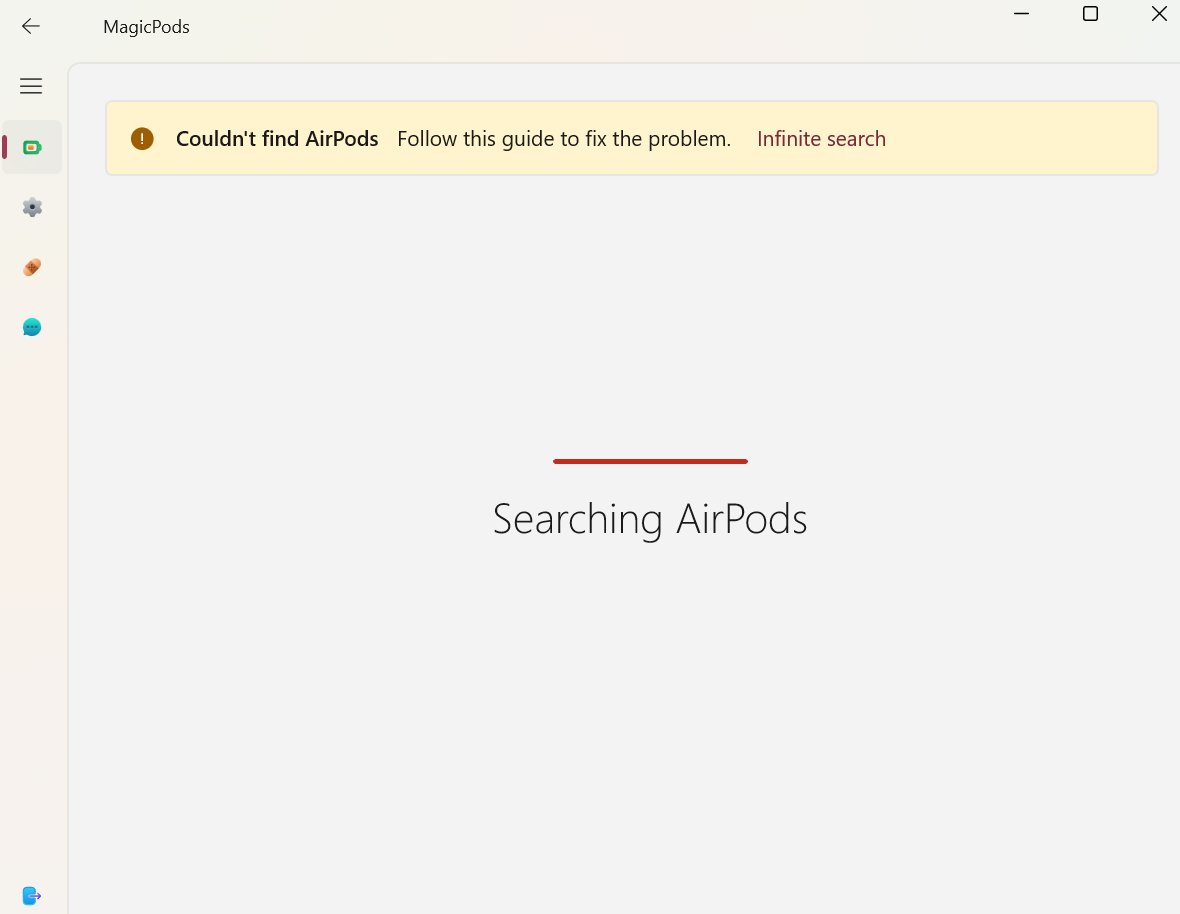
Airpods 3 work fine but all magicpods says is couldn't find airpods
Open AznCheese opened this issue 3 years ago • 12 comments

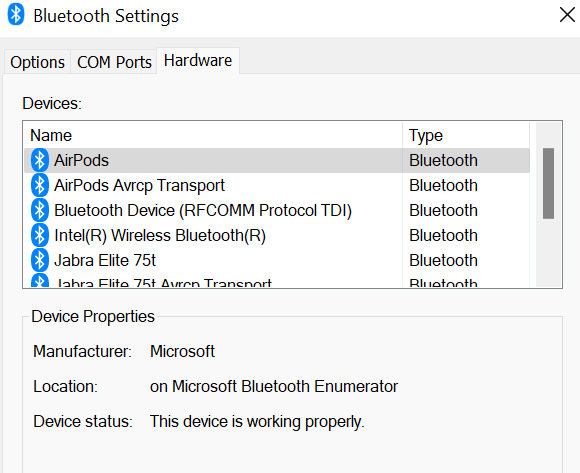
image

AznCheese avatar Jun 21 '22 00:06 AznCheese

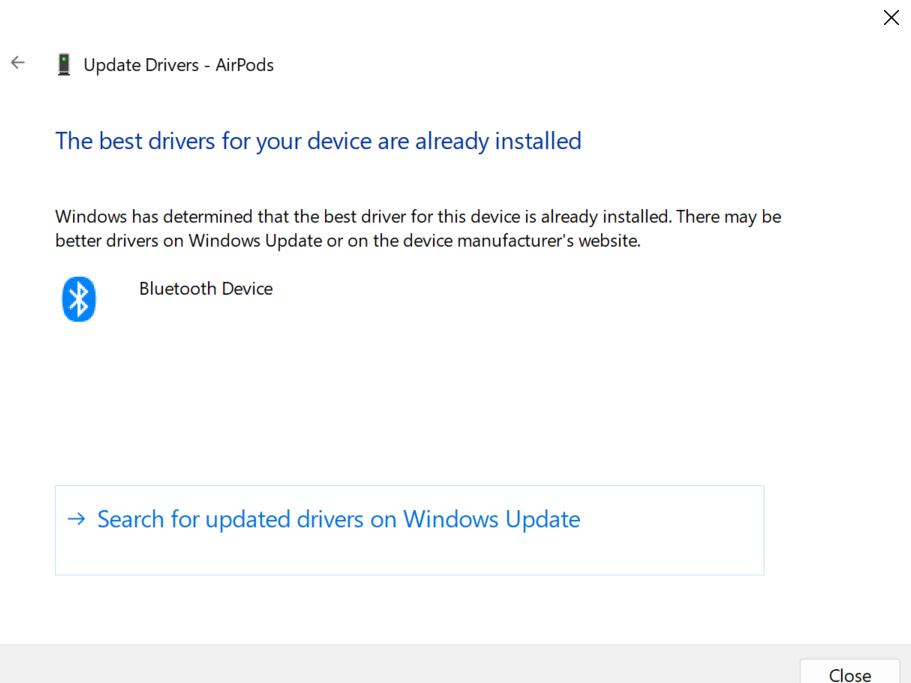
Hi. Did you try to update a Bluetooth driver?

steam3d avatar Jun 21 '22 19:06 steam3d

image im pretty sure i have

AznCheese avatar Jun 21 '22 22:06 AznCheese

image

AznCheese avatar Jun 21 '22 22:06 AznCheese

Upload the log files. You can found them on Support page

steam3d avatar Jun 22 '22 19:06 steam3d

what do you mean by upload the log files?

AznCheese avatar Jul 02 '22 16:07 AznCheese

Open MagicPods and go to "Support" page then click to "Debug log". Upload files here

steam3d avatar Jul 02 '22 16:07 steam3d

The log files is empty. You launched the application 1 time and that's it. Did you use the app?

steam3d avatar Jul 21 '22 06:07 steam3d

ive opened the app multiple times. its in my taskbar image

AznCheese avatar Jul 28 '22 17:07 AznCheese

When you run the MagicPods you must see the icon in system tray. image

You need also upload the fresh log files. Because as i can said above the log files is empty.

steam3d avatar Jul 28 '22 17:07 steam3d

how do i upload fresh log files?

AznCheese avatar Aug 01 '22 14:08 AznCheese

Just drag and drop here https://help.magicpods.app/report-issue/

steam3d avatar Aug 03 '22 08:08 steam3d