xstate
 xstate copied to clipboard
 statelyai
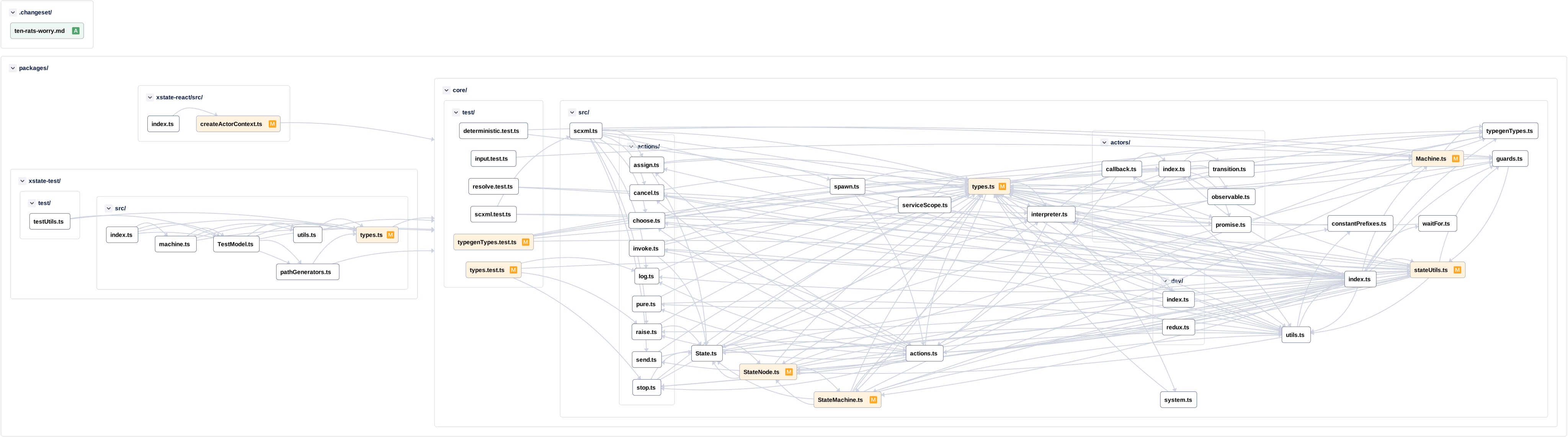
[v5] Strongly type state and transition `meta`
You can now strongly type meta on state nodes and transitions via stateMeta and transitionMeta respectively:
import { createMachine } from 'xstate';

const machine = createMachine({
  types: {
    stateMeta: {} as { title: string },
    transitionMeta: {} as { button: 'primary' | 'secondary' }
  },
  initial: 'idle',
  states: {
    idle: {
      // Strongly typed from `stateMeta`
      meta: { title: 'Idle' },
      on: {
        CLICK: {
          target: 'loading',
          // Strongly typed from `transitionMeta`
          meta: { button: 'primary' }
        }
      }
    }
  }
});
Fixes https://github.com/statelyai/xstate/issues/809
Motivation: strongly-typing things like this: https://github.com/statelyai/xstate/pull/4239/files#diff-a43cf6af3000f32addb10c6176a04f8a5066bc04358b4805726165c65d8565d3R64

🦋 Changeset detected
Latest commit: e2f2f142e1d0f1df9be0b5516bb327747b509b33
The changes in this PR will be included in the next version bump.
This PR includes changesets to release 1 package
| Name | Type |
|---|---|
| xstate | Minor |
Not sure what this means? Click here to learn what changesets are.
Click here if you're a maintainer who wants to add another changeset to this PR
![changeset-bot[bot] avatar](https://avatars.githubusercontent.com/in/28616?v=4 "Published by a pub.dev verified publisher")
This pull request is automatically built and testable in CodeSandbox.
To see build info of the built libraries, click here or the icon next to each commit SHA.
Latest deployment of this branch, based on commit e2f2f142e1d0f1df9be0b5516bb327747b509b33:
| Sandbox | Source |
|---|---|
| XState Example Template | Configuration |
| XState React Template | Configuration |
![codesandbox-ci[bot] avatar](https://avatars.githubusercontent.com/in/38409?v=4 "Published by a pub.dev verified publisher")