
stash
 stash copied to clipboard
 stashapp
[Feature] Optimize/compress images in both generated folder and database
Is your feature request related to a problem? Please describe. The file size of images located in the generated/screenshots and generated/thumbnails (and I'm guessing the database too) can be unnecessarily large, especially with larger libraries. While file size reductions from image optimization may be considered negligible, optimized images can still contribute to faster load times on the frontend.
Describe the solution you'd like
- Optimize/compress images upon a scene/performer/studio/tag update (any update event containing an image).
- Add generated folder/database images optimization/compression to the generated tasks also
- Expose the image quality factor in the settings (the -m parameter in my jpegoptim example) so it can be changed if desired
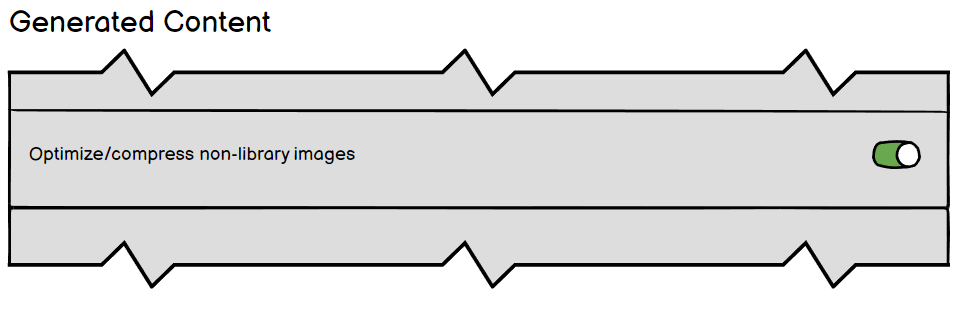
- A toggle switch to disable image optimization/compression altogether.
Describe alternatives you've considered Running a cron job on the generated folder, however any images in the database would be off-limits.
Edit: It has come to my attention that future versions of Stash will be migrating images outside of the database, so I'm not sure how useful this would be as a built-in feature when it could be set as a cronjob. Granted that may not be an option for Windows or Dockerized installs (????)*
Additional context It should be stressed not to conflate this with the optimization/compression of any library images -- only images within the generated folder or database.
Concept of Settings > Tasks > Generated Content
Concept of Settings > System > ...

