

 standardnotes
Editor Arrow Overlaps Text on iPad
First of all, love the app! And would love to contribute!
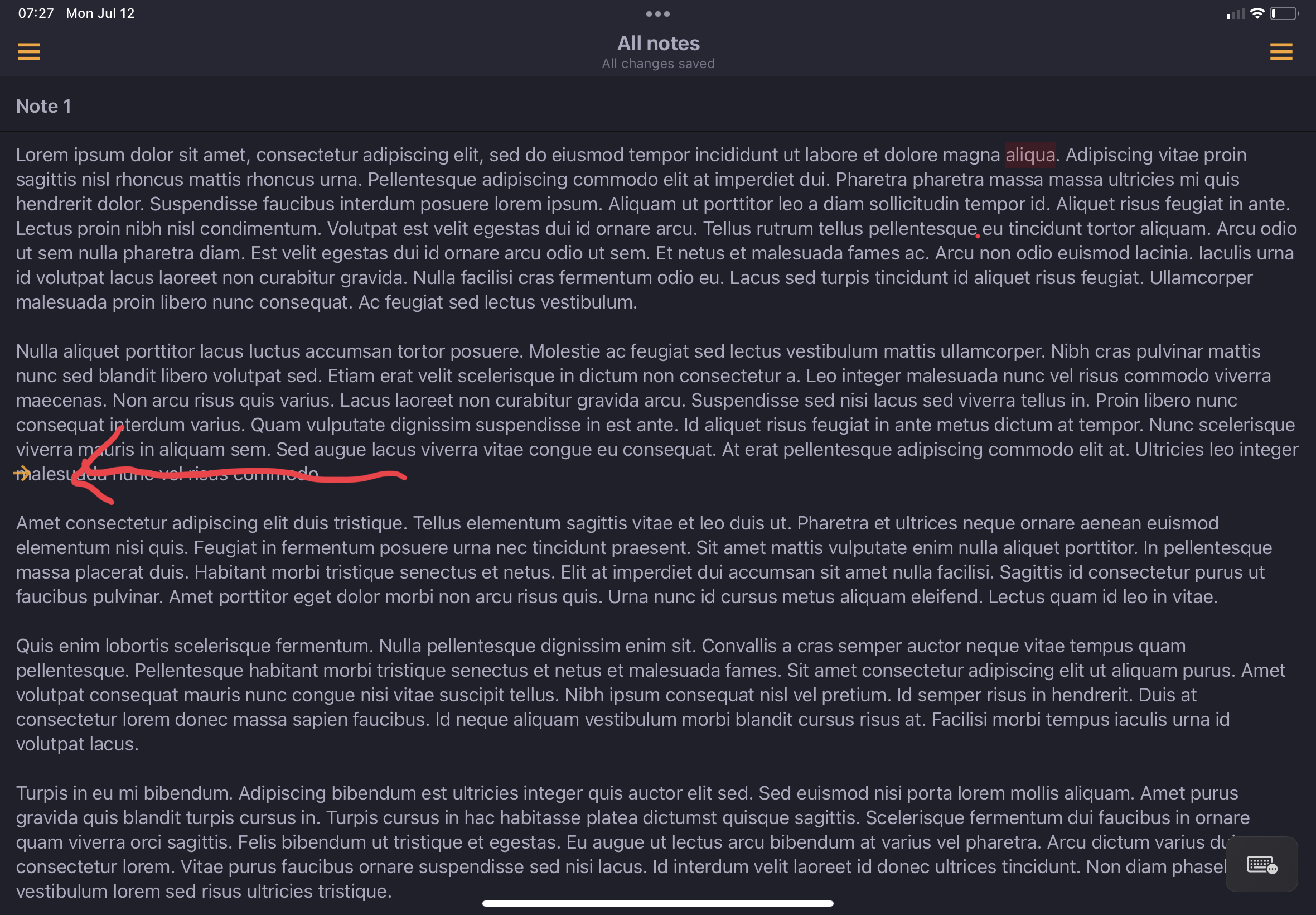
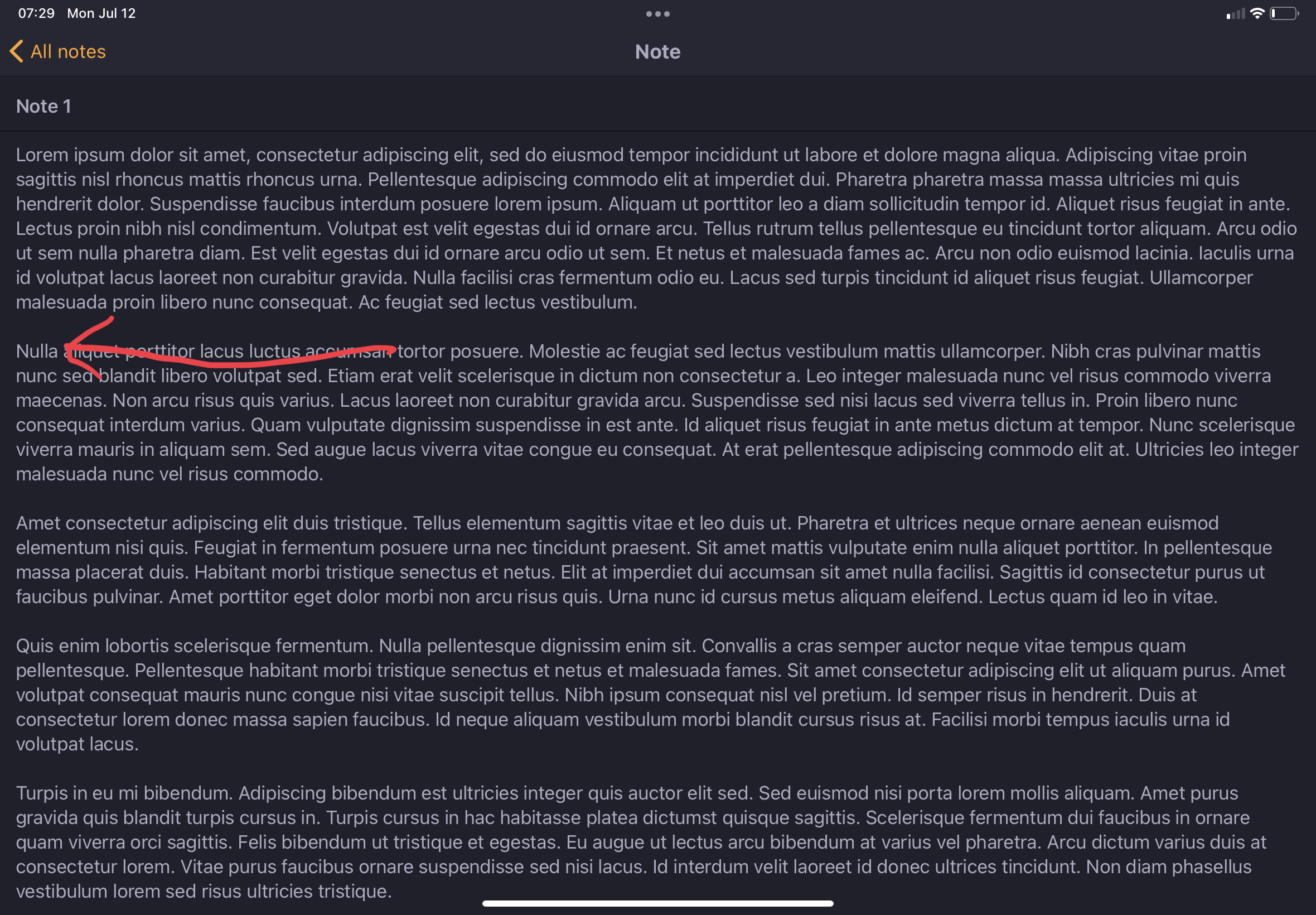
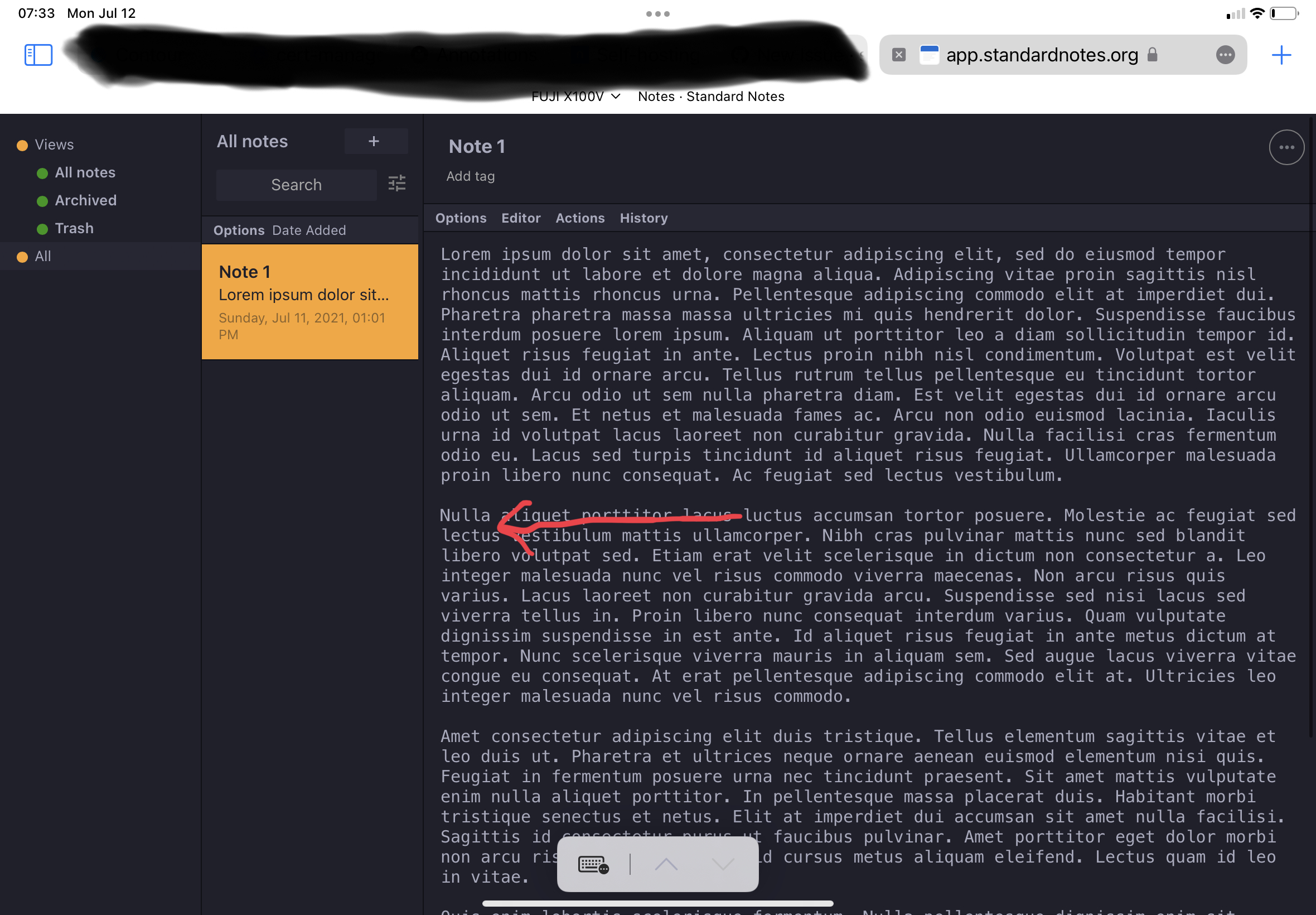
On iPadOS, the sidebar arrow to either expand or collapse the notes list overlaps text. This issue doesn't exit in the web app.
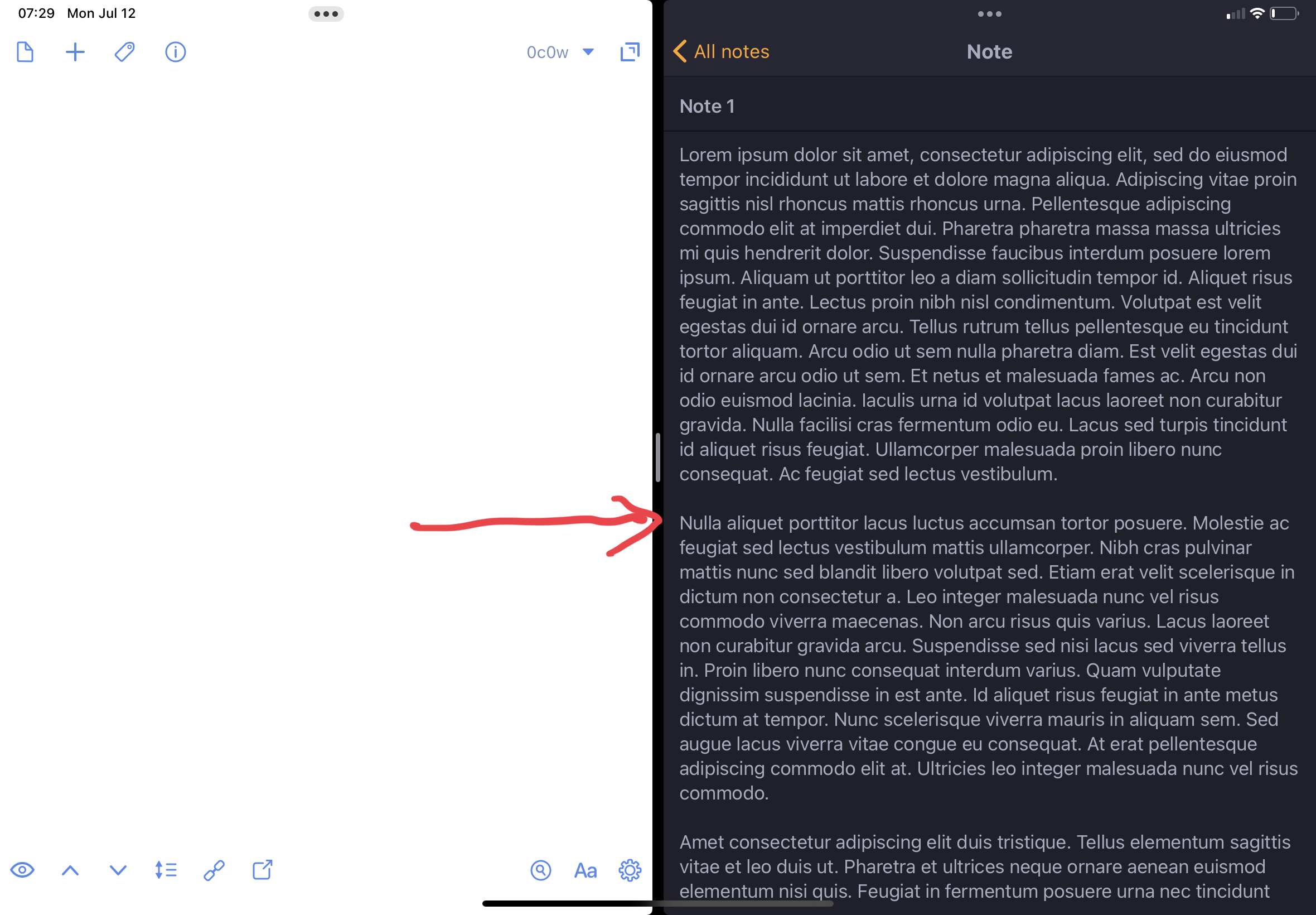
I've attached photos to demonstrate the issue.
So I can get around this issue with a hack, which is to split screen SN with another app, which forces SN to think the screen is smaller, which disables this icon from appearing and then I can full screen the app. However, this sometime leads to SN going into an unusable "blank white screen mode" (different issue) and I have to restart the app.
I think it is related to these lines of code - https://github.com/standardnotes/mobile/blob/c9c6db0ab2be2e23c2543b09ea7d828ed513d480/src/screens/Root.tsx#L98-L161
Thanks!!

Hi @mccurdyc, thank you for the feedback and detailed report! I'll forward this over to the dev team for further review.
However, this sometime leads to SN going into an unusable "blank white screen mode" (different issue) and I have to restart the app.
I'm sorry to hear that. I'll try testing this; please let us know if you find a reliable way set of steps we can use to reproduce this issue.
