folders-component

folders-component copied to clipboard
 standardnotes
White screen on latest Standard Notes desktop app when folders component is activated
I installed the Standard Notes macOS app and set up the folders component extension locally in a docker-compose environment for testing purposes. This works for severals weeks now.
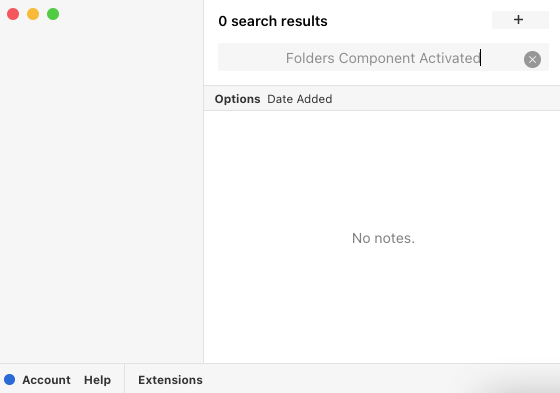
Since the last update of the Standard Notes app, the folders component doesn't work anymore. It only shows a white screen when activated. After disabling it, the left pane of the app shows the Views and Tags as expected.
Uninstalling and reinstalling doesn't work as well as reloading the view or restarting the app / computer.
Using latest version of folders-component (1.3.5) as well as Standard Notes app (3.5.11).
Screenshot of the left side of the app when Folders Component App is activated: