
blockstack-browser
 blockstack-browser copied to clipboard
 stacks-archive
User reported issue in FF and Safari #6523 Blockstack browser keeps asking me to recover ID
This issue was reported by a user to support he is having an issue with blockstack browser with FF and Safari
6523 Blockstack keeps asking me to recover ID
Submitted August 19, 2019, 05:23 Received via Web Form Requester Stanislav [email protected] Status Open Type
Priority
Group Support Assignee
Stanislav Aug 19, 05:23 I tried both the desktop and the web versions, but at every step (using a new app, trying a new app) blockstack asks me to add my recovery key, password and email. Any ideas why is that?
Ryan Arndt Aug 19, 17:22 Hi Stanislav,
This most often happens when you are using your browser in incognito mode so that he password etc is not stored in the session. Can you confirm that you are not using your browser in incognito/private mode?
Thank you,
-Ryan Arndt Blockstack PBC
Stanislav Aug 20, 01:10 Hey,
Yes I confirm - tried on both Safari and Firefox. Anything else that might be causing this?
Kind regards, Stanislav Dimitrov

Here is a video of the issue in firefox:
http://somup.com/cqjrIveTwQ
I was able to reproduce this issue in Firefox with the Zinc app. I do not have the same error with Graphite it seems app specific.
But when I attempt to login to Zinc with the Blockstack option in Firefox I get a dialog pop up that give me two option use firefox or use the Blockstack app.
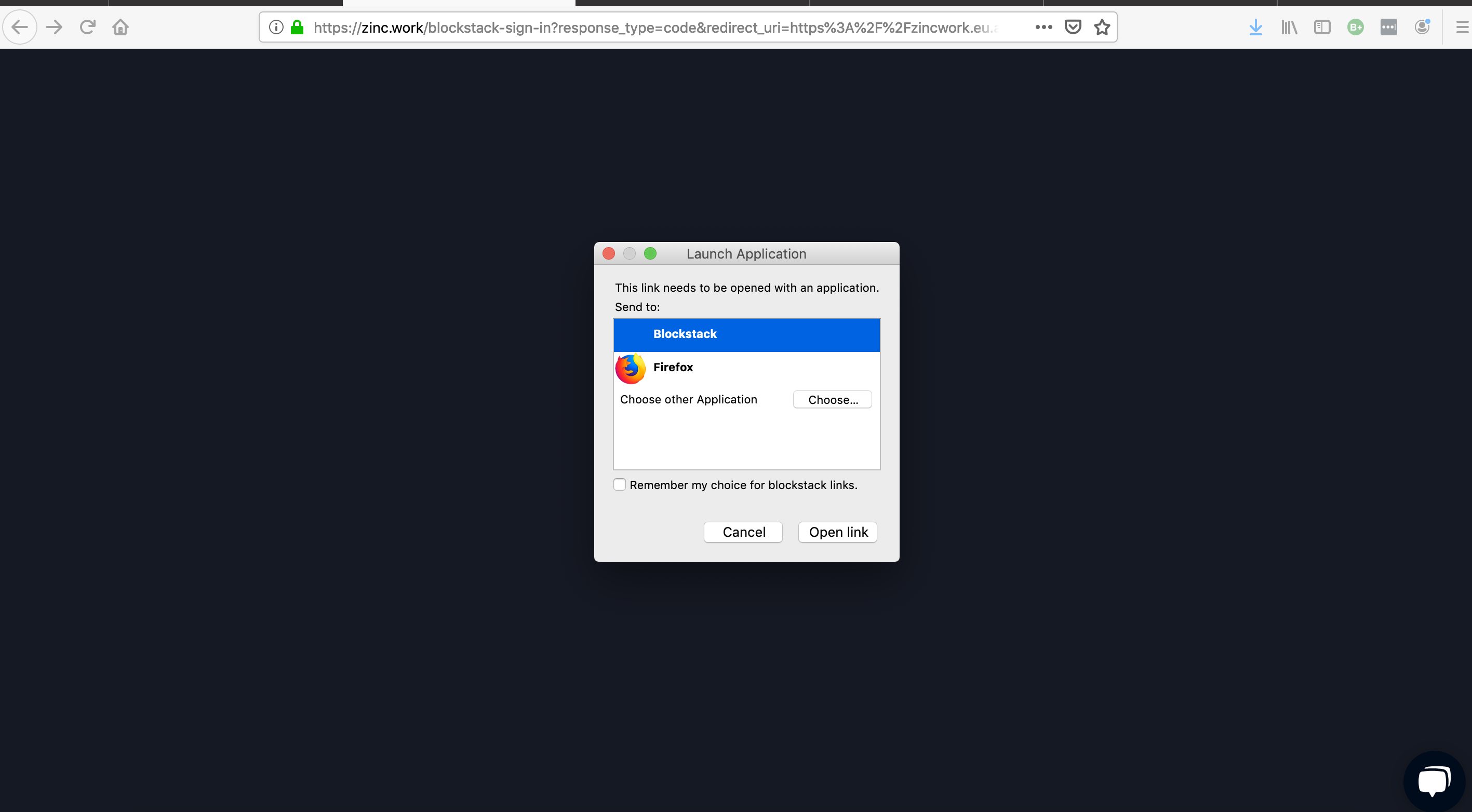
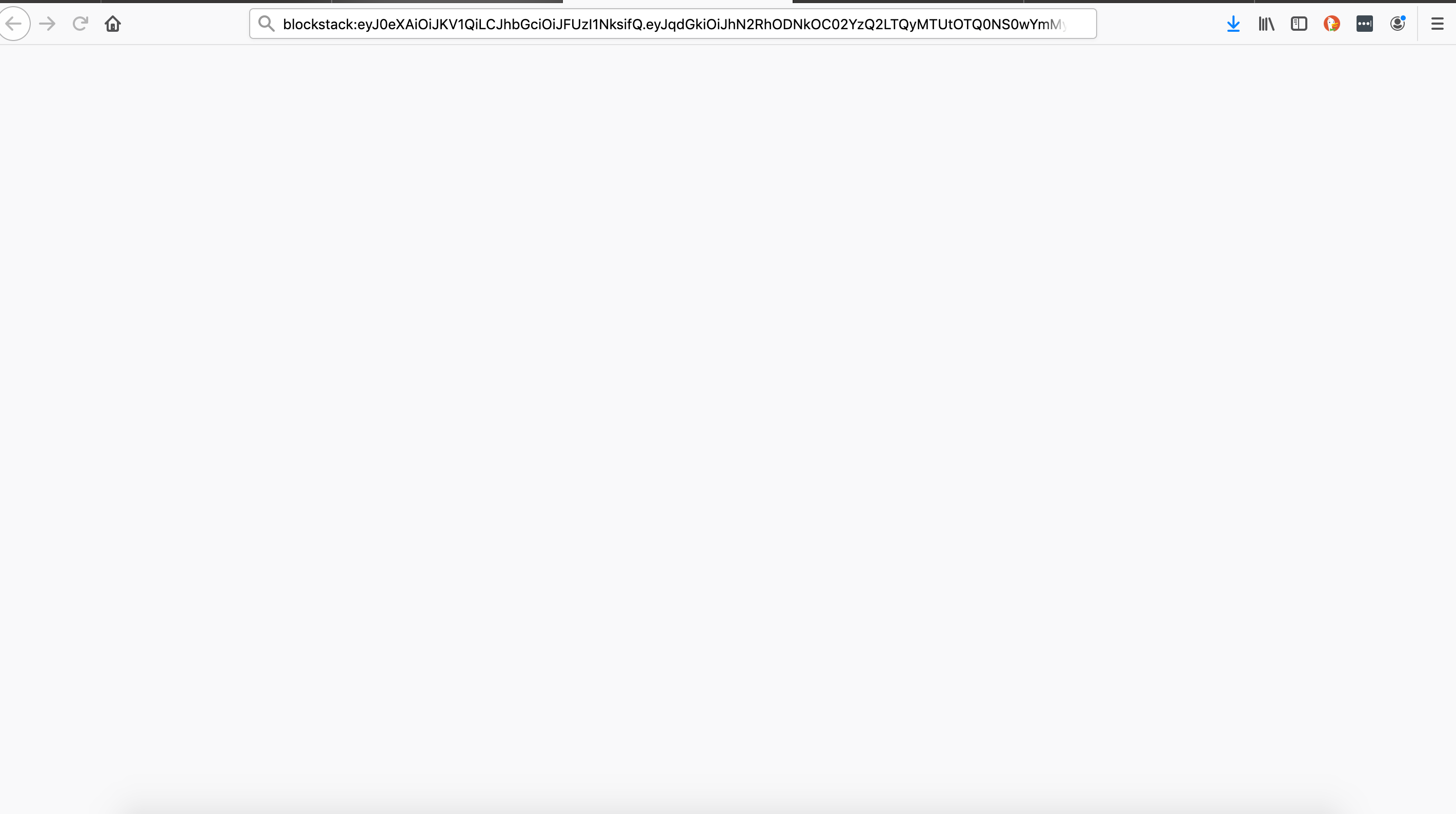
If I select the firefox option from the Dialog box I get a white screen.
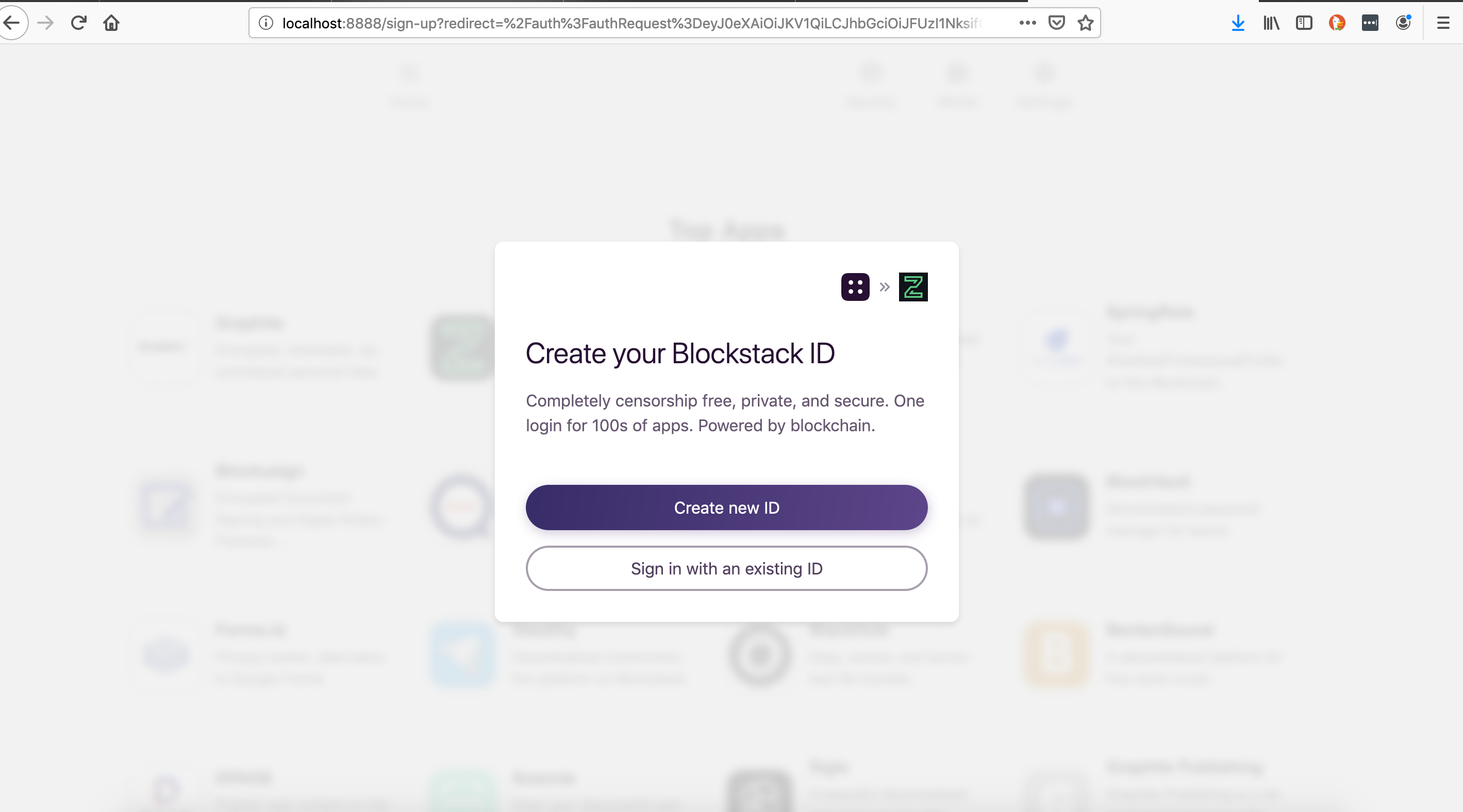
When I select the option for the blockstack app the app opens and I am asked to sign in. The authentication from the previous window doesn't carry over.
The issue also occurs in Safari but Safari does not have a dialog pop up like Firefox.
Video of the issue:
https://screencast-o-matic.com/watch/cqjrIpt6ll
Unlike Firefox I see the issue in both Graphite and Zinc. There appears to be a really quick error message that flashes to fast for the user to read then they must sign-in to proceed into the app.
In Safari we get this error message which flashes for 1 second before we are asked to re-auth

Here is a better video of the Safari error message
@yknl https://screencast-o-matic.com/watch/cqj325tlfq
URL on the ZINC page https://zincwork.eu.auth0.com/login?state=g6Fo2SA2R1F0TmpiVFhubENvNU15bElXZXJZdDAzVHpRQmlhZaN0aWTZIEx5X1dDU3pWcTQ0T3FZWWJpWVMtQ1c4TDZFVHpyeGZ1o2NpZNkga3VSbWhzTGkxcjBoeGJVVDRLOENiY3NzaU9qVFZ1TWw&client=kuRmhsLi1r0hxbUT4K8CbcssiOjTVuMl&protocol=oauth2&response_type=code&redirect_uri=https%3A%2F%2Fzinc.work%2Fcallback&scope=openid%20email%20profile%20offline_access&nonce=hx1MTiWbA1FXsmqM12nDGG1Dzhdxw%2BOezv2v4hyt5mJxNJog98Qqf65Ay8d45v8HqWXNk9jIYxusSUtAK1RBPw%3D%3D&mode=login
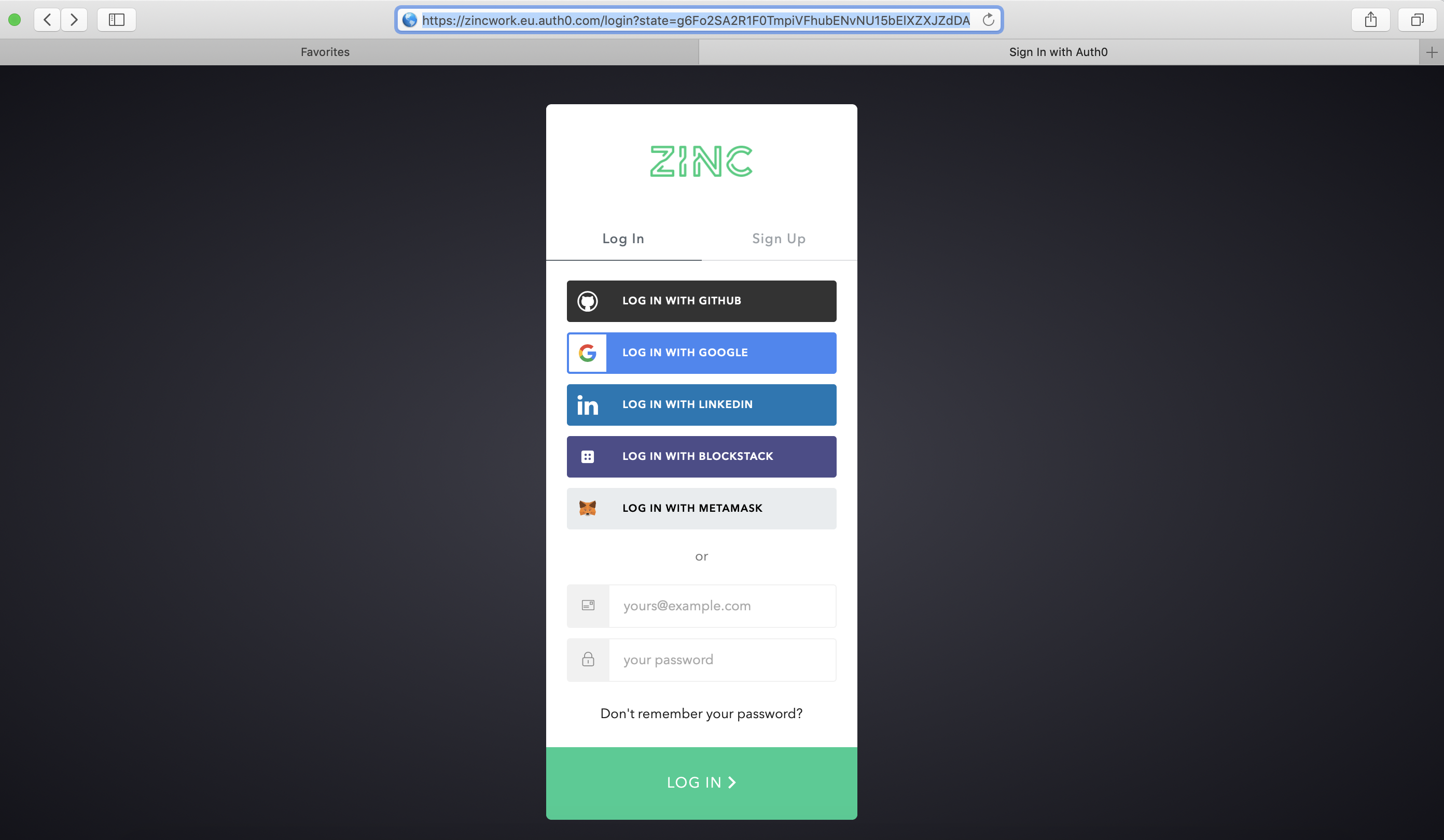
https://zinc.work/blockstack-sign-in?response_type=code&redirect_uri=https%3A%2F%2Fzincwork.eu.auth0.com%2Flogin%2Fcallback&state=-eEBvqD-0k-PuvW0DCKU43u-kxRTq4RP&client_id=blockstack-login
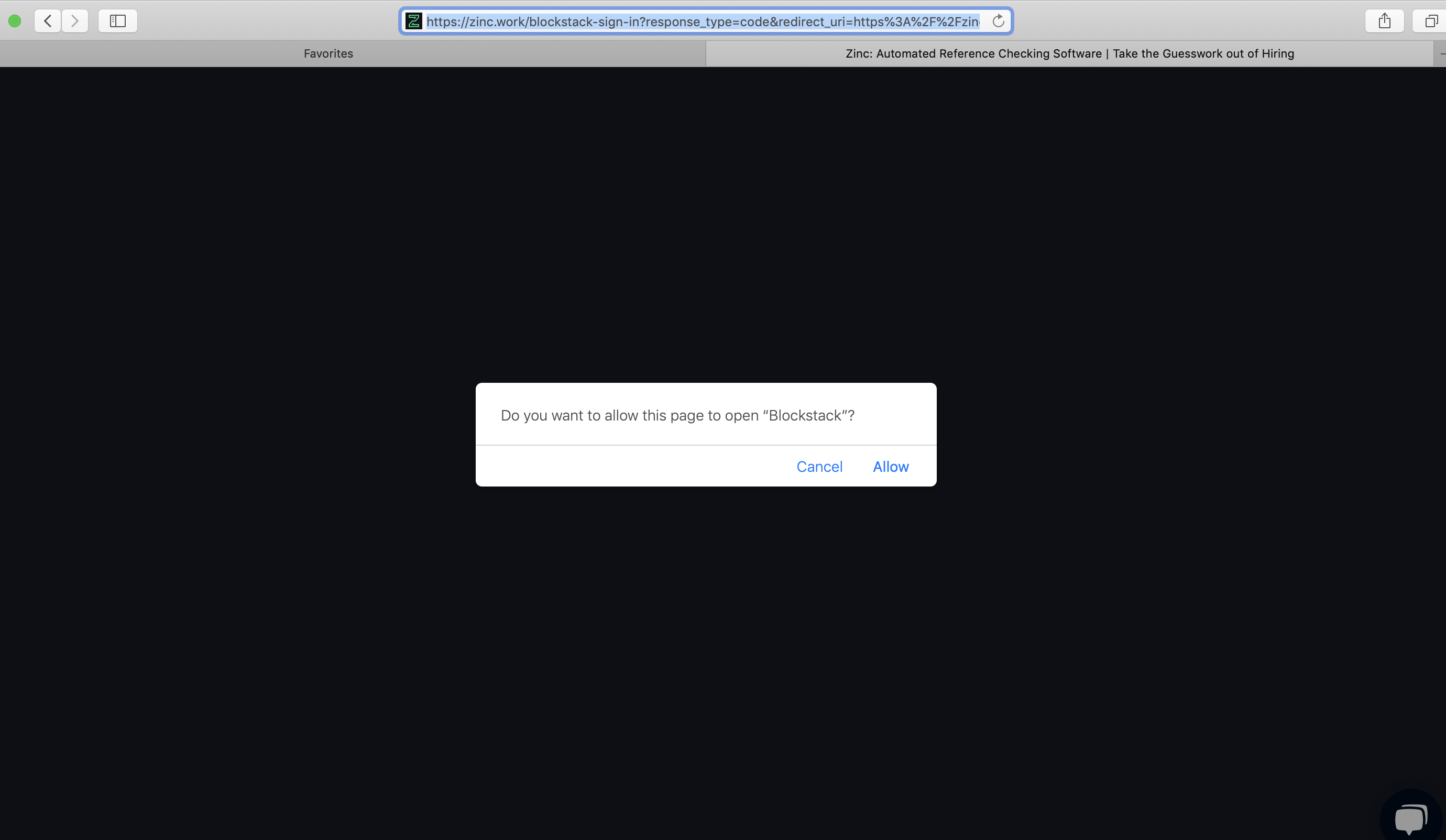
@yknl was this issue addressed during the sprint you indicated with a milestone a few months ago?

I am having the same issues. I just installed the MacOS Browser and it doesn't play nice with Firefox. It never signs me in to anything, always asking to recover account on every page. When I recover my account it signs me into Home. But if I open a new Home page using the BlockStack toolbar icon, it asks to recover account too. If I try to use any applications and sign into them, it asks me to recover my account.
I switched my default browser to Safari and it gives me no trouble. Although the Forms.id won't load, not sure if that is the applications fault or BlockStack's.
MacOS:
- Catalina 10.15.3
Firefox:
- Version 73.0.1
- Firefox Settings:
- Privacy & Security: Strict
- Do Not Track: Always
- Deceptive Content and Dangerous Software Protection: All checked
